
Hurry and order now – up to 50% off!
In cart {{totalProductsCount}} item(s)
Your cart is empty
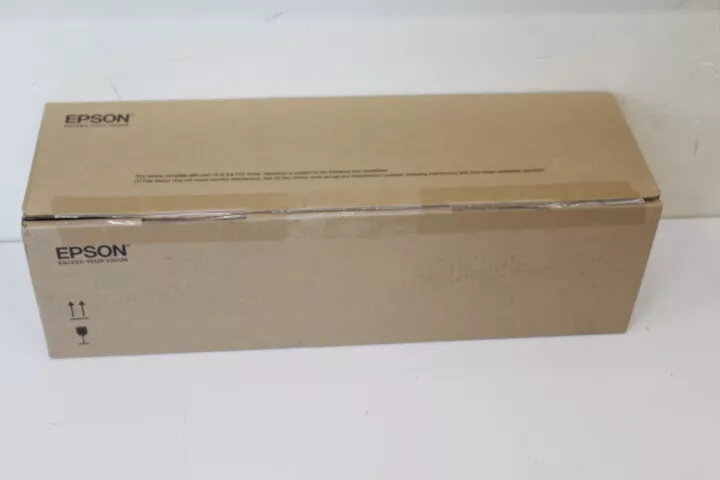
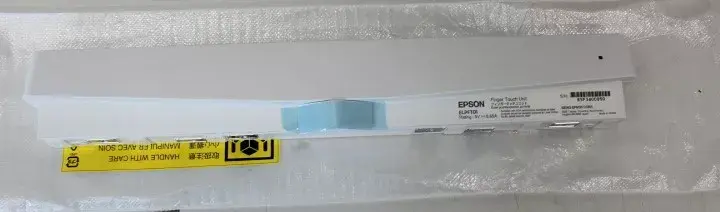
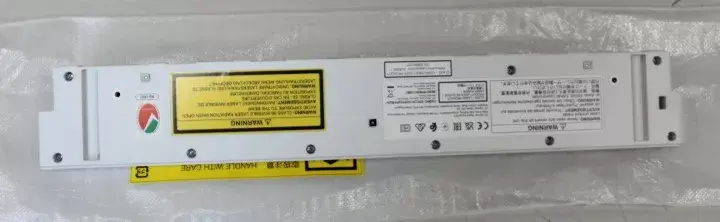
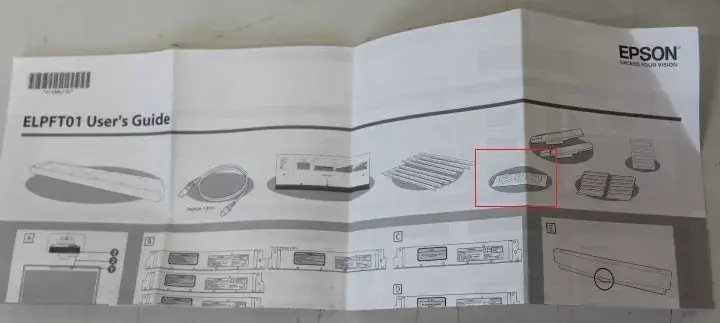
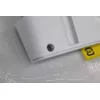
Finger Touch Unit Epson ELPFT01 MISSING PADS V12H007A24SO
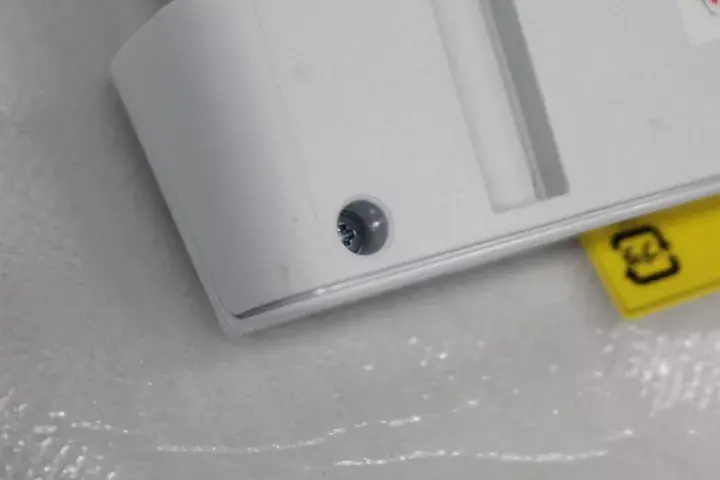
The Finger Touch Unit Epson ELPFT01 MISSING PADS V12H007A24SO enables touch interaction with compatible Epson projectors, allowing users to control slides, annotate, and navigate content using finger gestures. This accessory is intended for retrofit or replacement in interactive presentation setups. The unit uses responsive touch technology and a durable housing for classroom and meeting-room use. Note: this specific item is listed with missing pads, which may affect mounting stability and touch alignment until replaced.
The Epson ELPFT01 Finger Touch Unit provides direct finger-based control without requiring separate styluses or pens. Its compact design supports straightforward installation on supported projector models, and the touch interface is calibrated for accurate gesture recognition. As a branded Epson accessory (MPN V12H007A24SO, EAN 2000001266977), it maintains compatibility and serviceability within Epson ecosystems. The information about missing pads is provided to ensure buyers can assess accessory condition and plan for pad replacement if necessary.
Install the Finger Touch Unit ELPFT01 according to the projector model's accessory instructions, aligning the unit with the projector's touch sensor area and securing it with the provided mounts or replacement pads. Power on the projector and access the projector's menu to enable touch input or calibrate the touch interface if required. Use finger gestures to navigate slides, make annotations, or interact with compatible presentation software. If pads are missing, fit suitable replacement mounting pads before final calibration to ensure stable alignment.
If the unit arrives with missing pads, obtain compatible replacement pads or mounting hardware prior to installation to prevent misalignment and ensure consistent touch accuracy. Use only manufacturer-recommended cleaning methods for the touch surface and avoid abrasive materials. Verify projector compatibility with Epson documentation for ELPFT01 and, when in doubt, consult Epson support or a qualified technician for installation and calibration guidance.
{{highlightedFeature.featureTitle}}:
{{getProductFeatureValueById(product, highlightedFeature.featureId)}}
{{ productComparisonGenerationError }}
