

Filters you can trust. Pure water every day.
In cart {{totalProductsCount}} item(s)
Your cart is empty
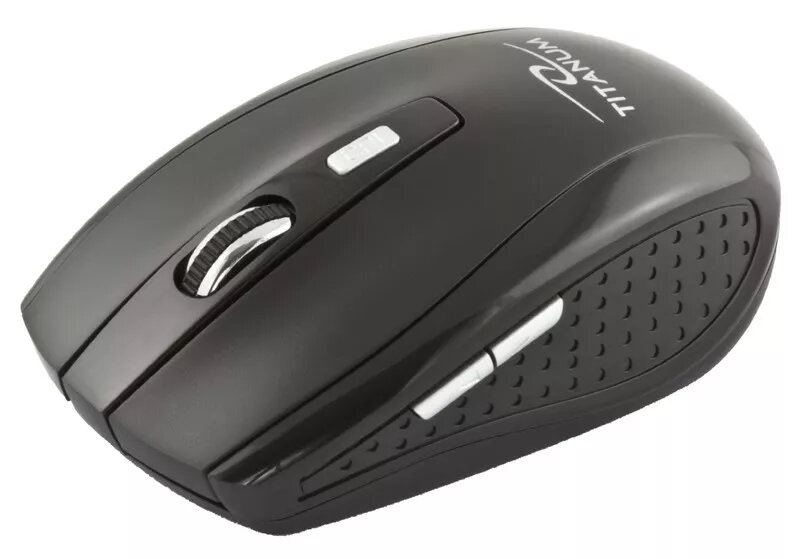
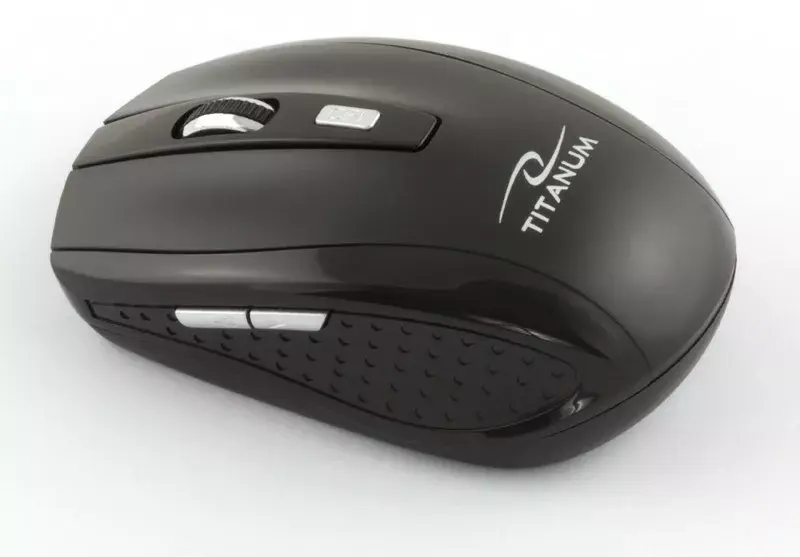
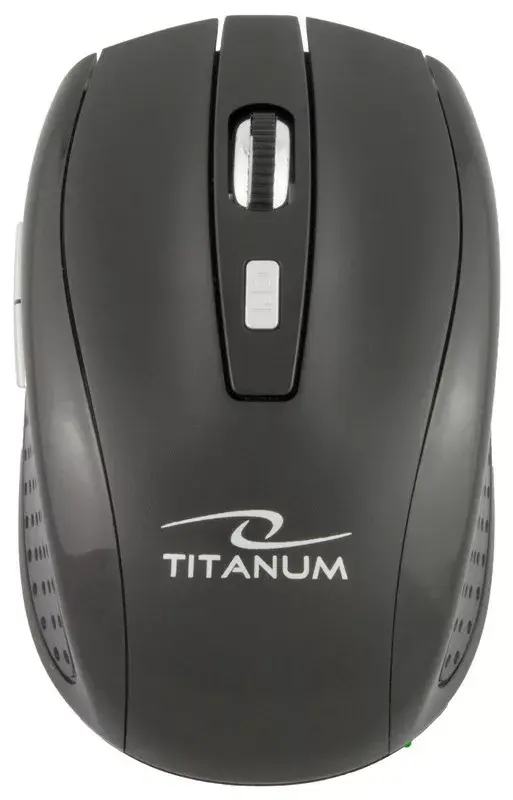
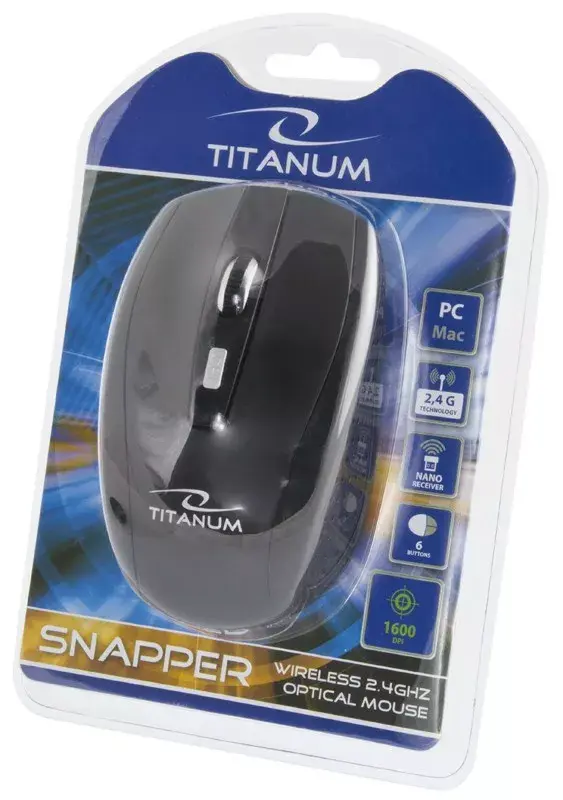
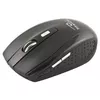
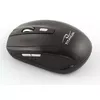
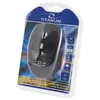
Wireless Optical Mouse Esperanza TM105K 2.4GHz
The Wireless Optical Mouse Esperanza TM105K 2.4GHz is a compact wireless mouse designed for everyday computing tasks. It uses optical movement detection and supports two DPI settings (1000 and 1600) to adjust cursor sensitivity. The mouse features six buttons, including standard left and right buttons, a clickable scroll wheel and additional programmable buttons, and connects via a small NANO 2.4GHz USB receiver for a reliable wireless link. The black ergonomic housing is intended to offer comfortable handling during extended use and to fit typical home and office setups.
The Esperanza TM105K provides wireless freedom through a 2.4GHz NANO receiver that remains plugged into a USB port without obstructing transport. Adjustable DPI settings let users switch between 1000 and 1600 DPI for a balance of precision and faster pointer movement. Six buttons increase functional control for navigation and basic shortcuts. Optical tracking affords accurate cursor movement on most desk surfaces, while the compact, lightweight form factor suits laptop bags and confined workspaces.
This mouse may not meet the needs of users who require high-end gaming performance, advanced macro programming or extremely high DPI sensitivity beyond 1600. It is also not designed for specialized surfaces that require laser sensors or for users who need fully ambidextrous sculpted shapes if they prefer large ergonomic mice.
Plug the included NANO USB receiver into an available USB port on your computer or laptop. If the receiver and mouse are not pre-paired, follow the pairing instructions in the manual to establish a connection. Install any required batteries, then turn the mouse on using the power switch if present. Use the DPI switch to toggle between 1000 and 1600 DPI to suit pointer speed preferences. The six buttons operate as standard left/right click, middle click via the scroll wheel and two additional buttons that can be used for browser navigation or assigned in software if supported.
For stable performance, keep the NANO receiver unobstructed and within line-of-sight of the mouse. Use the lower DPI setting for precise pointer control when editing documents or detailed work, and the higher DPI for faster cursor movement during general navigation. Place the mouse on a flat, non-reflective surface or a mouse pad to maintain consistent optical tracking.
{{highlightedFeature.featureTitle}}:
{{getProductFeatureValueById(product, highlightedFeature.featureId)}}