

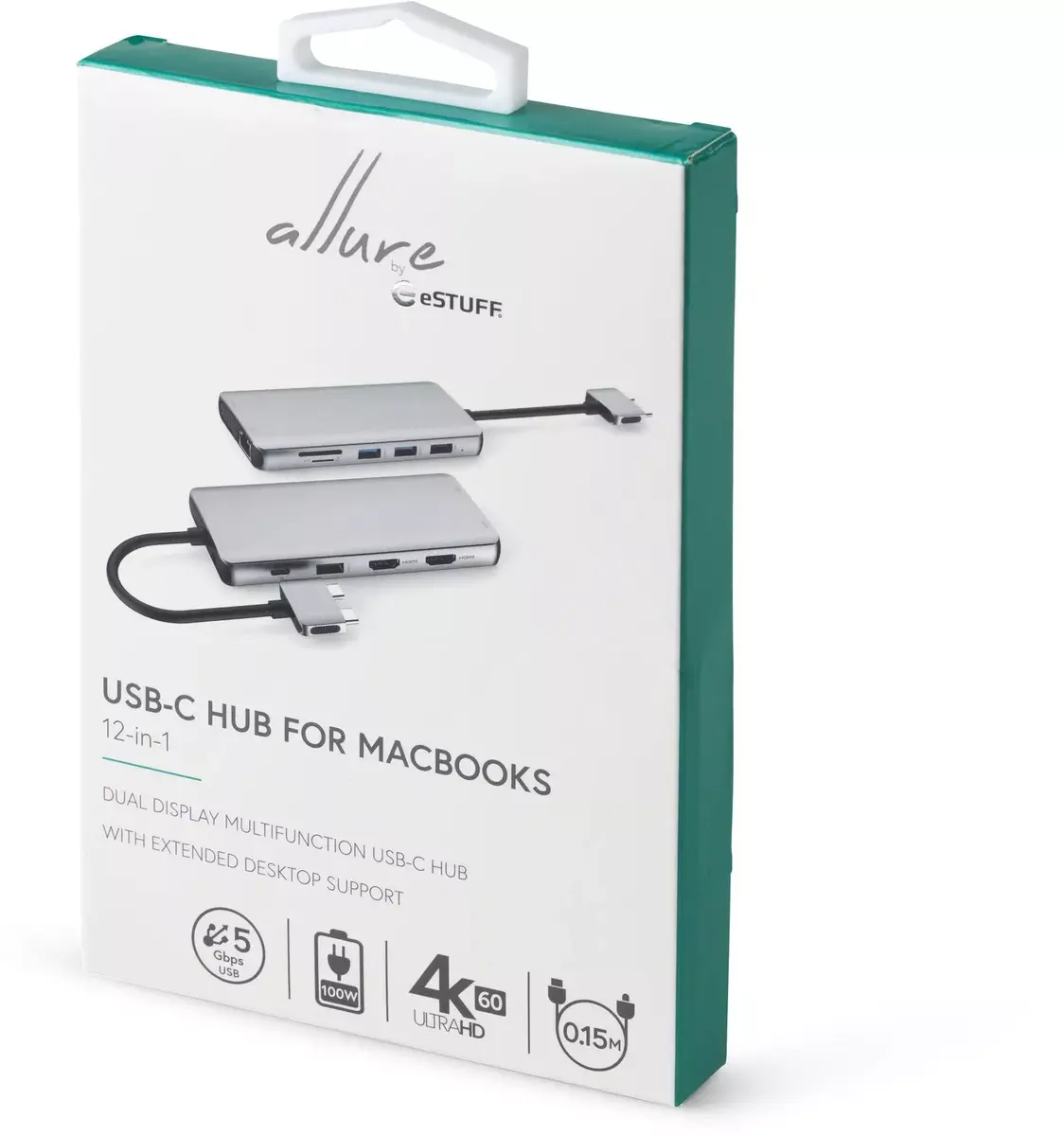

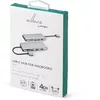
USB Hub eSTUFF ES623010
110.99 €
{{selectedOffer && selectedOffer.price | formatAmount}}
Offer for legal entity, cashless payment.
Why is an item available only for a legal entity?
This is due to long delivery times and limited product warranties.
This is due to long delivery times and limited product warranties.
Short description
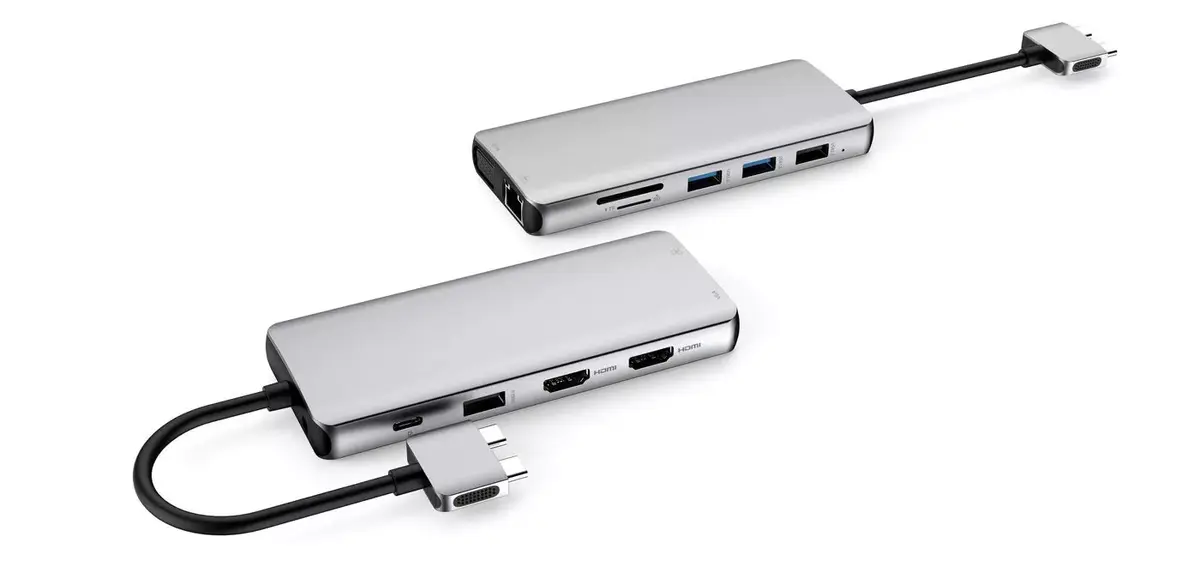
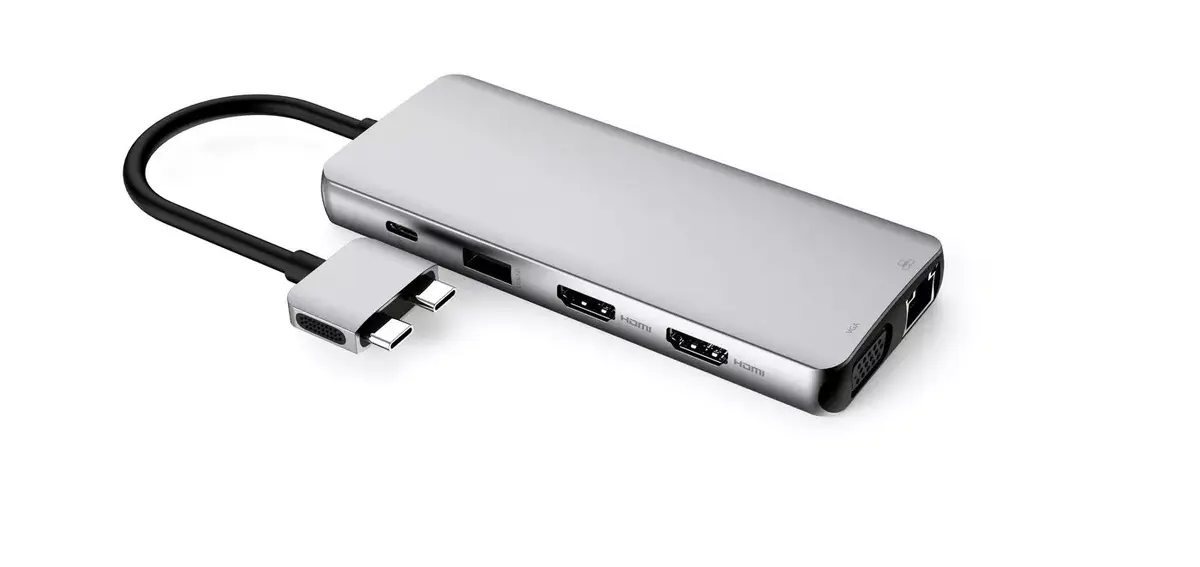
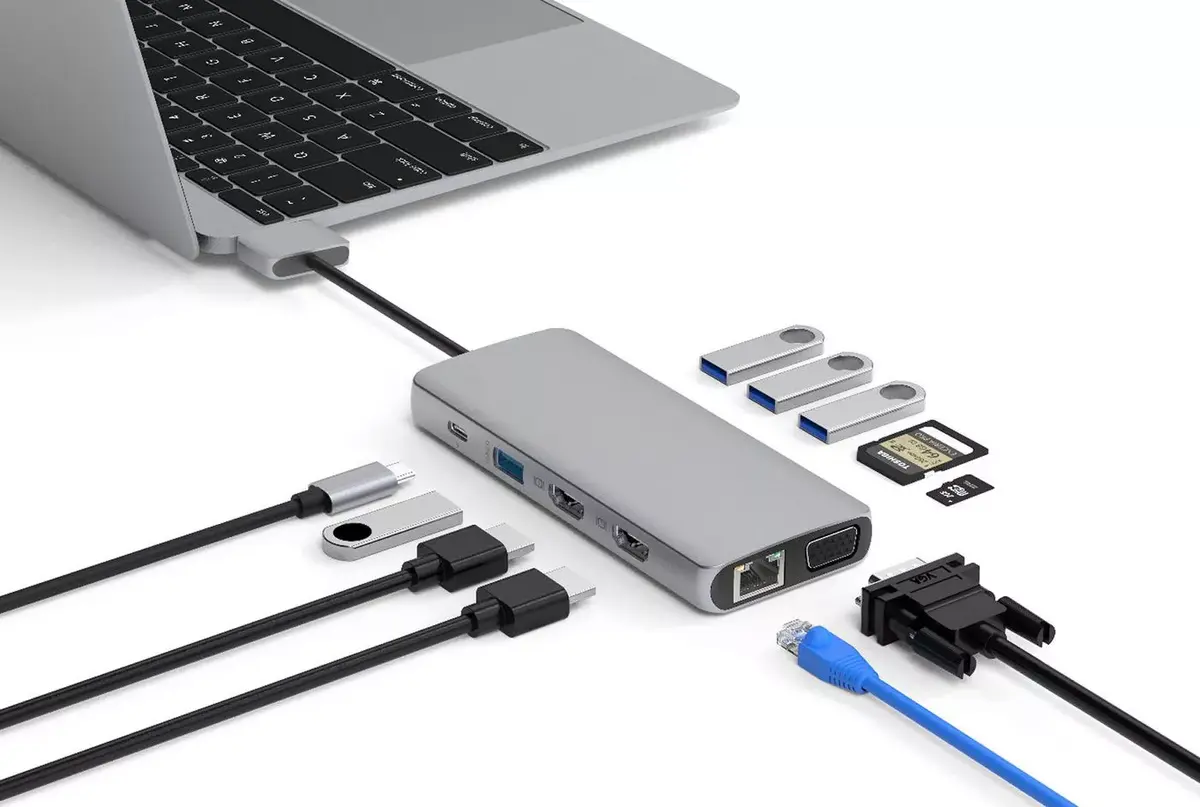
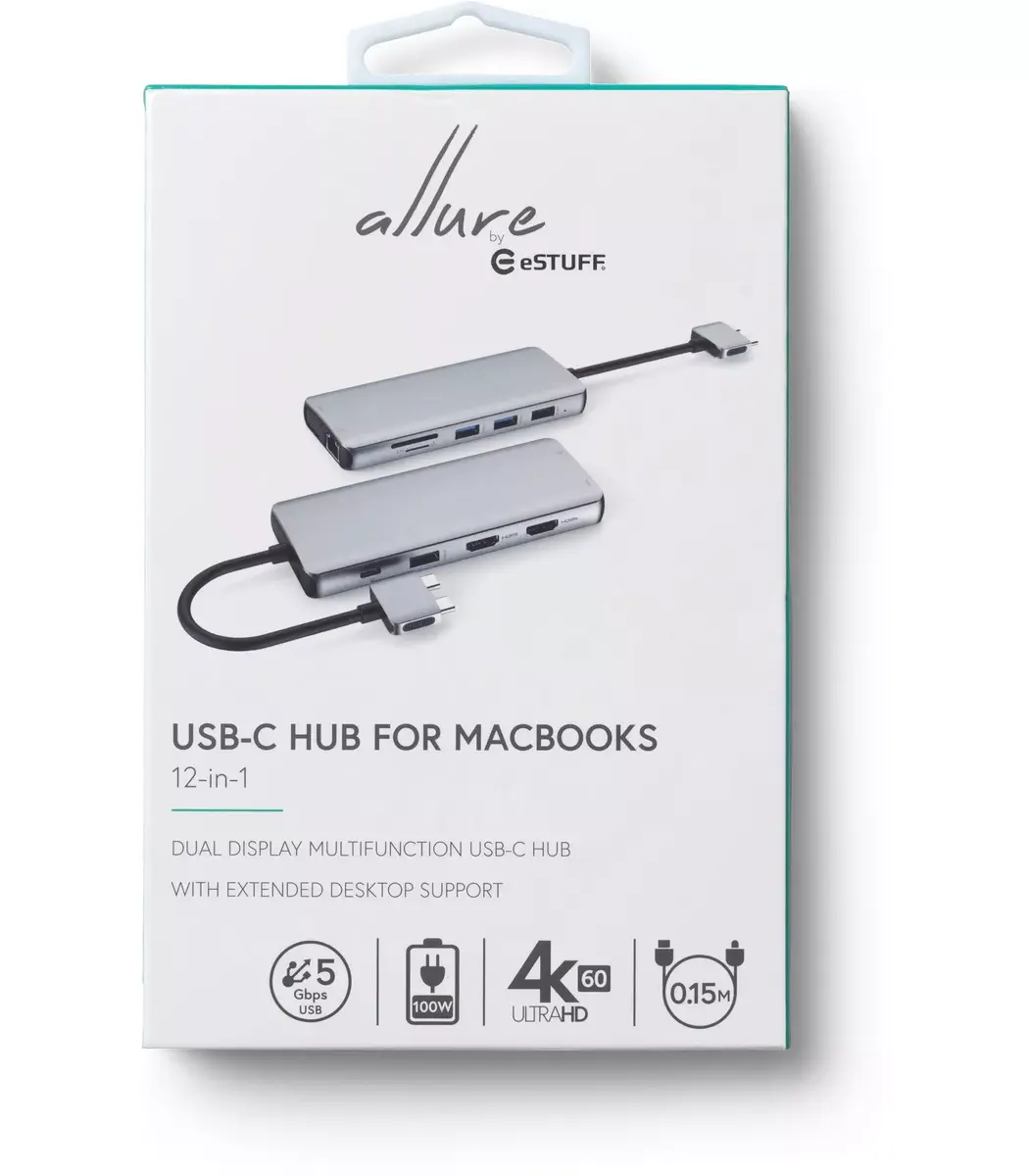
The eSTUFF ES623010 is a versatile USB 3.2 Gen 1 Type-C hub featuring multiple interfaces including HDMI, RJ-45, and USB ports. With a data transfer rate of 5000 Mbit/s and support for 4K resolution, it enhances connectivity for various devices. Its compact aluminum design ensures durability and portability, making it ideal for both home and office use.
Available for order:
2 pcs.
Warranty:
2 Years
SKU:
3968948


Cheapest delivery:
Unisend LV
Pick-up points
Unisend LV
Cost
1.79 €
Deliver
{{selectedOffer.parcelStationDeliveryString}}
Customer service center
2b. Kengaraga str., Riga, Latvia, LV-1063
27.08.2026
{{selectedOffer.officeDeliveryString}}
free
Courier Delivery
Please note that in case of a large parcel additional delivery costs may apply!
From 4.99 € (Weight: 0.12 kg)
Parcel couriers
Unisend LV / Venipak Pickup LV / Venipak Locker LV / Latvijas Pasts pakomāts / DPD Paku skapis / Omniva LV / Latvijas Pasts nodaļa
01.09.2026
{{selectedOffer.parcelStationDeliveryString}}
From 1.79 €

Payment Methods:
Bank transfer


