Powerful EcoFlow stations for energy anywhere!
In cart {{totalProductsCount}} item(s)
Your cart is empty
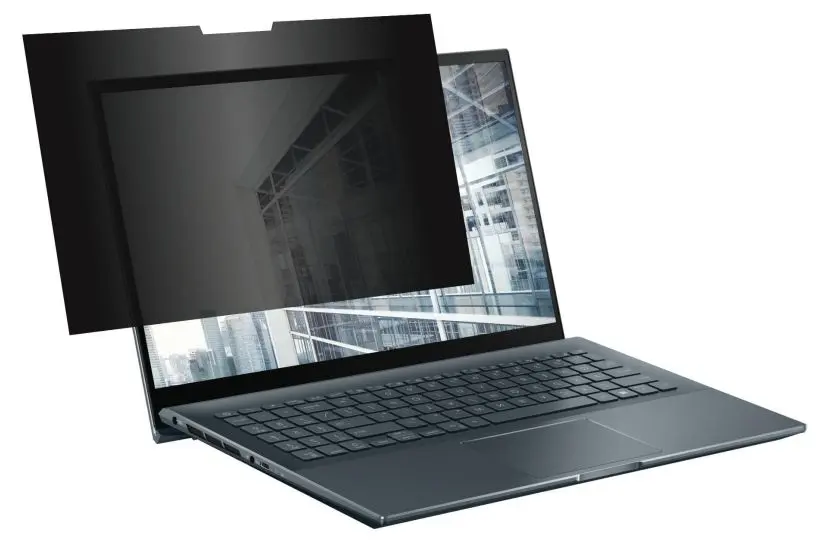
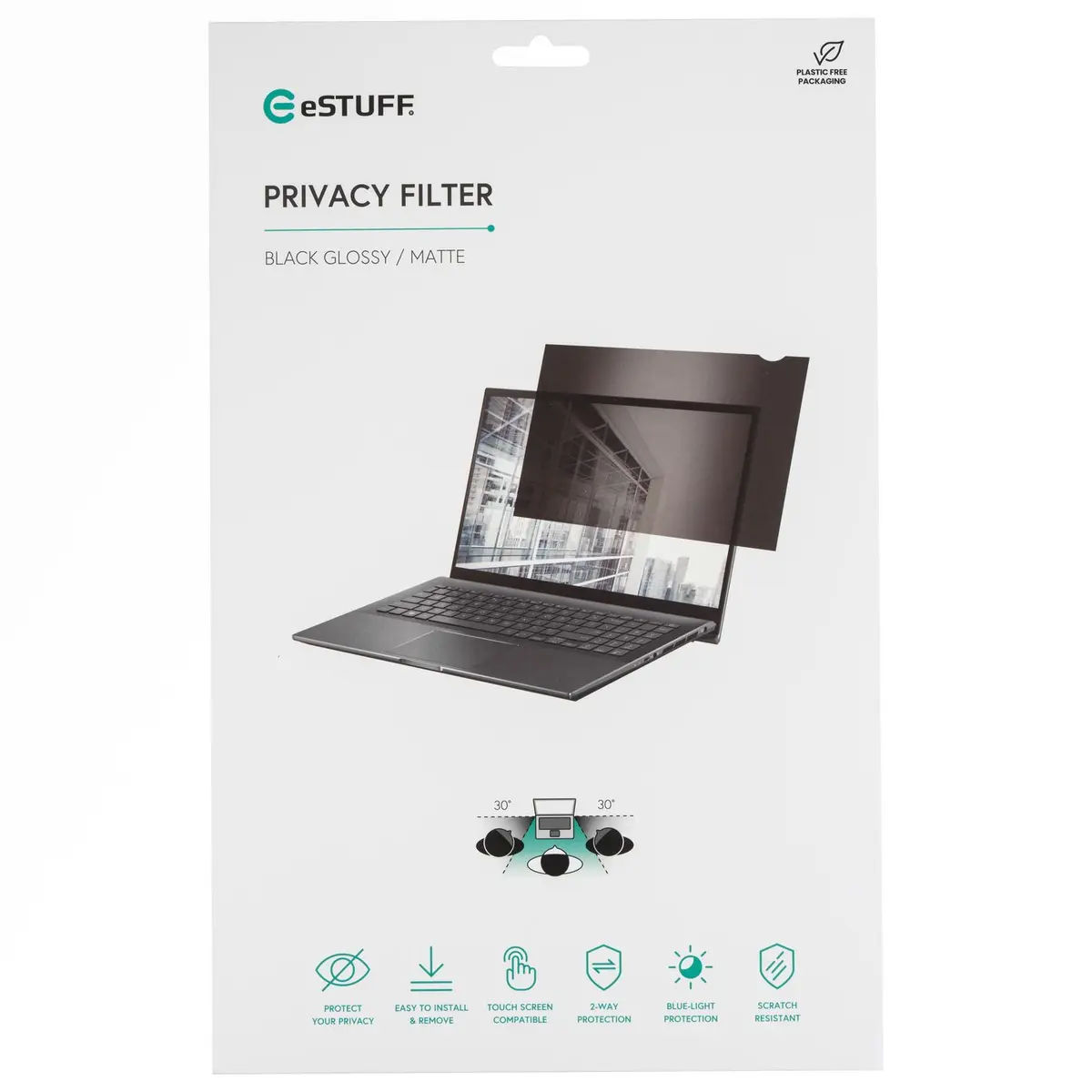
eSTUFF GLBE14318182 Frameless Display Privacy Filter for 14-inch Laptops 16:9 Glossy and Matt Anti-Glare Black
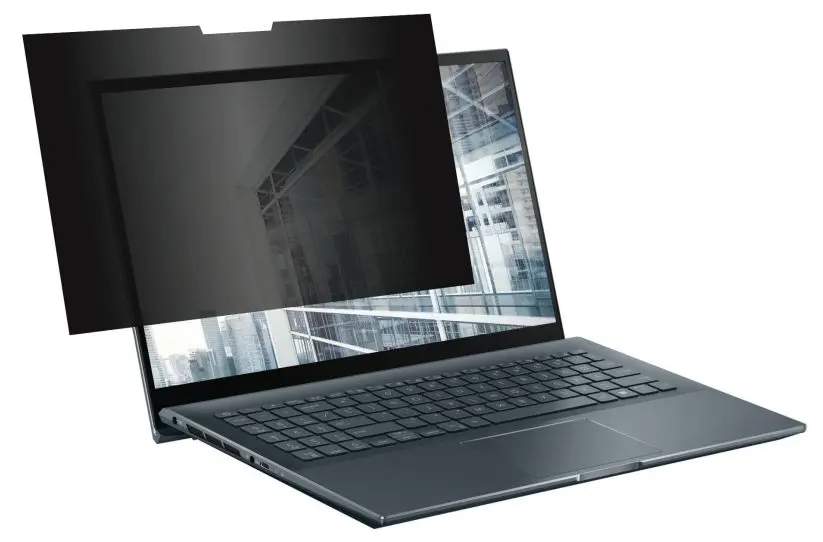
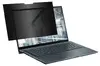
The eSTUFF GLBE14318182 frameless display privacy filter is specifically designed for 14-inch laptops with a 16:9 aspect ratio, measuring 318 mm by 182 mm. It reliably protects sensitive data from side viewing angles while reducing reflections through its dual glossy and matt anti-glare surface finish. Ideal for office use, travel, and public spaces, this black filter integrates smoothly with modern notebooks for private viewing.
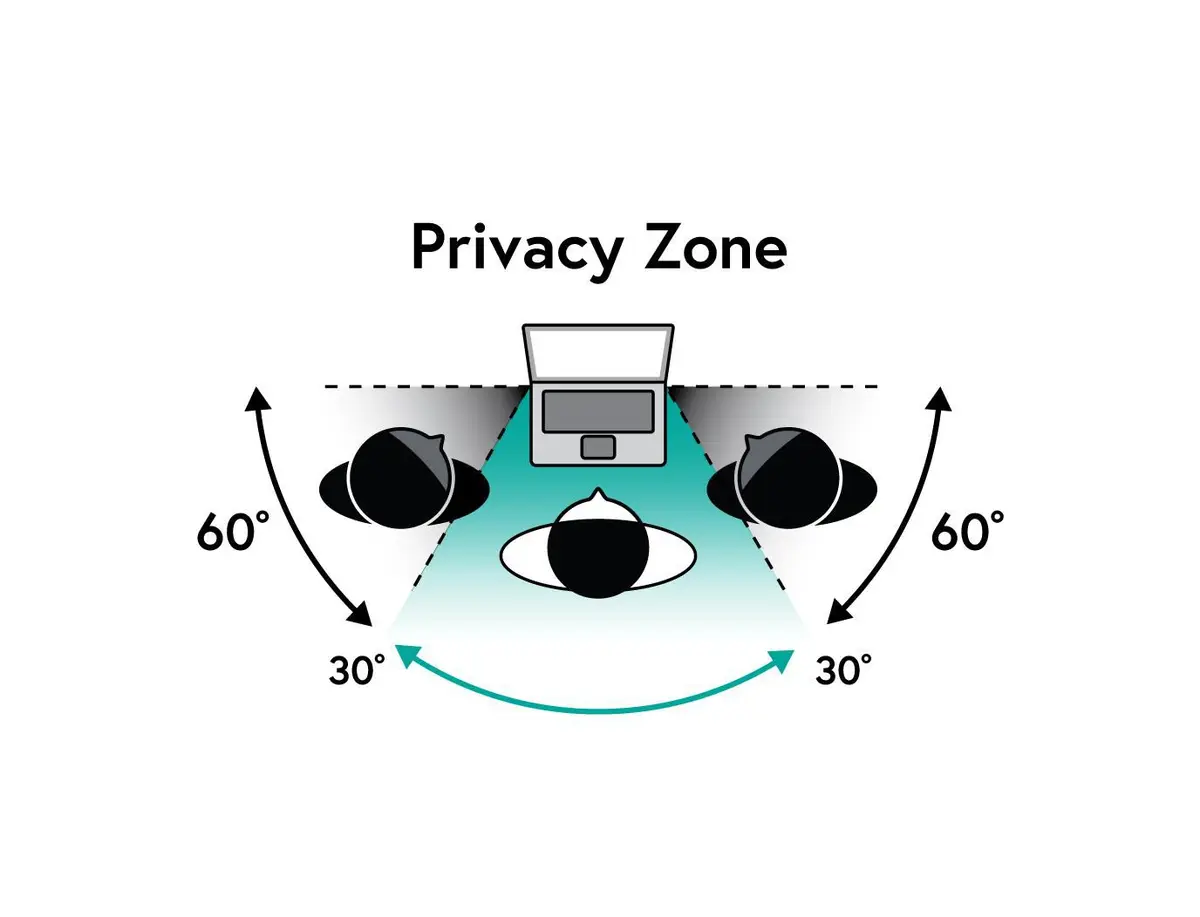
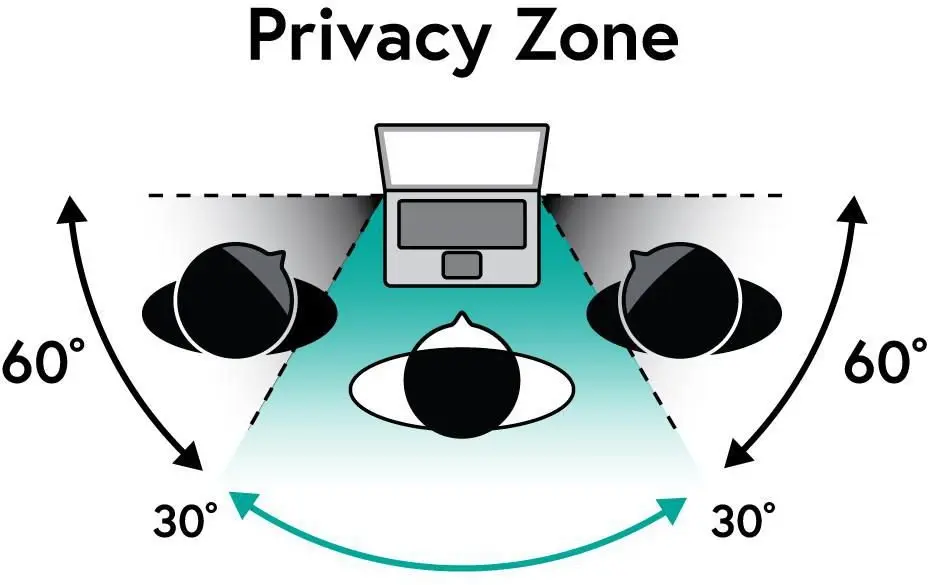
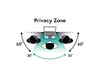
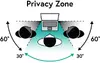
This privacy filter provides robust protection against visual hacking by narrowing the viewing angle, ensuring that confidential on-screen information remains visible only to the person directly in front of the display. The dual-sided surface finish allows users to choose between a glossy or matte side depending on the lighting environment, effectively minimizing distracting reflections and glare. Additionally, the lightweight frameless design maintains the sleek aesthetic of modern notebooks without adding bulk, while also shielding the underlying LCD screen from everyday dust, scratches, and minor impacts.
This privacy filter may not be suitable for individuals who frequently share their screen content with colleagues sitting beside them during collaborative tasks, as the restricted viewing angle intentionally blocks side visibility. Furthermore, it might not fit correctly on laptop models with non-standard screen dimensions or aspect ratios other than 16:9.
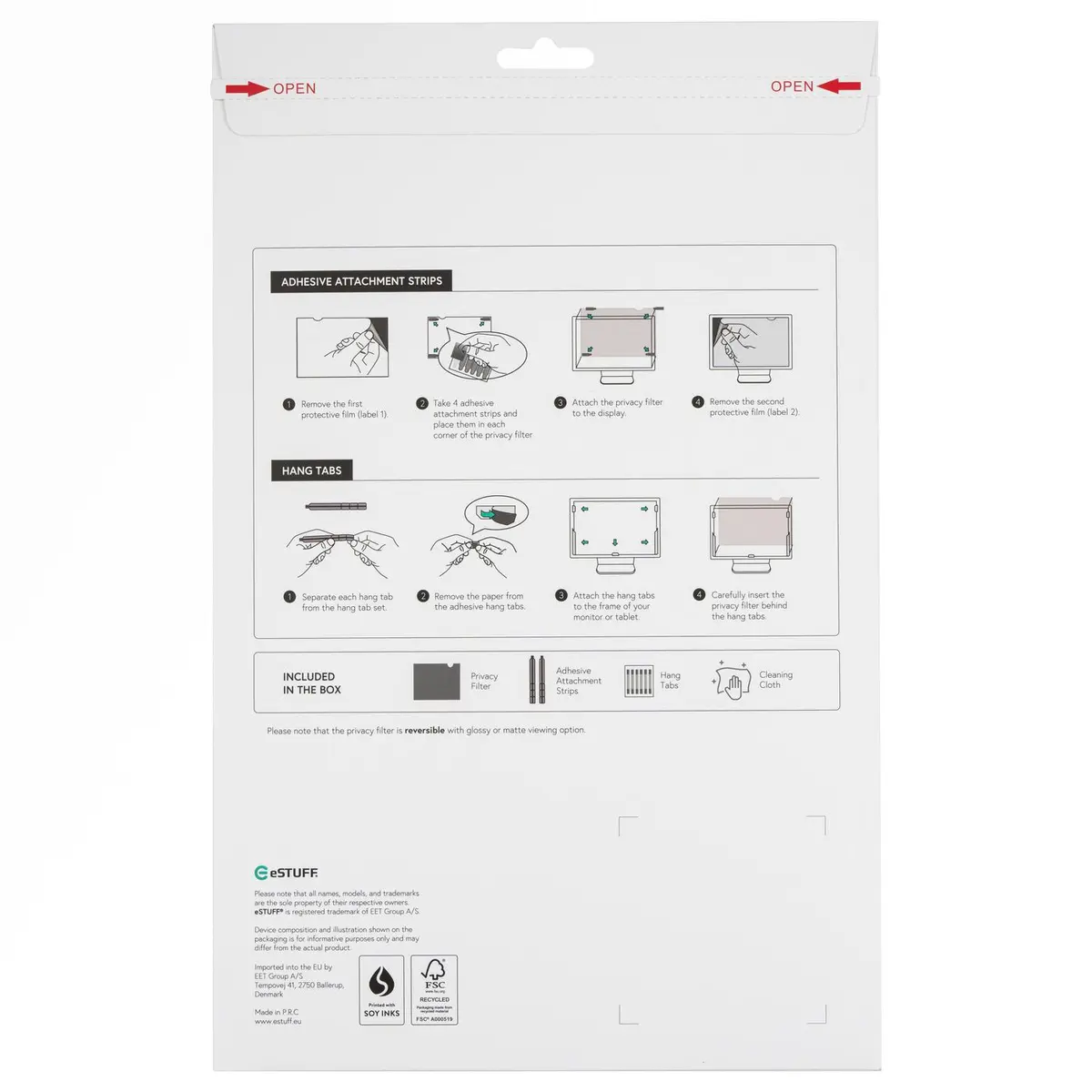
To use the filter, ensure the laptop screen is thoroughly clean and free of dust or oils before application. Align the filter carefully with the edges of your 14-inch 16:9 display, making sure any cutouts match your webcam and sensors, and gently apply it according to the included mounting method for a secure fit.
Usage recommendations: Handle the filter carefully by its edges to avoid leaving fingerprints on the optical surfaces. Remove and clean the filter periodically using a microfiber cloth to maintain optimal clarity and touch sensitivity.
{{highlightedFeature.featureTitle}}:
{{getProductFeatureValueById(product, highlightedFeature.featureId)}}
{{ productComparisonGenerationError }}