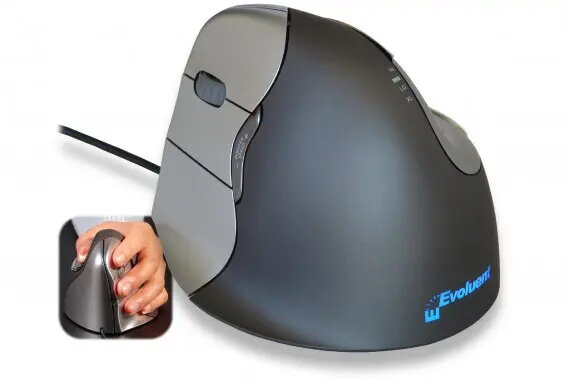
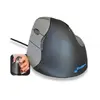
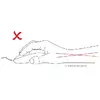
Patented ergonomic shape.
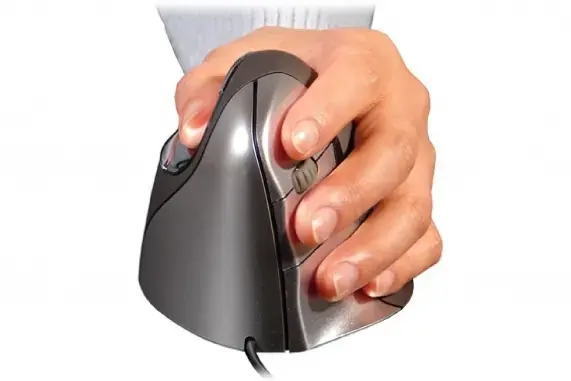
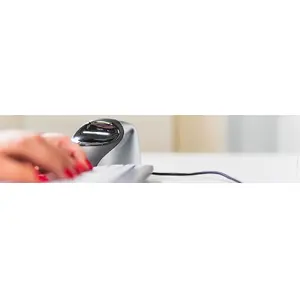
The ergonomic shape of the Evoluent4 is based on several years of research and user experience from earlier Evoluent models. Details such as the extended lip along the bottom edge prevent the little finger from rubbing on the desk. The improved thumb rest provides more comfort than earlier versions, and the easy-to-reach programmable buttons are designed for uncompromised user comfort. All these features of this vertical mouse contribute to ergonomic and healthy working.
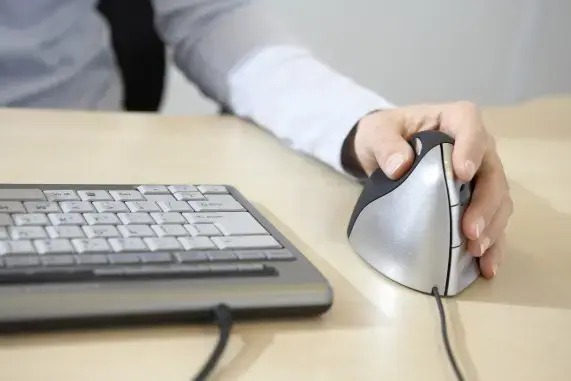
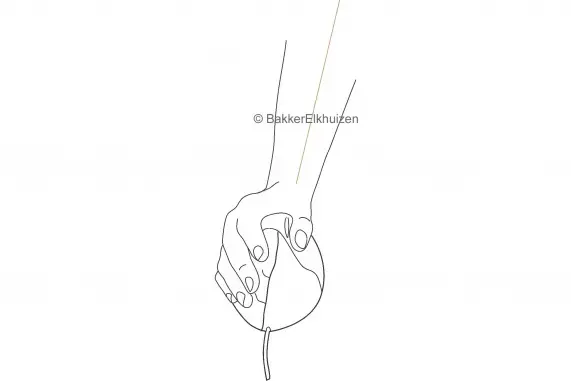
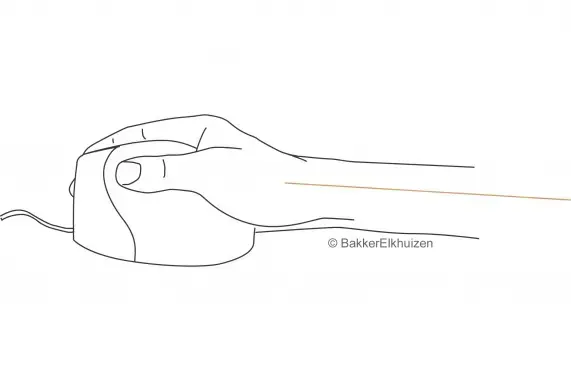
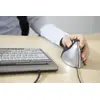
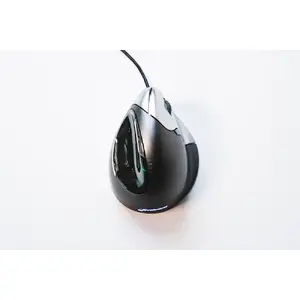
- The Evoluent4 Wired is held in a handshake position, which means your hand is in an upright, neutral posture.
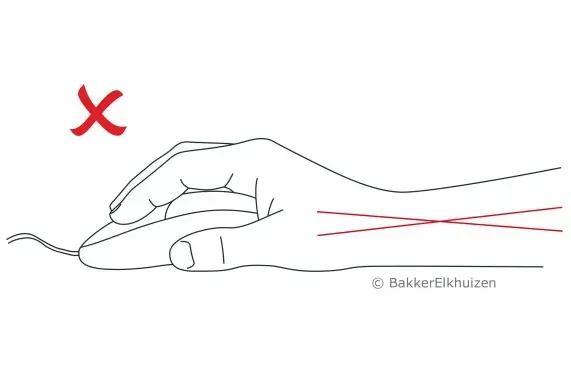
- This posture avoids forearm twisting and therefore prevents physical discomfort.
- All these details of the vertical mouse Evoluent4 Wired provide ergonomic and healthy work.
Ergonomic background
Prolonged use of a regular mouse can lead to pain and discomfort in the shoulders, forearms, and hands (Chang et al., 2007 & Andersen et al., 2008). The handshake position of vertical mice keeps the wrist from bending as much to the side while the forearm also turns inward to a lesser degree (Schmid et al., 2015). This results in lower muscle activity in the forearm compared with using a conventional mouse (Quemelo & Vieira, 2013). Research has shown that using a vertical joystick mouse supports faster recovery from forearm, wrist, and hand complaints (Aarås et al., 2001). Therefore, vertical mice compared to standard mice lead to a healthier and more comfortable way of working.
Programmable buttons and easy to use.
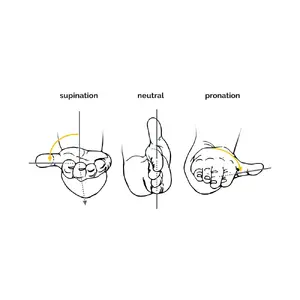
The Evoluent4 is easy to use thanks to its intuitive handling. The grip and intuitive handling make this vertical mouse simple to operate. You can conveniently program the six buttons using the free downloadable Evoluent Mouse Manager software. Program the buttons to suit your personal preferences — buttons tuned to your needs will make your work more efficient.
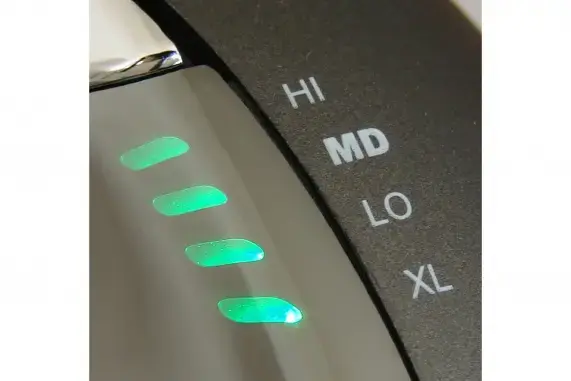
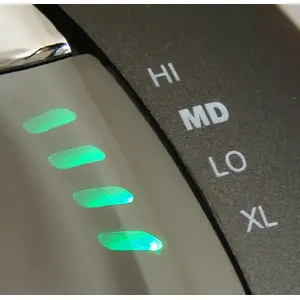
- The easy-to-reach button behind the scroll wheel enables quick changes to the pointer speed for different tasks.
- Select a high DPI value for fast movement across the screen during general tasks. Choose a low DPI value for precision work such as photo editing or drawing.
- There are four DPI values: 800, 1300, 1800, and 2600, which are conveniently indicated by four lights.
Plug-and-play.
You can start using your Evoluent4 immediately thanks to plug-and-play functionality. No manual configuration is required — simply plug the USB cable into a USB port on your computer, laptop, or compatible mobile device. The Evoluent4 is compatible with Windows, Linux, and Mac systems (on non-Windows systems that support a USB mouse it should work, but extra buttons may not function correctly on those OSs).
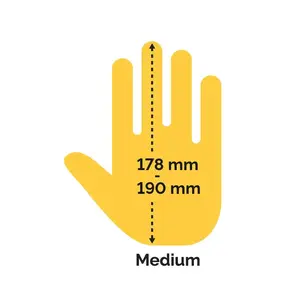
Hand size: medium
It is important to choose a mouse that fits comfortably in your hand. The size of the mouse should correspond to the size of your hand, so we recommend measuring your hand first to determine suitability.
The Evoluent4 is suitable for medium-sized hands. If the length of your mouse hand, measured from the tip of your middle finger to your palm, is between 17.8 cm and 19 cm, this mouse is well suited for you.