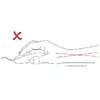
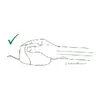
Patented ergonomic shape.
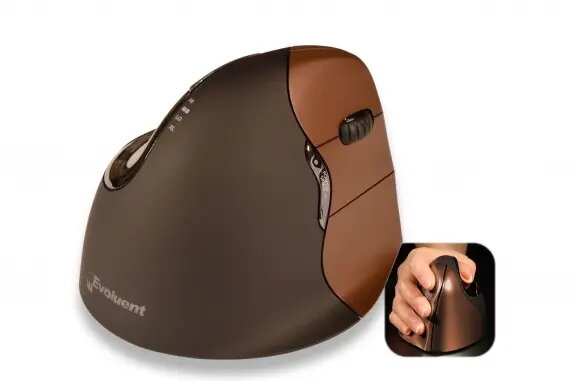
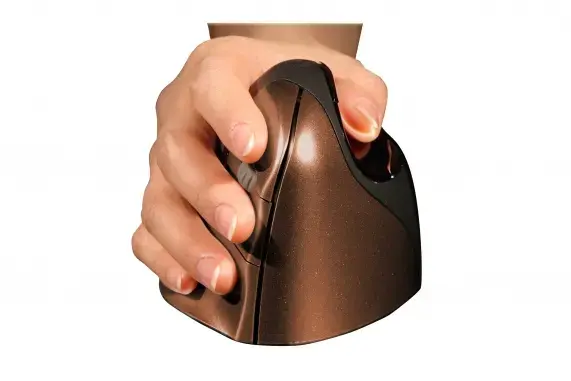
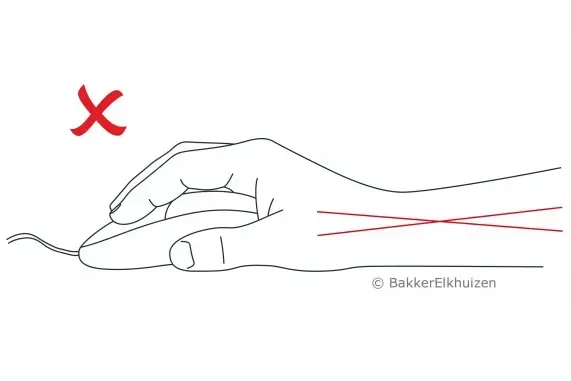
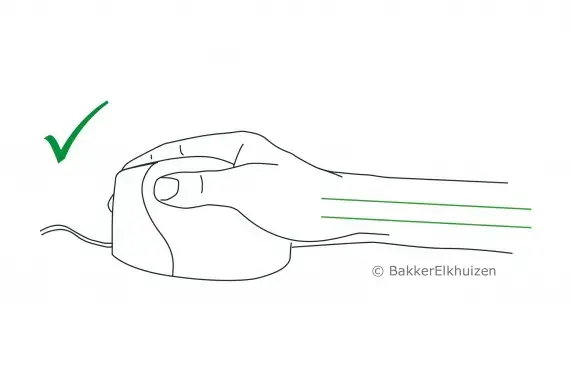
The ergonomic shape of the Evoluent4 Right Wireless Small is based on several years of research and user experience from earlier Evoluent models. Details like the extended lip along the bottom edge prevent the last finger from rubbing on the desk. The improved thumb rest provides more comfort than earlier versions, and the overall easy-to-reach programmable buttons add to usability. You hold this vertical mouse in a so-called handshake posture, which keeps your hand in an upright neutral position. In this posture, twisting of the forearm is prevented and physical discomfort is reduced. All these details are thoughtfully created to deliver uncompromised comfort for the user.
- The Evoluent4 Right Wireless Small is held in a handshake position, which places your hand in an upright neutral posture.
- This posture avoids forearm twisting and therefore helps prevent physical discomfort.
- All these design details of the Evoluent4 Right Wireless Small provide an ergonomic and healthier way of working.
Ergonomic background
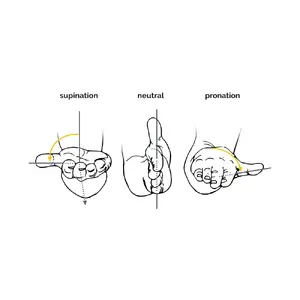
Prolonged use of a regular mouse can lead to pain and discomfort in the shoulders, forearms, and hands (Chang et al., 2007 & Andersen et al., 2008). The handshake position of vertical mice keeps the wrist from bending as much to the side while the forearm also turns inward to a lesser degree (Schmid, et al., 2015). This results in lower muscle activity in the forearm than when using a conventional mouse (Quemelo & Vieira, 2013). Research has shown that using a vertical joystick mouse can support faster recovery from forearm, wrist, and hand complaints (Aarås, et al., 2001). Therefore, vertical mice compared to standard mice contribute to a healthier and more comfortable way of working.
Adjustable Pointer Speed.
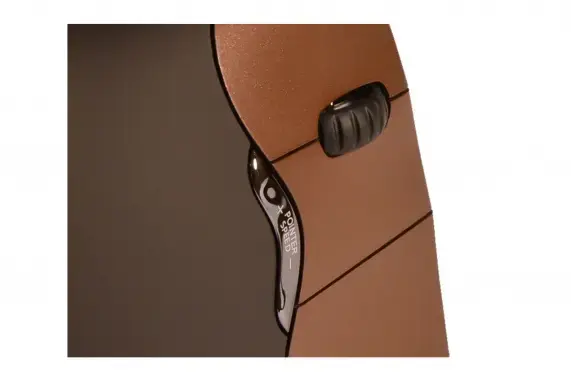
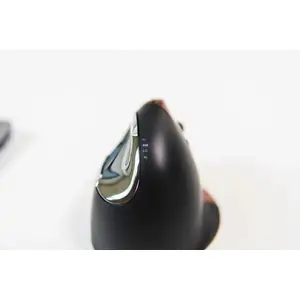
The easy-to-reach button behind the scroll wheel lets you quickly change the pointer speed to suit different tasks. Select a high DPI value for moving quickly across the screen for general tasks, or choose a low DPI value for precision work such as photo editing or drawing.
- There are four DPI settings in total: 800 - 1300 - 1800 - 2600, which are conveniently indicated by four lights.
Programmable buttons and easy to use.
The grip and the intuitive handling of the Evoluent4 Right Wireless Small make this vertical mouse easy to use. You can conveniently programme the six buttons using the free downloadable Evoluent Mouse Manager software. Configure the keys the way you prefer. Buttons tuned to your needs help make your work more efficient.

Automatic sleep mode.
The illuminated Evoluent logo on the vertical mouse indicates whether the Evoluent4 Right Wireless Small is in sleep mode. The illumination turns off when the system goes to sleep to conserve laptop battery power. This function is helpful when you need to save your laptop's battery.
Multiple use and colours.
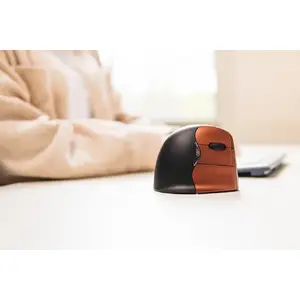
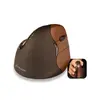
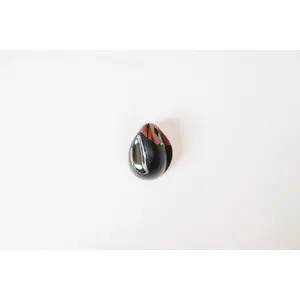
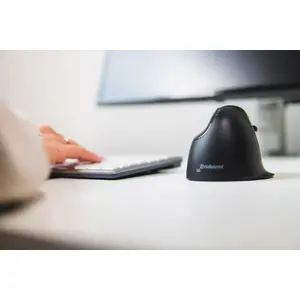
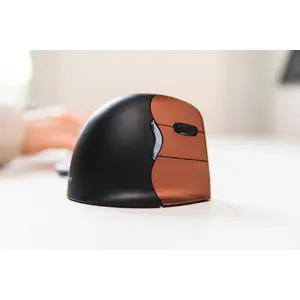
The Evoluent4 Right Wireless Small vertical mouse is made of high-quality materials and fits comfortably in the hand. The colour of the mouse is brown with bronze buttons. You may prefer the wireless version for your home office or when you are on the go. No matter where you use your Evoluent4 Right Wireless Small, you can work ergonomically with this mouse.
Plug-and-play.
You can start working with your Evoluent4 Right Wireless Small immediately thanks to plug-and-play functionality. There is no need for manual configuration: just plug the USB receiver into one of the USB ports of your computer, laptop, or mobile device. The Evoluent4 Right Wireless Small is compatible with Windows, Linux, and Mac systems (as with other OS such as Apple Mac and Linux, it should work if the system supports a USB mouse; however, extra buttons might not work properly on those non-Windows operating systems).