{{ totalProductsCount }}

In cart {{totalProductsCount}} item(s)

Total:
{{sum | formatAmount}}

Your cart is empty

header-product Mouse BakkerElkhuizen Evoluent D Right-hand USB Type-A

Mouse BakkerElkhuizen Evoluent D Right-hand USB Type-A

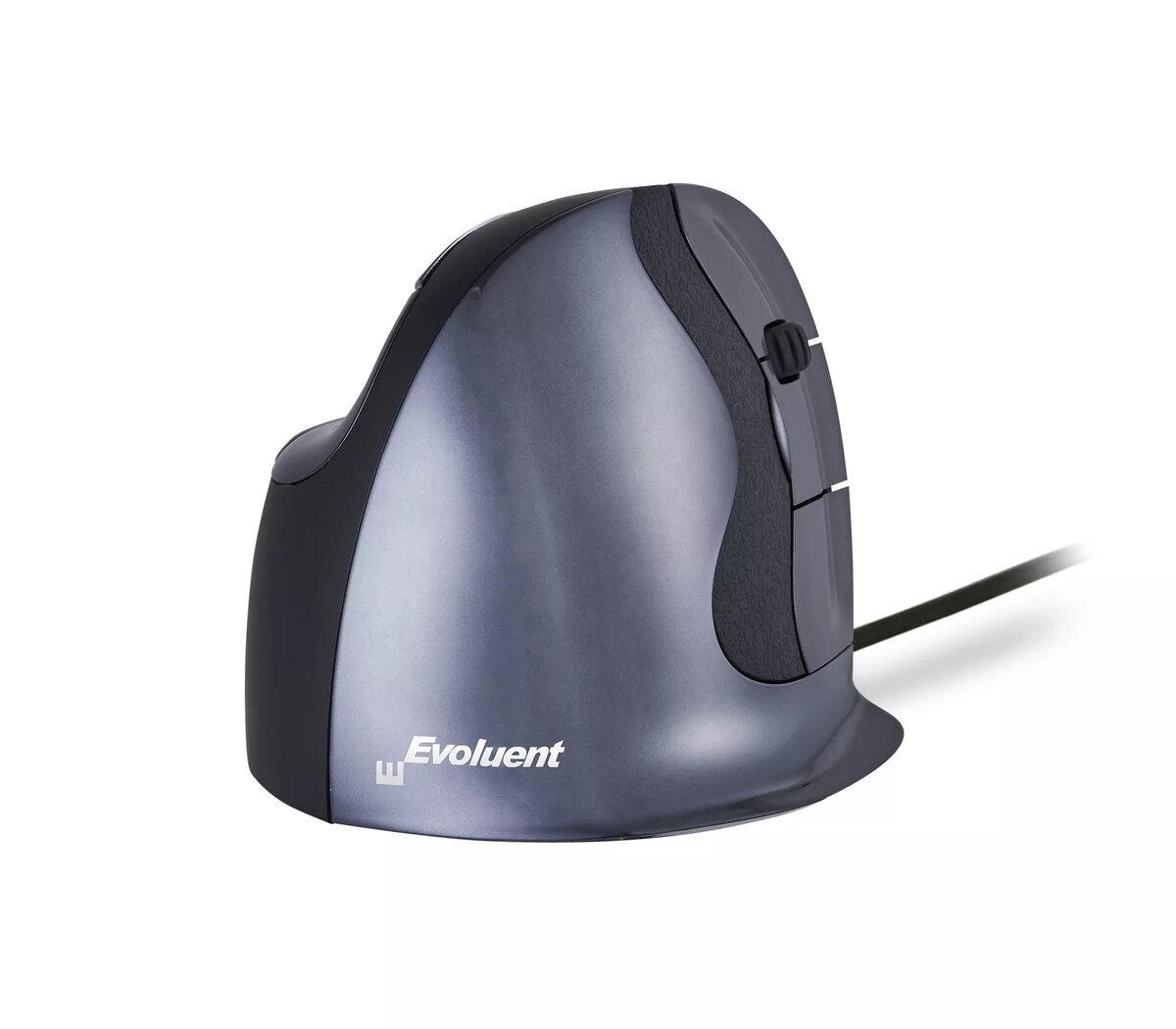
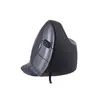
Mouse BakkerElkhuizen Evoluent D Photo 1
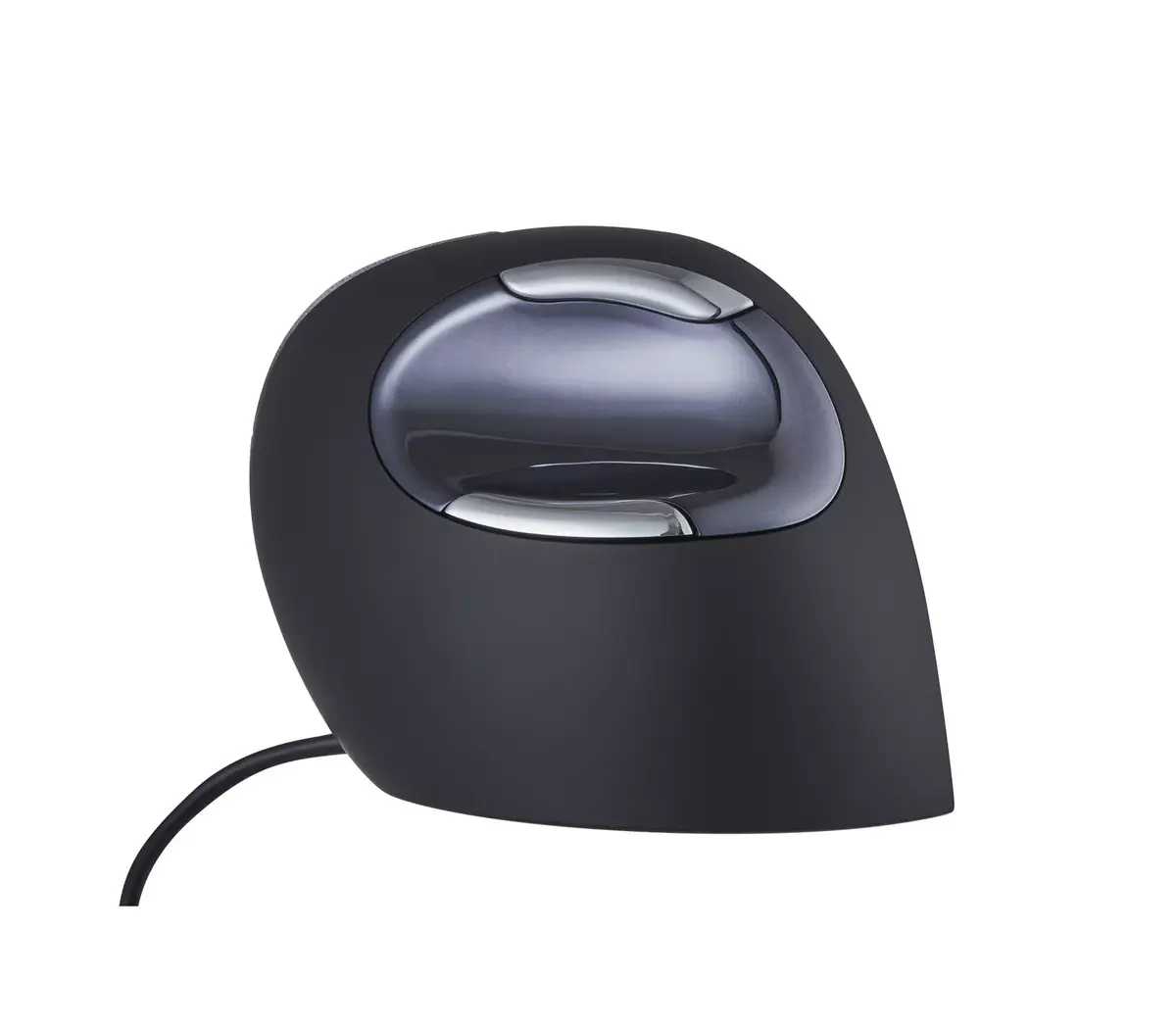
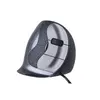
Mouse BakkerElkhuizen Evoluent D Photo 2
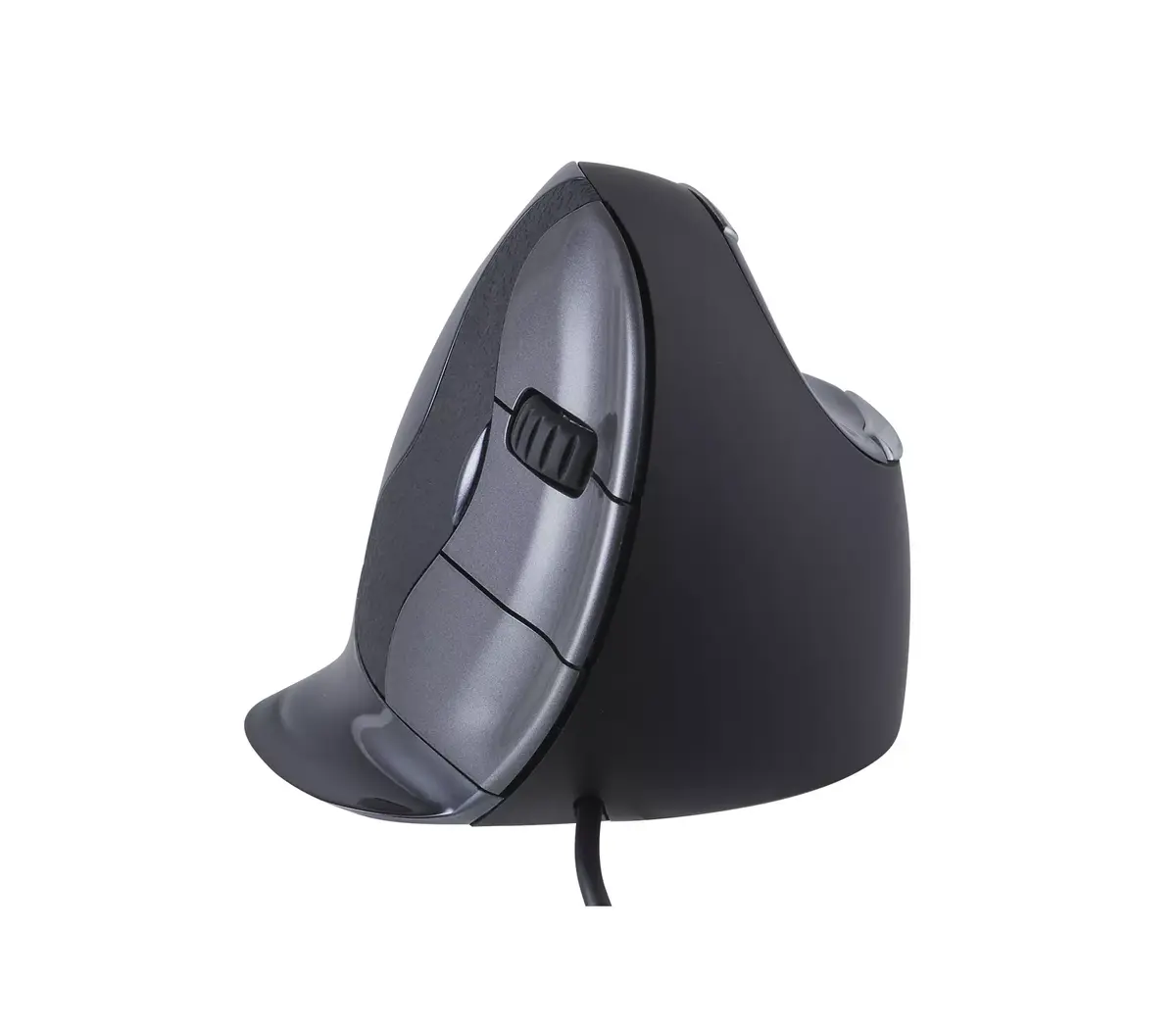
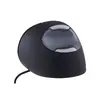
Mouse BakkerElkhuizen Evoluent D Photo 3
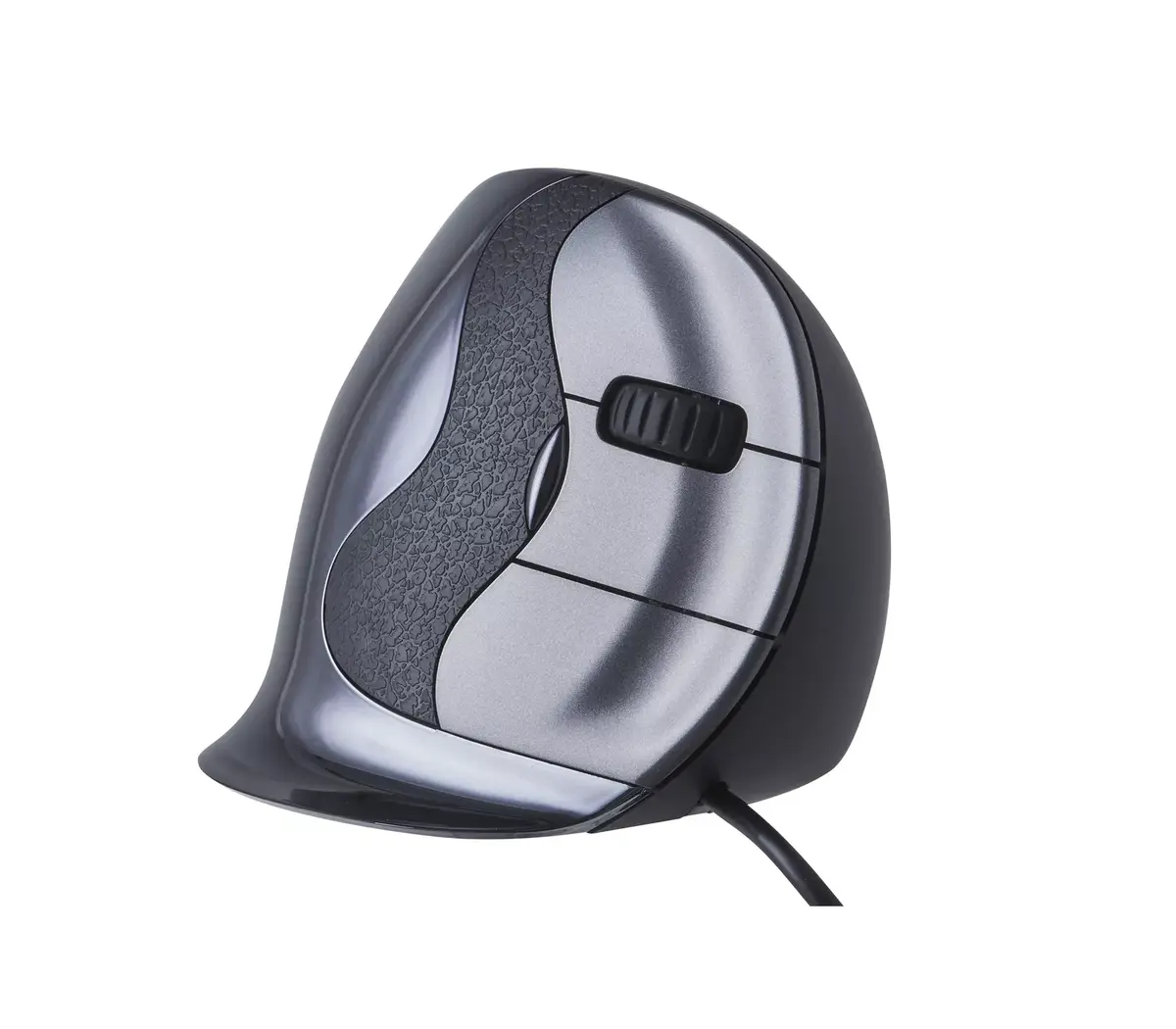
Mouse BakkerElkhuizen Evoluent D Photo 4
Mouse BakkerElkhuizen Evoluent D Photo 5
Mouse BakkerElkhuizen Evoluent D Photo 6
Mouse BakkerElkhuizen Evoluent D Photo 7
Mouse BakkerElkhuizen Evoluent D Photo 8
Mouse BakkerElkhuizen Evoluent D Photo 9
Mouse BakkerElkhuizen Evoluent D Photo 10
Mouse BakkerElkhuizen Evoluent D Photo 1
Mouse BakkerElkhuizen Evoluent D Photo 2
Mouse BakkerElkhuizen Evoluent D Photo 3
Mouse BakkerElkhuizen Evoluent D Photo 4
Mouse BakkerElkhuizen Evoluent D Photo 5
Mouse BakkerElkhuizen Evoluent D Photo 6
Mouse BakkerElkhuizen Evoluent D Photo 7
Mouse BakkerElkhuizen Evoluent D Photo 8
Mouse BakkerElkhuizen Evoluent D Photo 9
Mouse BakkerElkhuizen Evoluent D Photo 10
Out of stock.
View similar!

Short description

The BakkerElkhuizen Evoluent D mouse features a right-hand vertical design for ergonomic comfort. With laser movement detection and a resolution of 3200 DPI, it ensures precise tracking. The mouse includes 6 buttons and a scroll wheel, all connected via a USB Type-A interface. Ideal for office use, it helps reduce wrist strain during extended use.
Warranty: 2 Years
SKU: 3617112
Manufacturer: Evoluent
delivery
Information regarding the items availability for purchase will be posted on this site
price
Item cost information will be published on this site
Together cheaper
{{product.price | formatAmount}}
{{product.title}}
{{productBundle.reference.specialPrice | formatAmount}}
{{productBundle.title}}
{{productBundlePreviousPrice | formatAmount}}
{{productBundleSpecialPrice | formatAmount}}

You saving {{productBundleYouSave | formatAmount}}

Product information

Description

The Evoluent D right-hand vertical mouse offers an ergonomic shape designed to reduce wrist strain during extended office use. This model features laser movement detection with up to 3200 DPI, six buttons including programmable thumb controls, a scroll wheel, and a USB Type-A connection. Available in wired and wireless versions and three sizes (small, medium, large), the Evoluent D combines adjustable pointer speed, compact storage for the wireless receiver behind a magnetic battery cover, and software support for custom button assignment.

Advantages

The patented vertical shape and grooved buttons position fingertips in shallow grooves for a secure grip and more precise movements. Thumb buttons are placed both at the top and bottom of a contoured thumb rest for easy access. The adjustable DPI button behind the wheel lets you change pointer speed quickly, and four indicator lights show the selected level. Wireless receivers can be stored under a magnetic battery cover to prevent loss, and the laser sensor provides reliable tracking on most surfaces.

Suitable for

  • Office work and long computer sessions
  • Users seeking ergonomic, right-hand vertical mice
  • Tasks requiring precise pointer control such as photo editing or drawing
  • Environments where wired USB Type-A or wireless connectivity is preferred

Key specifications

  • Form factor: Right-hand
  • Movement detection: Laser
  • Resolution: 3200 DPI
  • Buttons: 6 (programmable via Evoluent Mouse Manager)
  • Scroll: Wheel with Smart Scrolling and Eye Comfort Control functions
  • Interface: USB Type-A (wired) or wireless receiver (model-dependent)
  • Weight: 0.17 kg
  • Colour: Black

How to use

Connect the wired version using the USB Type-A cable or insert the wireless USB receiver into your computer. For the wireless model, store the receiver behind the magnetic battery cover when not in use. Use the pointer speed button behind the wheel to select one of four DPI levels for faster navigation or finer precision. Install the free Evoluent Mouse Manager software to configure the five main buttons and customize functions such as Excel Horizontal Scroll, Smart Scrolling and Eye Comfort Control.

Usage recommendations

Choose the correct size (small, medium, large) to ensure a relaxed grip. Select lower DPI for precise tasks like photo editing and higher DPI for general navigation. Use the thumb buttons and programmable assignments to reduce repetitive keyboard actions and improve workflow efficiency.

Specifications

Quantity per pack:
1 pc(s)
Power source: What is providing power for the product e.g. mains electricity.
Cable
Form factor: The shape or design of the product.
Right-hand
Buttons quantity: The number of buttons that there are in/on the product.
6
Scroll type: Type of scroll in computer input device, e.g. wheel, touch.
Wheel
Movement resolution:
3200 DPI
Movement detection technology: The technology employed to detect motion, e.g. Dual, using combinations of different sensing technologies to help reduce false triggering.
Laser
Device interface: The ports (sockets) where the device connects with other devices.
USB Type-A
Purpose: What the product is used for.
Office
Product colour: The colour e.g. red, blue, green, black, white.
Black
All features

Other features

Warranty period:
5 year(s)

Logistics data

Harmonized System (HS) code:
84716070

Packaging content

User guide:
Yes

Packaging data

Package weight: Weight of the packaged product.
236 g
Package height: The distance from the top to the bottom of the packaging.
100 mm
Package depth: The distance from the front to the back of the packaging.
110 mm
Package width: The distance from one side of the packaging to the other.
110 mm
Quantity per pack:
1 pc(s)

Weight & dimensions

Weight: Weight of the product without packaging (net weight). If possible, the net weight is given including standard accessories and supplies. Please note that sometimes the manufacturer leaves out the weight of accessories and/or supplies.
0.17 kg
Height: The measurement of the product from head to foot or from base to top.
77 mm
Depth: The distance from the front to the back of something.
110 mm
Width: The measurement or extent of something from side to side.
88 mm

System requirements

Other operating systems supported:
Unix, ChromeOS
Linux operating systems supported: 8 RT. Linux (9.4, 9.5), Red Hat Enterprise Linux 5.0 (supported with a pre-built package); SUSE Linux (10.3, 11.0, 11, 11.1, 11.2), Fedora (9, 9.0, 10, 10.0, 11.0, 11, 12, 12.0), Ubuntu (8.04, 8.04.1, 8.04.2, 8.10, 9.04, 9.10, 10.04), Debian (5.0, 5.0.1, 5.0.2, 5.0.3)
Yes
Mac operating systems supported: Mac operating systems e.g. OS X can be used with the device.
Mac OS X 10.5 Leopard, Mac OS X 10.15 Catalina, Mac OS X 10.14 Mojave, Mac OS X 10.13 High Sierra, Mac OS X 10.12 Sierra, Mac OS X 10.11 El Capitan, Mac OS X 10.10 Yosemite, Mac OS X 10.6 Snow Leopard, Mac OS X 10.7 Lion, Mac OS X 10.8 Mountain Lion, Mac OS X 10.9 Mavericks
Windows operating systems supported: Windows vesions wich can be used with the device.
Windows 8.1, Windows 8, Windows 7, Windows 11, Windows 10

Power

Power source: What is providing power for the product e.g. mains electricity.
Cable

Ergonomics

Plug and Play: Indicates whether this product supports is "plug and play". Plug and play is hardware or software that, after being installed ("plugged in"), can immediately be used ("played with"), as opposed to hardware or software which requires configuration.
Yes
Cable length: How long the cable is.
2.1 m

Design

Material: The material from which a thing is or can be made e.g. wood, plastic.
Plastic
Product colour: The colour e.g. red, blue, green, black, white.
Black
Vertical design:
Yes
Ergonomic design:
Yes
Form factor: The shape or design of the product.
Right-hand

Mouse

Number of movement resolution modes:
4
Customizable movement resolution:
Yes
Button functions:
Back (action), Forward, DPI switch, Copy/Paste
Number of programmable buttons:
6
Programmable mouse buttons:
Yes
Buttons type: The type of the buttons.
Pressed buttons
Buttons quantity: The number of buttons that there are in/on the product.
6
Scrolling directions:
Vertical
Number of scroll wheels:
1
Scroll type: Type of scroll in computer input device, e.g. wheel, touch.
Wheel
Movement resolution:
3200 DPI
Movement detection technology: The technology employed to detect motion, e.g. Dual, using combinations of different sensing technologies to help reduce false triggering.
Laser
Device interface: The ports (sockets) where the device connects with other devices.
USB Type-A
Purpose: What the product is used for.
Office

Reasons to buy

Details make the difference. For the perfect ergonomic shape.
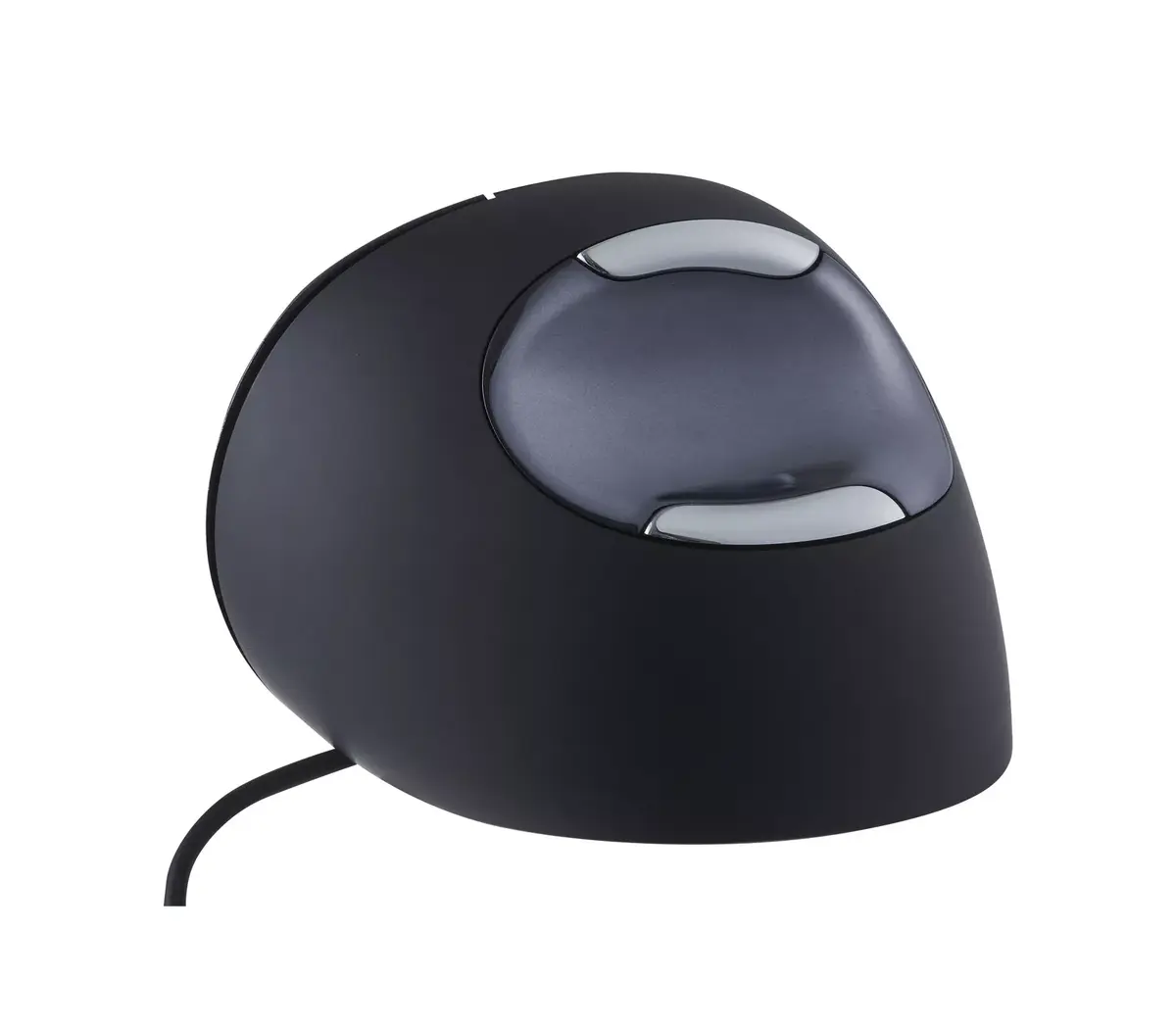
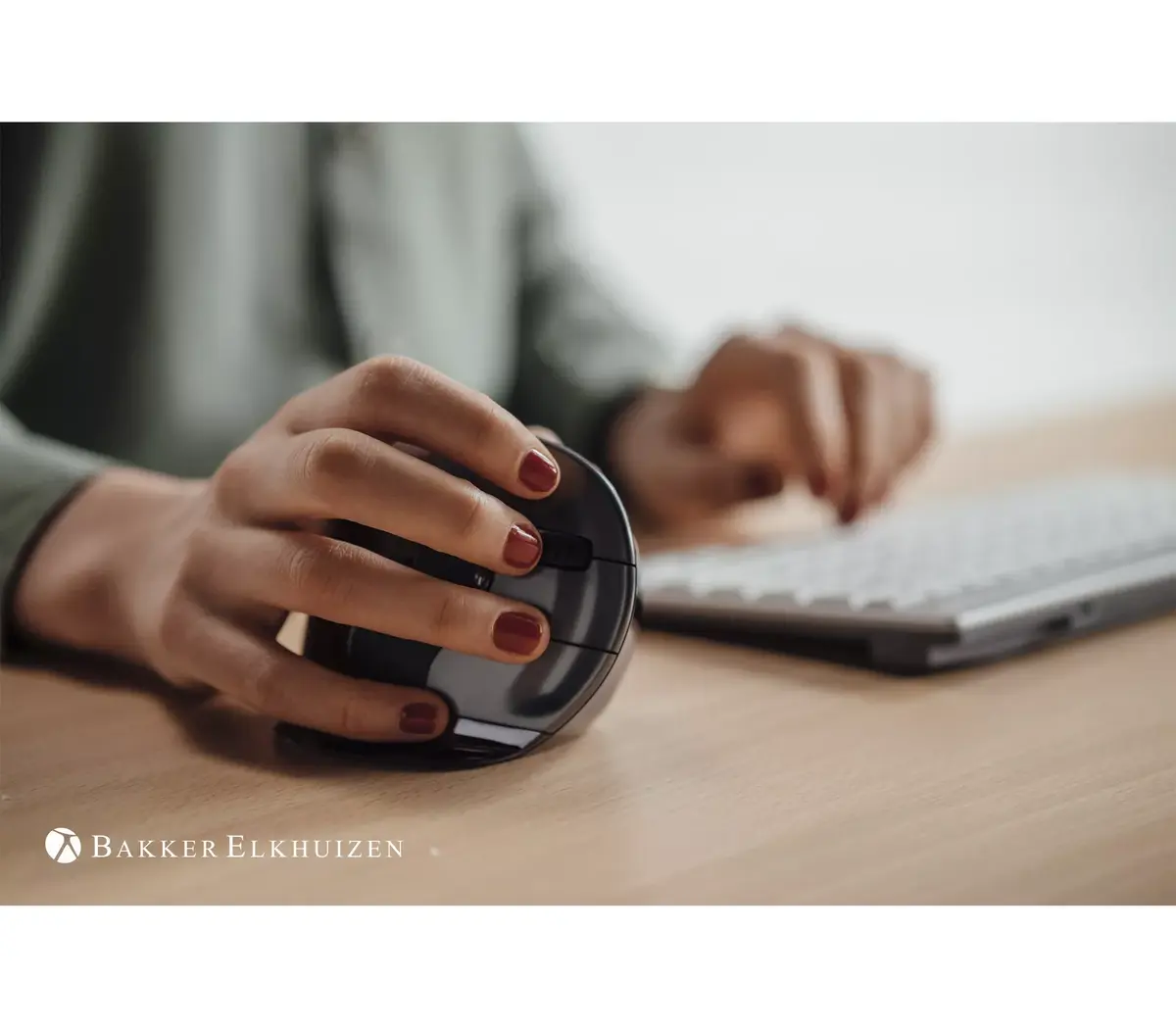
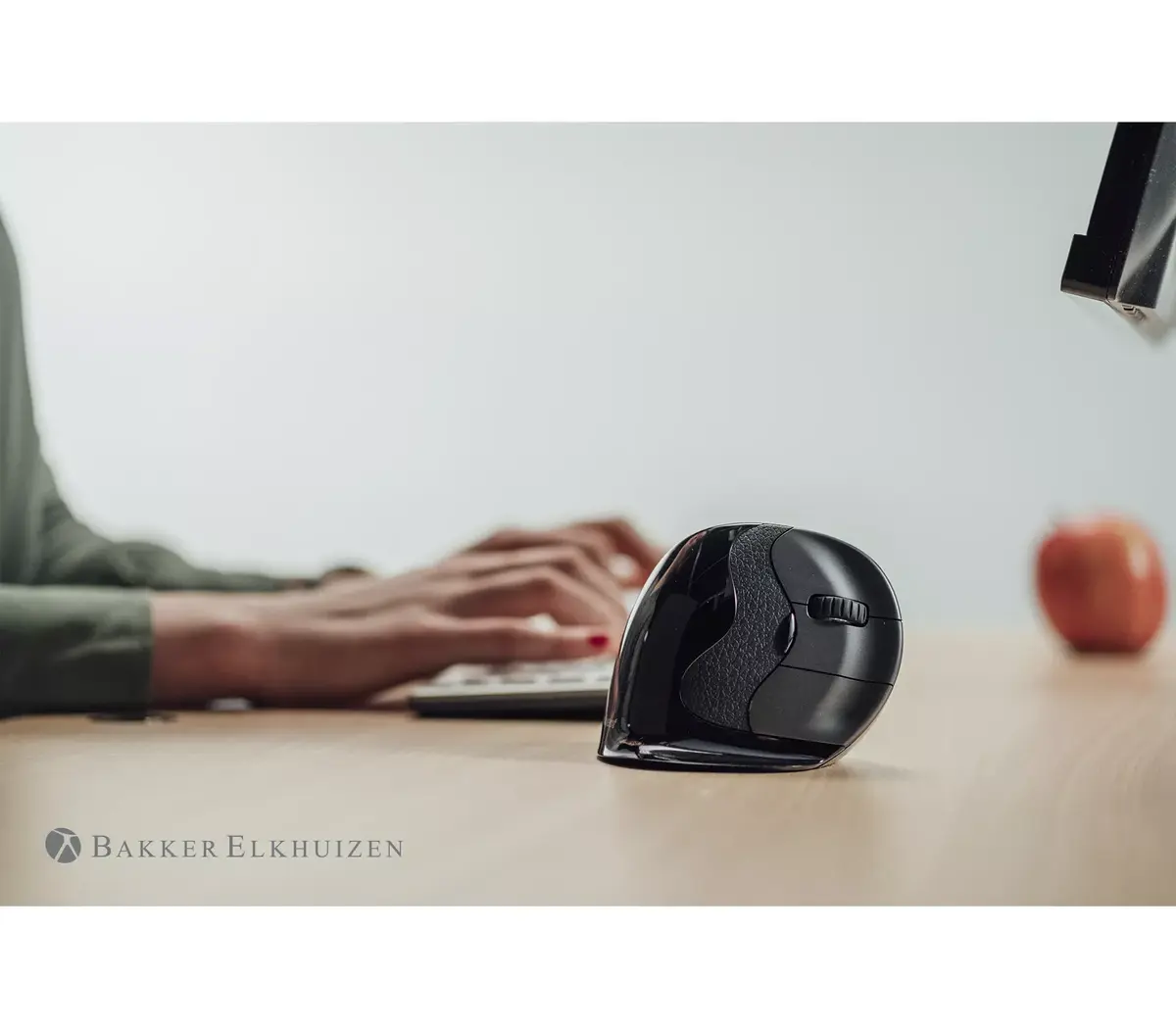
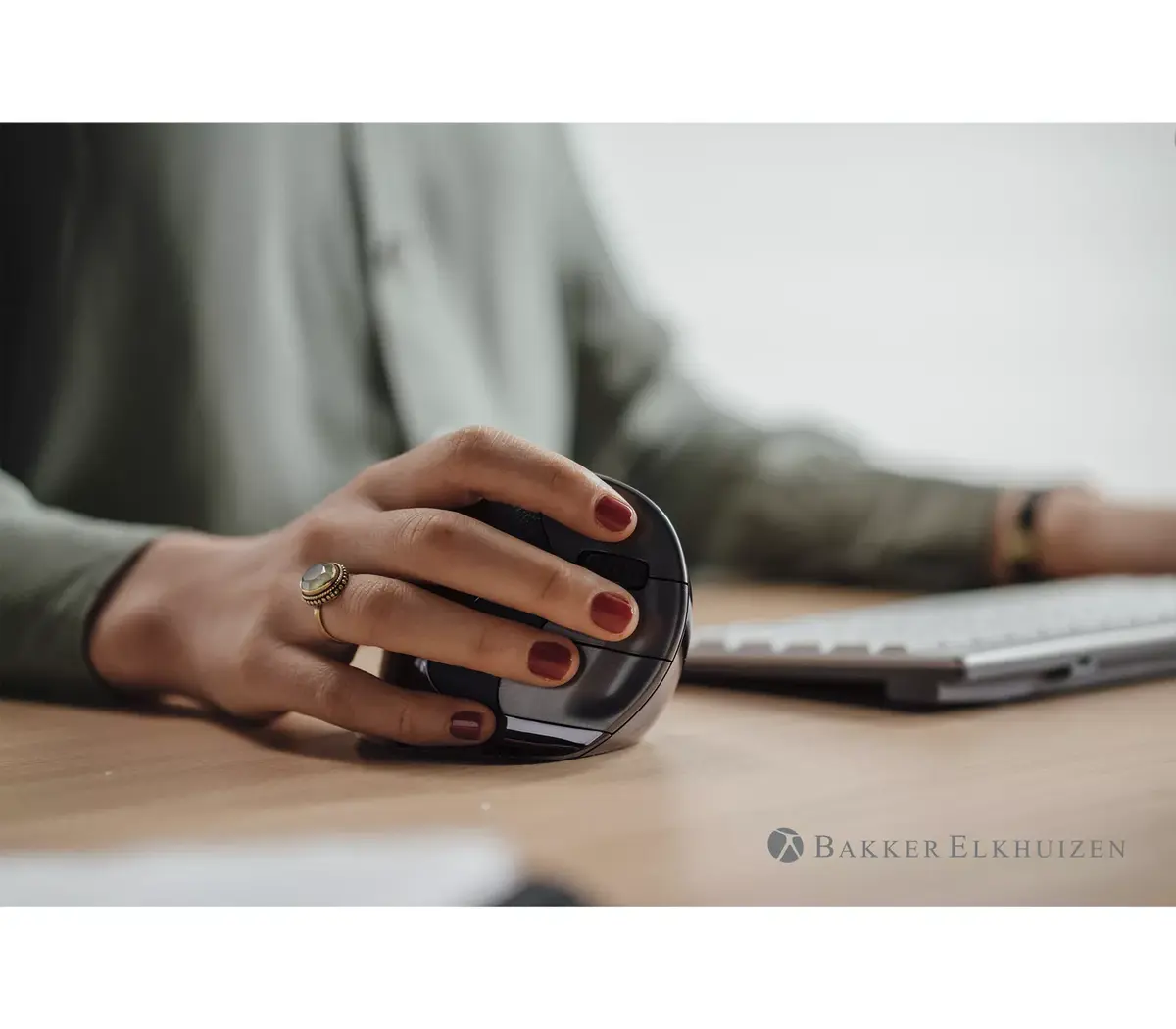
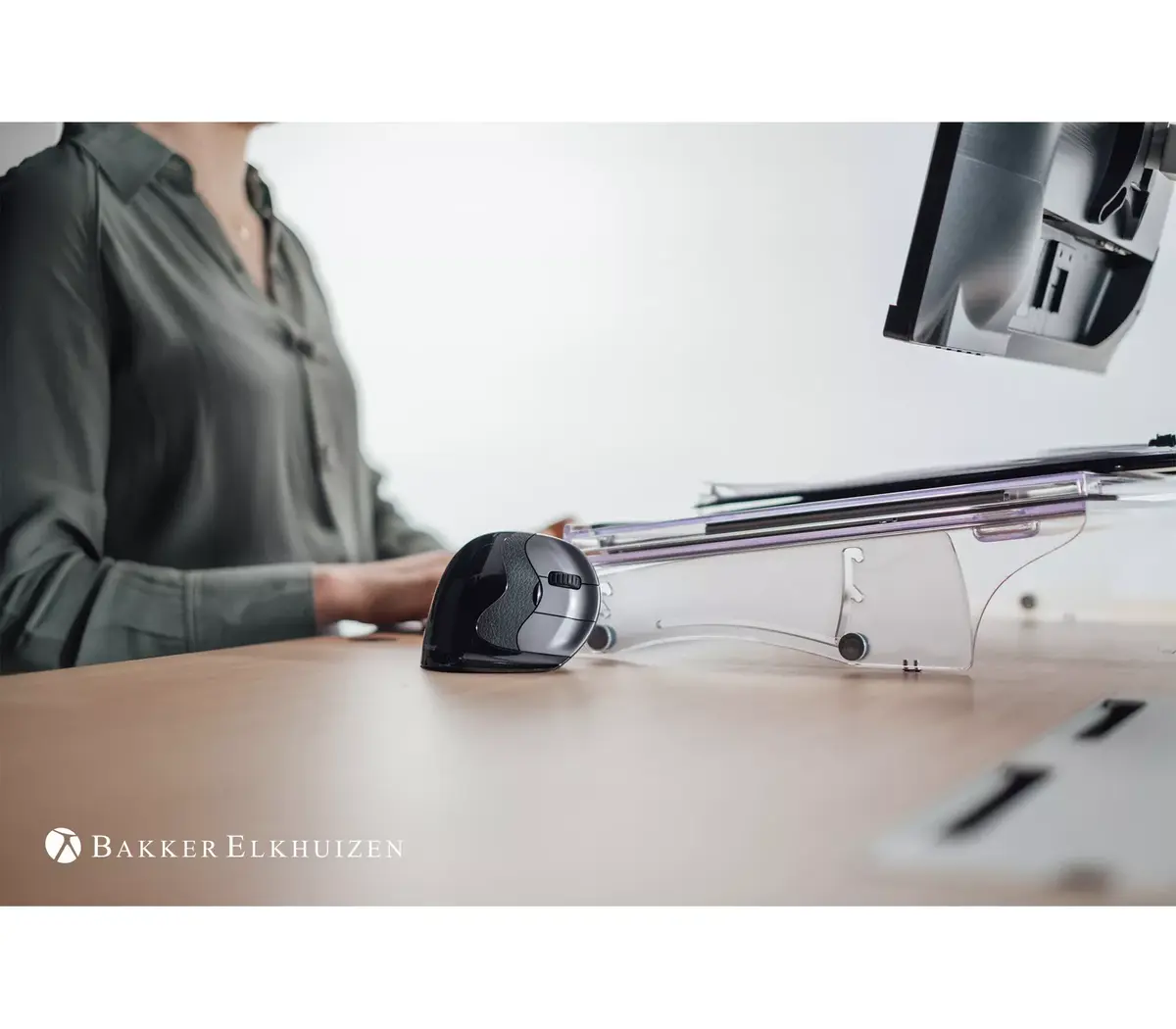
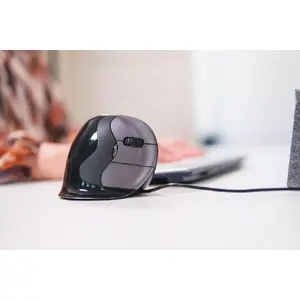
The ergonomic shape of the Evoluent D was inspired by many years of experience and research. The shape of the mouse lies perfectly in the hand and doesn’t feel too large. The ergonomic shape supports the user’s hand in a handshake position. Grabbing the vertical mouse in a handshake position relieves or prevents pain in your arm and wrist. The extra wide lip along the bottom edge prevents the little finger from rubbing the desk. This provides superior comfort for your work and leads to increased productivity.
Details make the difference. For the perfect ergonomic shape.
Ergonomic background
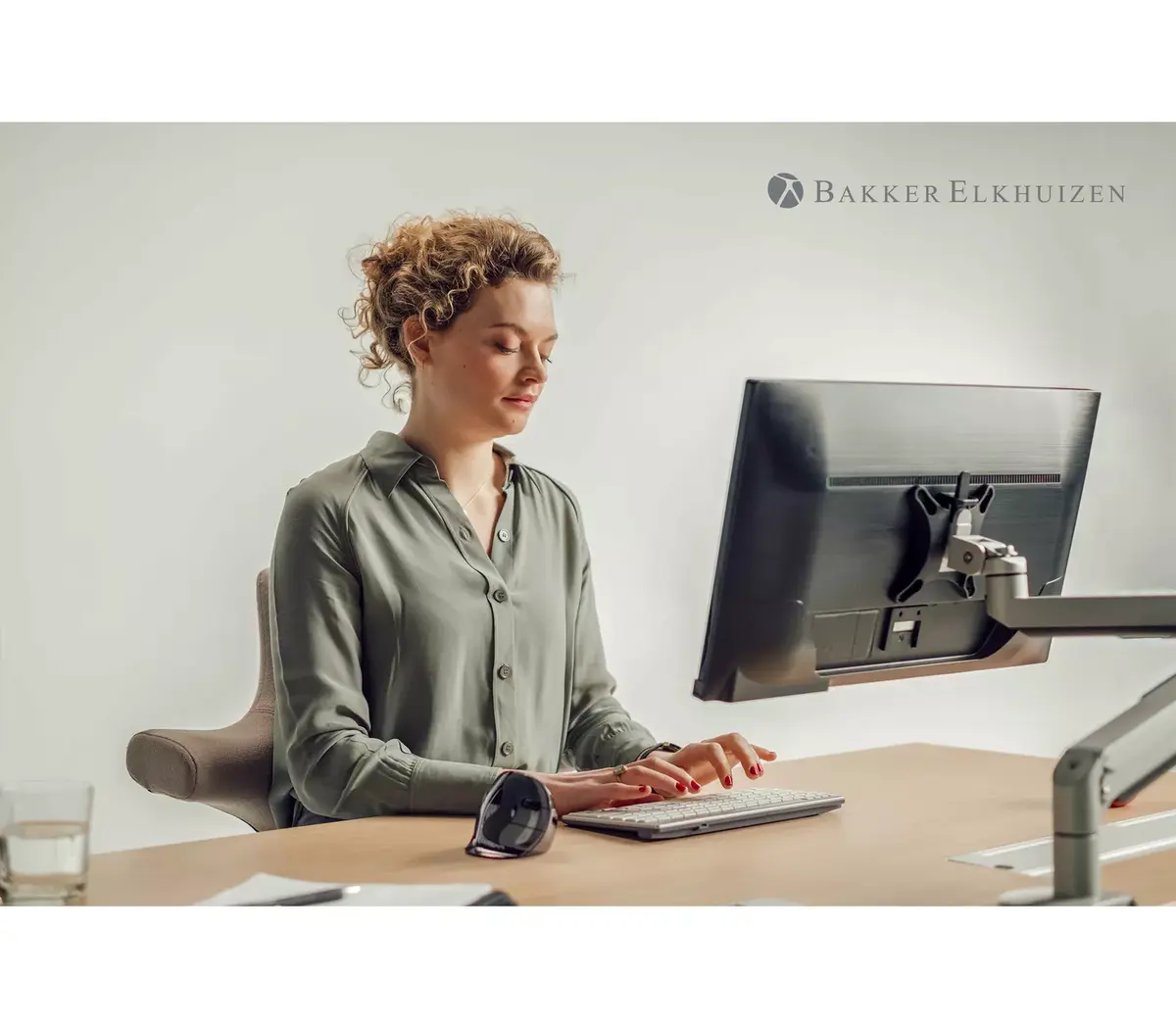
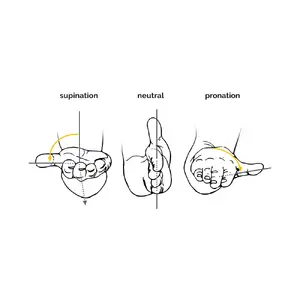
Prolonged use of a regular mouse can lead to pain and discomfort in the shoulders, forearms, and hands (Chang et al., 2007 & Andersen et al., 2008). The handshake position of vertical mice keeps the wrist from bending as much to the side while the forearm also turns inward to a lesser degree (Schmid, et al., 2015). This means that muscle activity in the forearm is less than it would be when using a conventional mouse (Quemelo & Vieira, 2013). Research has shown that the use of a vertical joystick mouse ensures a faster recovery from forearm, wrist and hand complaints (Aarås, et al., 2001). Therefore, vertical mice compared to standard mice lead to a healthier and more comfortable way of working.
Ergonomic background
Perfect shape, even the buttons.
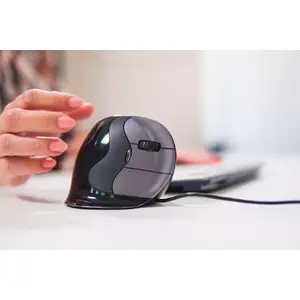
The Evoluent D has grooved buttons, so your fingertips rest in a shallow groove on the buttons. This innovation secures the mouse in your hand and makes movement much more precise. The easy-to-reach thumb buttons are smartly placed and are both within reach at the top and bottom of a contoured thumb rest. All these details contribute to more efficient work.
Perfect shape, even the buttons.
Stylish and high quality.
The Evoluent D not only offers high functionality and supports a healthy, ergonomic way of working, it also features a stylish design. The variety of high-quality materials, the modern matte black finish with metallic highlights, and the chrome housing give the mouse a premium look and feel.
Stylish and high quality.

Similar products

{{product.title}}
Show details Hide details

{{highlightedFeature.featureTitle}}:

{{getProductFeatureValueById(product, highlightedFeature.featureId)}}

{{product.price | formatAmount}}
Might be useful
{{product.manufacturerName}}
{{product.categoryName}}
{{product.title}}
{{product.specialPrice}}
{{product.price}}

Customer reviews

Customer questions

FAQ

What payment options are available?

AiO.lv offers several payment methods: Bank transfer. All transactions are 100% secure and encrypted.

Can this product be purchased for a company (with VAT)?

Yes. AiO.lv works with legal entities in Latvia and across Europe. The product price already includes VAT. For certain product categories, as well as for companies from other EU countries with a valid VAT number, a 0% VAT rate may apply. We issue the invoice immediately after the order is placed, support electronic BIS invoices, and automatically generate all necessary accounting documents. You can complete the purchase for a company online — simply select the company profile and choose bank transfer as the payment method during checkout.

What is the warranty period?

All Evoluent products come with an official 2 Years warranty. It covers all manufacturing defects and malfunctions that may occur during use. The warranty is valid at all authorized Evoluent service centers and through AiO.lv

Can the product be returned after purchase?

Yes, you can return the product within 14 days of purchase if you bought it as a consumer (not a legal entity). Returns are possible without giving any reason — the main condition is that the product retains its original appearance and full set of accessories. We will make the process as simple and convenient as possible: just contact our customer support team, and we will help you arrange the return.

Where should I contact for warranty service?

For warranty-related questions you can contact the AiO.lv (SIA VSPRO) customer support team. We will assist with consultation, warranty claim processing, and coordination with certified service centers.

How can I tell if this product suits my needs?

When making a choice, we recommend paying attention to the key features: quantity per pack, power source, form factor, buttons quantity, scroll type, movement resolution, movement detection technology, device interface, purpose, product colour, compatibility with your devices or usage conditions, material quality, functionality, and warranty terms. These characteristics will help you determine how well the model meets your needs.

Where can I download the instructions for Mouse BakkerElkhuizen Evoluent D?

You can download the instructions in PDF format from the “Instructions” section on the product description page. The file contains complete information about installation, setup, and usage.

warranty
14-Day Return Policy We are confident in our quality, but if the purchase doesn’t fit — you have 14 days to return the product with peace of mind.
shipping
Fast Delivery Get your orders as quickly as possible — right to your door, parcel lockers, or pickup points across Latvia and the EU.
payment
Secure Payment Pay the way you prefer: cash, VISA, MasterCard, Apple Pay, Google Pay, bank transfer, or 0% installment plan.
warranty
Quality Since 2008 AiO.lv has been on the market for over 18 years and has earned trust — with more than 6000 genuine positive reviews on Google.