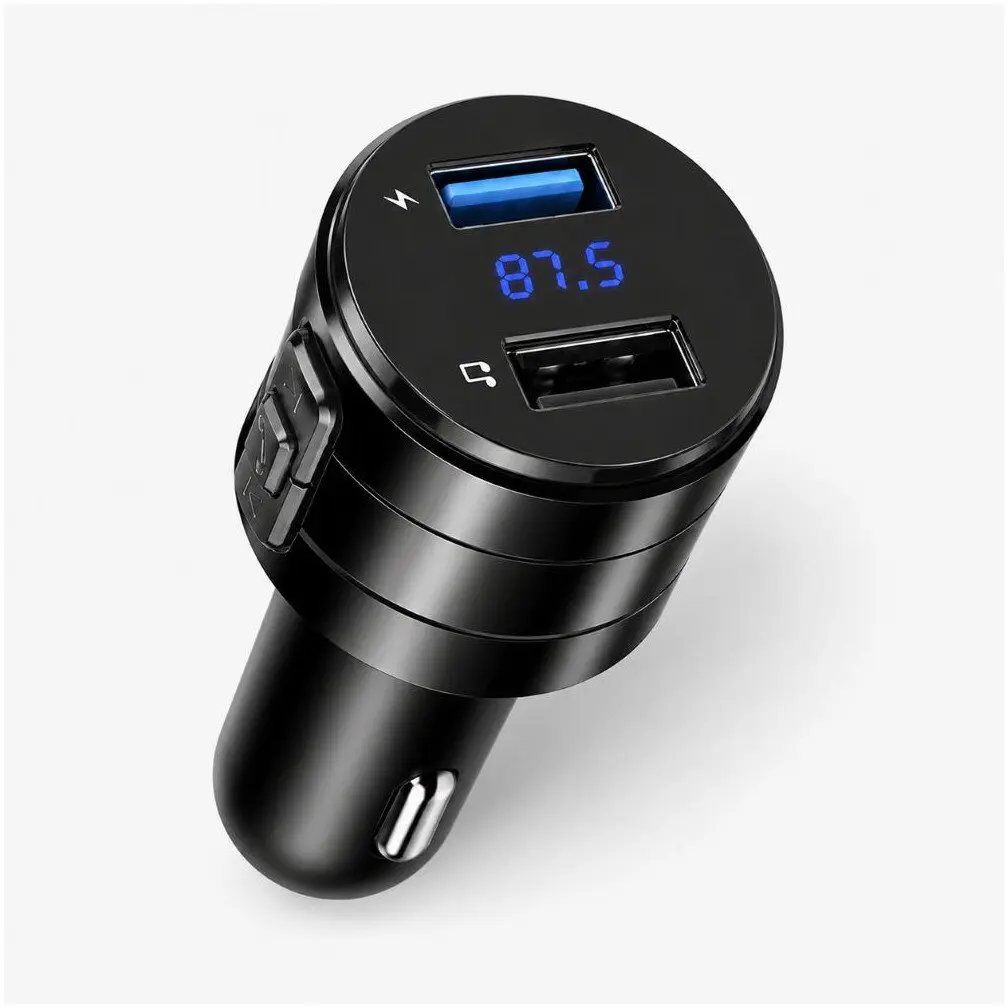
The Extralink EX.98338 Bluetooth FM Transmitter with Dual USB Charger is a versatile in-car accessory designed to enhance your daily driving experience by combining wireless audio streaming, hands-free calling, and reliable device charging into a single compact unit. This multi-functional device allows you to easily connect your smartphone to your vehicle's audio system, enabling you to enjoy your favorite music, podcasts, and navigation prompts directly through the car speakers without the need for complex installations.
Advantages
This FM transmitter provides a seamless way to upgrade older car audio systems that lack built-in Bluetooth connectivity. By plugging directly into the vehicle's cigarette lighter socket, it establishes a stable wireless connection with your mobile device. The integrated dual USB charger allows you and your passengers to power up two devices at the same time, ensuring your smartphones and other gadgets remain charged throughout long journeys. Additionally, the built-in microphone facilitates safe, hands-free phone calls, allowing you to keep your hands on the steering wheel and your eyes on the road.
Suitable for
- Streaming music wirelessly from a smartphone to a car stereo
- Making and receiving hands-free phone calls while driving
- Charging up to two mobile devices simultaneously in the vehicle
- Upgrading older car audio systems with modern Bluetooth functionality
When it may not be suitable
This device may not perform at its best in areas with heavy FM radio frequency congestion, where finding an entirely clear, static-free radio frequency can occasionally be challenging. Furthermore, vehicles that do not feature a standard 12V cigarette lighter socket or auxiliary power outlet cannot accommodate this plug-in unit.
Key specifications
- Wireless Bluetooth connectivity for audio streaming and calls
- Dual USB ports for simultaneous device charging
- Designed for standard vehicle power sockets
- Integrated microphone for hands-free operation
How to use
To begin using the transmitter, plug the unit firmly into your vehicle's 12V accessory socket. Turn on your car radio and tune it to an unused FM frequency that produces only static. Next, tune the FM transmitter to match the exact same frequency to establish the audio link. Enable Bluetooth on your smartphone, search for available devices, and pair it with the transmitter. Once connected, you can stream audio from your phone or use the control buttons to manage phone calls and adjust playback.
What to consider before purchase
- Verify that your vehicle is equipped with a standard 12V cigarette lighter socket
- Check the availability of clear, unused FM radio frequencies in your region
- Assess your charging needs to ensure the dual USB output meets your device requirements
Usage recommendations: For the best audio clarity and minimal static interference, periodically scan your local radio dial to find the quietest available FM frequency for transmission. Always pair your phone and adjust volume levels before starting your journey to maintain maximum focus on driving.