


Streaming controller Fifine D6 — audio interface and mixer for live streaming and podcasting
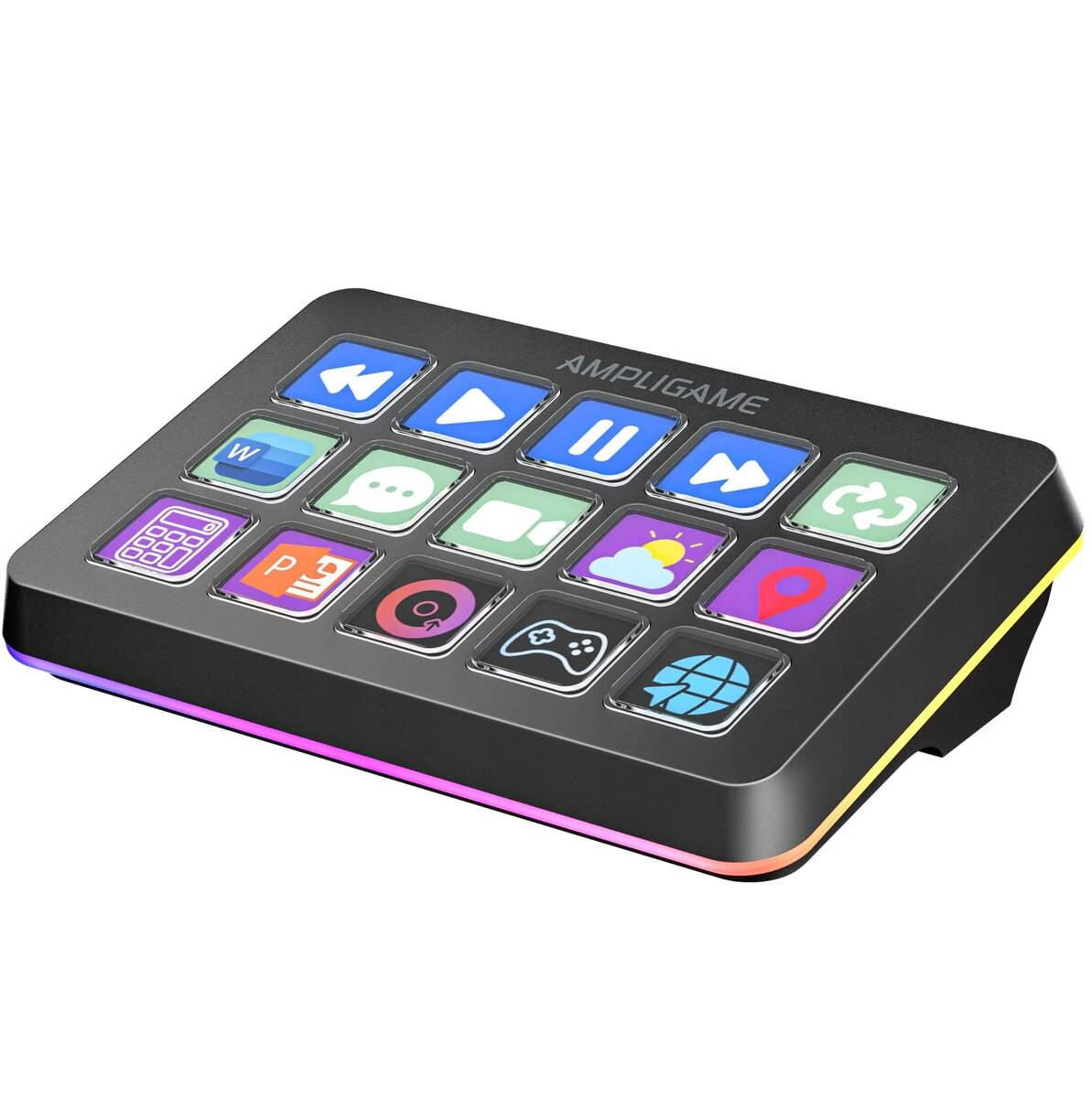
Short description

Cheapest delivery:
Unisend LV

Esto — pay in 6 equal parts
Product information
Description
Fifine D6 is a compact streaming controller that combines an audio interface and mixer for live streaming, podcasting and online content creation. It centralizes control of microphone inputs and playback sources, providing physical knobs and switches for real-time monitoring, level adjustments and routing. The device is designed to simplify audio management during broadcasts and remote presentations while maintaining a small footprint suitable for desktop setups.
Advantages
The Fifine D6 offers hands-on control over multiple audio sources, reducing the need to switch between software menus during a live session. Its integrated audio interface enables direct connection to a computer for low-latency monitoring and recording. The form factor and intuitive layout make it easy to operate under time-sensitive conditions, and the mixer functionality allows simultaneous handling of microphone signals and playback audio.
Suitable for
- Live streamers managing multiple audio sources
- Podcasters requiring straightforward hardware control
- Remote presenters and online teachers who need reliable audio routing
- Content creators integrating microphone and playback audio
Key specifications
- Function: streaming controller combining audio interface and mixer
- Connectivity: computer audio interface for recording and monitoring
- Controls: physical knobs and switches for gain, volume and routing
- Monitoring: real-time monitoring with low-latency audio path
- Form factor: compact desktop unit suitable for home studios and streaming desks
How to use
Connect your microphone(s) and playback sources to the Fifine D6 inputs, then attach the unit to your computer via the provided USB connection. Use the onboard gain and volume knobs to set input levels, and route sources using the mixer controls to determine what is sent to the live stream or recording. Monitor the output with headphones connected to the unit to check levels in real time and adjust as needed during your session.
Usage recommendations
Set input gains conservatively to avoid clipping and use the monitoring output to confirm real-time levels. For consistent audio quality, perform a short test recording or stream check before going live and keep firmware and drivers up to date when applicable.
Customer reviews
Customer questions
How much does the Fifine D6 streaming controller cost, and is it available for purchase?
If I order this product today, when will I receive my order?
What payment options are available?
Can Fifine D6 streaming controller be purchased with a lease?
- Select the product on the website and add it to your cart;
- When placing your order, choose the payment method “Installments”;
- Fill in the required details for the lending partner;
- Receive a decision within a few minutes.


