
Dreame vacuums for fast and efficient cleaning!
In cart {{totalProductsCount}} item(s)
Your cart is empty
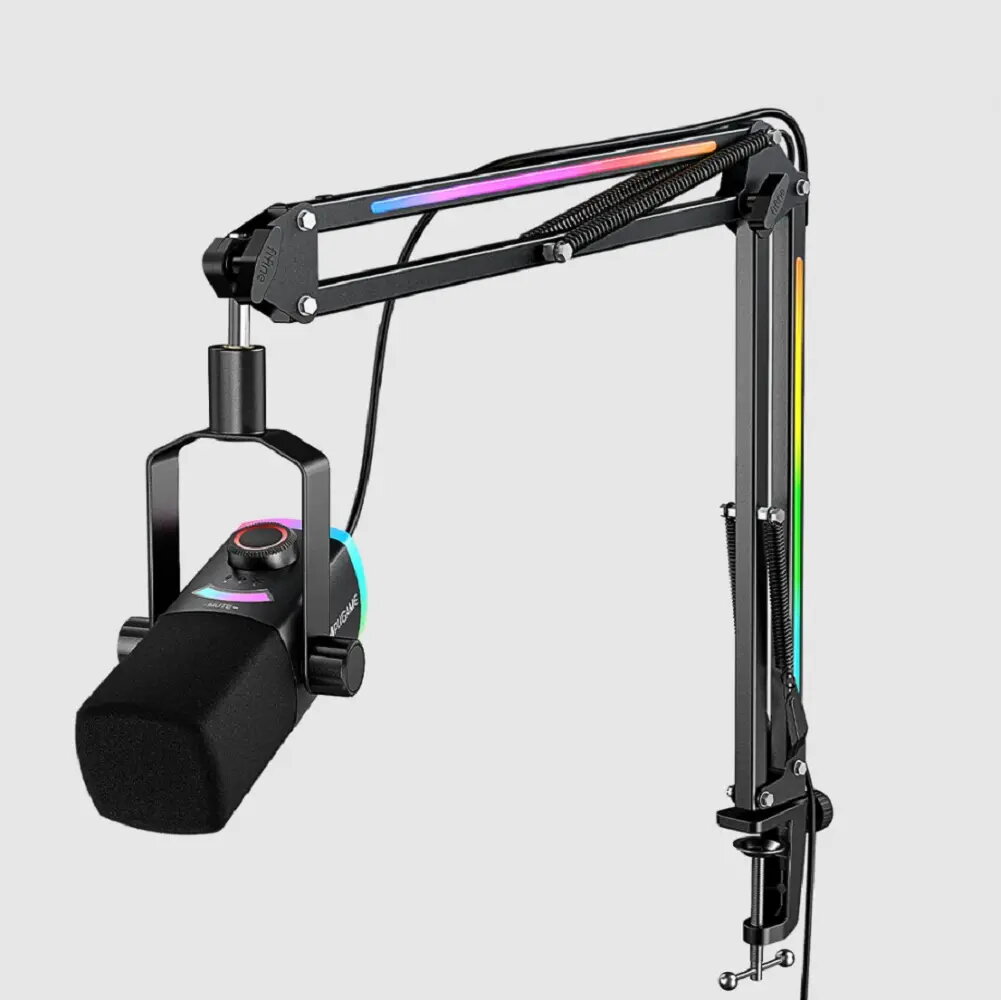
Condenser USB Microphone Fifine AM8 PRO T — desktop broadcast mic with cardioid capsule, USB-C connectivity
Fifine AM8 PRO T is a condenser USB microphone designed for desktop broadcast use, offering focused vocal capture and simple connectivity. The microphone uses a cardioid capsule to prioritise sounds from the front while reducing ambient noise from the sides and rear. With USB‑C connectivity and a compact desktop form factor, the AM8 PRO T is suitable for podcasting, streaming, voice-over work and remote meetings where clear speech reproduction and straightforward setup are required.
The Fifine AM8 PRO T provides clear and natural vocal capture thanks to its condenser cardioid capsule, helping reduce room reflections and background noise compared with omnidirectional designs. USB‑C connectivity enables direct digital audio transmission to computers without additional interfaces, and the desktop design allows easy positioning near the sound source. Built-in controls and a stable base support quick adjustments and consistent placement for consistent recording levels.
Connect the Fifine AM8 PRO T to a compatible computer using a USB‑C cable and select it as the input device in the operating system or recording software. Position the microphone on a stable flat surface or mount it on a desktop stand so the capsule faces the speaker at an angle and distance that yields clear vocal capture, typically 15–30 cm from the mouth. Adjust input levels in the host application to avoid clipping and monitor sound via headphones if available. For consistent results, maintain the same microphone-to-mouth distance and orientation during recording or streaming sessions.
Place the microphone away from noise sources such as computer fans and open windows. Use basic room treatment or a reflection filter to reduce unwanted reflections when recording in untreated spaces. When participating in calls or streams, mute the microphone in software when not speaking to prevent background noise from being transmitted.
{{highlightedFeature.featureTitle}}:
{{getProductFeatureValueById(product, highlightedFeature.featureId)}}
{{ productComparisonGenerationError }}