Filters you can trust. Pure water every day.
In cart {{totalProductsCount}} item(s)
Your cart is empty
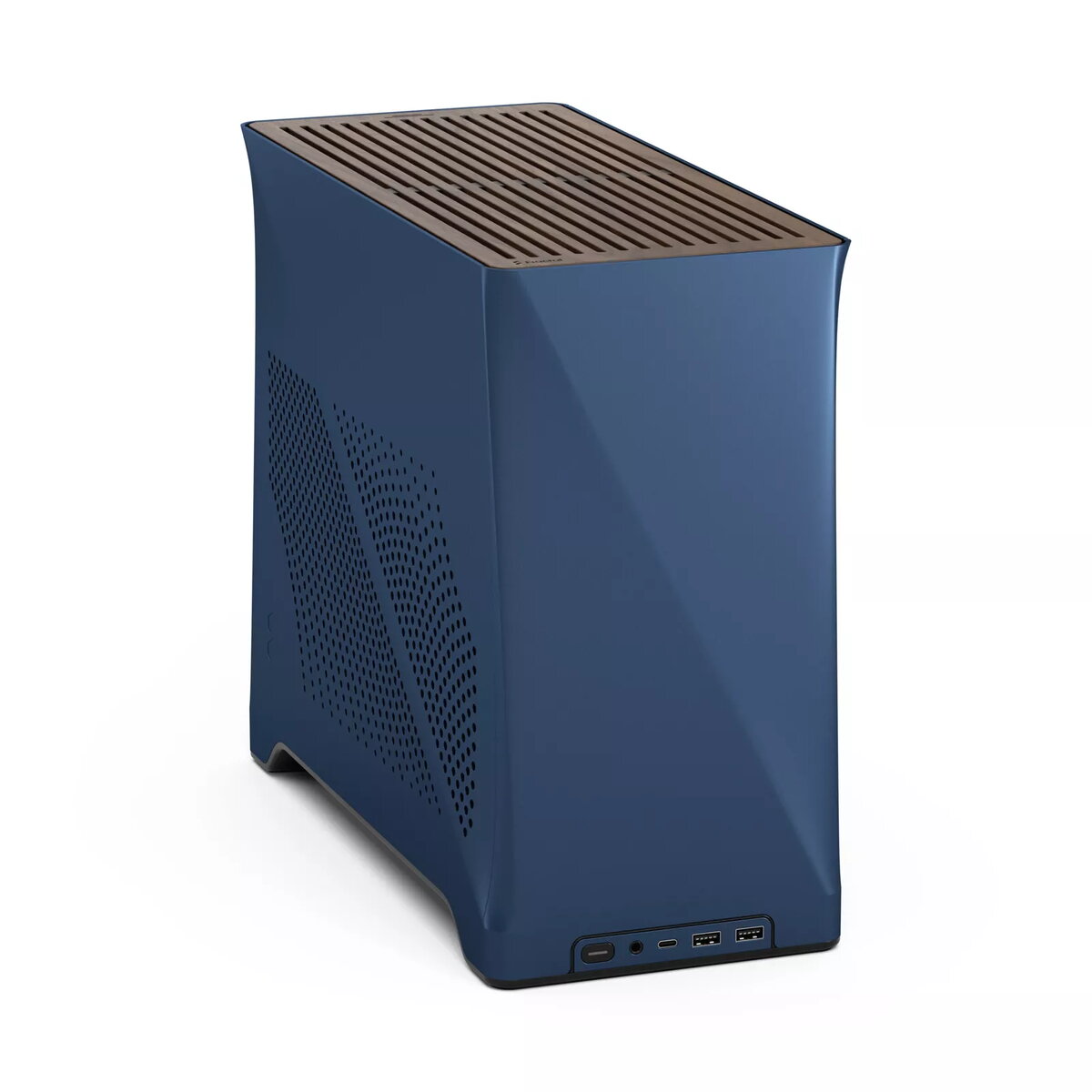
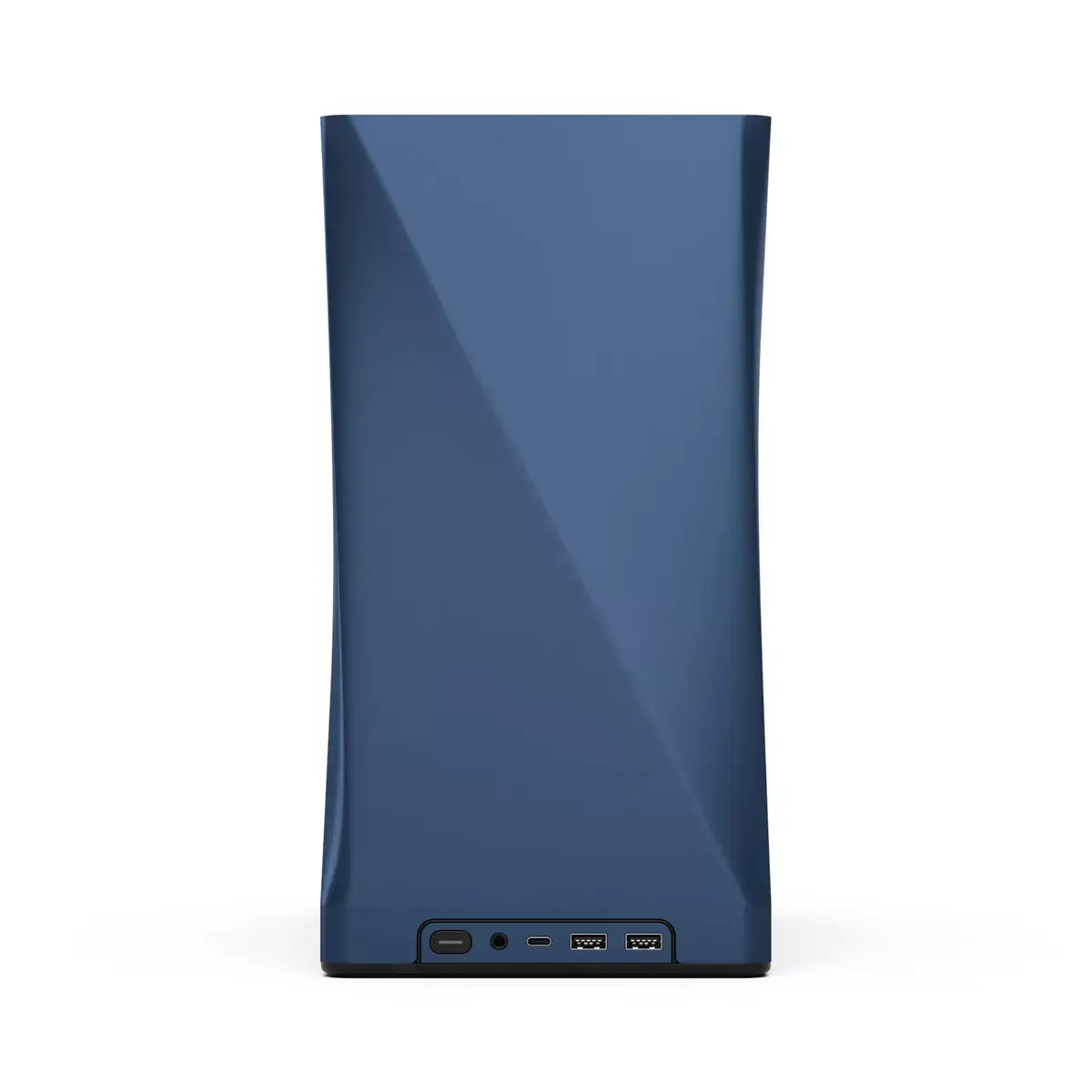
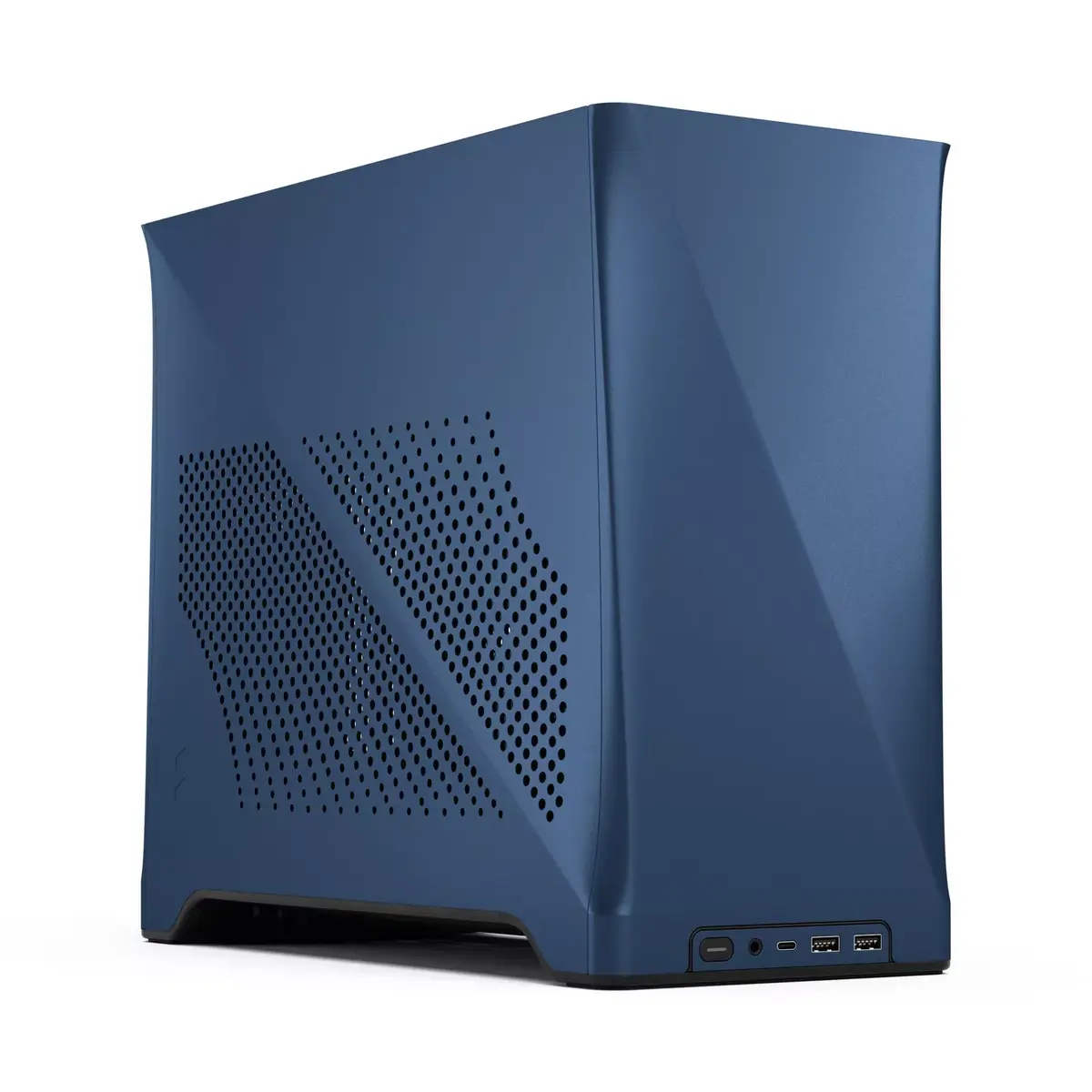
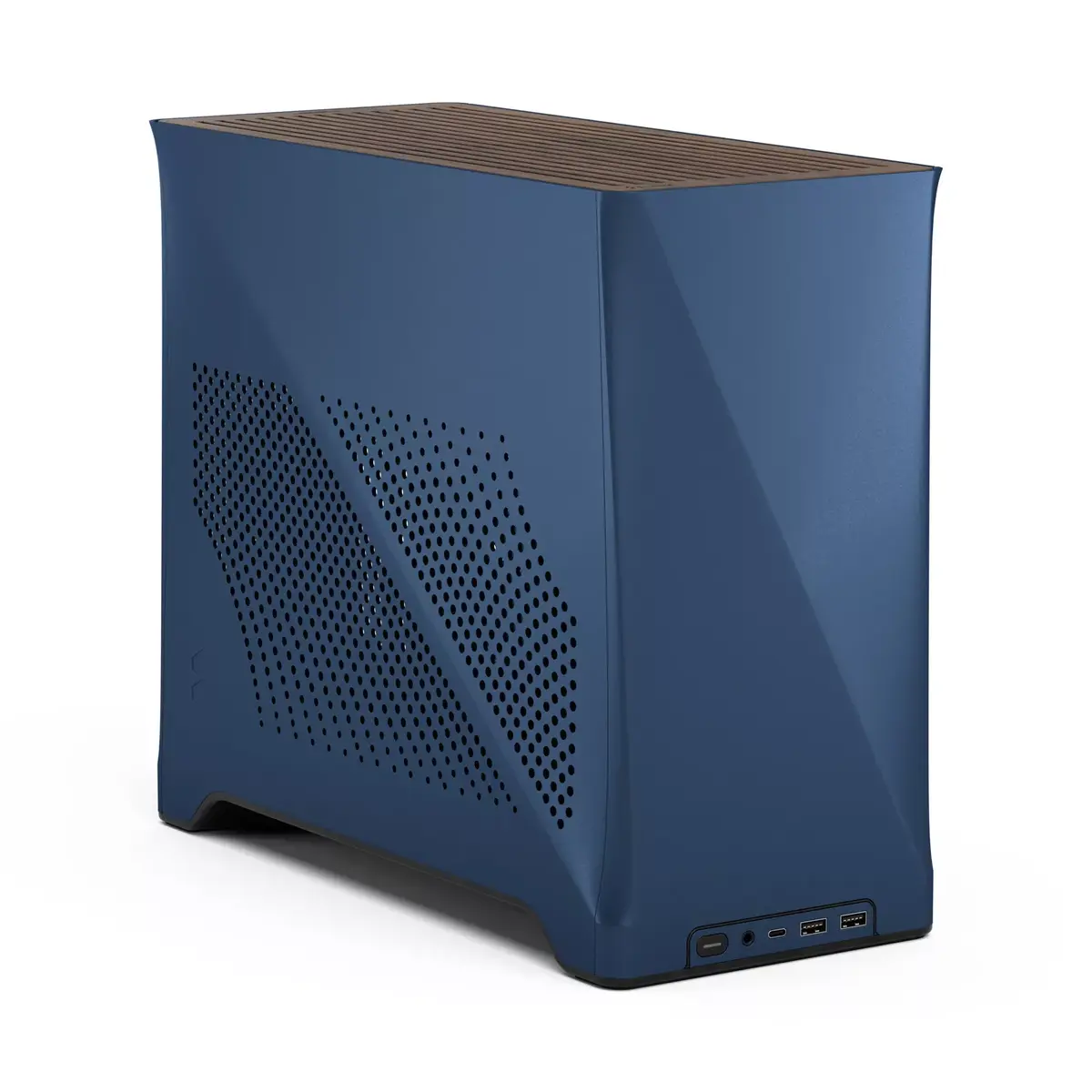
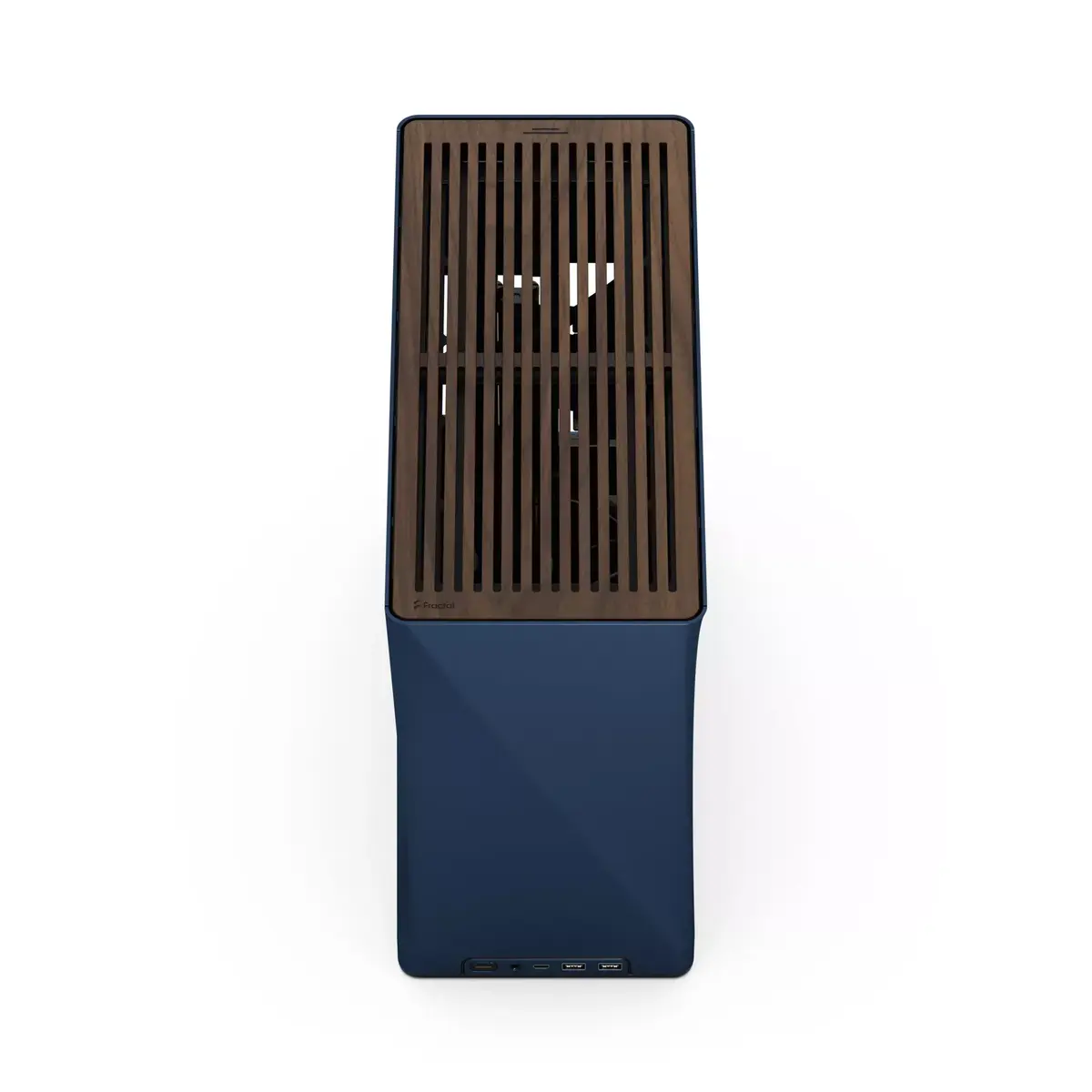
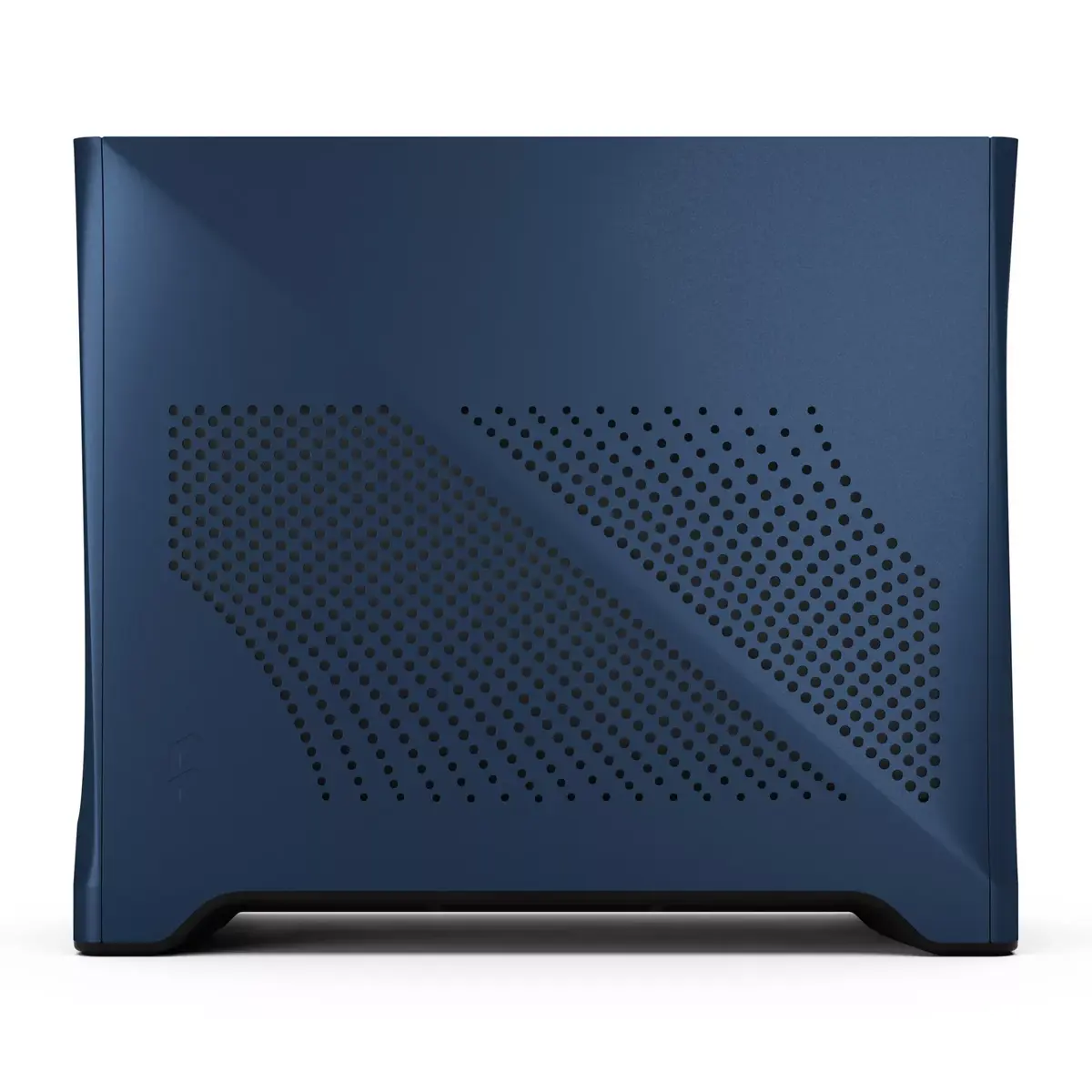
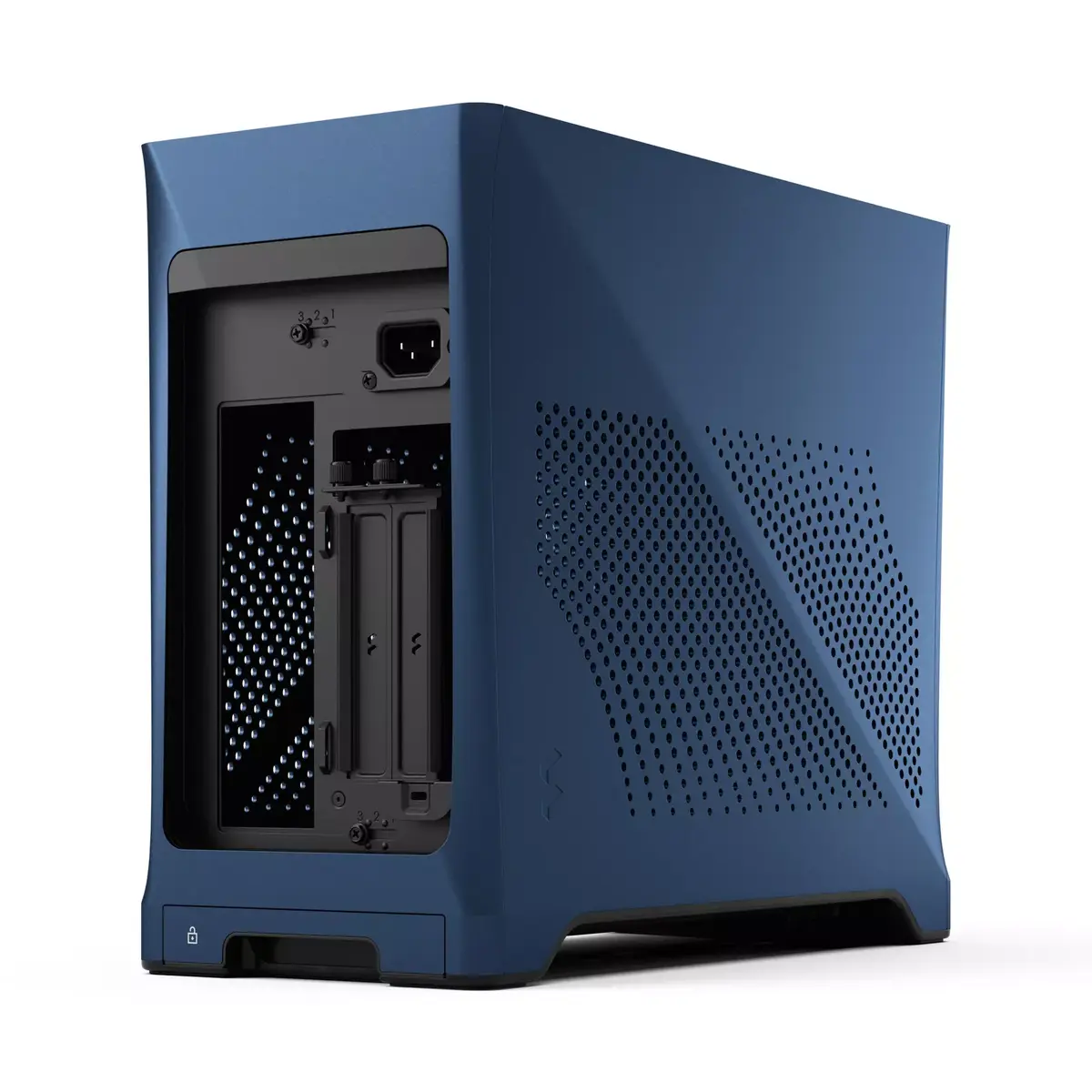
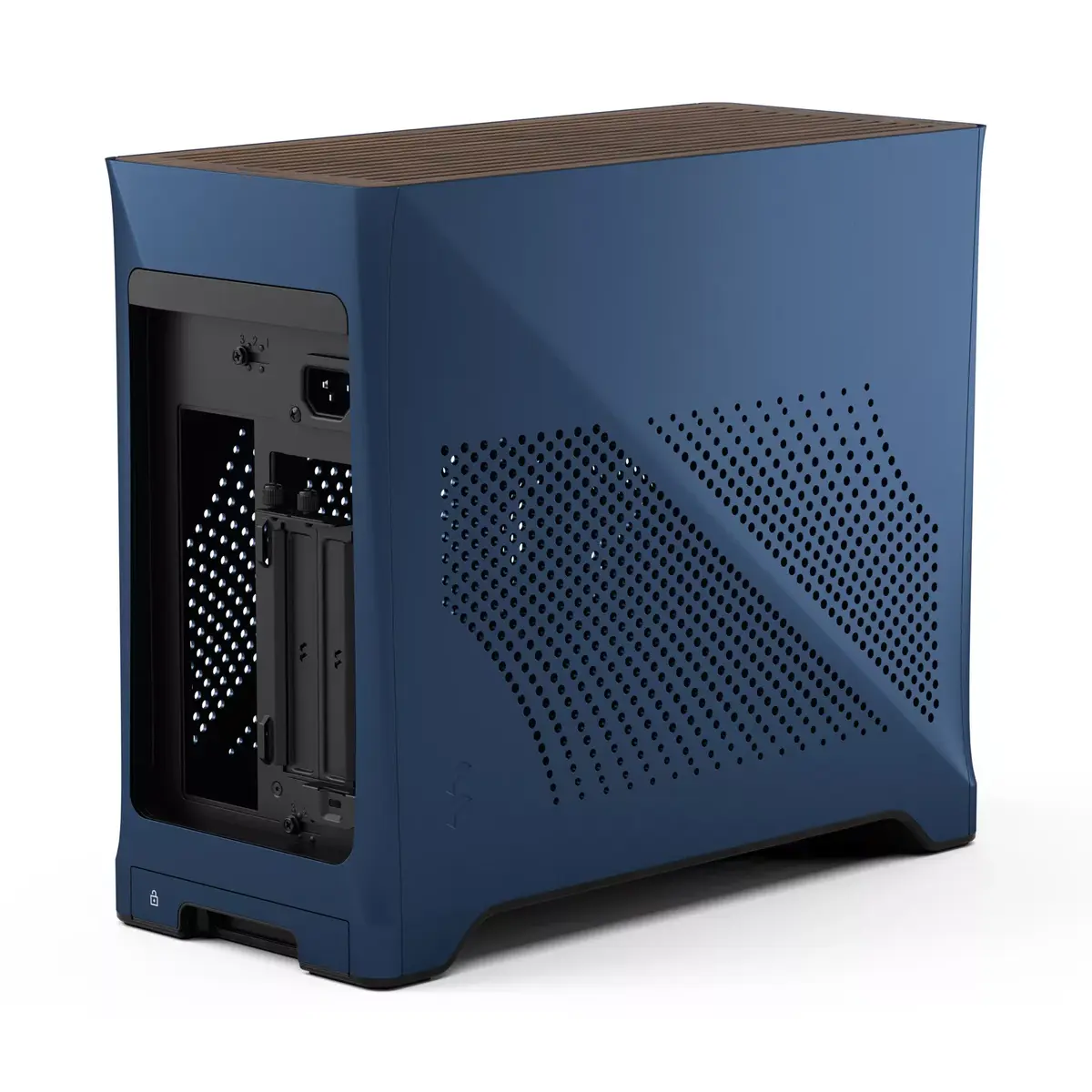
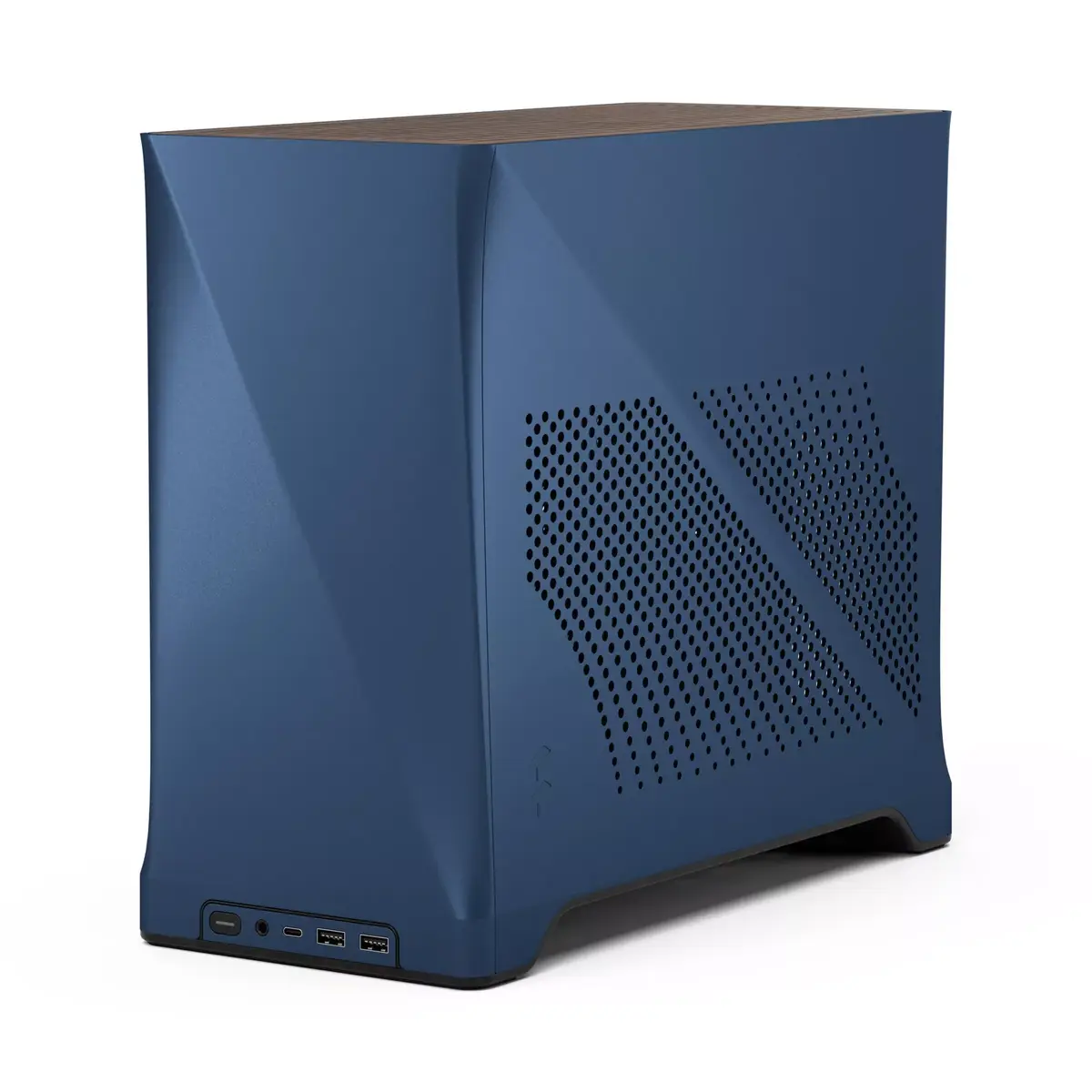
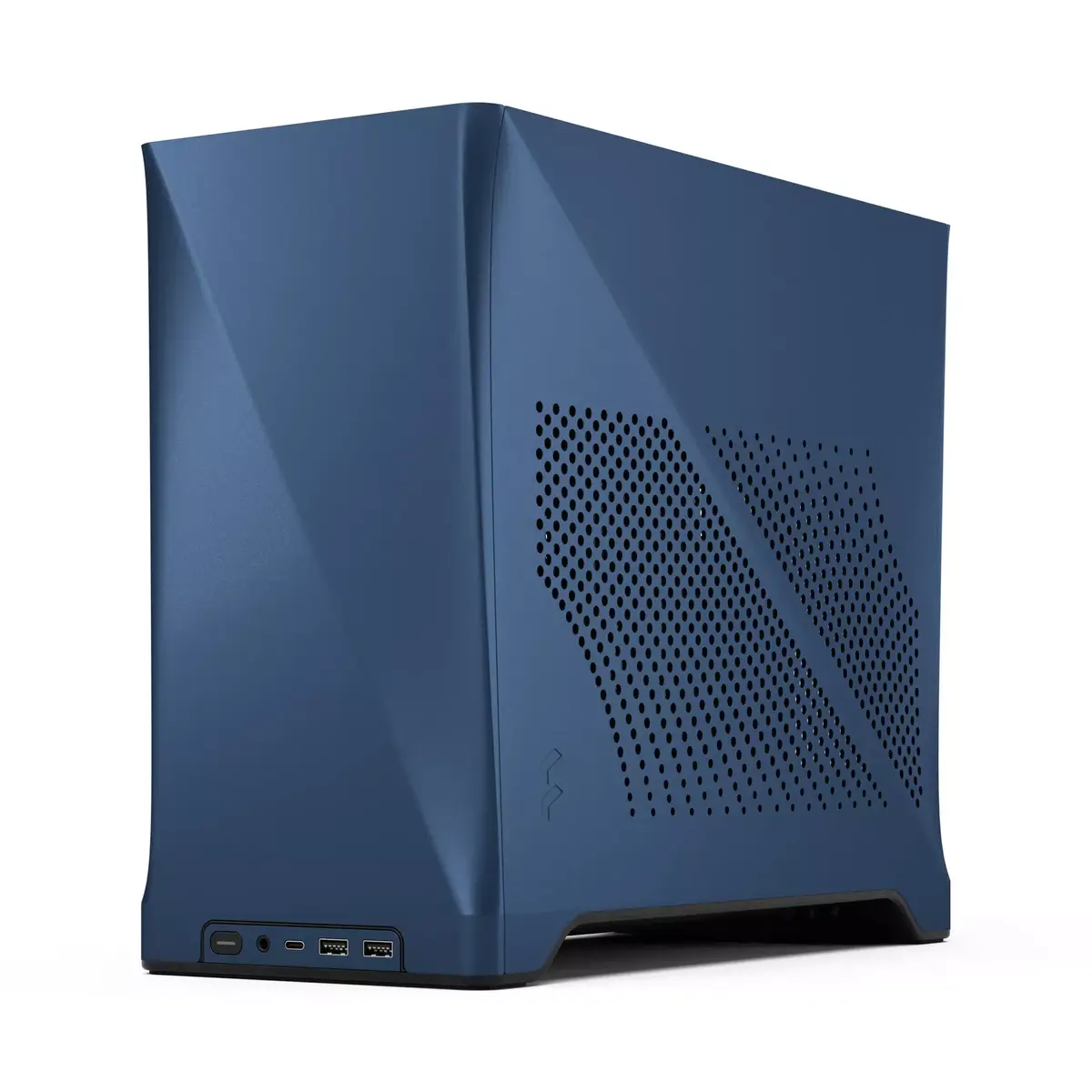
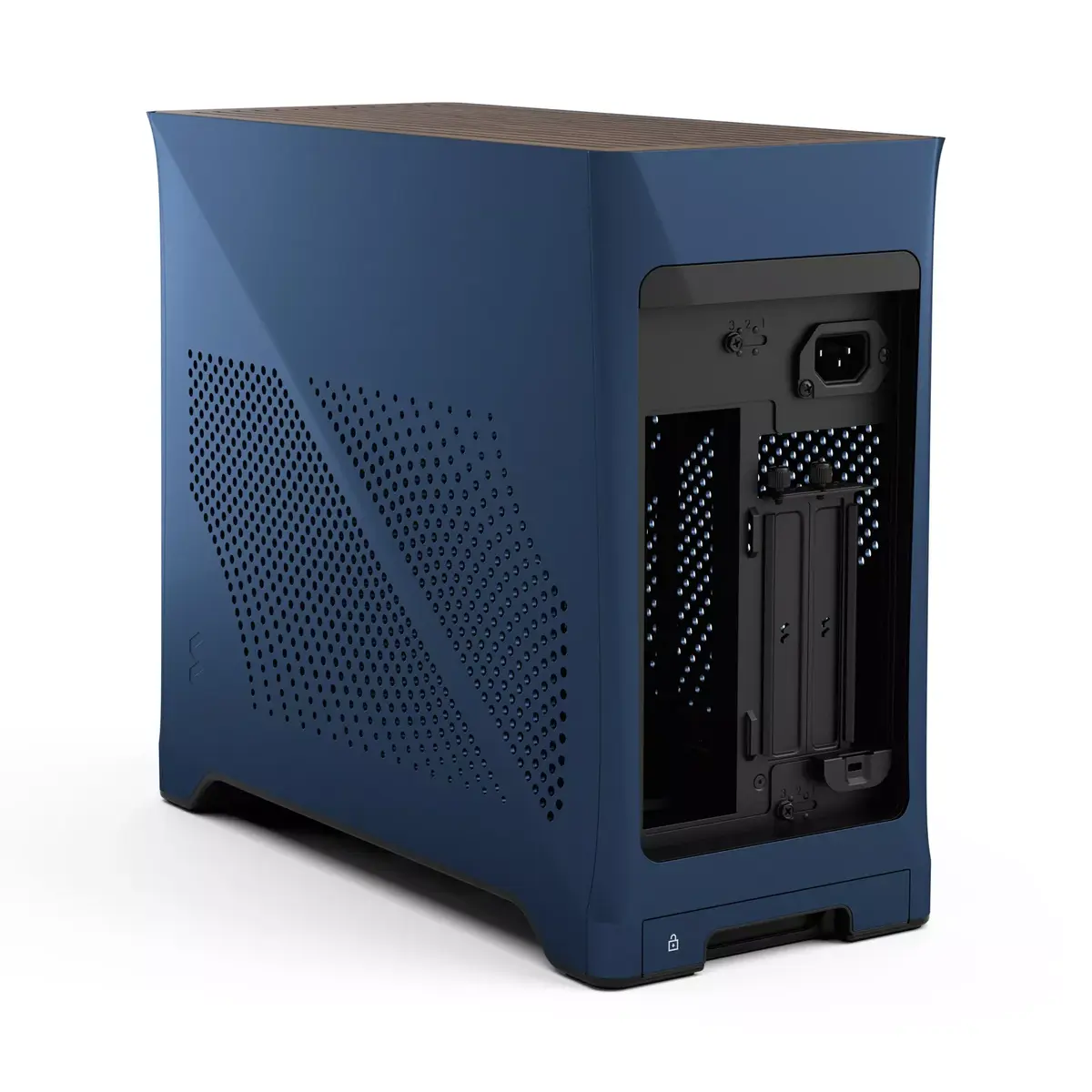
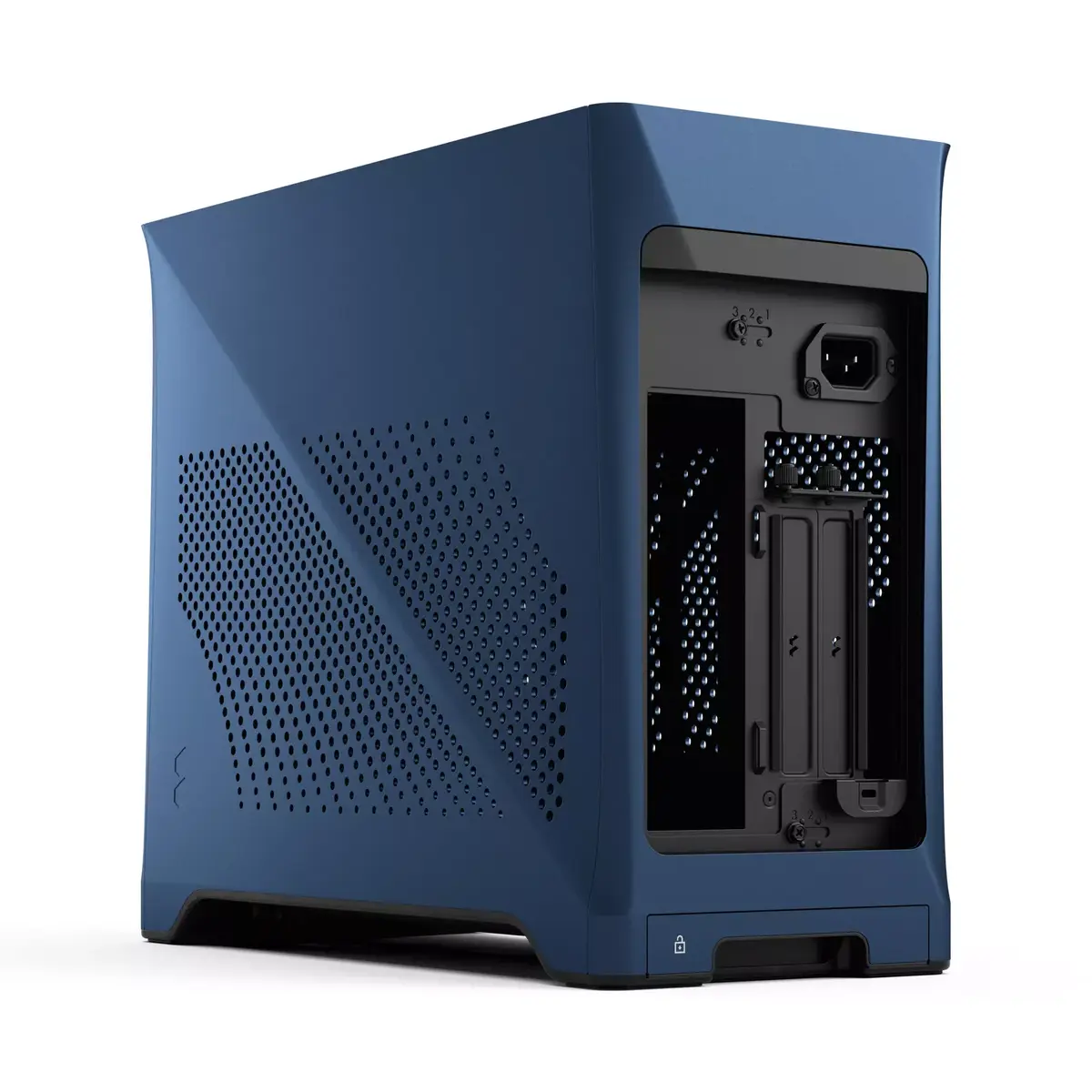
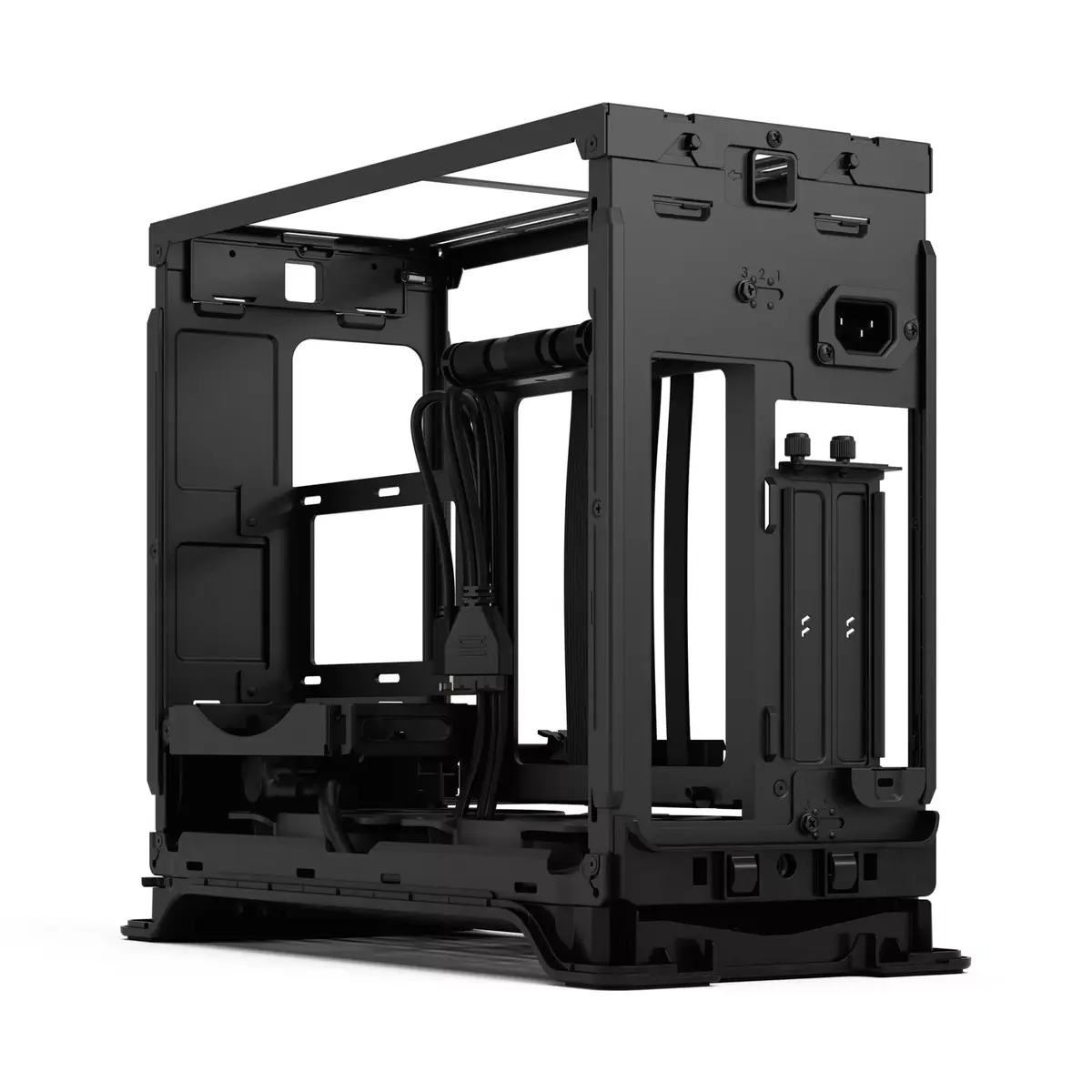
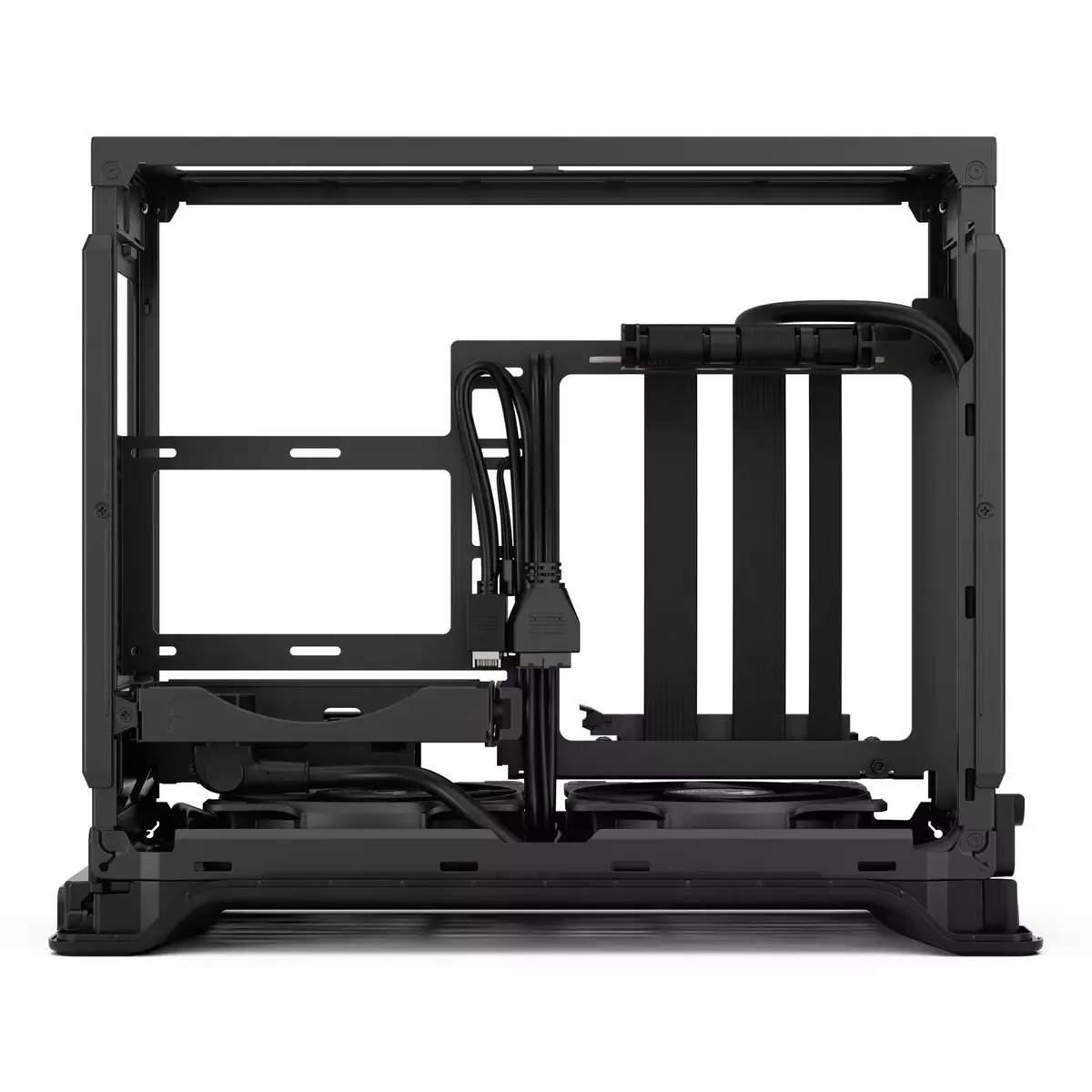
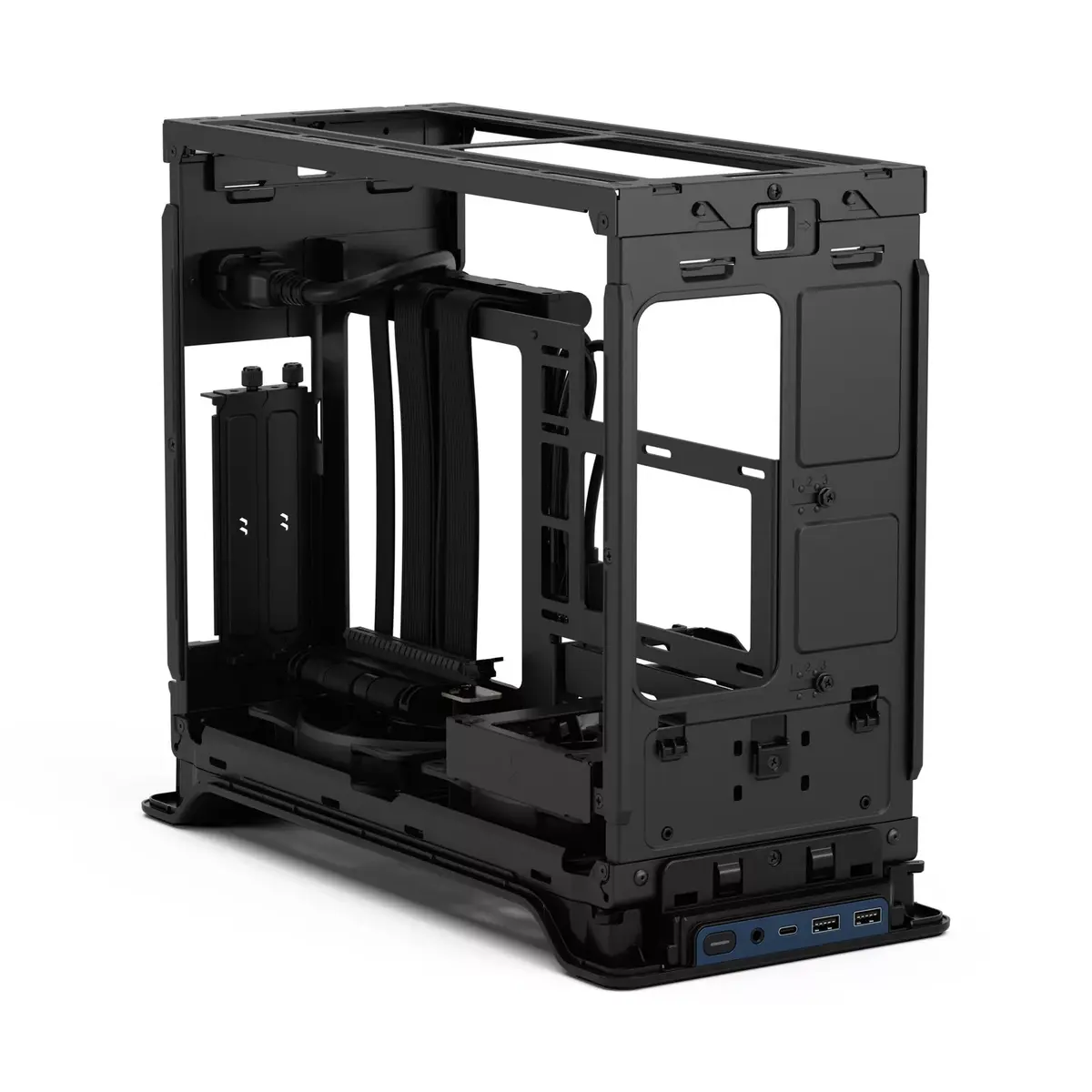
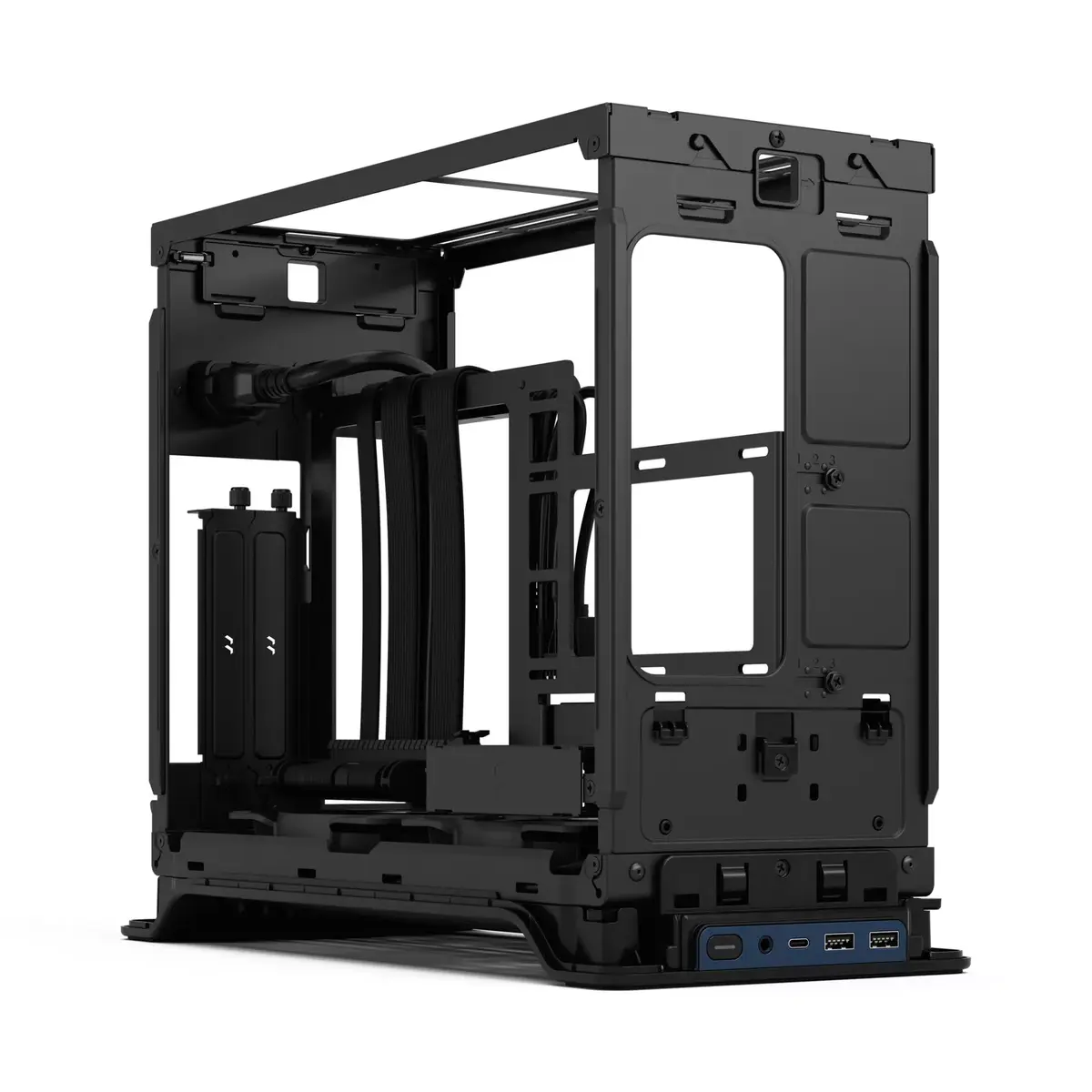
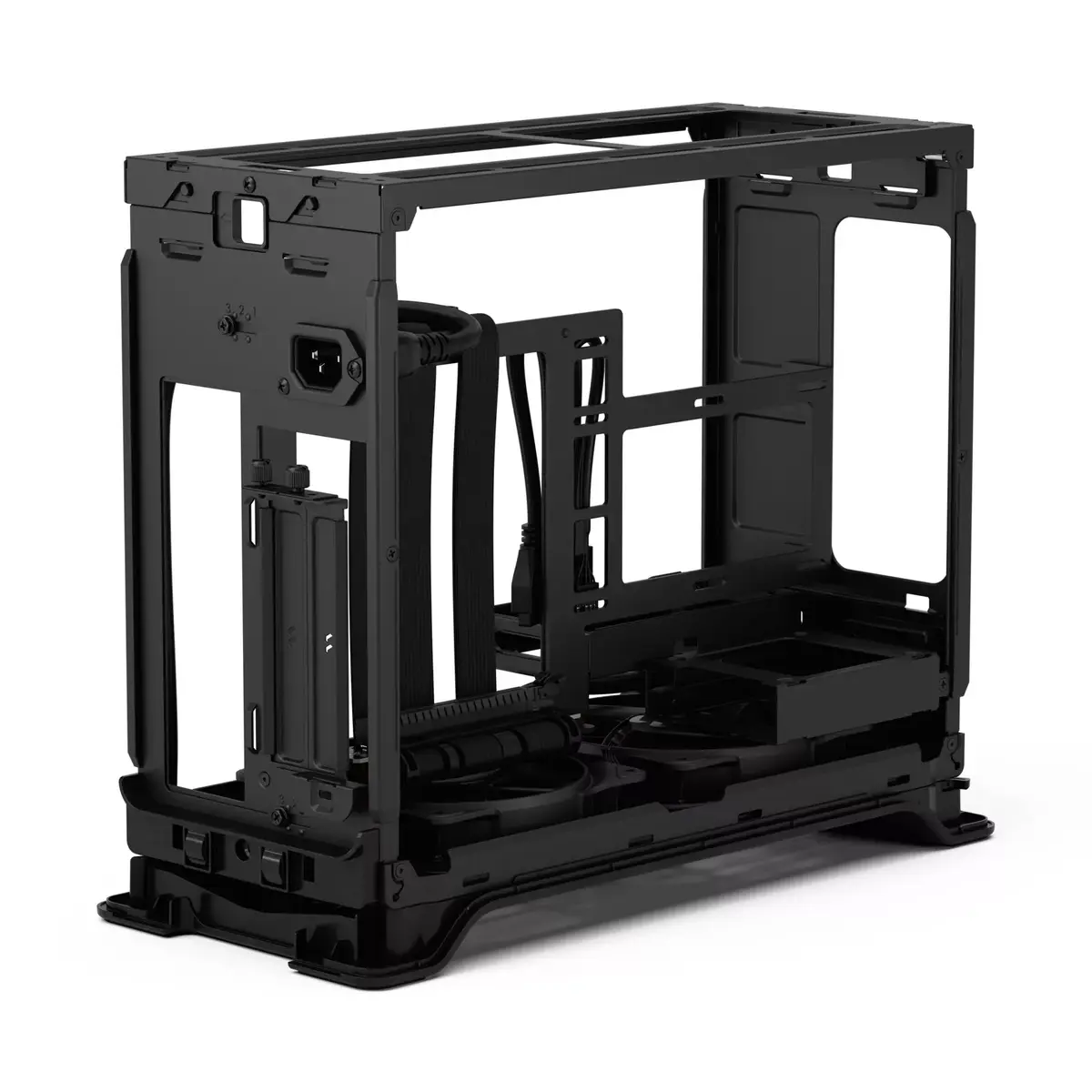
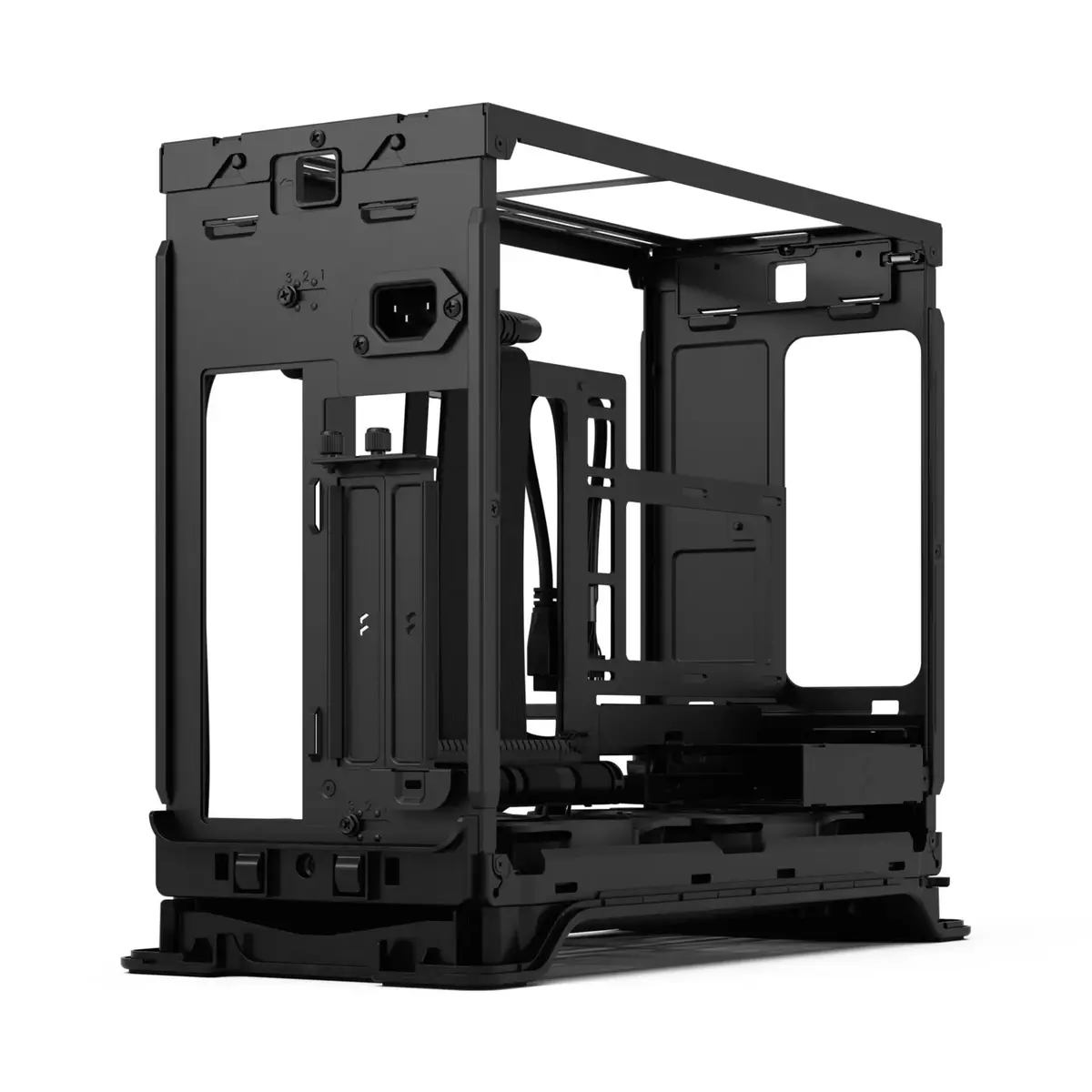
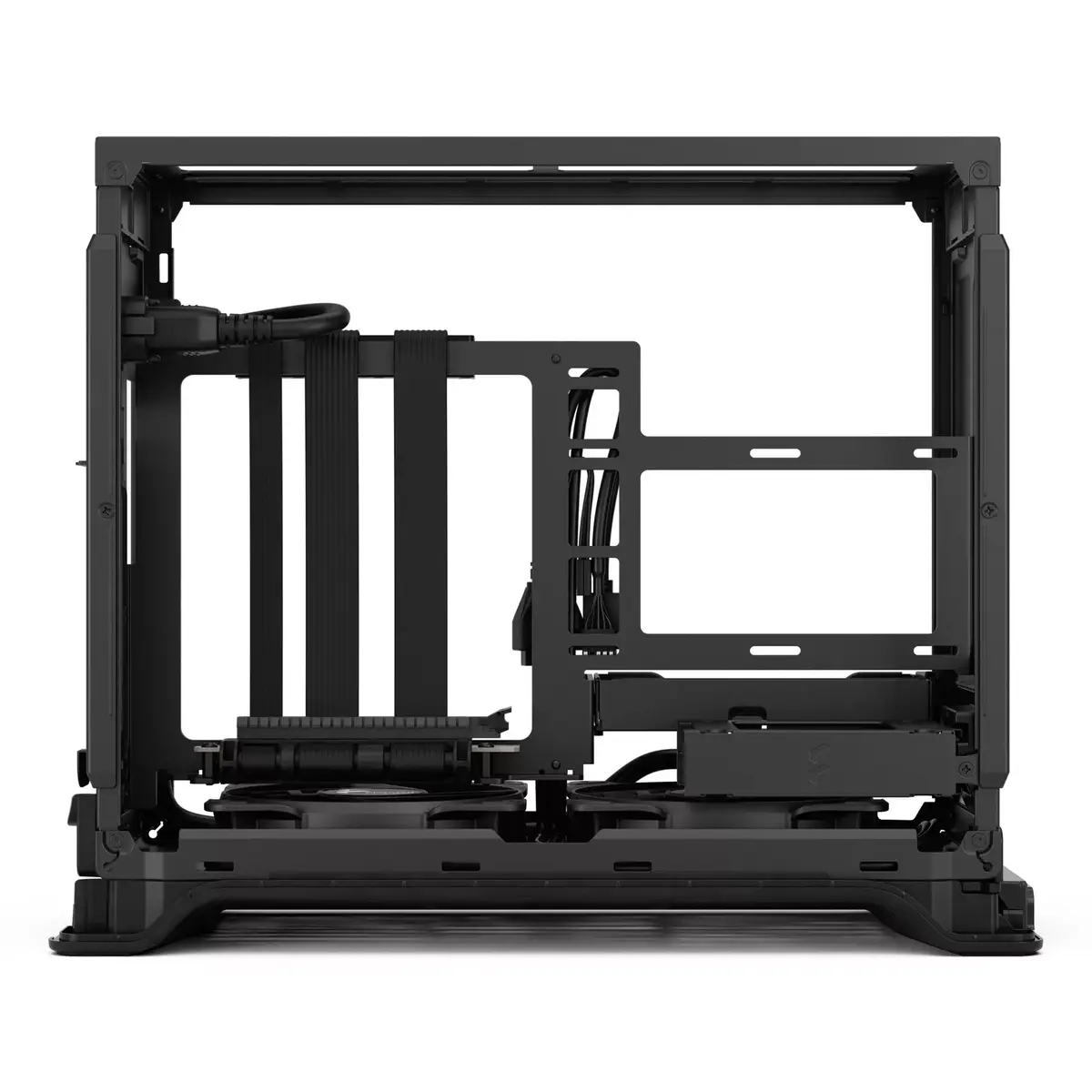
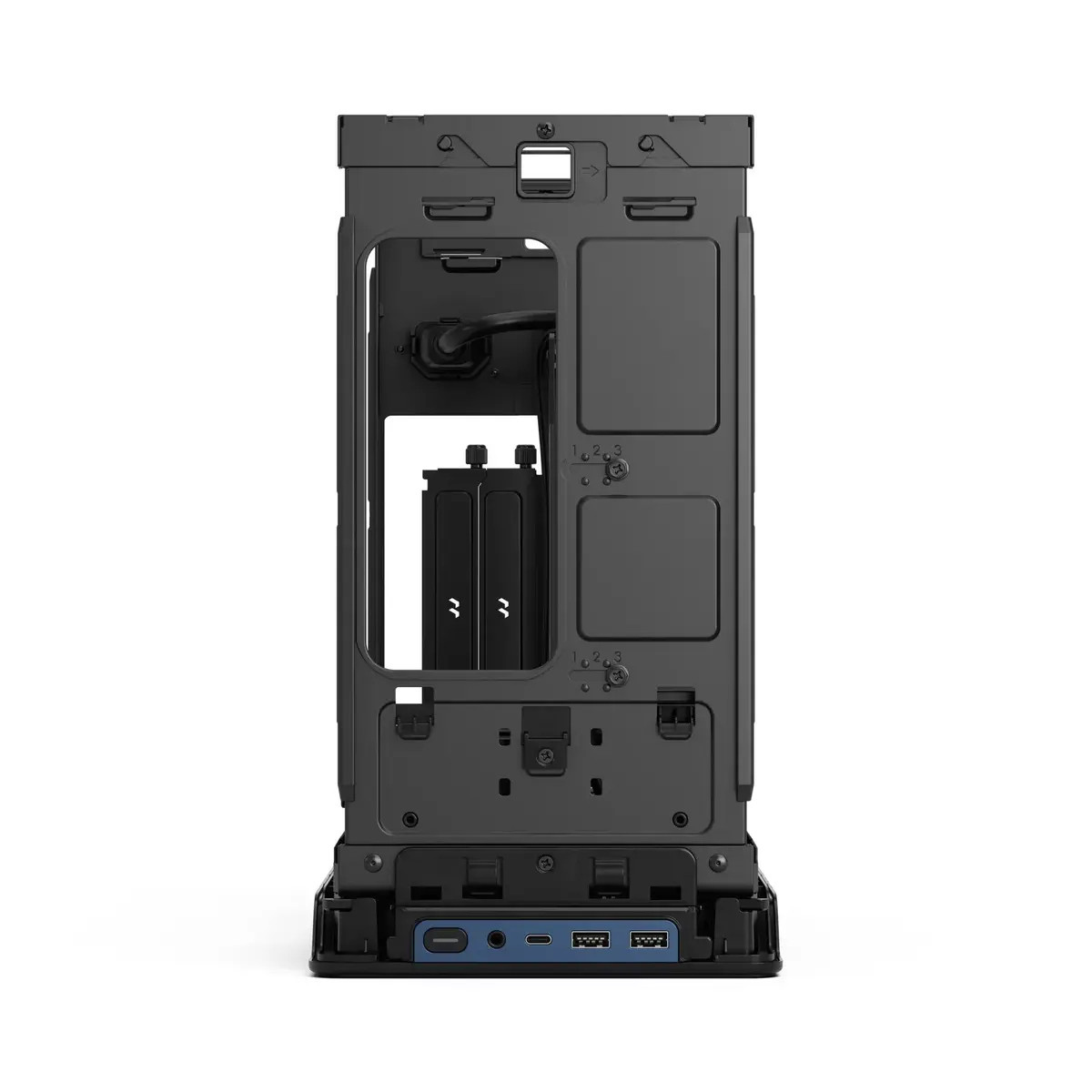
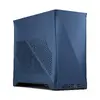
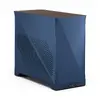
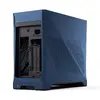
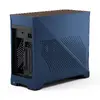
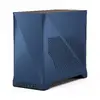
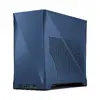
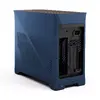
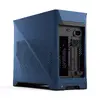
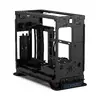
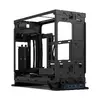
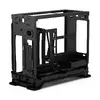
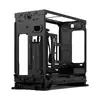
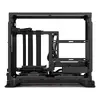
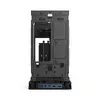
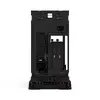
PC Case Fractal Design Era 2 Mini Tower Blue
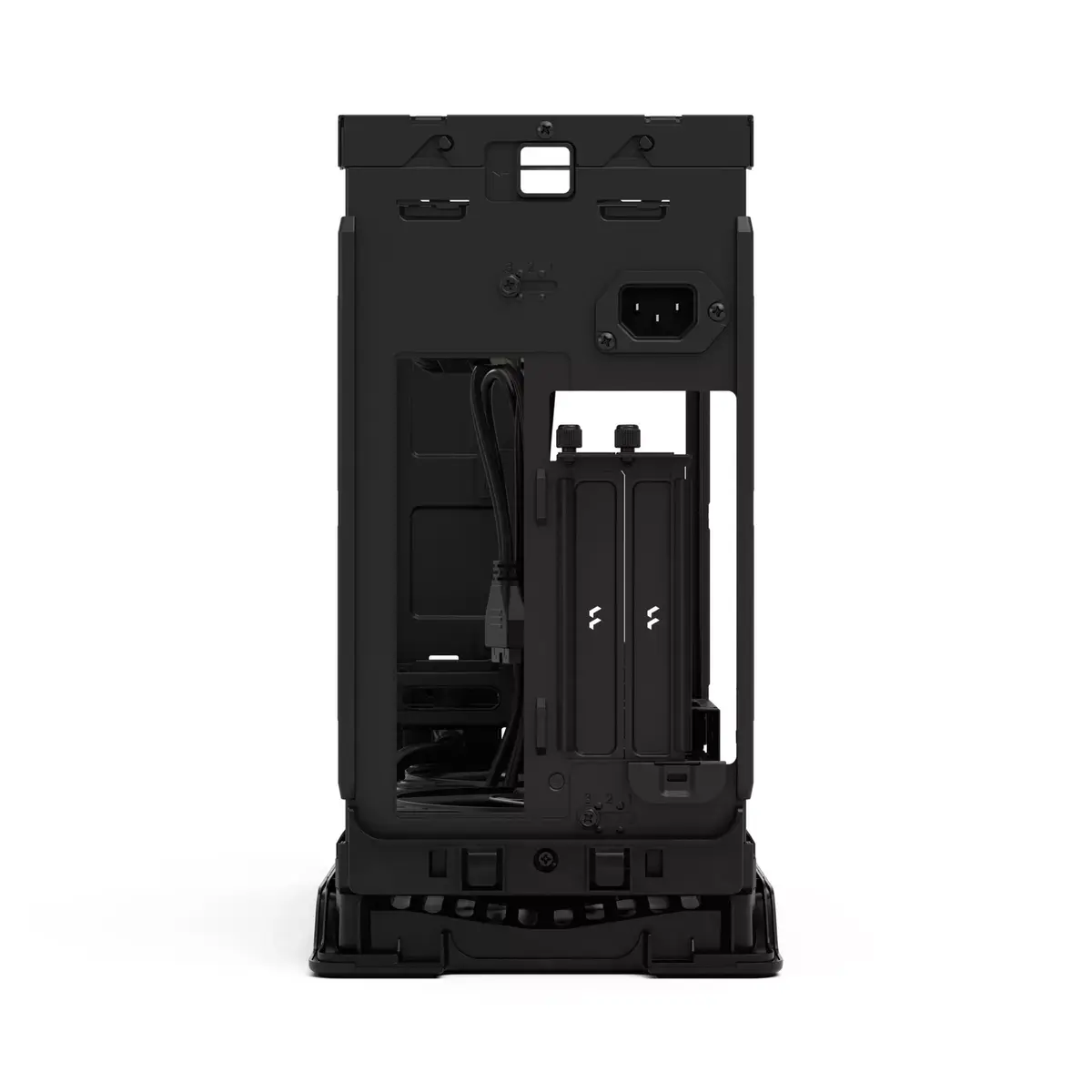
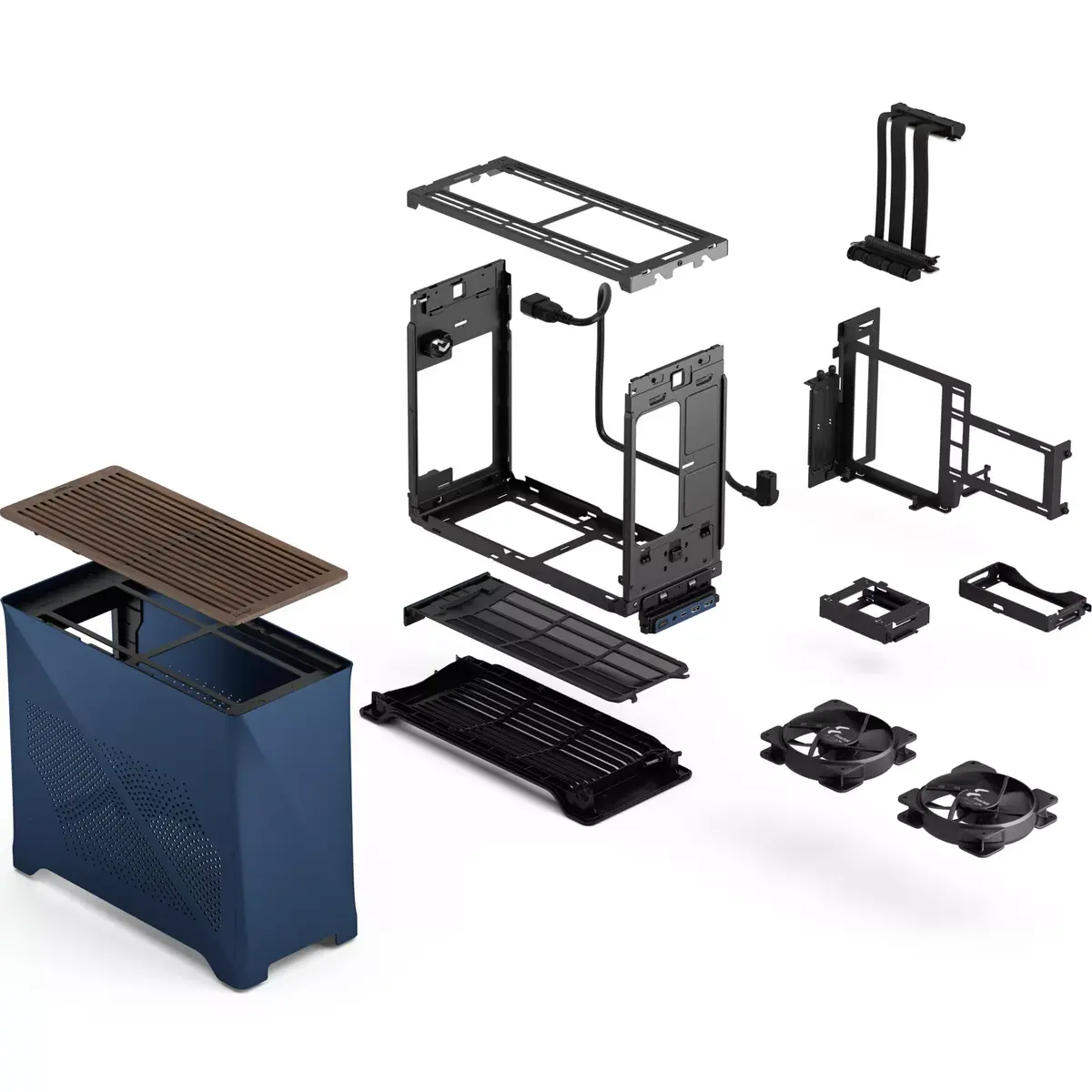
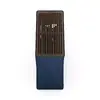
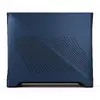
The Fractal Design Era 2 Mini Tower in Blue represents a sophisticated evolution in small form factor PC case design, blending architectural elegance with high-performance engineering. This compact chassis is crafted from premium anodized aluminum and features a distinctive, magnet-fastened ventilation panel made of solid walnut, which provides both a refined aesthetic and superior airflow. Designed to maintain optimal temperatures even under heavy workloads, the case offers ventilation on five sides and supports advanced water cooling solutions, ensuring your components remain cool during intensive gaming sessions or professional tasks.
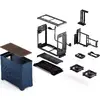
The primary advantage of the Fractal Design Era 2 is its exceptional balance between a compact footprint and high-end hardware support. The intuitive, sliding outer body allows for effortless access to the interior, simplifying the assembly and maintenance process for users of all skill levels. By integrating refined cooling capabilities with a sleek, modern design, this case eliminates the common trade-offs associated with mini tower builds, providing a reliable and visually striking foundation for your desktop computer.
This case may not be suitable for users requiring extensive multi-GPU configurations or those who need to install a large number of 3.5-inch hard drives, as the compact form factor prioritizes space efficiency over massive storage expansion. Additionally, builders planning to use oversized E-ATX motherboards will find this chassis incompatible due to its specific mini tower dimensions.
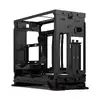
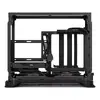
To begin your build, slide the anodized aluminum outer shell off the chassis to expose the internal mounting points. Install your motherboard, power supply, and storage drives according to the internal layout. The case is designed to accommodate water cooling components, so ensure your radiator and fans are positioned to utilize the ventilation panels effectively. Once your components are secured and cables are managed, slide the outer body back into place, ensuring the magnetic walnut panel is properly aligned for optimal airflow.
For the best thermal performance, we recommend utilizing the five-sided ventilation by ensuring the case is placed in an area with sufficient clearance for air intake and exhaust. Regularly clean the ventilation panels to prevent dust buildup and maintain peak cooling efficiency.
{{highlightedFeature.featureTitle}}:
{{getProductFeatureValueById(product, highlightedFeature.featureId)}}
{{ productComparisonGenerationError }}