





Hurry and order now – up to 50% off!
In cart {{totalProductsCount}} item(s)
Your cart is empty
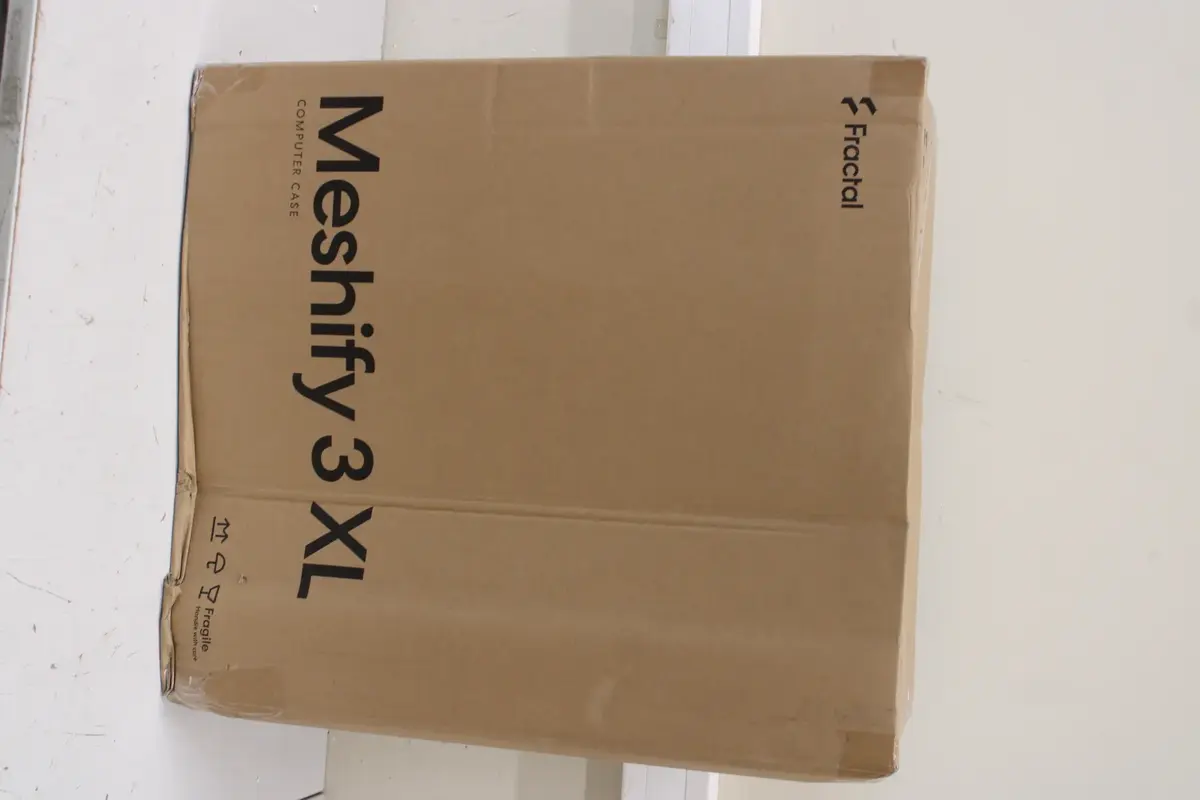
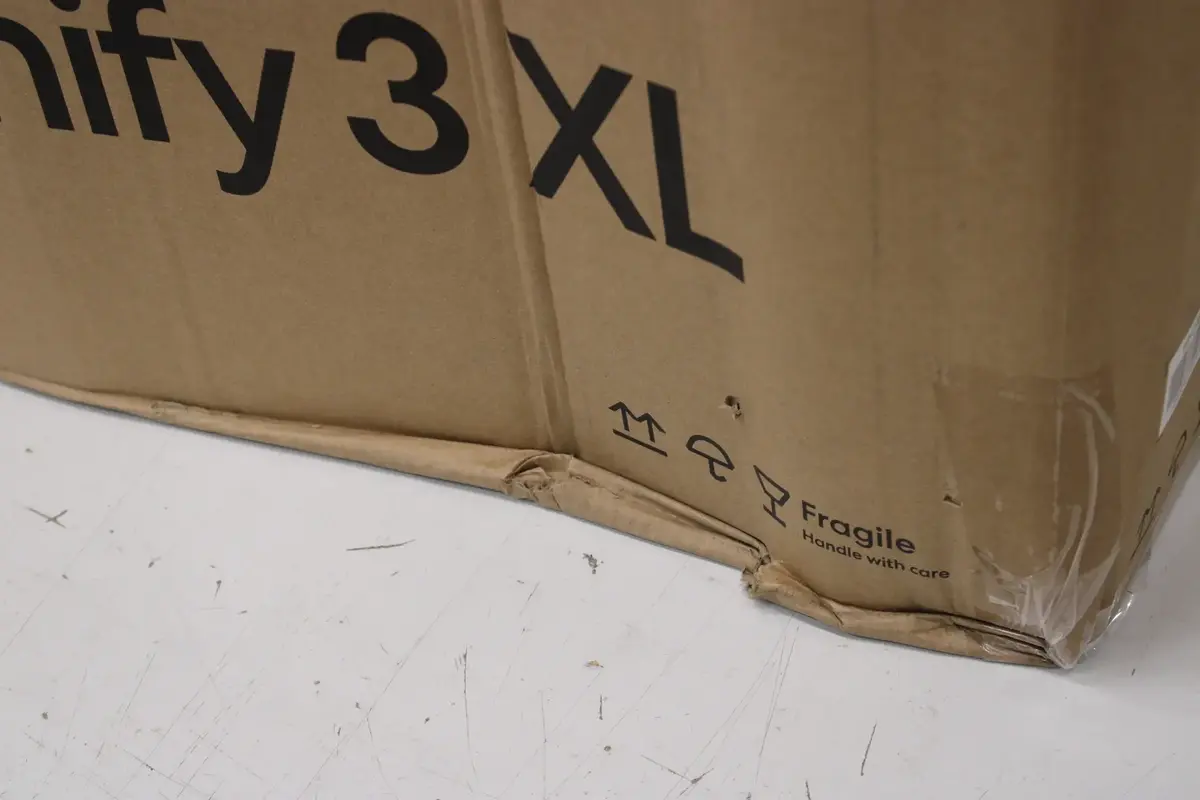
Fractal Design Meshify 3 XL Mid-Tower Computer Case, Black RGB, Tempered Glass Light Tint, ATX
The Fractal Design Meshify 3 XL is a high-performance Mid-Tower computer case engineered to provide optimal airflow and component compatibility for ATX systems. Featuring a sophisticated black aesthetic with integrated RGB lighting and a light-tinted tempered glass side panel, this chassis combines modern style with functional design. Its spacious interior allows for efficient cable management and versatile storage configurations, making it a reliable foundation for high-end gaming PCs or professional workstations.
This case excels in thermal management due to its signature mesh front panel, which facilitates superior air intake to keep internal components cool under heavy loads. The inclusion of a tempered glass side panel provides a clear view of the internal hardware, while the RGB lighting adds a customizable visual element to the build. With a robust steel construction and flexible drive bay options, the chassis supports a variety of storage setups, ensuring that users can easily expand their system as their needs grow. The internal layout is designed for ease of assembly, accommodating standard ATX power supplies and providing ample space for complex cooling solutions.
This case may not be suitable for users seeking a compact or small-form-factor build, as its Mid-Tower dimensions are designed for larger components and extensive cooling setups. Additionally, those who prefer a completely solid side panel without visibility into the interior may find the tempered glass design unnecessary for their specific requirements.
To use this case, begin by removing the side panels to access the interior chassis. Install your ATX motherboard onto the pre-installed standoffs, followed by the power supply unit in the designated bottom chamber. Route your cables through the provided management grommets to maintain optimal airflow. Mount your storage drives in the available bays and secure your graphics card into the expansion slots. Finally, connect the RGB lighting cables to your motherboard or a compatible controller to synchronize your lighting effects.
For the best performance, ensure that all intake and exhaust fans are positioned to create a clear airflow path from the front mesh panel to the rear of the case. Regularly clean the front mesh filter to maintain optimal cooling efficiency.
{{highlightedFeature.featureTitle}}:
{{getProductFeatureValueById(product, highlightedFeature.featureId)}}
{{ productComparisonGenerationError }}