
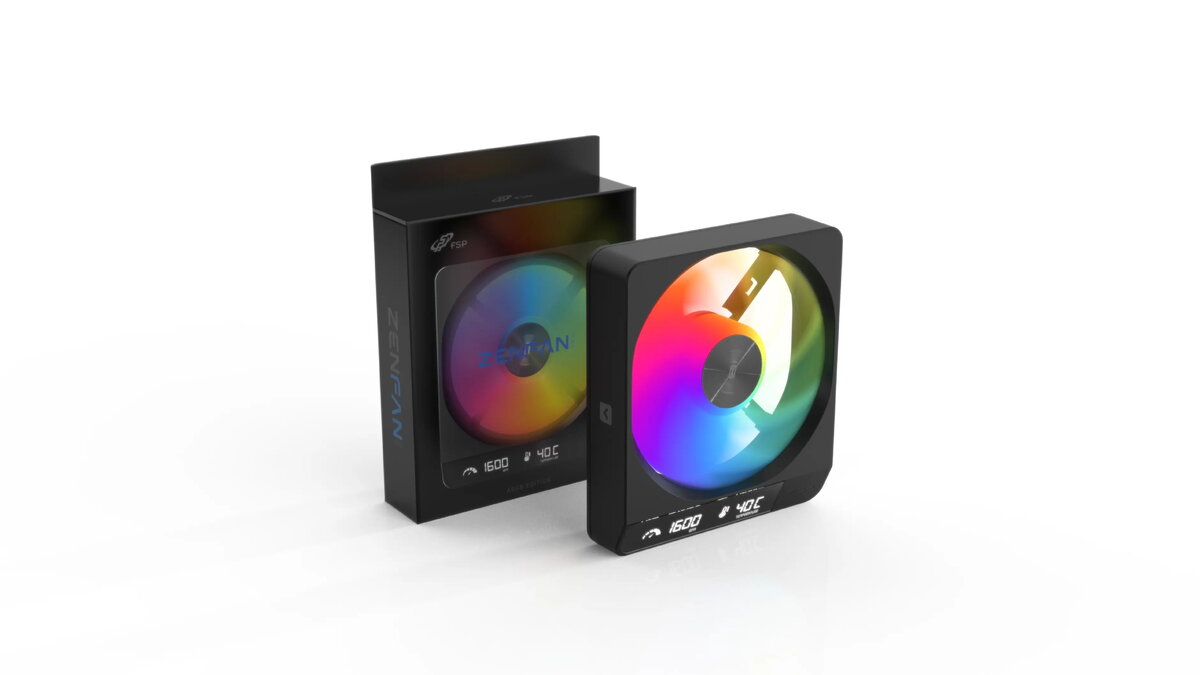
FSP ZENFAN-BA Case Fan, 120mm, A-RGB, Black
{{selectedOffer && selectedOffer.price | formatAmount}}
{{selectedOffer && selectedOffer.price | formatAmount}}
Short description
The FSP ZENFAN-BA is a high-performance 120mm cooling fan designed for PC cases. Featuring integrated A-RGB lighting, it provides both efficient airflow and customizable aesthetics for your computer build. This fan is engineered for quiet operation and reliable cooling, making it an ideal choice for gamers and PC enthusiasts looking to enhance their system's thermal management and visual appeal.

Cheapest delivery:
Unisend LV
Pick-up points
Unisend LV
Cost
1.99 €
Deliver
{{selectedOffer.parcelStationDeliveryString}}
Customer service center
2b. Kengaraga str., Riga, Latvia, LV-1063
15.10.2026
{{selectedOffer.officeDeliveryString}}
free
Courier Delivery
Please note that in case of a large parcel additional delivery costs may apply!
From 4.99 €
Parcel couriers
Unisend LV / Venipak Pickup LV / Venipak Locker LV / DPD Paku skapis / Omniva LV / Latvijas Pasts pakomāts / Latvijas Pasts nodaļa
20.10.2026
{{selectedOffer.parcelStationDeliveryString}}
From 1.99 €

Payment Methods:
Bank transfer, Bank cards on-line, Apple Pay, Google Pay


