Hurry and order now – up to 50% off!
In cart {{totalProductsCount}} item(s)
Your cart is empty
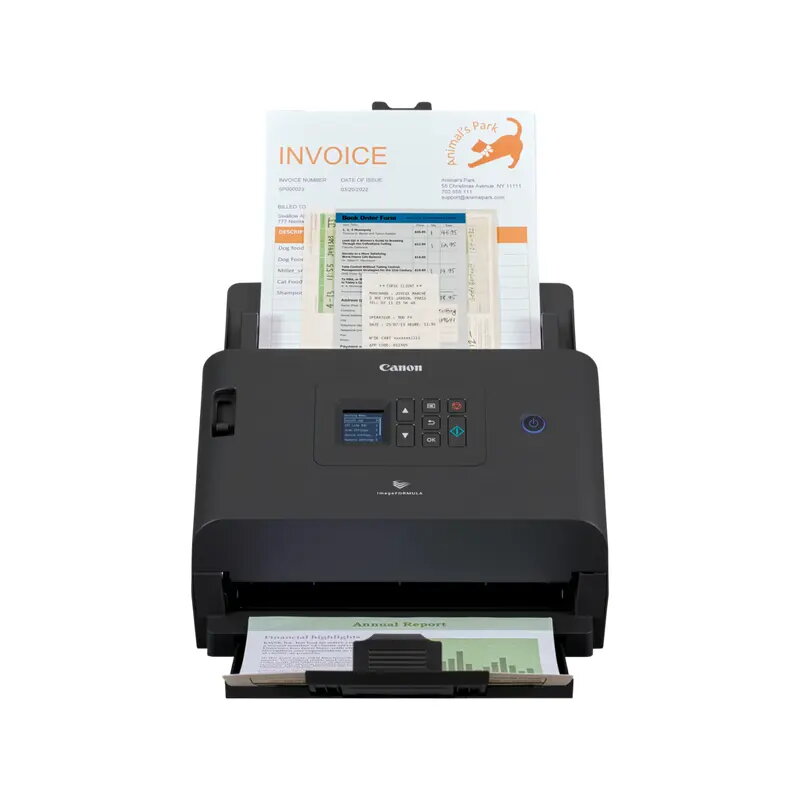
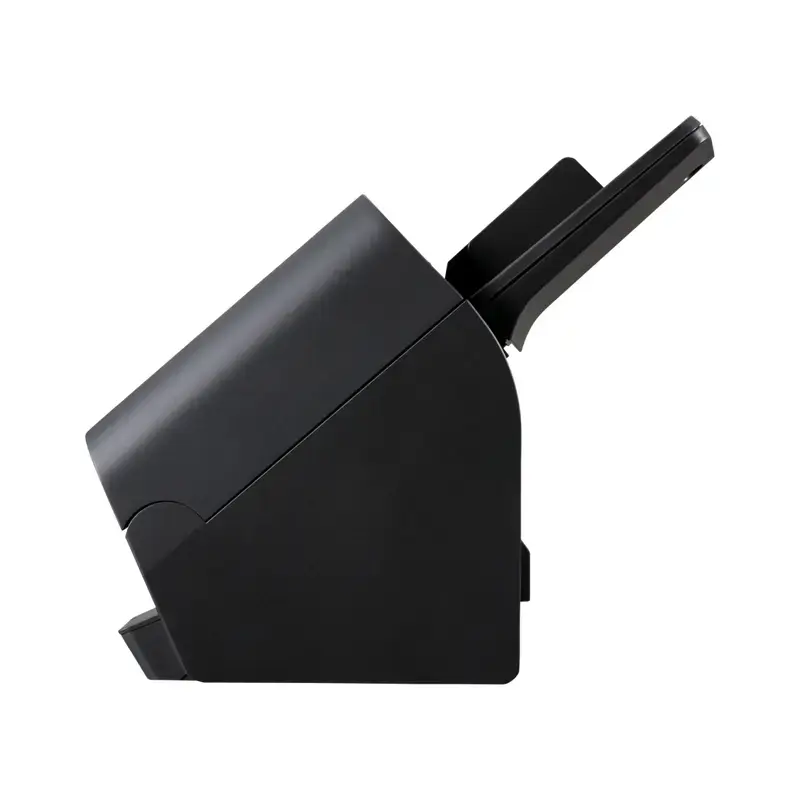
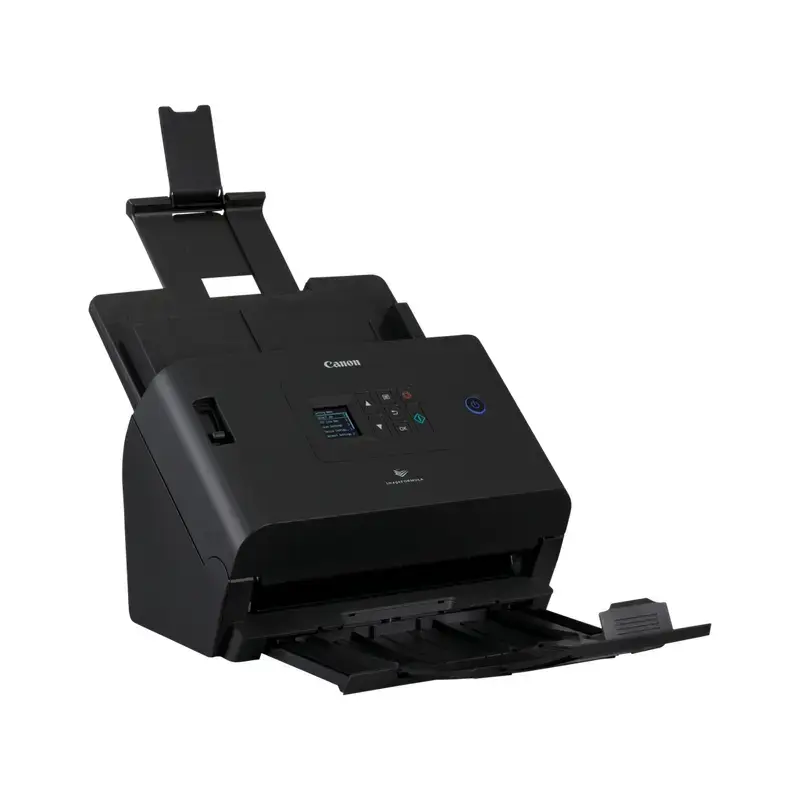
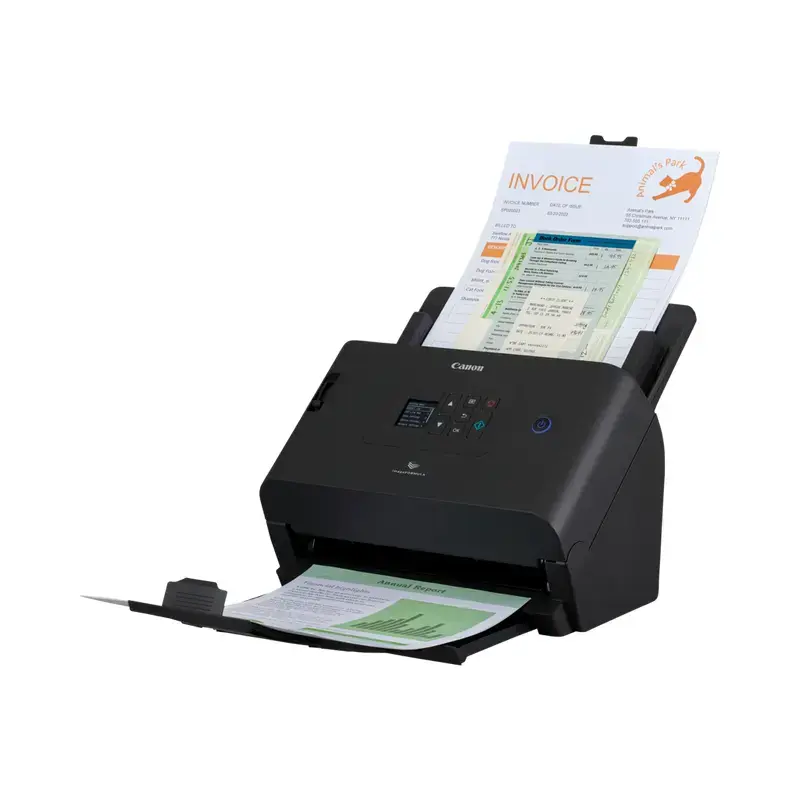
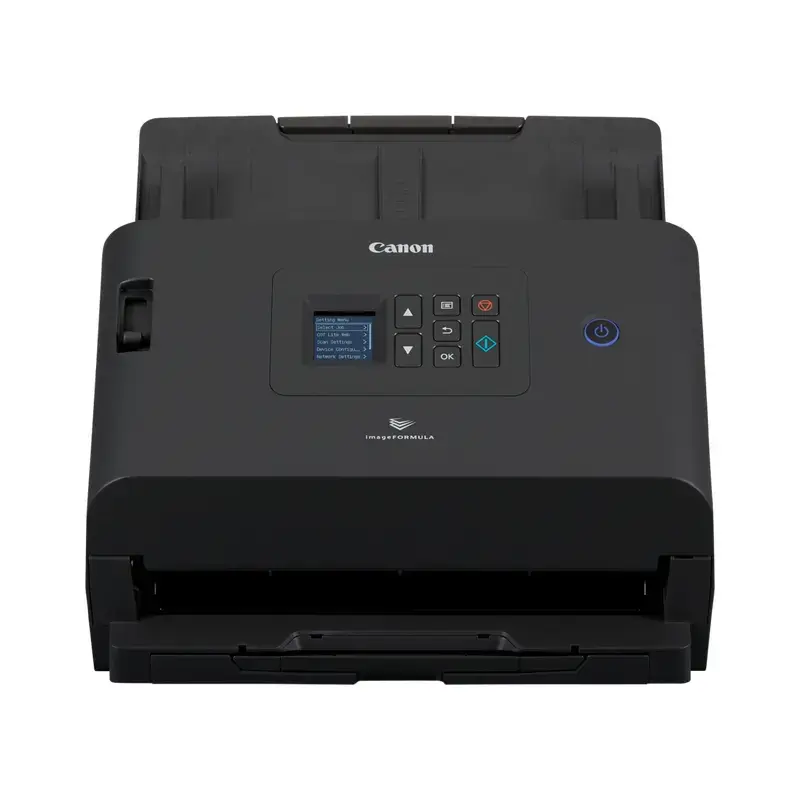
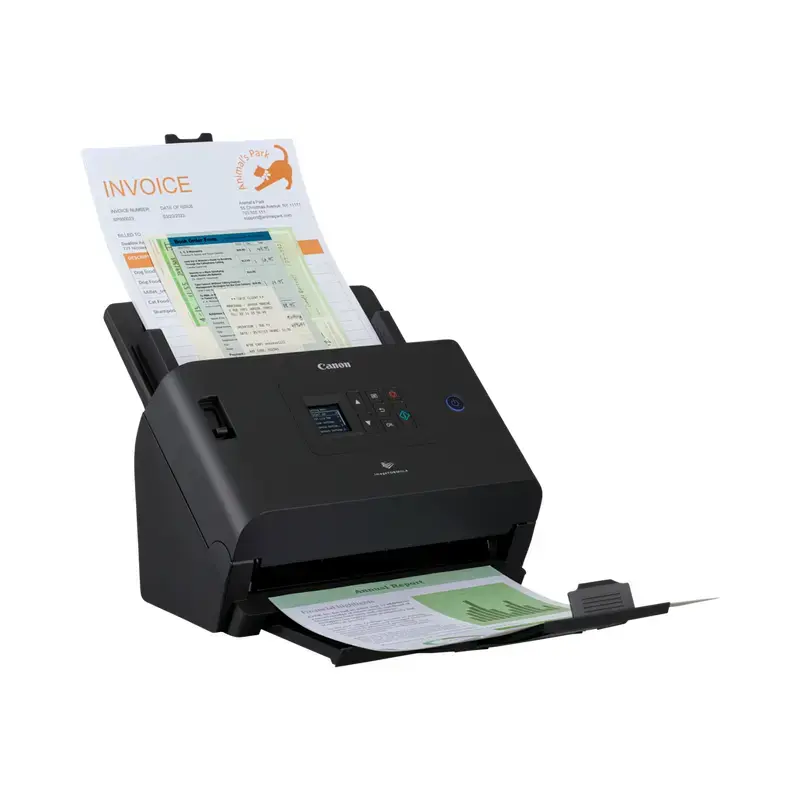
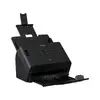
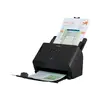
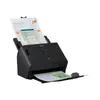
Network Document Scanner Canon imageFORMULA DR-S250N — sheet-fed, A4, duplex, 600×600 DPI, USB 3.2 Gen 1, QR code support, CIS, black
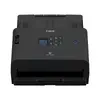
Canon imageFORMULA DR-S250N is a network-capable sheet-fed A4 document scanner designed for shared office and departmental use. The scanner supports duplex scanning and offers 600 × 600 dpi optical resolution using a CIS sensor with RGB LED illumination. Compact and lightweight at 3.4 kg, the device provides USB 3.2 Gen 1 and Ethernet connectivity, a built-in display and QR code support for convenient browser-based or direct scanning from smartphones, tablets and computers.
The DR-S250N delivers reliable, high-quality scans with duplex capability and a 600 × 600 optical resolution suited to text, business cards and plastic cards. Network support and web-scanning functionality enable driverless operation and simple integration into mixed-device environments. Its compact design and easy-to-use display make it practical for shared workspaces where quick, secure and repeatable scanning workflows are required.
Place documents in the sheet feeder and select the desired scan settings on the built-in display or via a connected device. For network scanning, connect the scanner to your LAN and use the browser-based web scanning interface or CaptureOnTouch Lite to start scans without installing drivers. Use CaptureOnTouch Pro or OCR-capable software to create editable, searchable documents. For mobile workflows, open the scanner’s QR code on the display and follow the on-screen instructions to scan directly to a smartphone or tablet.
Feed documents straight and remove staples or large clips before scanning to minimise jams. Use duplex mode for two-sided documents and choose OCR when creating archives or searchable PDFs. For best image quality on photos and mixed documents, select the document-with-photo mode and verify resolution settings at 600 × 600 dpi when detail is required.
{{highlightedFeature.featureTitle}}:
{{getProductFeatureValueById(product, highlightedFeature.featureId)}}
{{ productComparisonGenerationError }}