{{ totalProductsCount }}

In cart {{totalProductsCount}} item(s)

Total:
{{sum | formatAmount}}

Your cart is empty

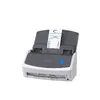
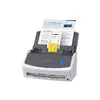
header-product ADF Scanner FUJITSU ScanSnap iX1400 — A4 duplex, 600x600 DPI, 50-sheet ADF, USB, white

ADF Scanner FUJITSU ScanSnap iX1400 — A4 duplex, 600x600 DPI, 50-sheet ADF, USB, white

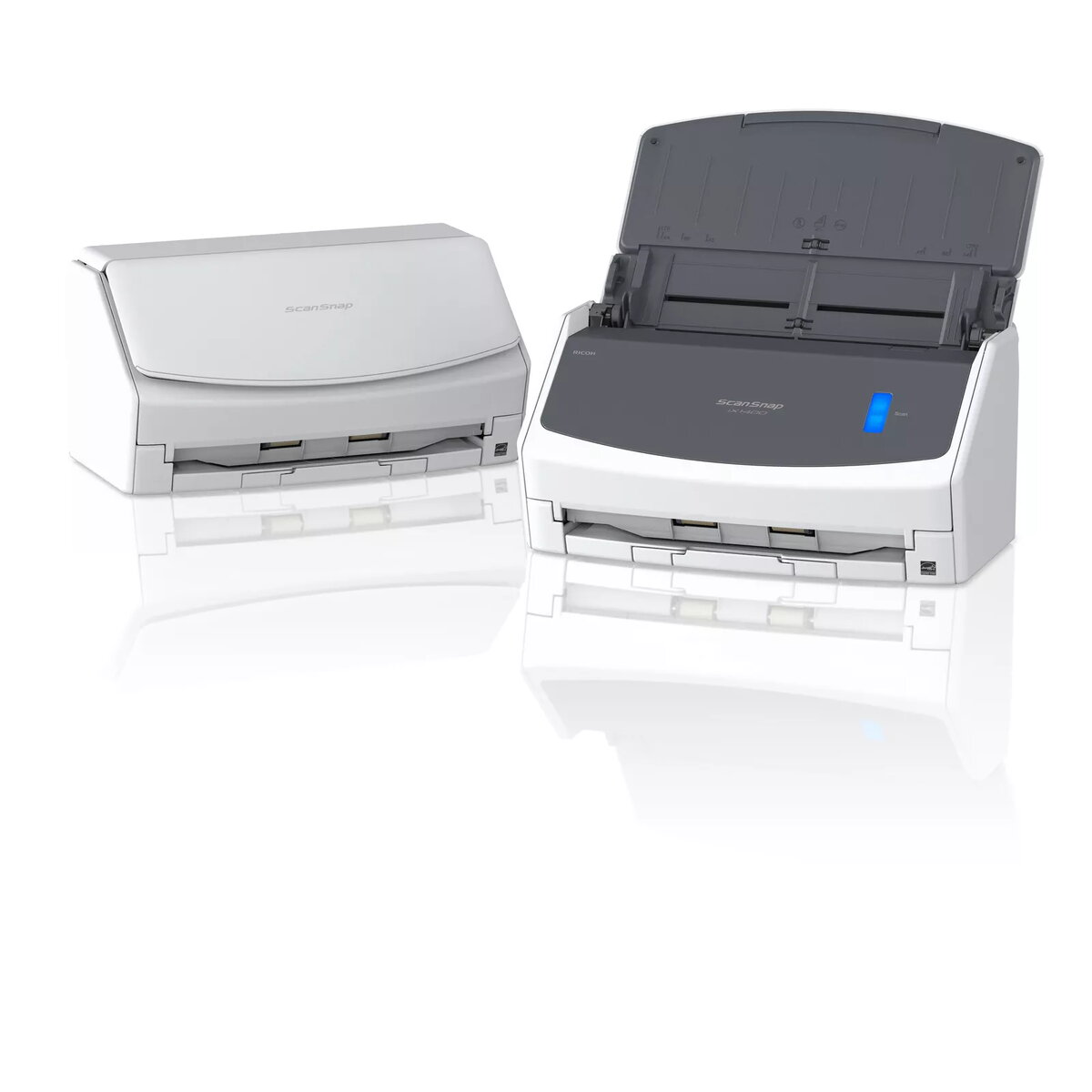
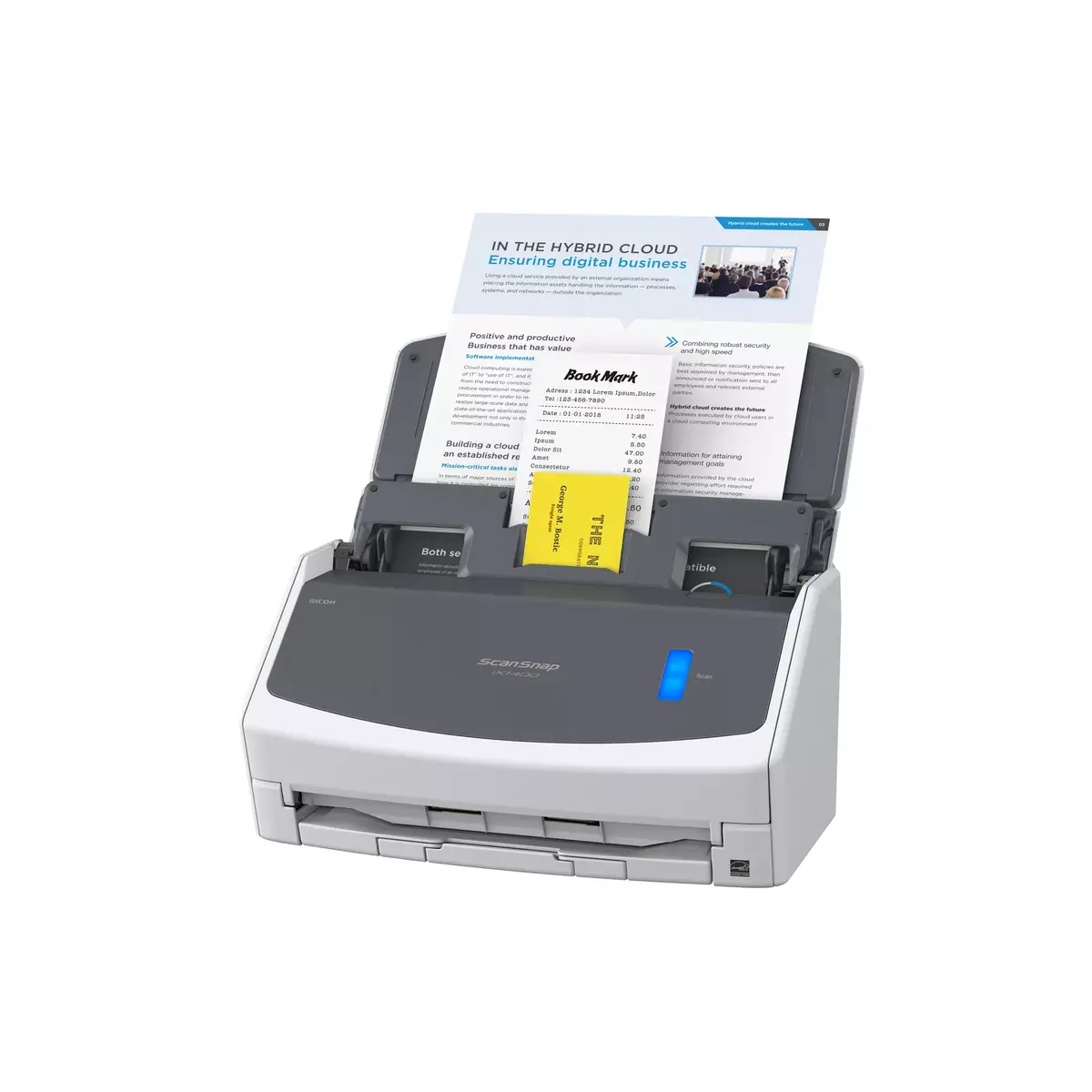
ADF Scanner FUJITSU ScanSnap iX1400 Photo 1
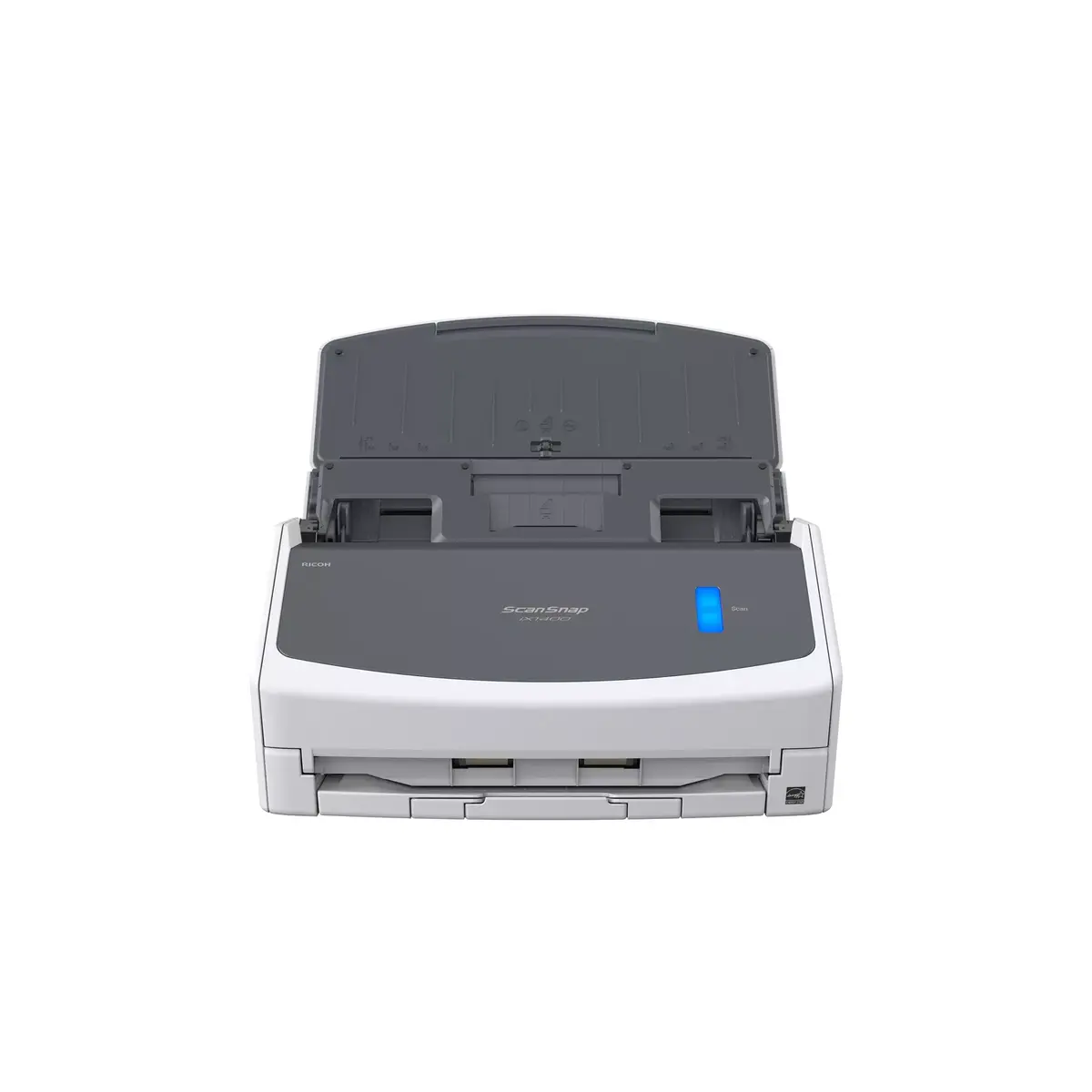
ADF Scanner FUJITSU ScanSnap iX1400 Photo 2
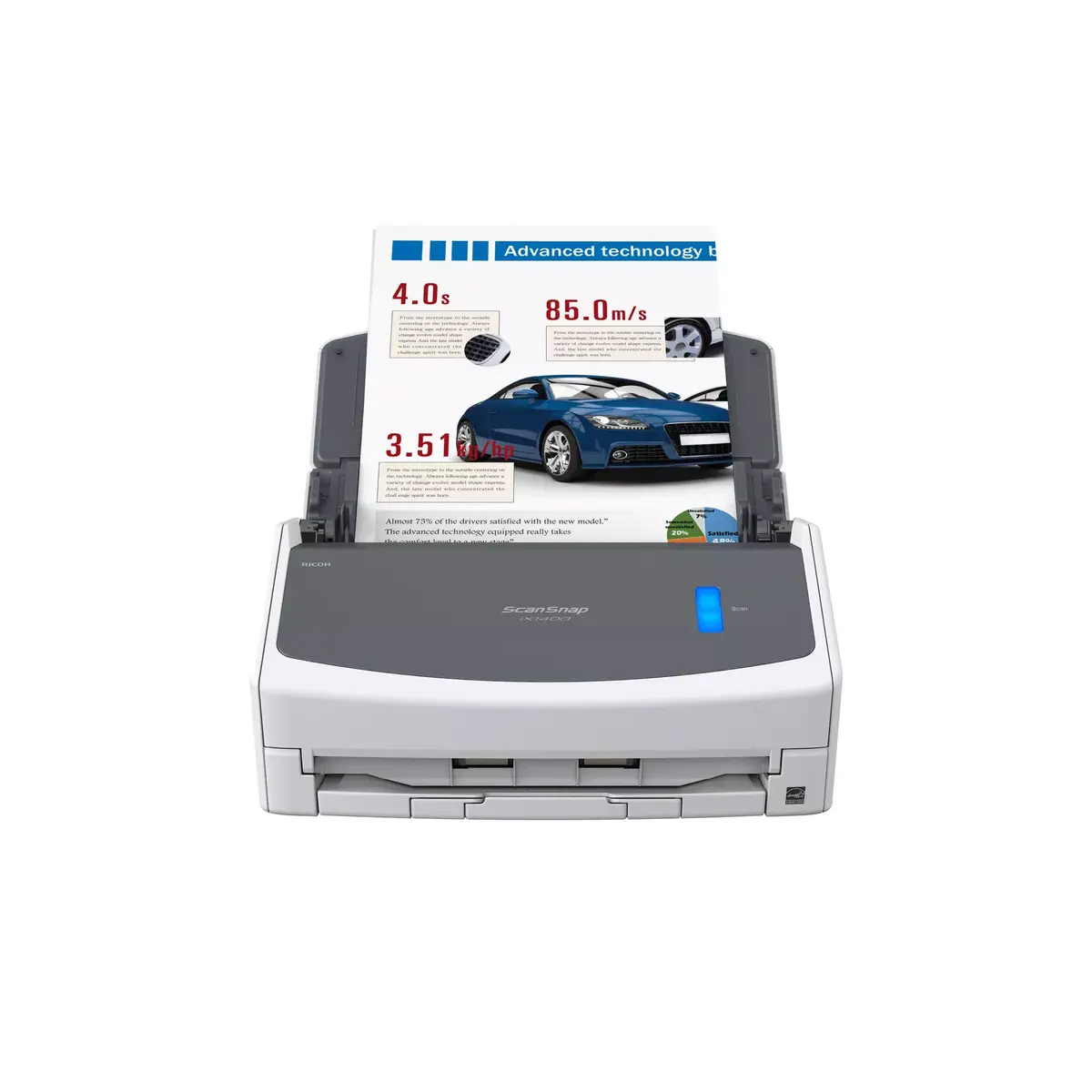
ADF Scanner FUJITSU ScanSnap iX1400 Photo 3
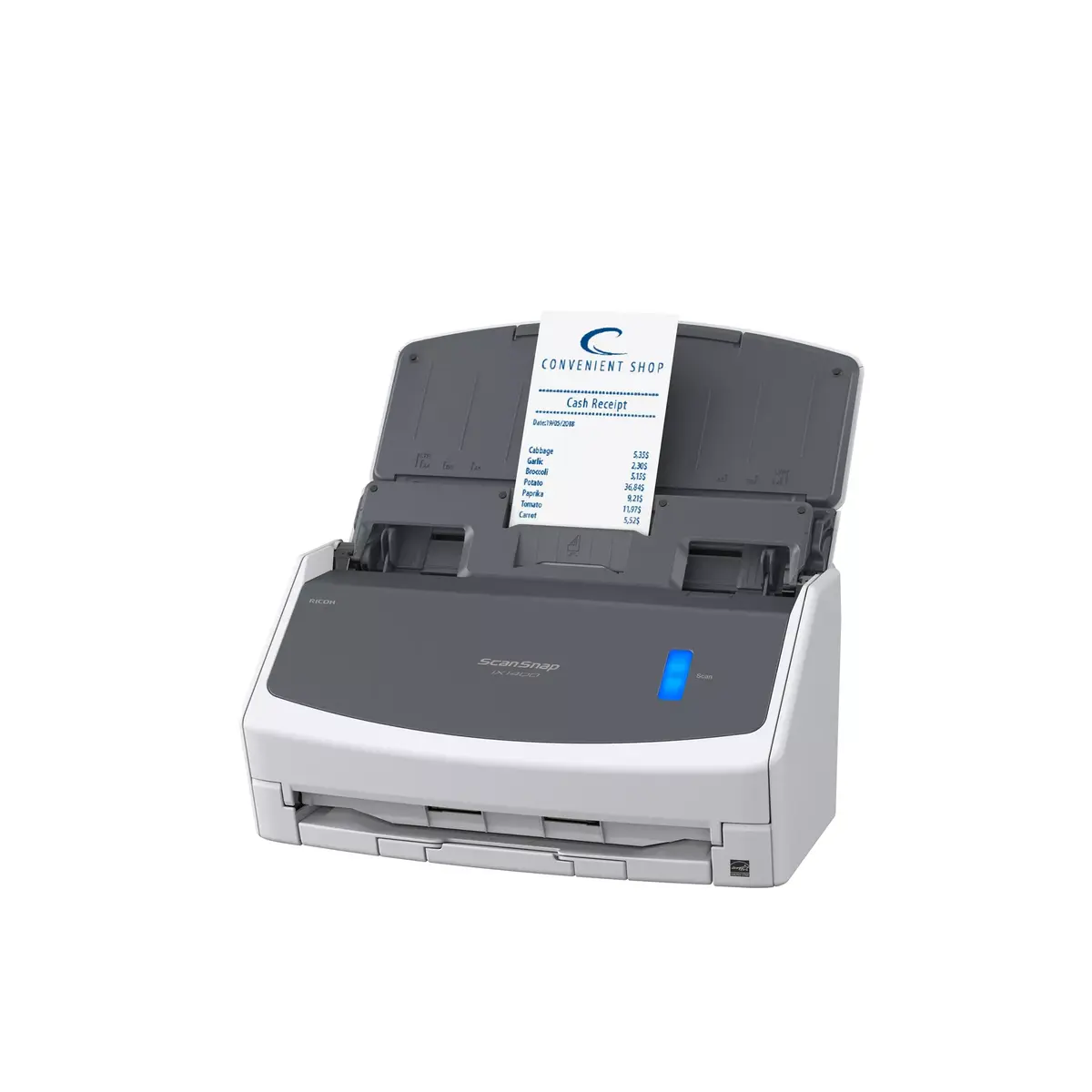
ADF Scanner FUJITSU ScanSnap iX1400 Photo 4
ADF Scanner FUJITSU ScanSnap iX1400 Photo 5
ADF Scanner FUJITSU ScanSnap iX1400 Photo 1
ADF Scanner FUJITSU ScanSnap iX1400 Photo 2
ADF Scanner FUJITSU ScanSnap iX1400 Photo 3
ADF Scanner FUJITSU ScanSnap iX1400 Photo 4
ADF Scanner FUJITSU ScanSnap iX1400 Photo 5
Out of stock.
View similar!

Short description

FUJITSU ScanSnap iX1400 is an ADF desktop scanner for A4 documents with duplex scanning and 600 x 600 DPI optical resolution. It features a 50-sheet automatic document feeder, colour CIS sensor, RGB LED light source, and USB 2.0/3.2 Gen1 connectivity. Suitable for offices and home use, it scans documents into PDF and supports ScanSnap drivers for fast, reliable digitisation.
Warranty: 2 Years
SKU: 4440935
delivery
Information regarding the items availability for purchase will be posted on this site
price
Item cost information will be published on this site
Together cheaper
{{product.price | formatAmount}}
{{product.title}}
{{productBundle.reference.specialPrice | formatAmount}}
{{productBundle.title}}
{{productBundlePreviousPrice | formatAmount}}
{{productBundleSpecialPrice | formatAmount}}

You saving {{productBundleYouSave | formatAmount}}

Product information

Description

The ScanSnap iX1400 is a compact document scanner designed for individuals and people without IT experience. It digitises, processes and organises documents from a single device with one-touch operation, allowing users to scan, save and share files quickly without configuring complex settings.

Advantages

The iX1400 provides simple, one-button scanning that requires no technical knowledge. It supports quick setup straight out of the box and includes a Quick Menu to select the desired output format. The scanner can create searchable PDFs, editable Word, Excel or PowerPoint files, and extract data from receipts and business cards.

Key specifications

  • One-touch scanning with a single blue button
  • Creates searchable PDF, editable Word, Excel and PowerPoint
  • Data extraction from receipts and business cards
  • Quick Menu for instant output selection
  • Designed for easy setup and use by non-IT users

How to use

Connect the ScanSnap iX1400 and power it on, then press the blue button to start scanning. Use the Quick Menu to choose the desired output format such as searchable PDF or editable Office documents. After scanning, save or share the files according to your workflow.

Recommendations

For best results, feed documents straight and avoid folded or severely creased pages. Use the Quick Menu to ensure the correct output format for your needs and keep the device in a clean, dry environment for reliable operation.

Specifications

Maximum ISO A-series paper size:
A4
Optical scanning resolution:
600 x 600
Weight:
3.2 kg
Duplex scanning:
Yes
Built-in display:
No
Product colour:
White
All features

Ports & interfaces

USB connector type:
USB Type-B
USB version:
2.0/3.2 Gen 1 (3.1 Gen 1)
USB port:
Yes
Socket connector type:
C7

Paper handling

Legal:
Yes
Letter:
Yes
ISO A-series sizes (A0...A9):
A6, A5, A4
ISO B-series sizes (B0...B9):
B6, B5
Scanning media types supported:
Post Card(JPN), Business Card
Maximum ISO A-series paper size:
A4
Minimum scan area (Flatbed):
50.8 x 50.8

Sustainability

Sustainability compliance:
Yes
Sustainability certificates:
ENERGY STAR

Scanning

Maximum scan size:
216 x 360
Optical scanning resolution:
600 x 600
Colour scanning:
Yes
Duplex scanning:
Yes
ADF scan speed (b/w, A4):
40 ppm

Design

Scanner type:
ADF scanner
Product colour:
White
Built-in display:
No

Performance

Sensor type:
Colour CIS
Light source:
RGB LED
Scan file formats:
PDF, JPG
Scan drivers:
ScanSnap, ISIS

Power

Power supply type:
AC
Input voltage:
100 - 240
AC input frequency:
50 - 60

Operational conditions

Operating relative humidity (H-H):
20 - 80
Operating temperature (T-T):
5 - 35

Logistics data

Country of origin:
China
Pallet gross width:
1219 mm
Pallet gross length:
1016 mm
Harmonized System (HS) code:
8471607000
Foil packaging weight:
15 g
Products per pallet (air):
60 pc(s)
Pallet height (air):
1354 mm
Products per pallet (sea):
96 pc(s)
Pallet height (sea):
2070 mm
Plastic packaging weight:
15 g
Metal packaging weight:
0 g
Wood packaging weight:
0 g
Paper packaging weight:
2400 g
Cardboard packaging weight:
1200 g
Polystyrene (EPS/EPP) packaging weight:
200 g
Glass packaging weight:
0 g

Input capacity

Standard input capacity:
50 sheets

Weight & dimensions

Weight:
3.2 kg
Height:
152 mm
Width:
292 mm
Depth:
161 mm

Packaging data

Package weight:
4600 g
Package depth:
399 mm
Package height:
236 mm
Package width:
247 mm
Quantity per pack:
1 pc(s)

Packaging content

AC adapter included:
Yes
Cables included:
AC

Other features

Compliance certificates:
RoHS

Description

Machine translation. Load original

Reasons to buy

Out of the box, ready in minutes
The iX1400 is so easy to set up, anyone can do it. Wave goodbye to complex settings or driver compatibility issues. Just unbox, set up in minutes, and press the blue button to start enjoying one-touch scanning right away. It really is that simple.
Instant, secure connection
No one wants to spend time on installation. The fuss-free USB 3.2 connector plugs straight into your laptop or PC saving you the stress of fiddling about configuring Wi-Fi.
Fast and easy
Simply open the cover and ScanSnap is ready to go. Scan up to 50 sheets of single or double sided documents with ease at a speedy 40 sheets per minute. With a host of intelligent image processing functions done for you, you can scan confidently without adjusting any settings.
Quick Menu instant file creation
The ScanSnap Quick Menu allows you to instantly scan straight into the applications you know and use. Choose to scan images directly to a folder, email or even a printer. Extract data from receipts and business cards into csv files, or export scans to cloud storage locations. Create searchable PDFs, or instantly open your scan as a fully editable file in Word, Excel or Powerpoint. You can even add other applications to the Quick Menu, the choice is yours.
Compact, stylish, versatile
The sleek ScanSnap iX1400 fits right into a modern working space, wherever you call your desk. The large Automatic Document Feeder is perfect for A4-size documents as well as larger items that can be folded in half. This scanner packs advanced functionality into its beautifully compact size. The two-sided (Duplex) scanning feature will also cut job completion times in half.
Receipts and business cards are no longer a hassle
Effortlessly scan small documents with the Receipt Guide. Designed to be a comfortable fit even when the cover is closed, it dramatically simplifies document loading before hitting the scan button.
Industry-leading reliability
With professional grade feeding technology and ultrasonic sensors, ScanSnap handles multi-page documents with ease and can also alert you if two or more pages are fed through the scanner at once, delivering peace of mind that not a single page of your documents will get lost along the way.
ScanSnap Home software
ScanSnap Home software allows you to easily manage, edit, and utilise scanned data from documents, receipts, business cards, photos and more. Documents are automatically recognised and grouped according to document type (receipts, photographs, business cards etc.) while folders, tags, and keywords allow you to organise, search and find information more easily than ever before.

Similar products

{{product.title}} Show details Hide details

{{highlightedFeature.featureTitle}}:

{{getProductFeatureValueById(product, highlightedFeature.featureId)}}

{{product.price | formatAmount}}
Might be useful
{{product.manufacturerName}}
{{product.categoryName}}
{{product.title}}
{{product.specialPrice}}
{{product.price}}

Customer reviews

Customer questions

FAQ

What payment options are available?

AiO.lv offers several payment methods: Bank transfer. All transactions are 100% secure and encrypted.

Can this product be purchased for a company (with VAT)?

Yes. AiO.lv works with legal entities in Latvia and across Europe. The product price already includes VAT. For certain product categories, as well as for companies from other EU countries with a valid VAT number, a 0% VAT rate may apply. We issue the invoice immediately after the order is placed, support electronic BIS invoices, and automatically generate all necessary accounting documents. You can complete the purchase for a company online — simply select the company profile and choose bank transfer as the payment method during checkout.

What is the warranty period?

All FUJITSU products come with an official 2 Years warranty. It covers all manufacturing defects and malfunctions that may occur during use. The warranty is valid at all authorized FUJITSU service centers and through AiO.lv

Can the product be returned after purchase?

Yes, you can return the product within 14 days of purchase if you bought it as a consumer (not a legal entity). Returns are possible without giving any reason — the main condition is that the product retains its original appearance and full set of accessories. We will make the process as simple and convenient as possible: just contact our customer support team, and we will help you arrange the return.

Where should I contact for warranty service?

For warranty-related questions you can contact the AiO.lv (SIA VSPRO) customer support team. We will assist with consultation, warranty claim processing, and coordination with certified service centers.

How can I tell if this product suits my needs?

When making a choice, we recommend paying attention to the key features: maximum iso a-series paper size, optical scanning resolution, weight, duplex scanning, built-in display, product colour, compatibility with your devices or usage conditions, material quality, functionality, and warranty terms. These characteristics will help you determine how well the model meets your needs.

Where can I download the instructions for ADF Scanner FUJITSU ScanSnap iX1400?

You can download the instructions in PDF format from the “Instructions” section on the product description page. The file contains complete information about installation, setup, and usage.
warranty
14-Day Return Policy We are confident in our quality, but if the purchase doesn’t fit — you have 14 days to return the product with peace of mind.
shipping
Fast Delivery Get your orders as quickly as possible — right to your door, parcel lockers, or pickup points across Latvia and the EU.
payment
Secure Payment Pay the way you prefer: cash, VISA, MasterCard, Apple Pay, Google Pay, bank transfer, or 0% installment plan.
warranty
Quality Since 2008 AiO.lv has been on the market for over 18 years and has earned trust — with more than 6000 genuine positive reviews on Google.