


Leave your address - as soon as the price of the product goes down, you'll know about it right away
Mobile gaming controller GADGETMONSTER GDM-1026 for smartphone gaming
In cart {{totalProductsCount}} item(s)
Your cart is empty
Mobile gaming controller GADGETMONSTER GDM-1026 for smartphone gaming
Leave your address - as soon as the price of the product goes down, you'll know about it right away
Mobile gaming controller GADGETMONSTER GDM-1026 for smartphone gaming
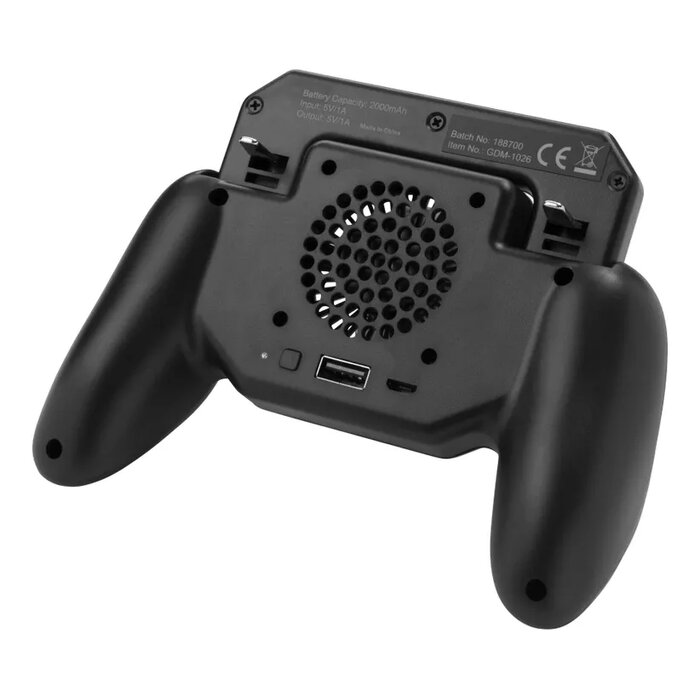
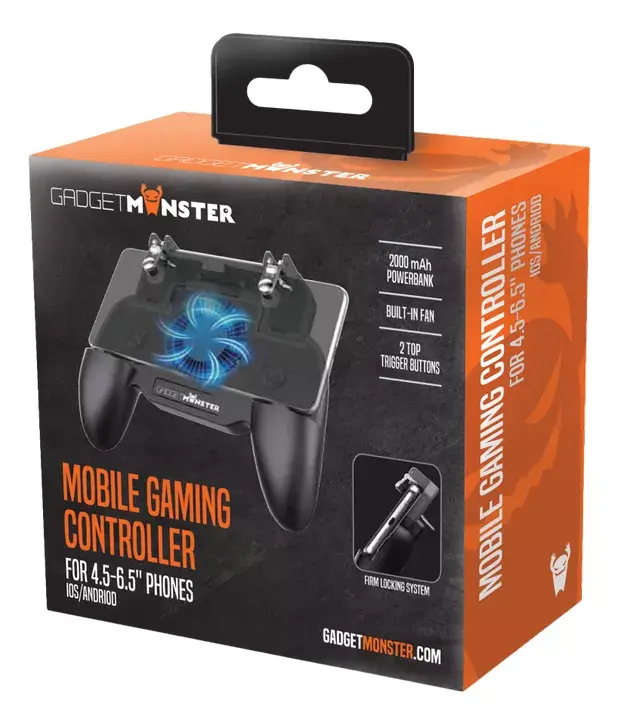
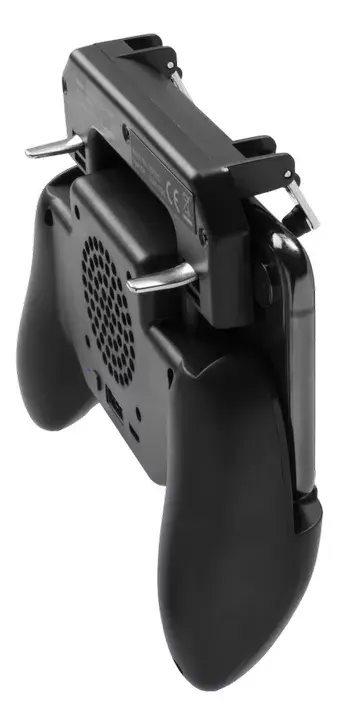
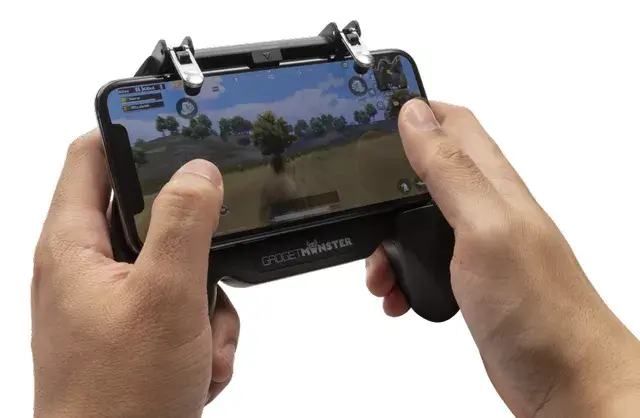
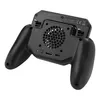
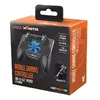
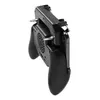
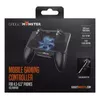
The GADGETMONSTER GDM-1026 mobile gaming controller transforms your smartphone into a handheld gaming station, providing tactile controls, a cooling fan and an integrated power bank to extend play. Designed for smartphones with displays from 4.5" to 6.5", the controller adds two physical trigger buttons for improved input accuracy and comfort during extended mobile gaming sessions.
The controller reduces touchscreen limitations by offering responsive physical triggers and ergonomic grip. A built-in fan cools both the device and the user’s hands during intensive play. The integrated 2000 mAh power bank allows on-the-go charging so gameplay can continue when the phone battery runs low. Charging is via the included USB cable (DC 5V / 1000 mA), and the power bank reaches full charge in approximately four hours.
Attach the controller to a compatible smartphone (4.5"–6.5") so that the physical triggers align with on-screen controls. Connect the controller to the phone as required by the game’s control layout and adjust phone positioning for comfortable grip. Use the fan when the phone or hands become warm. If battery level is low, connect the phone to the controller’s power bank using the supplied USB cable to continue playing while charging.
For best results, ensure the smartphone fits securely within the size range, keep vents clear for effective fan cooling, and charge the power bank before lengthy sessions. Do not block the fan during use and follow the phone manufacturer’s guidelines regarding device temperature limits.
{{highlightedFeature.featureTitle}}:
{{getProductFeatureValueById(product, highlightedFeature.featureId)}}