Filters you can trust. Pure water every day.
In cart {{totalProductsCount}} item(s)
Your cart is empty
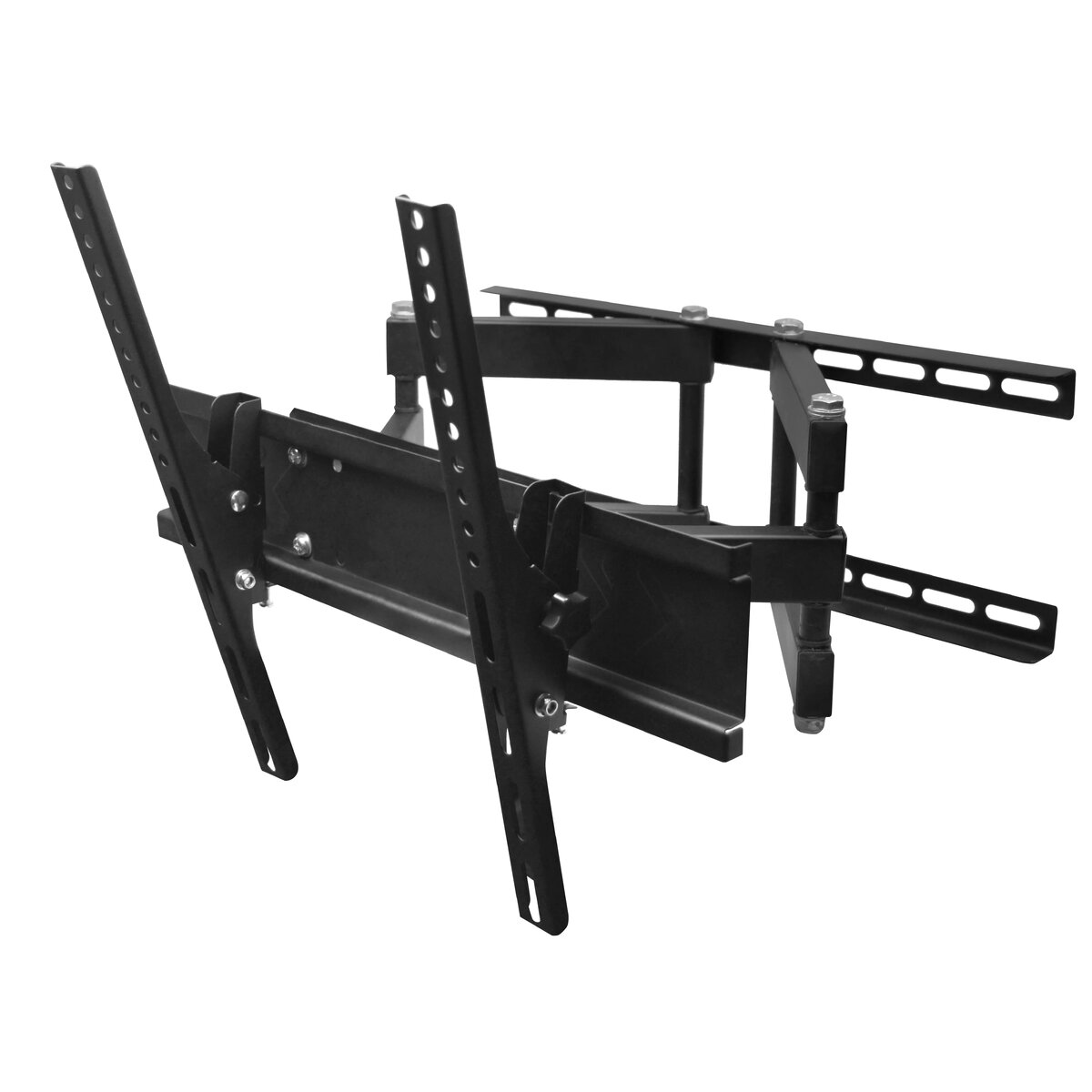
Gembird WM-55RT-03 Full-Motion TV Wall Mount for 26-55 inch Screens, 50 kg Capacity, VESA 400x400, Black
The Gembird WM-55RT-03 is a durable full-motion wall mount engineered to provide flexible and secure support for televisions ranging from 26 to 55 inches. Constructed from heavy-duty steel, this mount is designed to handle screens weighing up to 50 kg, ensuring stability for a wide variety of display models. Its versatile design allows users to easily adjust the position of their screen to achieve the best possible viewing experience in any room.
This wall mount offers significant flexibility through its full-motion capabilities, including a 90-degree rotation and a 0 to 15-degree tilt range. These features allow you to eliminate glare and adjust the screen angle to suit different seating positions. The adjustable arm extends from 12.5 cm to 47 cm from the wall, providing the freedom to pull the TV out for better visibility or push it back to save space when not in use. The robust steel construction ensures long-term reliability and safety for your equipment.
This mount may not be suitable for televisions that fall outside the 26 to 55-inch size range or exceed the maximum weight capacity of 50 kg. Additionally, it is not compatible with screens that do not support the VESA mounting standard up to 400 x 400 mm. Please ensure your wall structure is capable of supporting the combined weight of the mount and the television before installation.
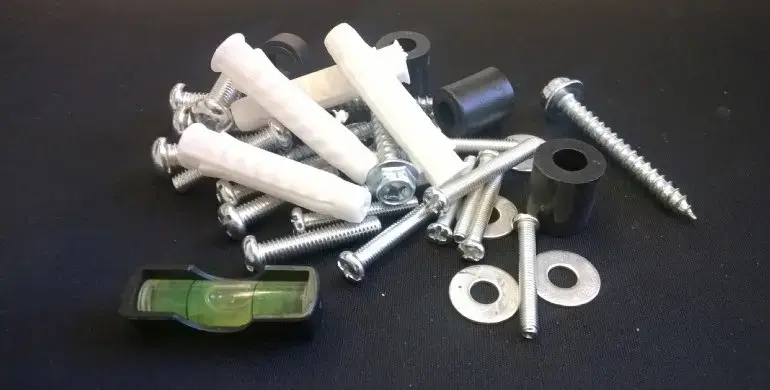
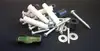
To use the Gembird WM-55RT-03, first verify that your television is VESA compatible and within the supported size and weight limits. Attach the mounting brackets to the back of your television using the provided hardware. Secure the main arm assembly to a structurally sound wall, ensuring it is level. Once the wall plate is firmly attached, hang the television onto the mount and tighten the safety screws to lock it in place. You can then adjust the tilt and rotation to your preferred viewing angle.
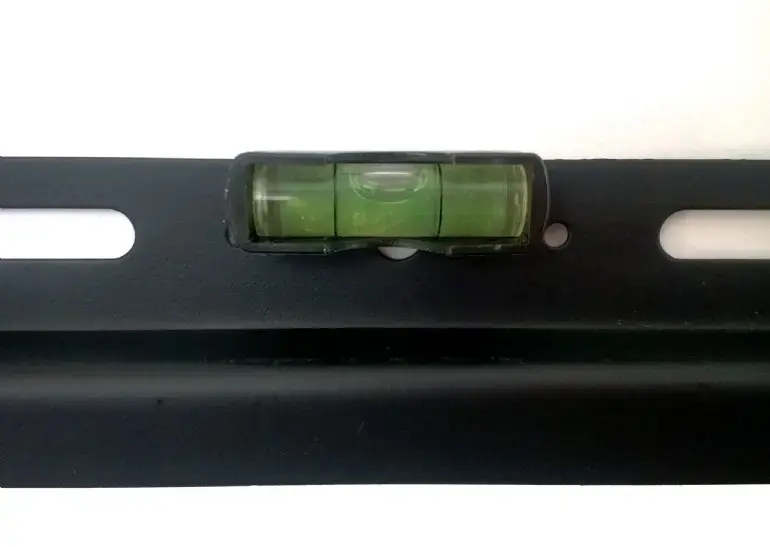
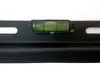
Usage recommendations: Always use a spirit level during installation to ensure the screen is perfectly horizontal. Periodically check the mounting bolts to ensure they remain tight, especially if you frequently adjust the position of the screen.
{{highlightedFeature.featureTitle}}:
{{getProductFeatureValueById(product, highlightedFeature.featureId)}}
{{ productComparisonGenerationError }}