
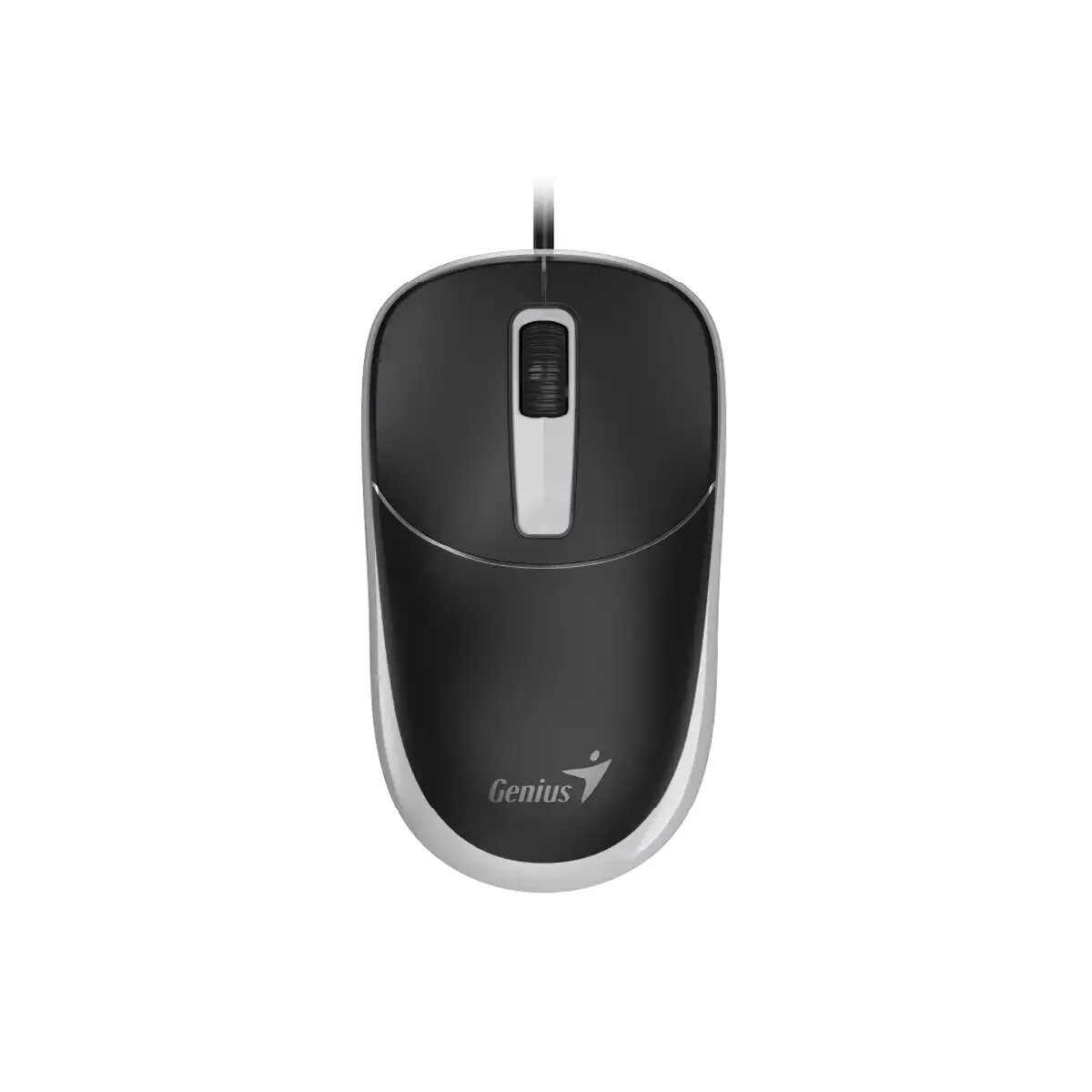
Mouse Genius DX-123 Galaxy Grey USB-A
6.49 €
{{selectedOffer && selectedOffer.price | formatAmount}}
Short description
The Genius DX-123 mouse features a sleek Galaxy Grey design and USB-A interface, providing high precision and comfort for daily use. Its ergonomic shape ensures a comfortable grip, making it ideal for extended periods of use. Perfect for both home and office environments, this mouse is designed to enhance productivity and ease of use.
Available for order:
20 pcs.
Warranty:
2 Years
SKU:
11365143


Cheapest delivery:
Unisend LV
Pick-up points
Unisend LV
Cost
1.79 €
Deliver
{{selectedOffer.parcelStationDeliveryString}}
Customer service center
2b. Kengaraga str., Riga, Latvia, LV-1063
10.08.2026
{{selectedOffer.officeDeliveryString}}
free
Courier Delivery
Please note that in case of a large parcel additional delivery costs may apply!
From 4.99 €
Parcel couriers
Unisend LV / Venipak Pickup LV / Venipak Locker LV / Latvijas Pasts pakomāts / DPD Paku skapis / Omniva LV / Latvijas Pasts nodaļa
13.08.2026
{{selectedOffer.parcelStationDeliveryString}}
From 1.79 €

Payment Methods:
Bank transfer, Bank cards on-line, Apple Pay, Google Pay


