JBL speakers and headphones for pure and deep sound!
In cart {{totalProductsCount}} item(s)
Your cart is empty
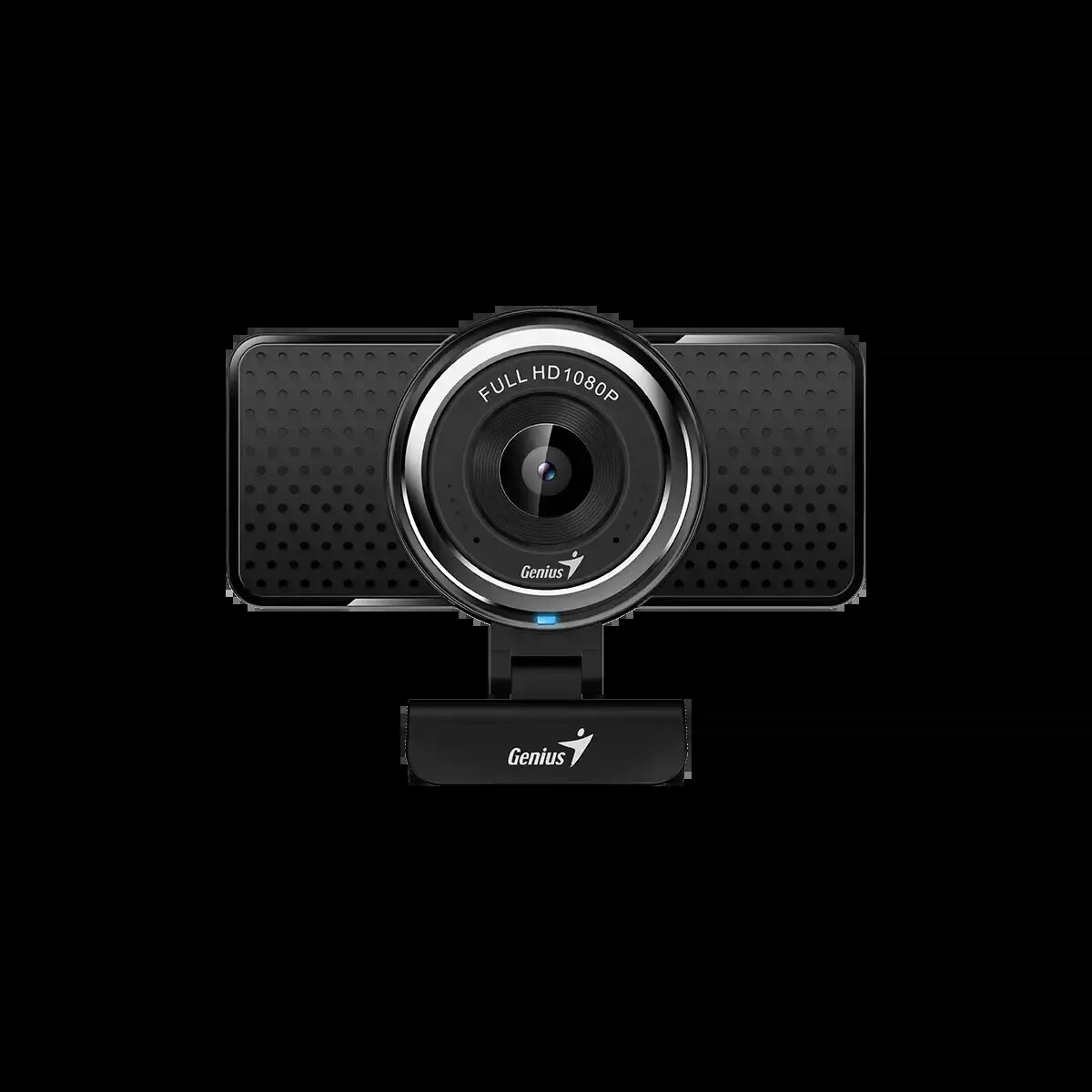
Genius ECam 8000 Full HD Webcam, Black
The Genius ECam 8000 Full HD Webcam is a versatile imaging device designed to provide clear and reliable video communication for both professional and personal environments. With its high-definition resolution and integrated digital microphone, this webcam ensures that your video calls, online meetings, and streaming sessions are captured with sharp detail and consistent audio quality. The device features a compact, user-friendly design that connects easily to desktop computers and laptops via a standard USB interface, making it an accessible solution for anyone needing to upgrade their remote communication setup.
One of the primary benefits of the Genius ECam 8000 is its high-resolution 2MP CMOS sensor, which supports Full HD 1080p video at 30 frames per second for smooth and crisp visuals. The webcam is equipped with a flexible mounting system that allows for 360-degree rotation and 90-degree vertical adjustment, providing optimal framing for any workspace. Its fixed-focus lens is optimized for standard distances, ensuring that the image remains stable without the need for constant manual adjustments. Furthermore, the plug-and-play USB connectivity eliminates the need for complex software installations, allowing for immediate use across various operating systems.
This webcam may not be ideal for professional-grade cinematography or high-end studio streaming where advanced features like autofocus, optical zoom, or wide-angle distortion correction are required. Additionally, because it uses a fixed-focus lens, it is not designed for capturing extreme close-ups or macro photography.
To begin using the Genius ECam 8000, simply insert the USB connector into an available port on your computer. The device is designed for automatic recognition by most modern operating systems, meaning you can select it as your primary video and audio input device within your preferred communication software. For optimal positioning, use the integrated clip to mount the camera on top of your monitor or place it on a compatible tripod using the built-in mount. Ensure the camera is positioned at eye level for the most natural viewing angle during your calls.
For the best video quality, position the webcam in a well-lit area facing your face, avoiding direct backlighting from windows or bright lamps. Regularly clean the lens with a soft, dry cloth to maintain image clarity and ensure the microphone is not obstructed by cables or desk accessories to provide the clearest audio capture.
{{highlightedFeature.featureTitle}}:
{{getProductFeatureValueById(product, highlightedFeature.featureId)}}