Dreame vacuums for fast and efficient cleaning!
In cart {{totalProductsCount}} item(s)
Your cart is empty
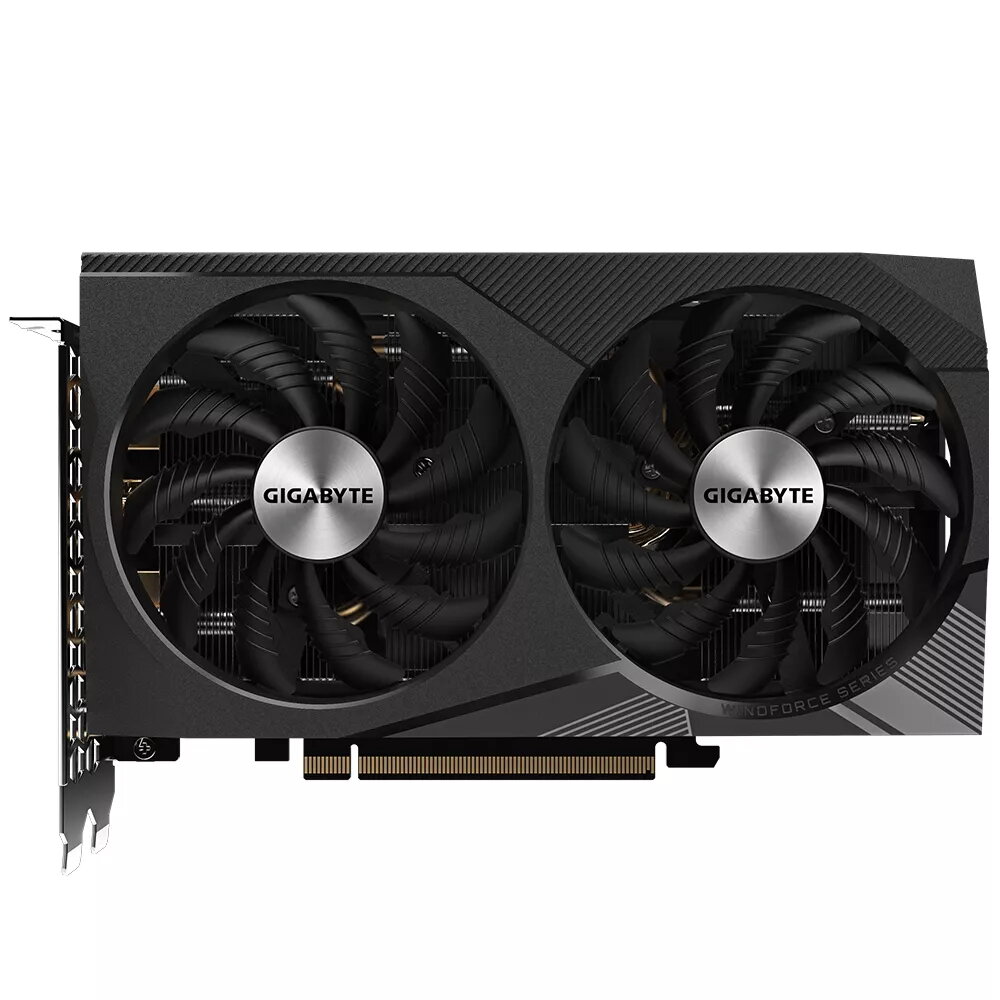
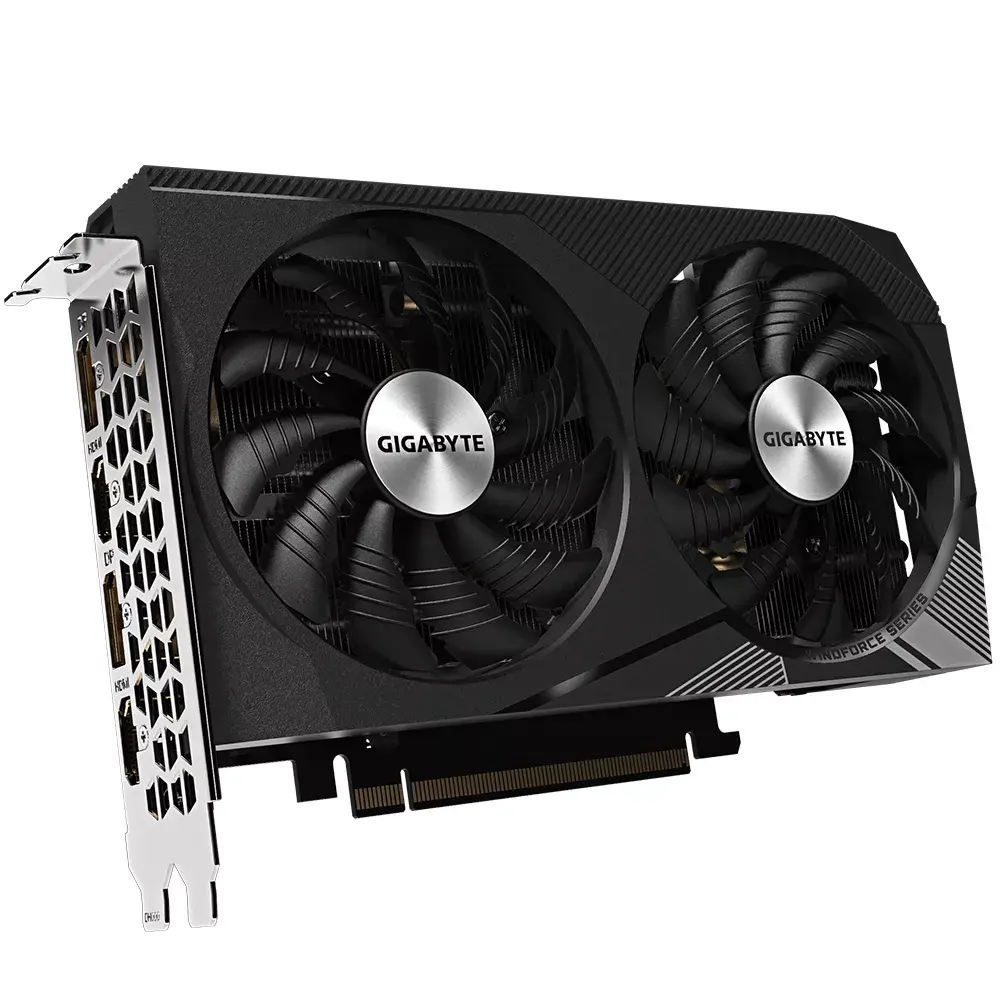
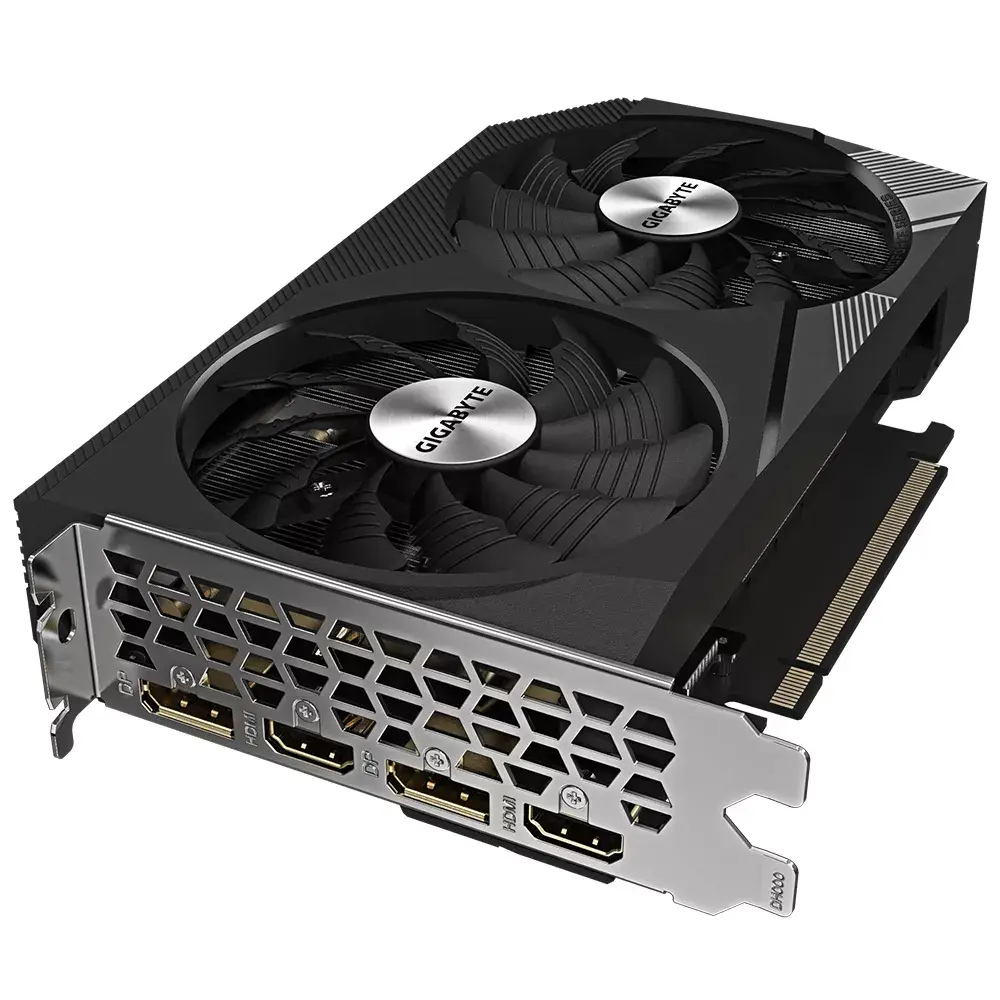
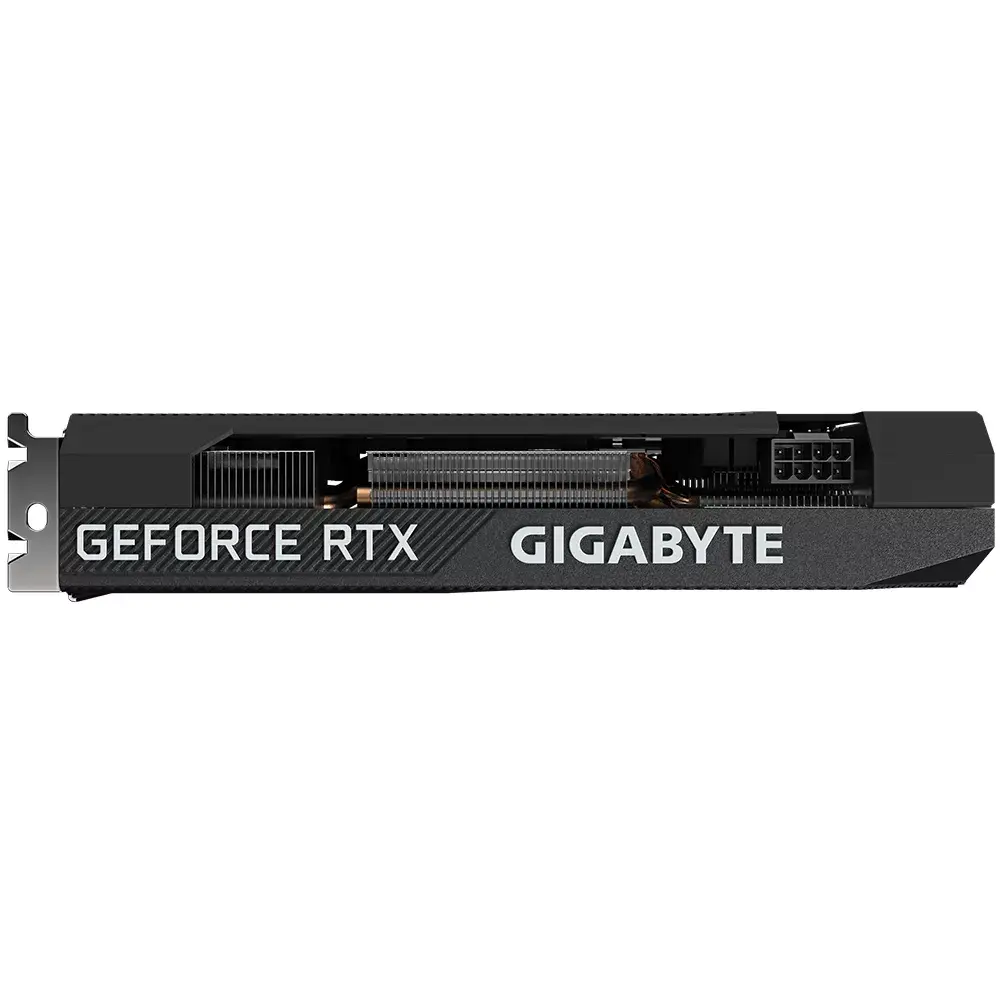
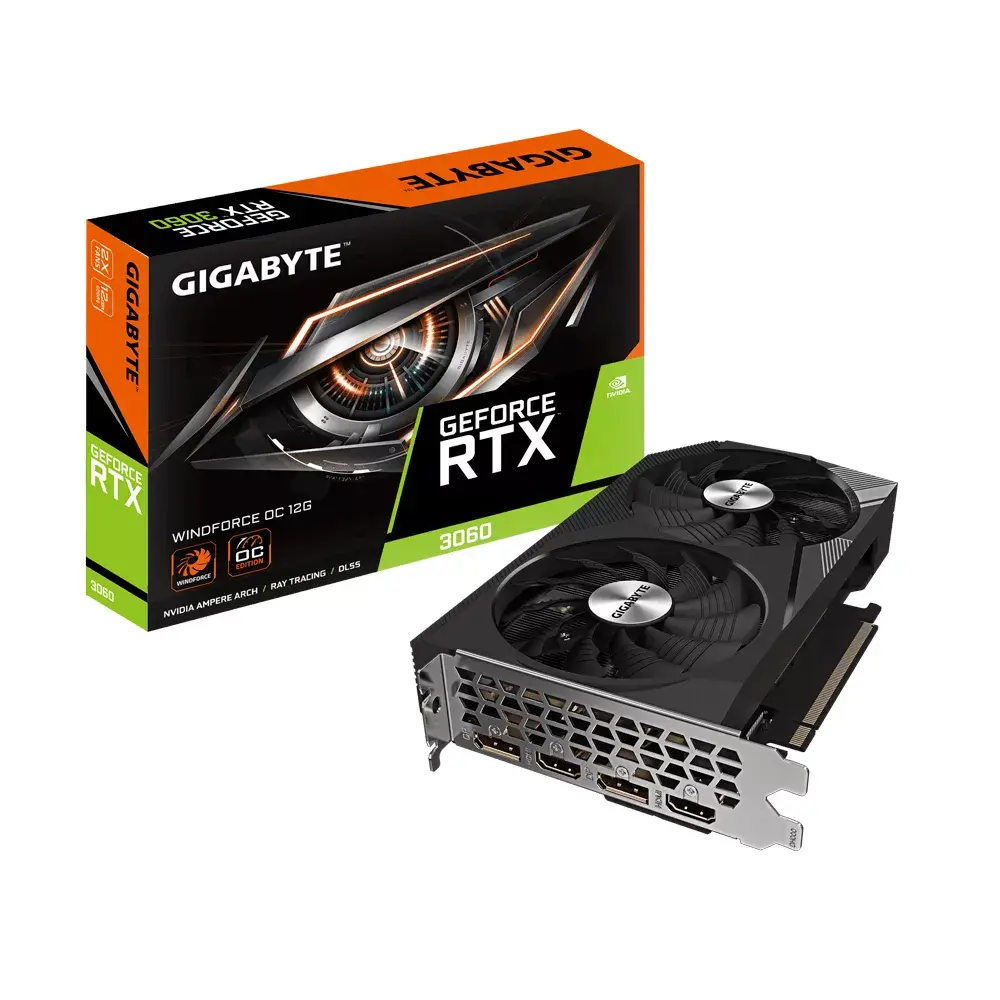
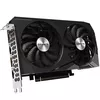
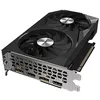
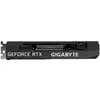
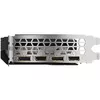
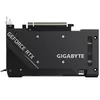
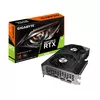
Graphics Card GIGABYTE GeForce RTX 3060 12 GB GDDR6
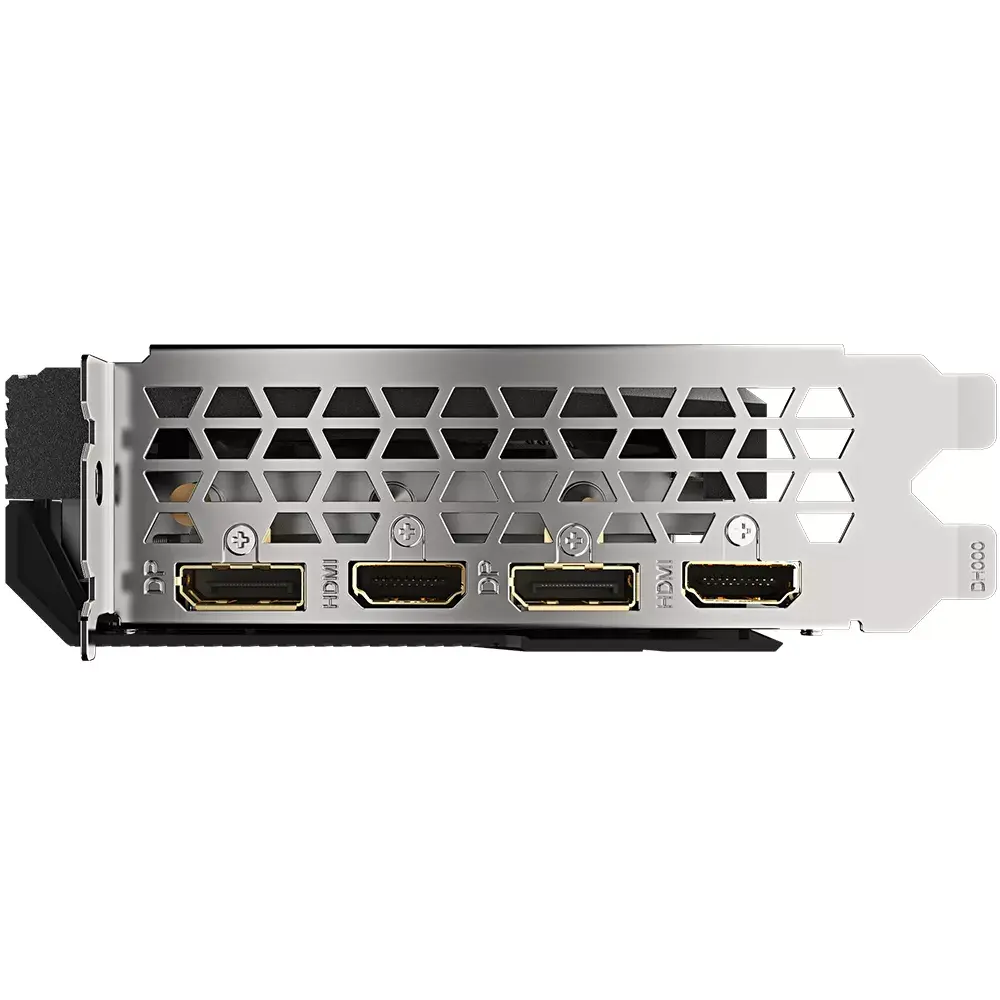
The GIGABYTE GeForce RTX 3060 WINDFORCE OC 12G is a high-performance graphics card designed to deliver exceptional visual fidelity and smooth frame rates for modern gaming and creative workflows. Built on the advanced NVIDIA Ampere architecture, this card integrates 12 GB of GDDR6 memory and a 192-bit memory bus to handle demanding textures and complex rendering tasks with ease. It features a robust WINDFORCE 2X cooling system with dual fans, ensuring optimal thermal management even during intensive use.
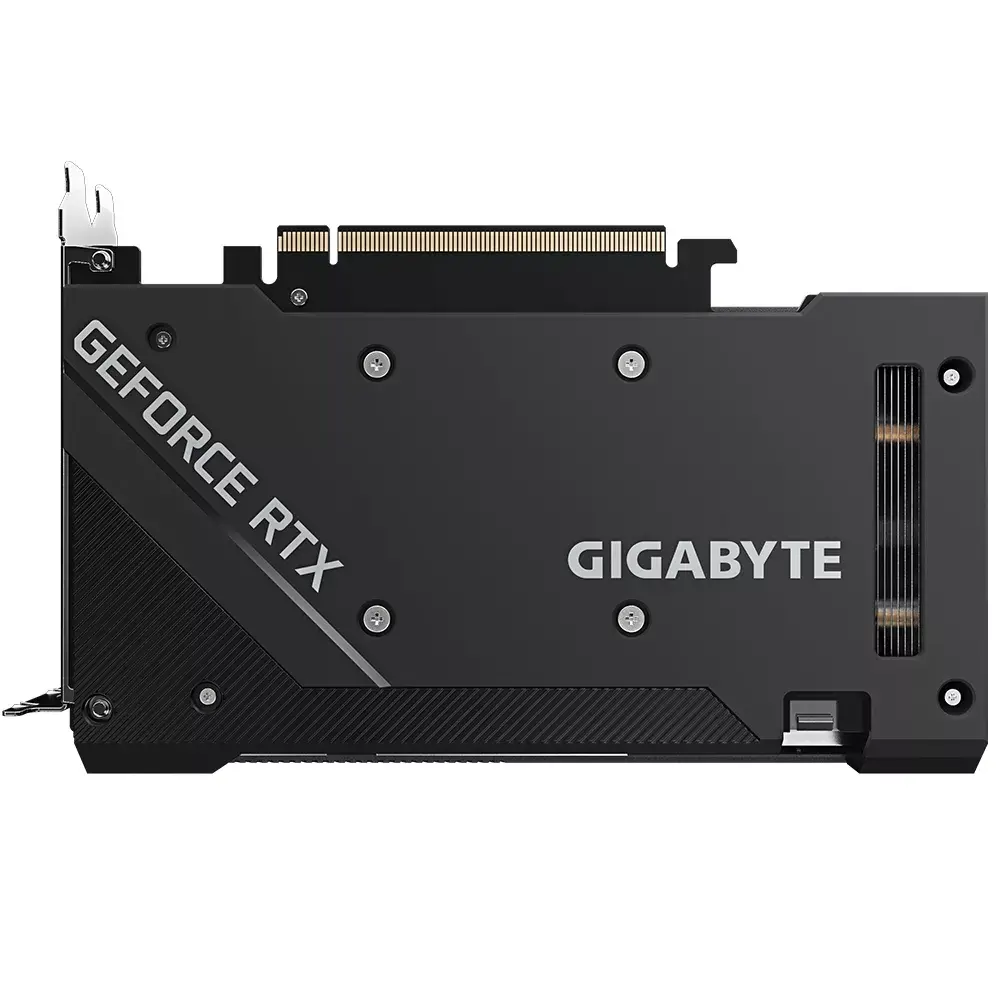
This graphics card offers significant performance benefits through its dedicated Ray Tracing and Tensor Cores, which enable realistic lighting effects and AI-powered DLSS rendering for improved image quality and speed. The WINDFORCE cooling solution utilizes alternate spinning fans and a 3D active fan design to minimize turbulence and noise, allowing for silent operation during light workloads. Furthermore, the card is constructed with high-quality components, including a protective backplate and an Ultra Durable design, which enhances structural integrity and extends the lifespan of the hardware. Its compact form factor makes it an ideal choice for smaller PC builds without compromising on power.
This graphics card may not be the optimal choice for users requiring extreme performance for professional-grade machine learning or heavy-duty 8K video production, where higher-tier models with more VRAM or memory bandwidth might be necessary. Additionally, users with very limited power supply units should verify their system requirements before installation.
To install the GIGABYTE GeForce RTX 3060, ensure your computer is powered off and disconnected from the power source. Insert the card into the PCI Express x16 slot on your motherboard until it clicks into place, then secure it to the chassis with screws. Connect the necessary power cables from your power supply to the card. Once installed, boot your system and download the latest drivers from the official NVIDIA website or use the GIGABYTE Control Center to manage settings such as clock speeds and fan profiles for optimal performance.
Usage recommendations: For the best experience, keep your drivers updated via the GIGABYTE Control Center and ensure your PC case has adequate airflow to assist the card's cooling system in maintaining peak performance during long gaming sessions.
{{highlightedFeature.featureTitle}}:
{{getProductFeatureValueById(product, highlightedFeature.featureId)}}
{{ productComparisonGenerationError }}