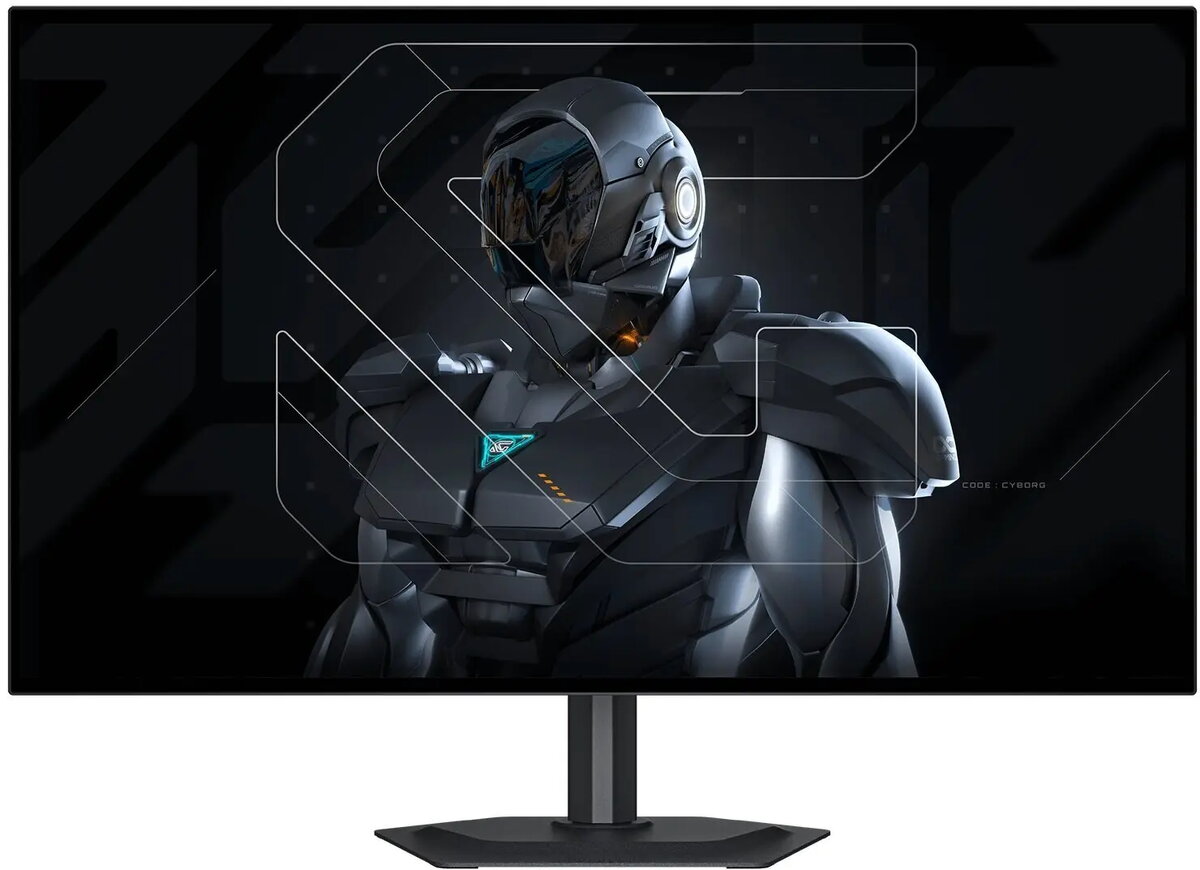
The GIGABYTE MO27Q28G monitor is a high-performance display solution engineered to provide reliable visual clarity and consistent performance for a wide range of computing activities. Designed with a focus on versatility, this monitor integrates seamlessly into various environments, from professional office setups to home multimedia stations, ensuring that users benefit from a stable and efficient workspace. Its robust construction and thoughtful design reflect a commitment to quality, making it a dependable choice for daily tasks that require precise image rendering and comfortable viewing experiences.
Advantages
This monitor stands out due to its ability to deliver clear and accurate visuals, which is essential for maintaining productivity during long working hours. The ergonomic design allows for a more comfortable viewing angle, helping to reduce eye strain and fatigue during extended use. Furthermore, the inclusion of versatile connectivity options ensures that the device can easily interface with a variety of hardware, providing a flexible solution for modern digital workflows. The build quality ensures long-term reliability, making it a sound investment for those who prioritize consistent performance in their display equipment.
Suitable for
- Professional office work and document management
- General multimedia consumption and video streaming
- Daily web browsing and research tasks
- Educational purposes and student workstations
This monitor may not be the optimal choice for professional-grade color-critical work, such as high-end graphic design or professional video editing, where specialized color gamut coverage is required. Additionally, users seeking ultra-high refresh rates for competitive professional gaming might find that other specialized gaming-focused displays better suit their specific performance requirements.
Key specifications
- 27-inch display size
- High-definition resolution for clear visuals
- Ergonomic stand design for improved comfort
- Multiple connectivity ports for peripheral integration
To begin using the GIGABYTE MO27Q28G, connect the monitor to your computer using the appropriate video cable, such as HDMI or DisplayPort, and plug the power adapter into a grounded electrical outlet. Once connected, power on the device and adjust the display settings through the on-screen menu to match your preferred brightness, contrast, and color temperature. Ensure the monitor is positioned at an appropriate eye level to maintain an ergonomic posture throughout your work session.
What to consider before purchase
- Verify that your computer has the necessary video output ports to match the monitor inputs
- Ensure your desk space can accommodate a 27-inch display
- Consider your primary use case to ensure the technical specifications align with your needs
Usage recommendations
To maintain optimal display quality, clean the screen periodically using a soft, lint-free microfiber cloth and avoid using harsh chemical cleaners. Keep the monitor away from direct sunlight and extreme humidity to preserve the integrity of the internal components and the display panel.