JBL speakers and headphones for pure and deep sound!
In cart {{totalProductsCount}} item(s)
Your cart is empty
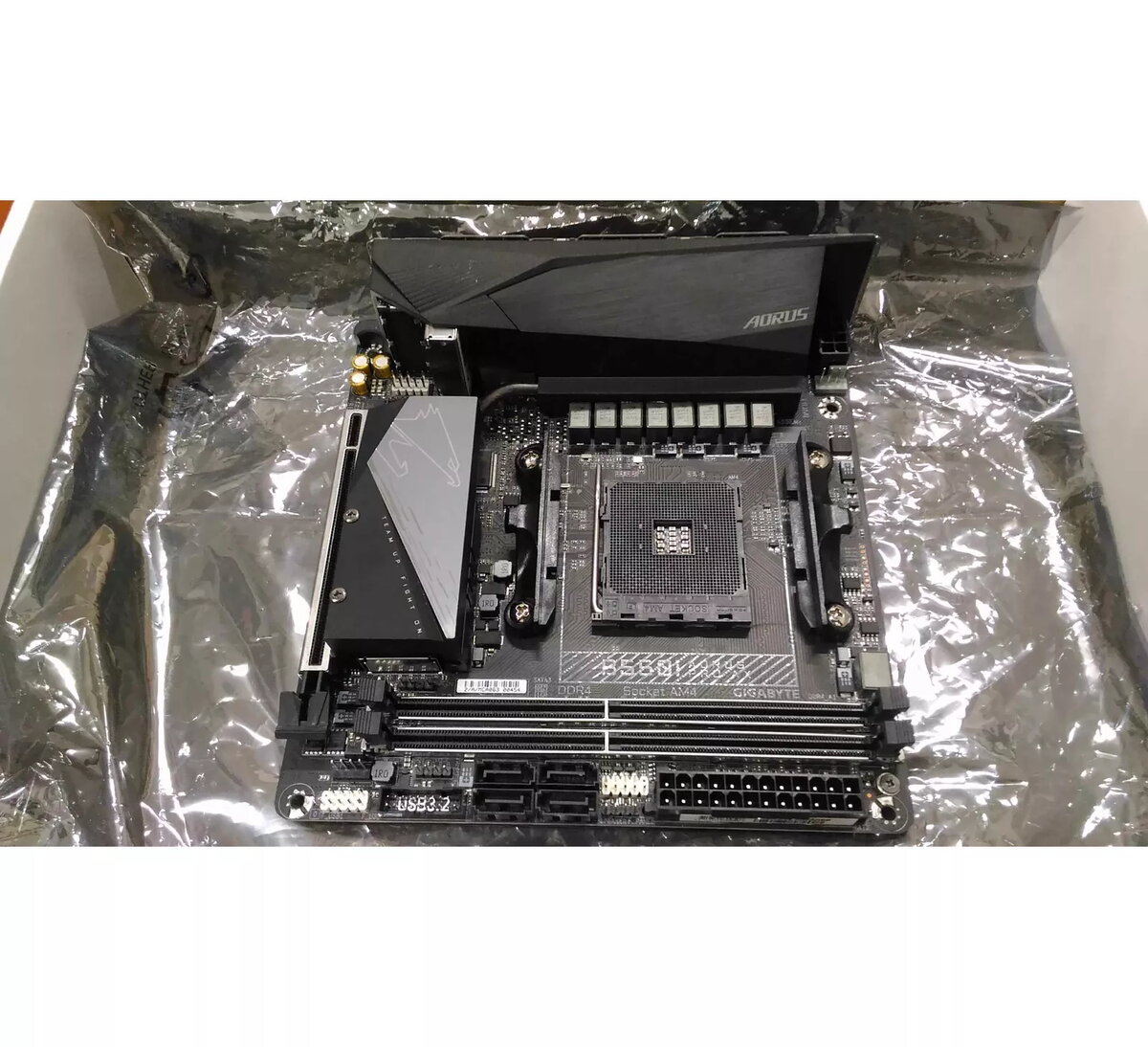
Motherboard GIGABYTE B550I AORUS PRO AX, AMD B Chipset, AM4 Socket, Mini ITX
The GIGABYTE B550I AORUS PRO AX is a high-performance motherboard designed for users who require a compact yet powerful foundation for their AMD-based system. Built on the AMD B550 chipset and featuring the AM4 socket, this board supports a range of processors, making it a versatile choice for modern computing needs. Its Mini ITX form factor is specifically engineered for small-chassis builds, allowing for high-end performance without occupying significant desk space. As a refurbished unit, it offers a reliable and budget-friendly path to building a capable desktop computer.
The primary benefit of this motherboard is its efficient use of space, providing a full-featured experience within a compact Mini ITX footprint. It includes two DDR4 DIMM slots, which allow for high-speed memory configurations to support demanding applications and gaming. The integration of the AMD B550 chipset ensures compatibility with modern hardware standards, providing a stable and responsive platform for daily tasks, content creation, and gaming. By choosing this refurbished component, users can access premium AORUS-series quality at a more accessible price point.
This motherboard may not be ideal for users who require extensive expansion options, such as multiple PCIe slots for additional graphics cards or sound cards, due to its compact Mini ITX design. Additionally, it is not suitable for users who need to install more than two memory modules, as the board is limited to two DIMM slots.
To install the motherboard, secure it into a compatible Mini ITX case using the provided back panel. Insert your compatible AMD AM4 processor into the socket, ensuring the alignment pins match correctly. Install your DDR4 memory modules into the two available slots until they click into place. Connect your power supply cables, storage drives, and other peripherals to the designated headers on the board. Once assembled, ensure all connections are firm before powering on the system to enter the BIOS for initial configuration.
For optimal performance, ensure that your power supply unit is sufficient for your chosen processor and graphics card. Since this is a refurbished unit, it is recommended to perform a clean installation of your operating system and update the BIOS to the latest version available from the manufacturer's website to ensure maximum stability and compatibility.
{{highlightedFeature.featureTitle}}:
{{getProductFeatureValueById(product, highlightedFeature.featureId)}}
{{ productComparisonGenerationError }}