
{{ totalProductsCount }}

In cart {{totalProductsCount}} item(s)

Total:
{{sum | formatAmount}}

Your cart is empty

header-product PC Case GIGABYTE C102 GLASS Midi Tower White

PC Case GIGABYTE C102 GLASS Midi Tower White

PC Case GIGABYTE C102 GLASS Photo 1
PC Case GIGABYTE C102 GLASS Photo 2
PC Case GIGABYTE C102 GLASS Photo 3
PC Case GIGABYTE C102 GLASS Photo 4
PC Case GIGABYTE C102 GLASS Photo 5
PC Case GIGABYTE C102 GLASS Photo 6
PC Case GIGABYTE C102 GLASS Photo 7
PC Case GIGABYTE C102 GLASS Photo 8
PC Case GIGABYTE C102 GLASS Photo 1
PC Case GIGABYTE C102 GLASS Photo 2
PC Case GIGABYTE C102 GLASS Photo 3
PC Case GIGABYTE C102 GLASS Photo 4
PC Case GIGABYTE C102 GLASS Photo 5
PC Case GIGABYTE C102 GLASS Photo 6
PC Case GIGABYTE C102 GLASS Photo 7
PC Case GIGABYTE C102 GLASS Photo 8
Out of stock.
View similar!

Short description

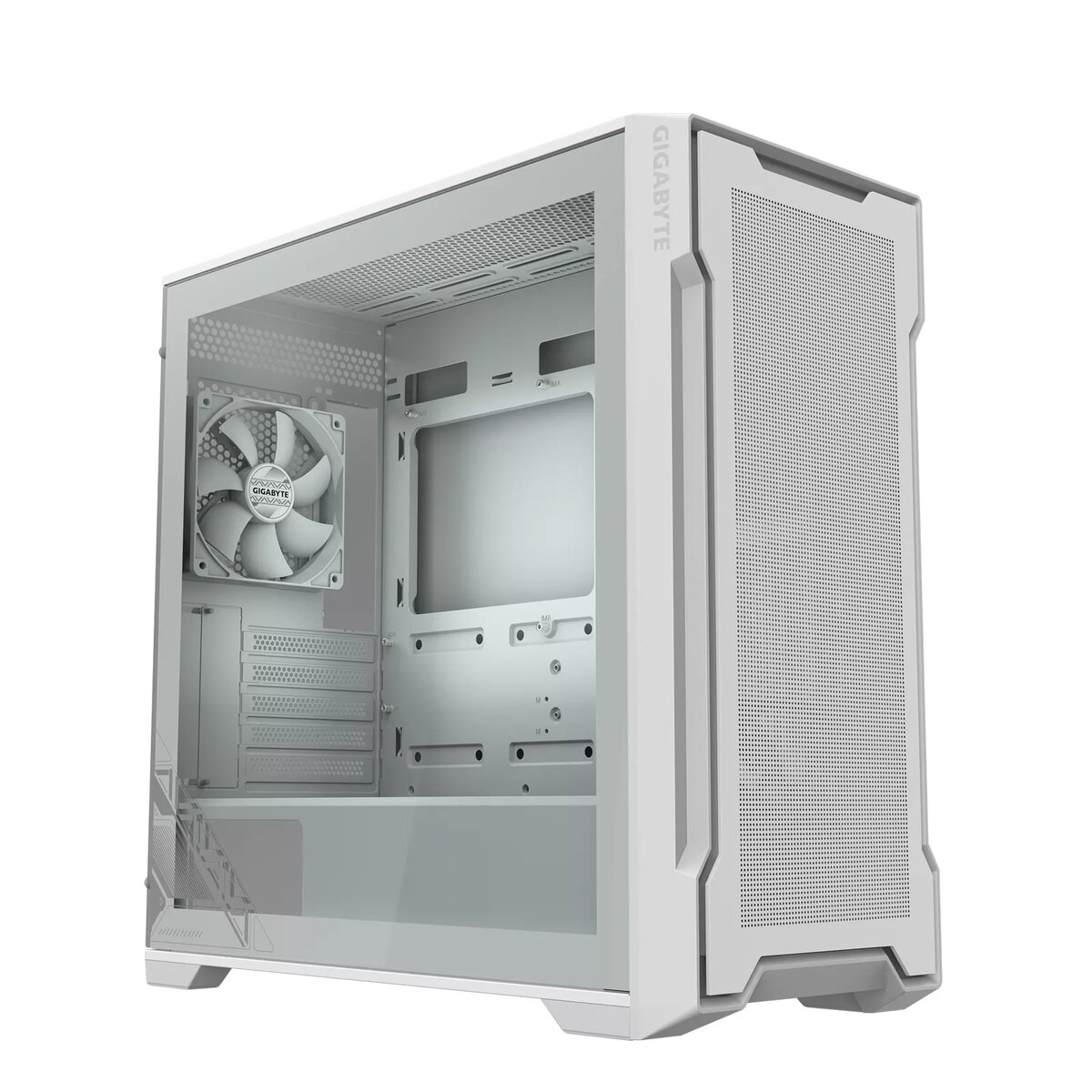
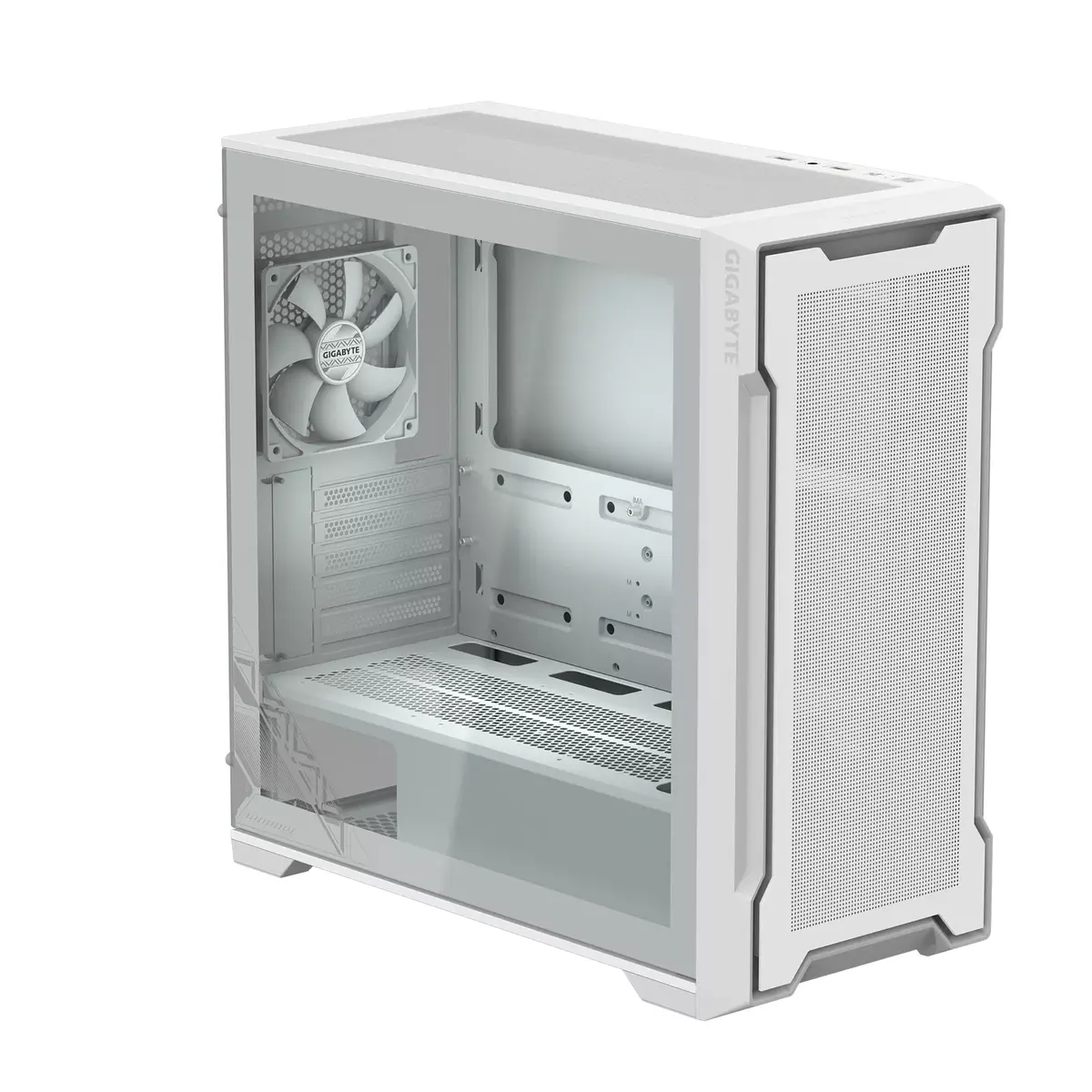
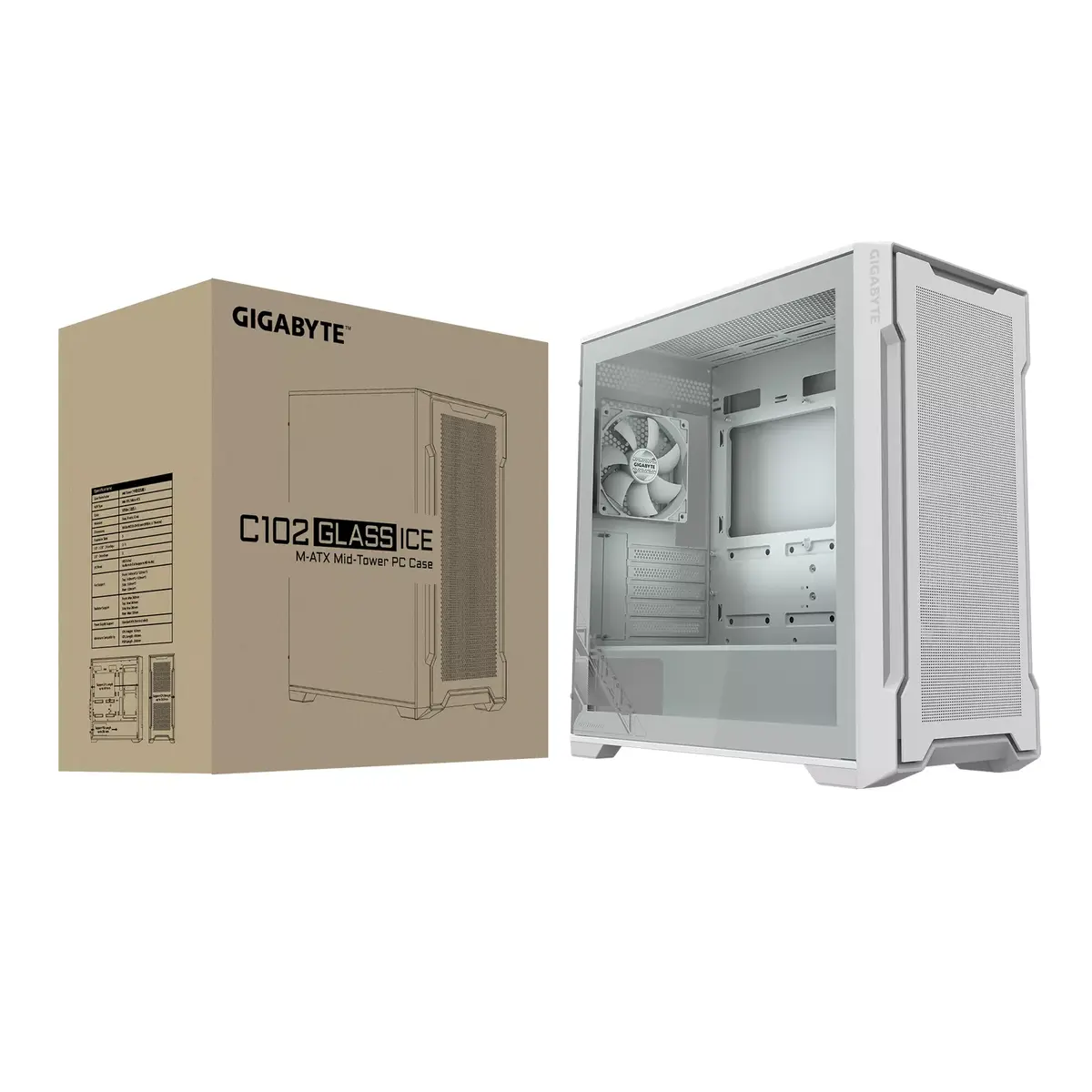
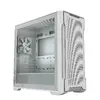
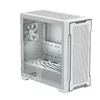
The GIGABYTE C102 GLASS Midi Tower in white features a sleek design with a bottom-mounted power supply and supports ATX power supplies. It comes with one pre-installed 120 mm front fan and supports additional fans with diameters of 120 and 140 mm. The case accommodates HDD sizes of 2.5" and 3.5", as well as a 2.5" SSD. Dimensions: 210 mm (W) x 450 mm (D) x 450 mm (H).
Warranty: 2 Years
SKU: 10931353

delivery
Information regarding the items availability for purchase will be posted on this site
price
Item cost information will be published on this site
Together cheaper
{{product.price | formatAmount}}
{{product.title}}
{{productBundle.reference.specialPrice | formatAmount}}
{{productBundle.title}}
{{productBundlePreviousPrice | formatAmount}}
{{productBundleSpecialPrice | formatAmount}}

You saving {{productBundleYouSave | formatAmount}}

Product information

Description

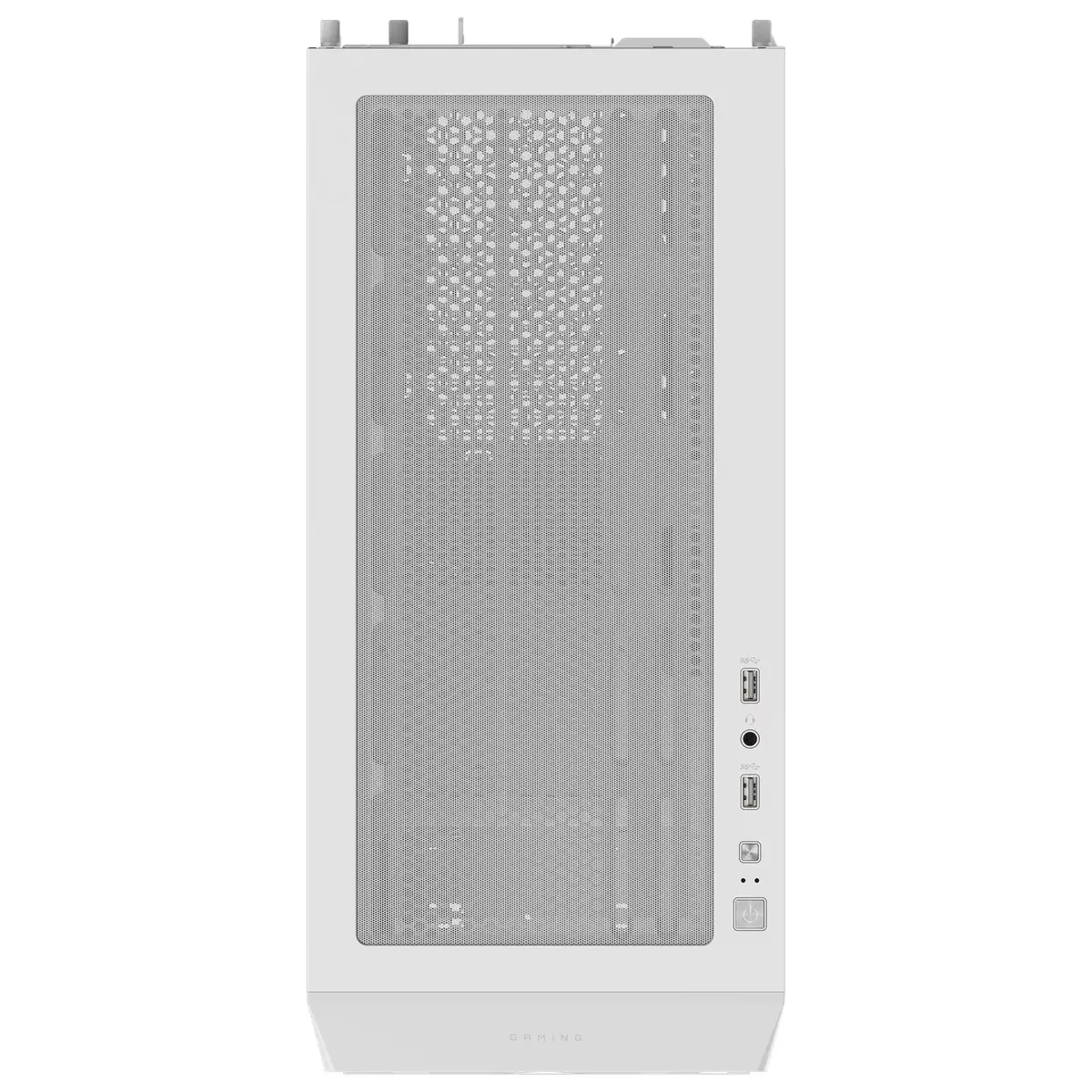
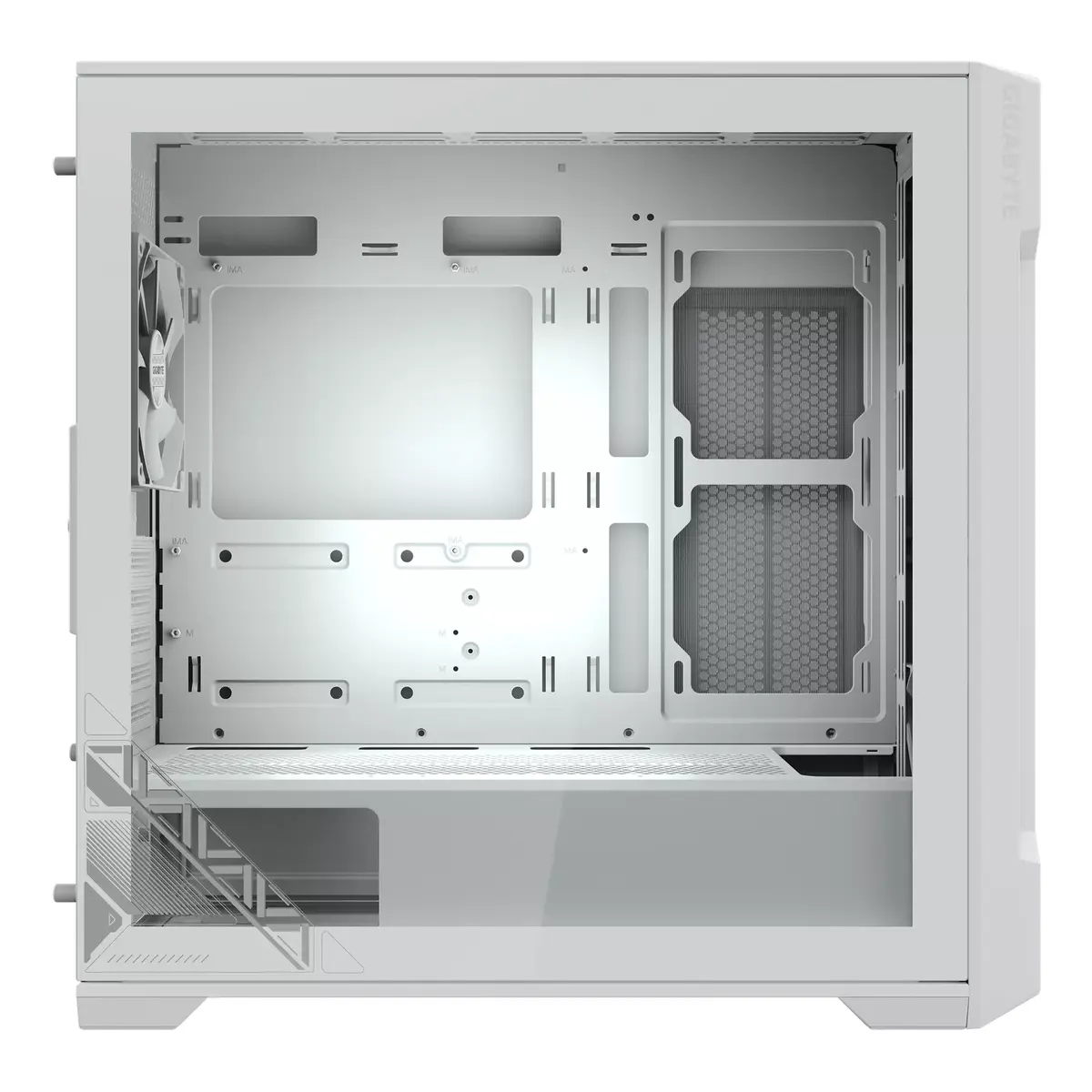
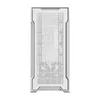
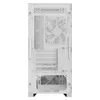
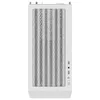
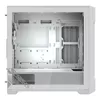
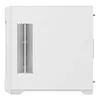
The GIGABYTE C102 GLASS Midi Tower in white is a compact PC case designed for Mini-ATX and similar small form factor builds. It features an optimized vented layout on the front, top and part of the right-side panel to promote airflow, a tempered glass side panel for visible internal components, a bottom-mounted power supply area with a shroud, and one pre-installed 120 mm front fan. The case supports additional 120 mm and 140 mm fans, accepts 2.5" and 3.5" storage drives, and has a clean white finish with steel, plastic and glass construction.

Advantages

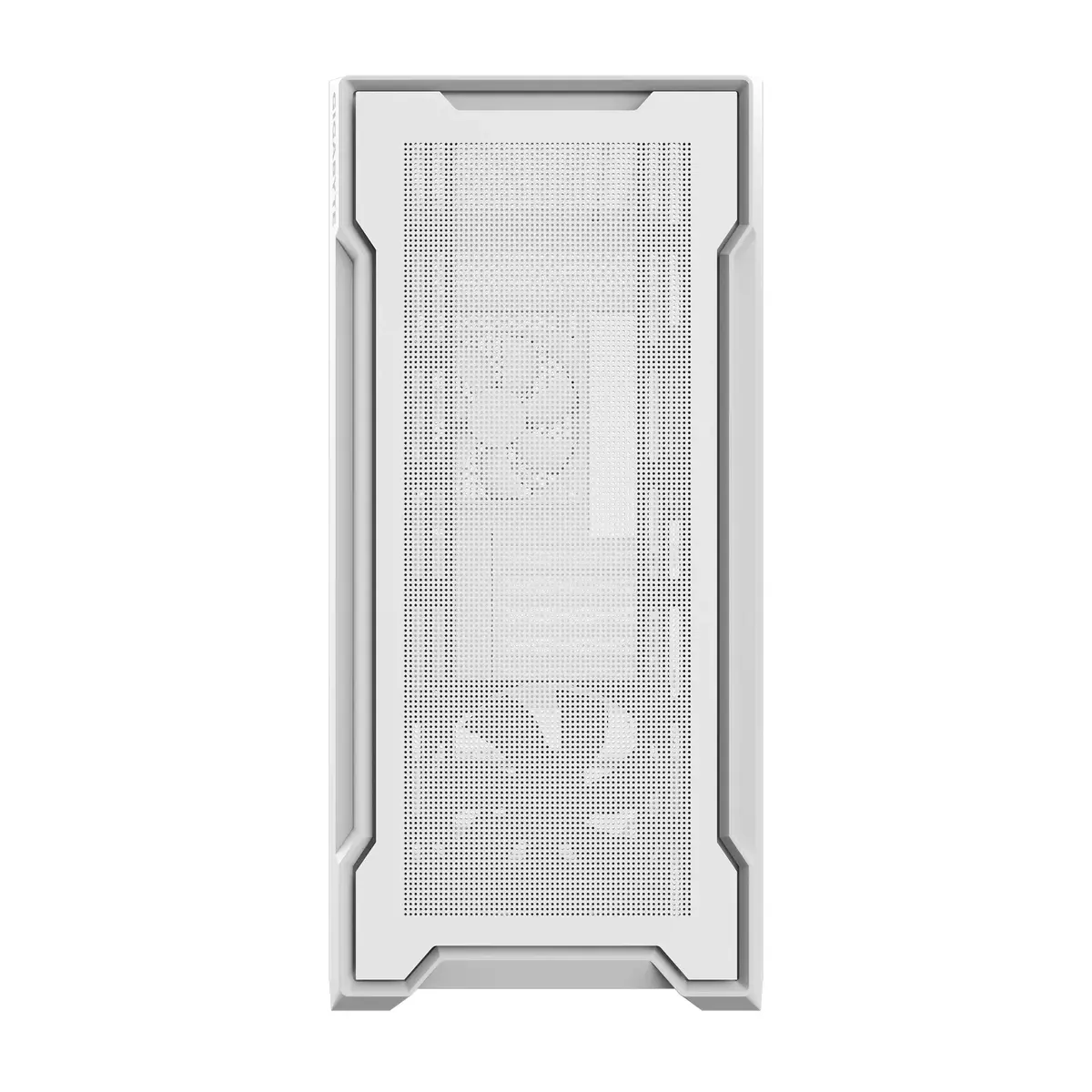
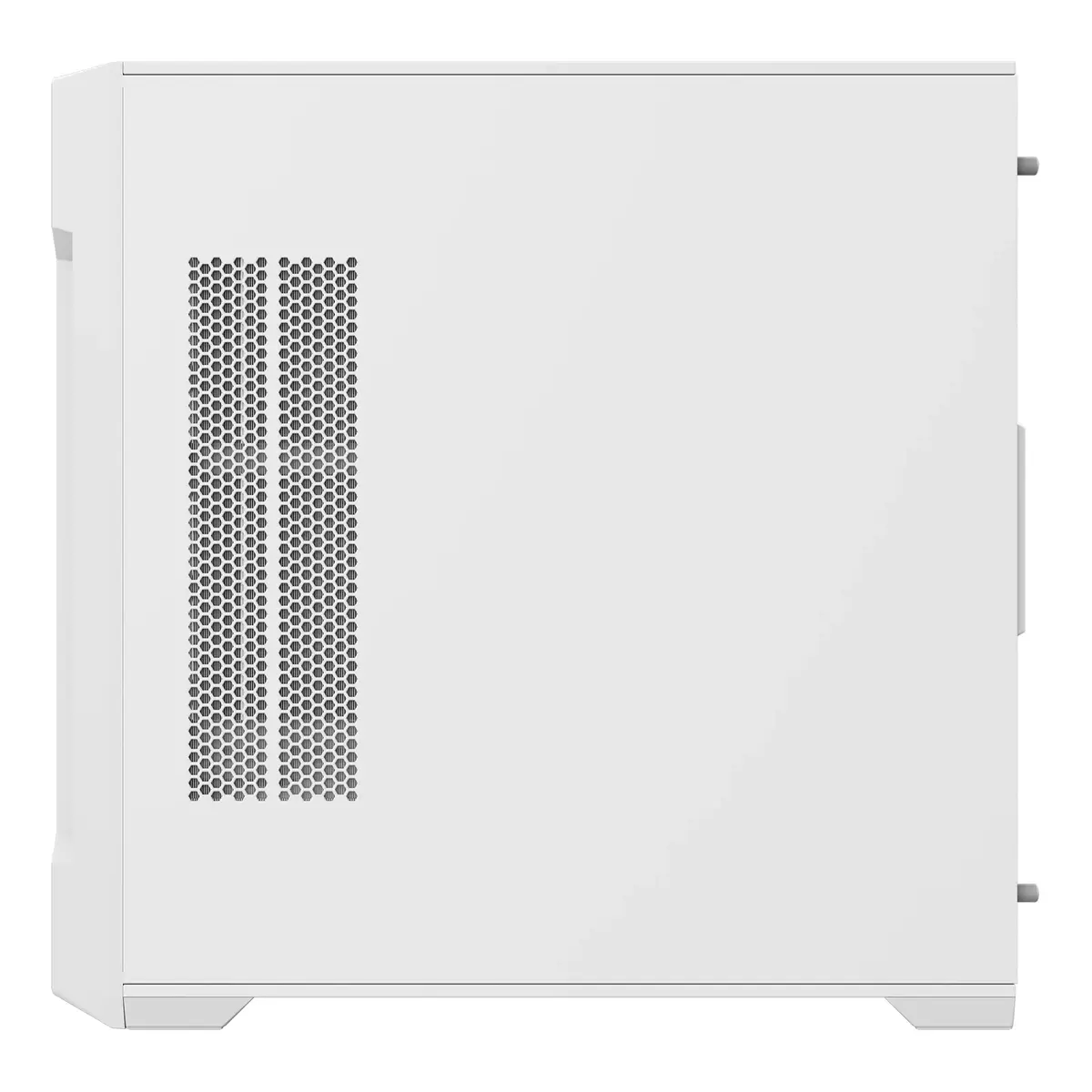
Vented panels at the front, top and right side provide improved cooling potential while preserving a neat exterior appearance. The 4 mm tempered glass side panel offers a clear view of internal components, reduces fragmentation risk through a non-drilled design, and simplifies safe removal. A detachable magnetic front panel and removable dust filters on top, right and bottom make cleaning and maintenance straightforward. The PSU shroud conceals power cables for a tidy interior and separates PSU heat from other components.

Suitable for

  • Compact Mini-ATX gaming or productivity builds
  • Systems with visible RGB or aesthetic-focused components
  • Users who need easy maintenance and dust filtering

Key specifications

  • Form factor: Midi Tower, compatible with Mini-ATX motherboards
  • Dimensions (W×D×H): 210 × 450 × 450 mm
  • Material: Steel, plastic and tempered glass (4 mm side panel)
  • Colour: White
  • Pre-installed fans: 1 × 120 mm front fan
  • Supported fan sizes: 120 mm and 140 mm
  • Drive bays: supports 2.5" SSD and 2.5"/3.5" HDD drives
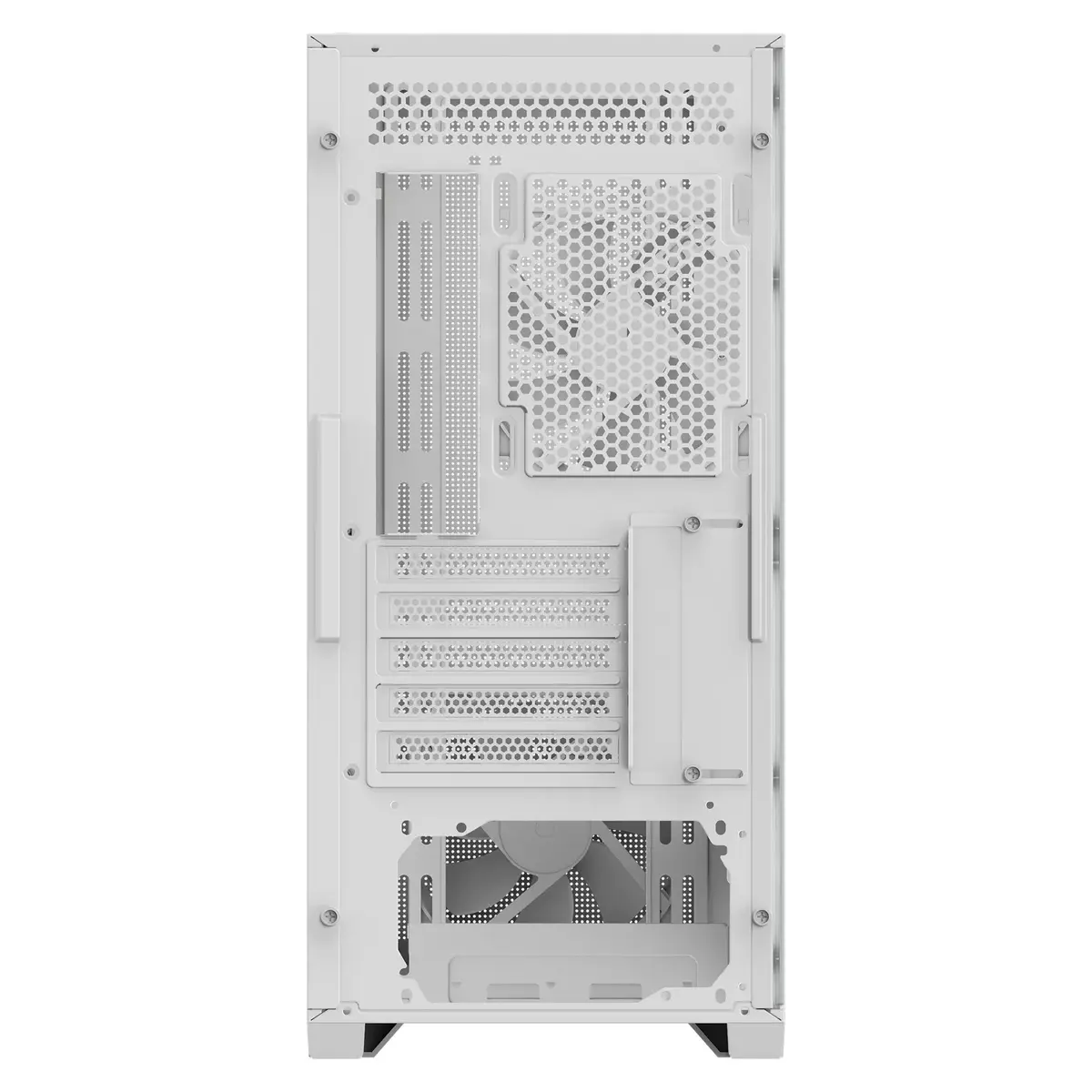
  • PSU position: bottom-mounted with shroud and side window
  • Front I/O: two USB 3.0 ports, audio ports, power and reset buttons
  • Weight: 5.79 kg

How to use

Install the Mini-ATX motherboard and components following standard PC assembly procedures, mount the power supply in the bottom compartment and route cables beneath the PSU shroud for cleaner cable management. Attach storage drives to the provided 2.5" or 3.5" mounting points, fit additional 120 mm or 140 mm fans where supported to improve airflow, and connect front I/O cables to the motherboard headers. Remove the tempered glass side panel carefully by loosening its fasteners and lift it away for component access.

Usage recommendations

For best cooling, keep the magnetic front panel and top/right-side filters clean and install at least one additional intake or exhaust fan if planning higher-performance components; route cables under the PSU shroud to maintain unobstructed airflow.

Specifications

USB 3.2 Gen 2 (3.1 Gen 2) Type-A ports quantity:
2
Power supply included: There is a power supply with this product.
No
Number of 5.25" bays: A drive bay is a standard-area for adding hardware to a computer. Most drive bays are fixed to the inside of a case, but some can be removed. A 5.25" drive bay, also known as full-height bays, were found in old PCs in the early to mid-1980s. They were 3¼″ high by 5¾″ wide, and up to 8″ deep (83 × 146 × 200 mm), used mainly for hard disks and floppy disk drives.
0
Number of 3.5" bays: A drive bay is a standard-area for adding hardware to a computer. Most drive bays are fixed to the inside of a case, but some can be removed. A 3.5" drive bay is for floppy disks.
2
Type: Characteristics of the device.
PC
Form factor: The shape or design of the product.
Midi Tower
Supported HDD sizes: The size of the hard disk drives which can be used by the device.
3.5, 2.5
Supported motherboard form factors: Design of the supported motherboards.
Mini-ATX
Product colour: The colour e.g. red, blue, green, black, white.
White
All features

Packaging data

Package weight: Weight of the packaged product.
6970 g
Package height: The distance from the top to the bottom of the packaging.
517 mm
Package depth: The distance from the front to the back of the packaging.
525 mm
Package width: The distance from one side of the packaging to the other.
282 mm

Weight & dimensions

Weight: Weight of the product without packaging (net weight). If possible, the net weight is given including standard accessories and supplies. Please note that sometimes the manufacturer leaves out the weight of accessories and/or supplies.
5.79 kg
Height: The measurement of the product from head to foot or from base to top.
450 mm
Depth: The distance from the front to the back of something.
450 mm
Width: The measurement or extent of something from side to side.
210 mm

Storage

SSD form factor: The size of the solid-state drive, given in inches
2.5"
Supported HDD sizes: The size of the hard disk drives which can be used by the device.
3.5, 2.5

Cooling

Top radiator sizes supported:
360
Rear radiator sizes supported:
120
Side radiator sizes supported:
240
Front radiator sizes supported:
360
Top fans diameters supported:
120, 140
Number of top fans supported (max):
2
Rear fans diameters supported:
120
Number of rear fans supported (max):
1
Rear fans installed:
1x 120 mm
Side fans diameters supported:
120
Number of side fans supported (max):
2
Front fans diameters supported:
120, 140
Number of front fans supported (max):
3
Front fans installed:
1x 120 mm

Ports & interfaces

Audio output: The type of audio output that the device produces, and the connector(s).
Yes
Audio input: The type of audio input that the device requires, and the connection needed.
Yes
USB 3.2 Gen 2 (3.1 Gen 2) Type-A ports quantity:
2

Display

Built-in display: A display which is part of the product, so you do not need to attach another display.
No

Power supply

Supported power supply form factors:
ATX
Power supply location: Where the power supply is positioned.
Bottom
Power supply included: There is a power supply with this product.
No

Design

Maximum PSU length:
200 mm
Maximum graphics card length:
410 mm
Maximum CPU cooler height:
165 mm
On/off button:
Yes
Anti-dust filter:
Yes
Tempered glass panel(s):
Yes
Suitable for: Who can use the product, or what the product can be used for.
Gaming
Side window: A side window is a transparent side (or part of side) in a housing which enables you to see the internal space of the device.
Yes
Number of expansion slots:
5
Number of storage drives supported: How many storage drives can be fit into the product at once.
3
Number of internal 3.5" bays:
2
Number of 2.5" bays:
3
Number of 5.25" bays: A drive bay is a standard-area for adding hardware to a computer. Most drive bays are fixed to the inside of a case, but some can be removed. A 5.25" drive bay, also known as full-height bays, were found in old PCs in the early to mid-1980s. They were 3¼″ high by 5¾″ wide, and up to 8″ deep (83 × 146 × 200 mm), used mainly for hard disks and floppy disk drives.
0
Number of 3.5" bays: A drive bay is a standard-area for adding hardware to a computer. Most drive bays are fixed to the inside of a case, but some can be removed. A 3.5" drive bay is for floppy disks.
2
Supported motherboard form factors: Design of the supported motherboards.
Mini-ATX
Product colour: The colour e.g. red, blue, green, black, white.
White
Material: The material from which a thing is or can be made e.g. wood, plastic.
Steel, Plastic, Glass
Type: Characteristics of the device.
PC
Form factor: The shape or design of the product.
Midi Tower

Description

Machine translation. Load original

Similar products

{{product.title}} Show details Hide details

{{highlightedFeature.featureTitle}}:

{{getProductFeatureValueById(product, highlightedFeature.featureId)}}

{{product.price | formatAmount}}
Might be useful
{{product.manufacturerName}}
{{product.categoryName}}
{{product.title}}
{{product.specialPrice}}
{{product.price}}

Customer reviews

Customer questions

FAQ

What payment options are available?

AiO.lv offers several payment methods: Bank transfer. All transactions are 100% secure and encrypted.

Can this product be purchased for a company (with VAT)?

Yes. AiO.lv works with legal entities in Latvia and across Europe. The product price already includes VAT. For certain product categories, as well as for companies from other EU countries with a valid VAT number, a 0% VAT rate may apply. We issue the invoice immediately after the order is placed, support electronic BIS invoices, and automatically generate all necessary accounting documents. You can complete the purchase for a company online — simply select the company profile and choose bank transfer as the payment method during checkout.

What is the warranty period?

All GIGABYTE products come with an official 2 Years warranty. It covers all manufacturing defects and malfunctions that may occur during use. The warranty is valid at all authorized GIGABYTE service centers and through AiO.lv

Can the product be returned after purchase?

Yes, you can return the product within 14 days of purchase if you bought it as a consumer (not a legal entity). Returns are possible without giving any reason — the main condition is that the product retains its original appearance and full set of accessories. We will make the process as simple and convenient as possible: just contact our customer support team, and we will help you arrange the return.

Where should I contact for warranty service?

For warranty-related questions you can contact the AiO.lv (SIA VSPRO) customer support team. We will assist with consultation, warranty claim processing, and coordination with certified service centers.

How can I tell if this product suits my needs?

When making a choice, we recommend paying attention to the key features: usb 3.2 gen 2 (3.1 gen 2) type-a ports quantity, power supply included, number of 5.25" bays, number of 3.5" bays, type, form factor, supported hdd sizes, supported motherboard form factors, product colour, compatibility with your devices or usage conditions, material quality, functionality, and warranty terms. These characteristics will help you determine how well the model meets your needs.
warranty
14-Day Return Policy We are confident in our quality, but if the purchase doesn’t fit — you have 14 days to return the product with peace of mind.
shipping
Fast Delivery Get your orders as quickly as possible — right to your door, parcel lockers, or pickup points across Latvia and the EU.
payment
Secure Payment Pay the way you prefer: cash, VISA, MasterCard, Apple Pay, Google Pay, bank transfer, or 0% installment plan.
warranty
Quality Since 2008 AiO.lv has been on the market for over 18 years and has earned trust — with more than 6000 genuine positive reviews on Google.