



Hurry and order now – up to 50% off!
In cart {{totalProductsCount}} item(s)
Your cart is empty
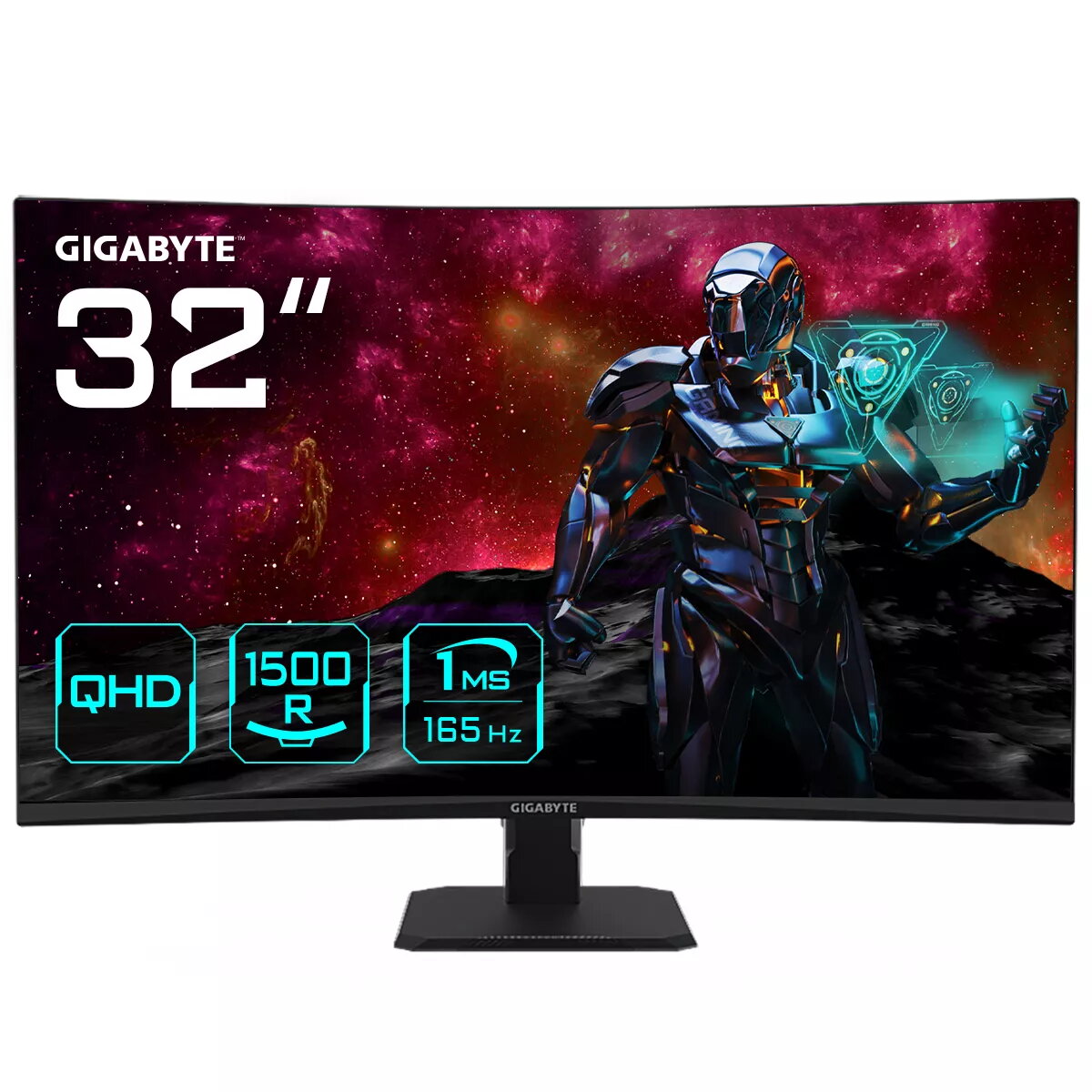
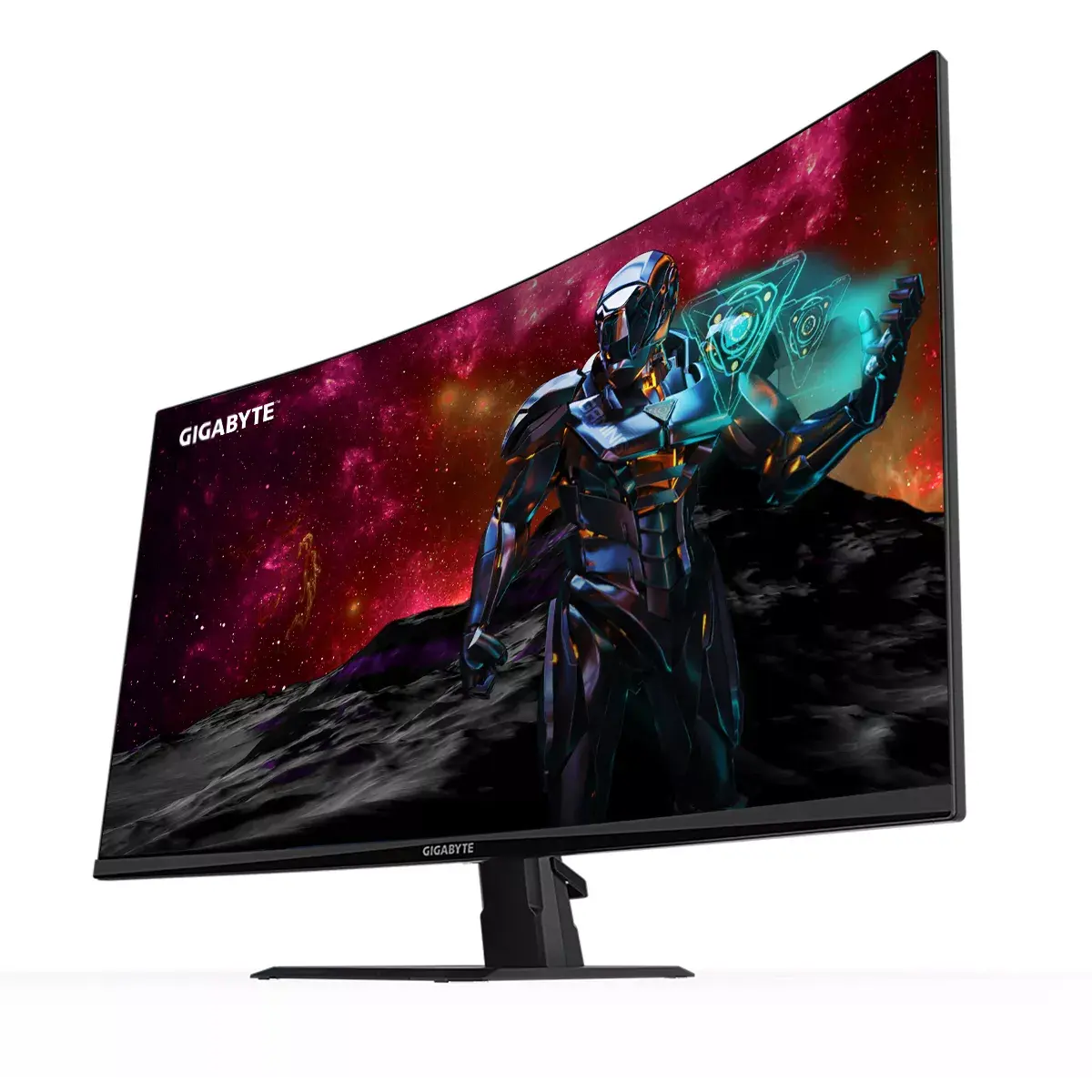
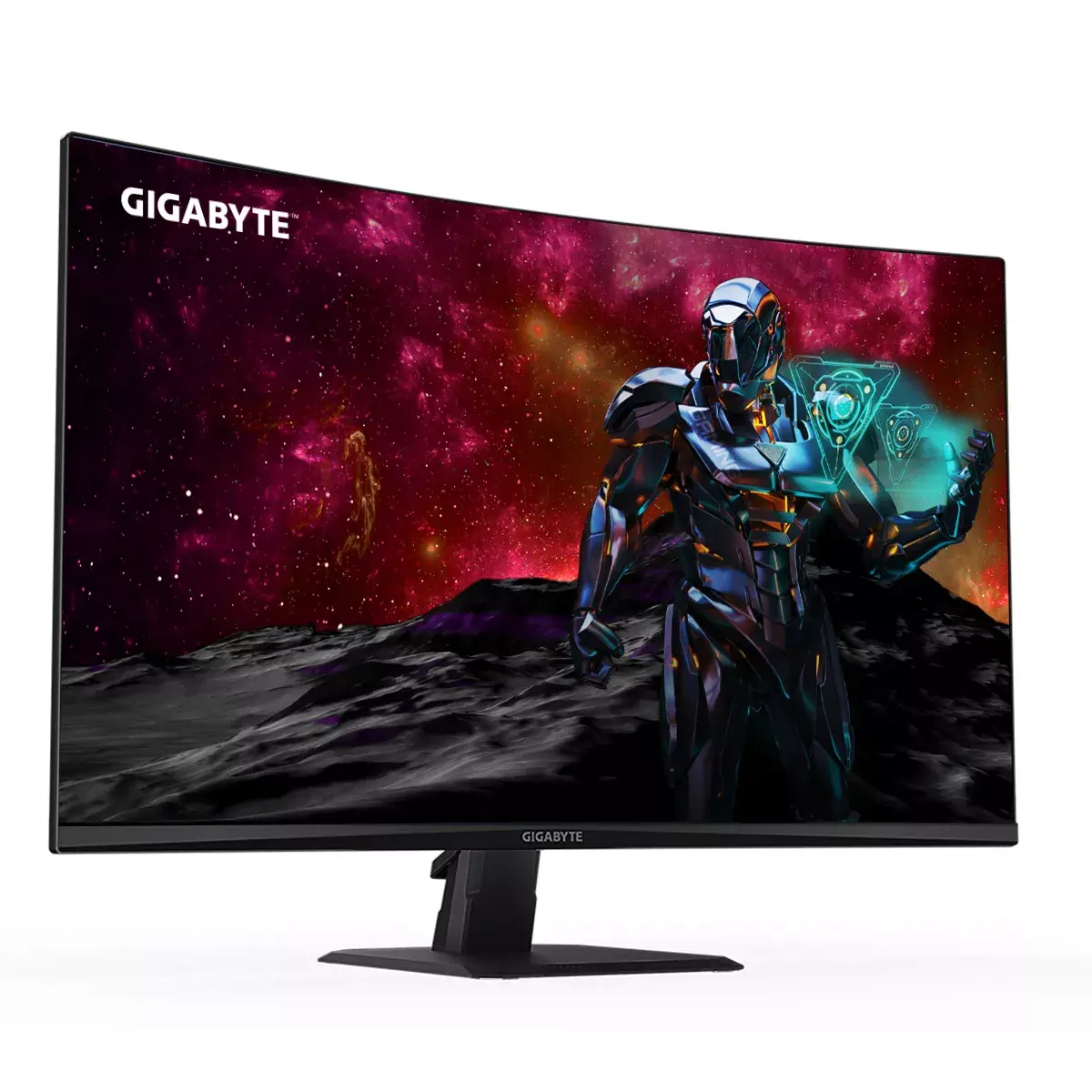
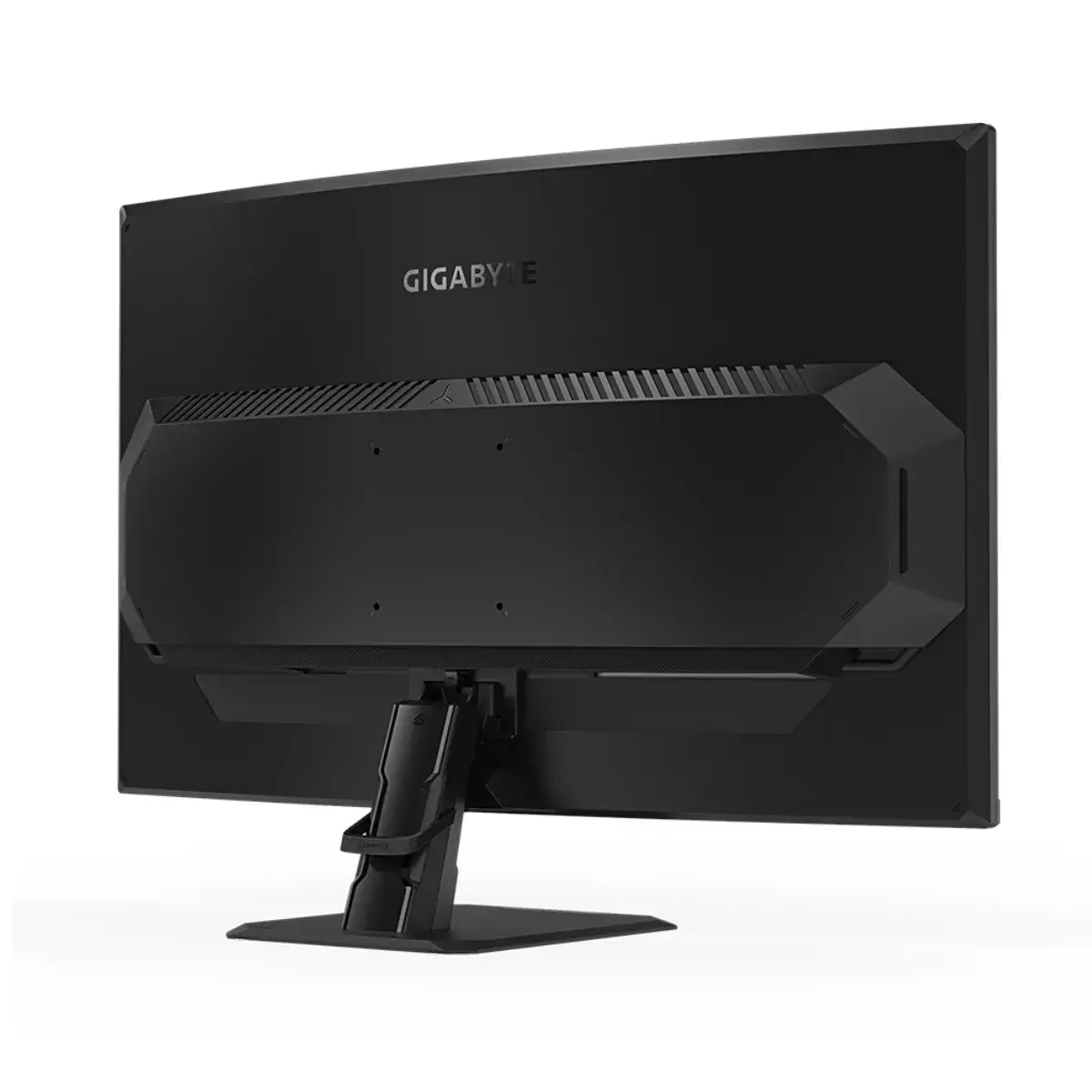
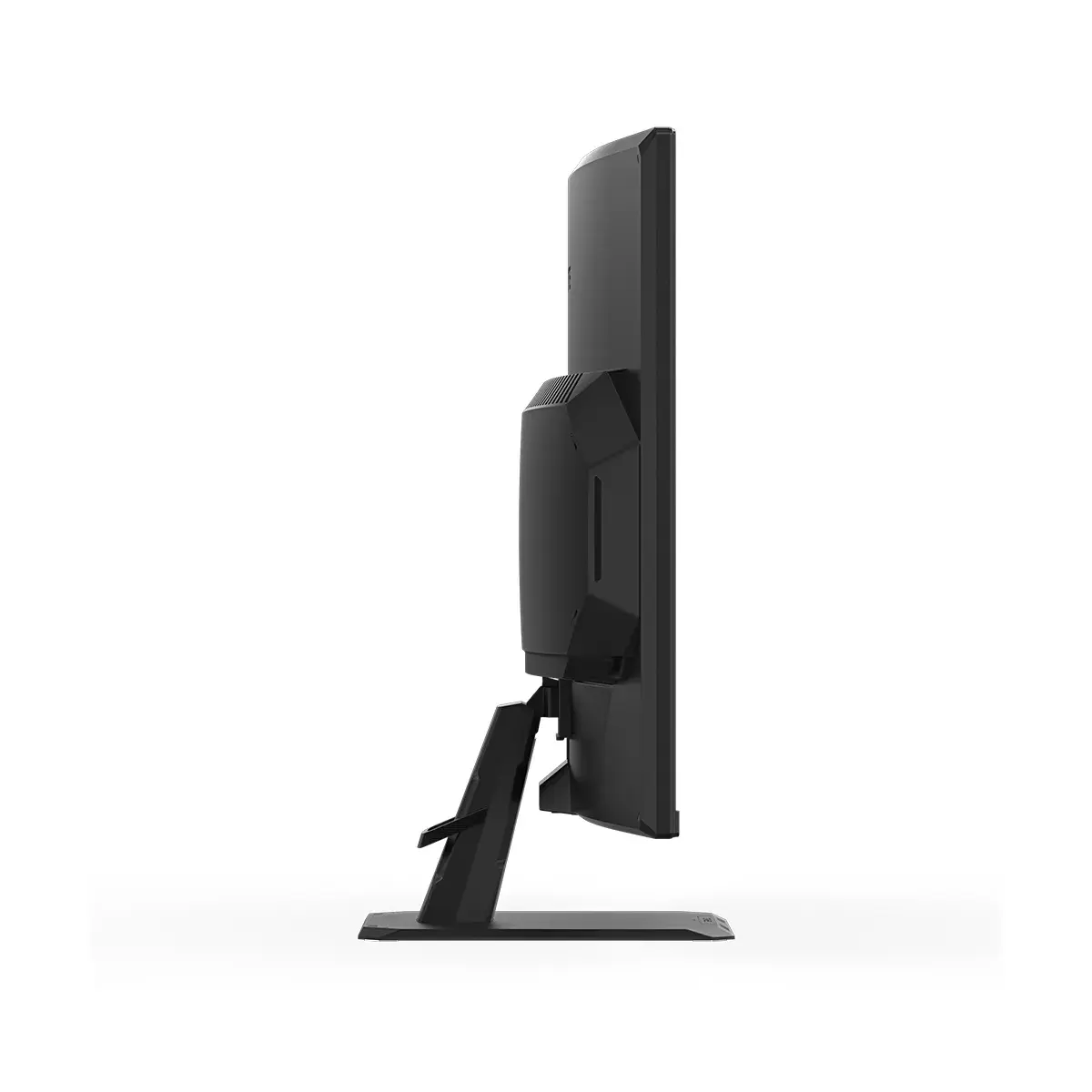
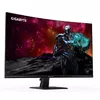
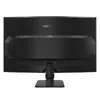
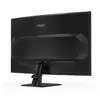
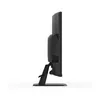
Monitor GIGABYTE GS32QC 31.5" QHD Curved LED 2560 x 1440
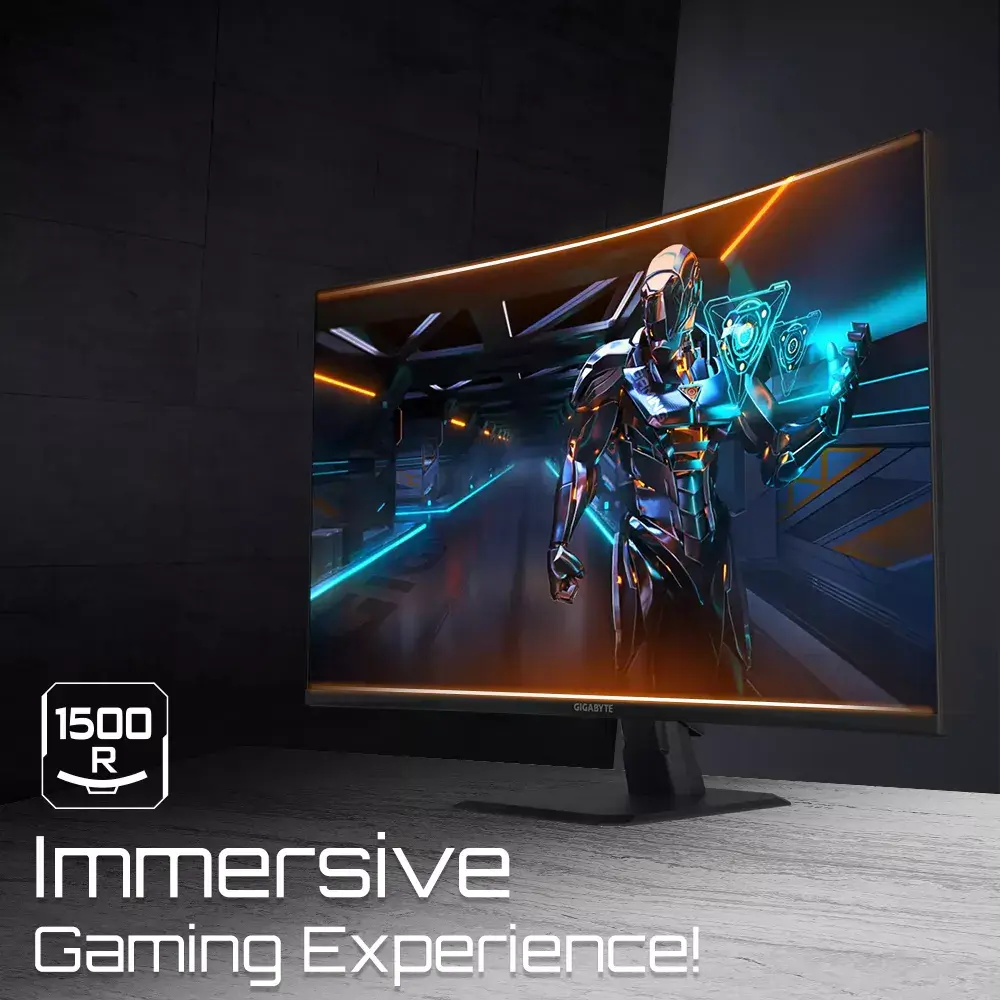
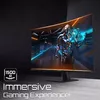
The GIGABYTE GS32QC is a 31.5-inch curved gaming monitor engineered to provide an immersive visual experience for enthusiasts and gamers. Featuring a QHD resolution of 2560 x 1440 pixels, this display delivers sharp, detailed imagery on a high-quality VA panel. With a 1500R curvature, the screen wraps around your field of view, ensuring that every corner of the display remains within a comfortable distance for consistent focus during extended sessions.
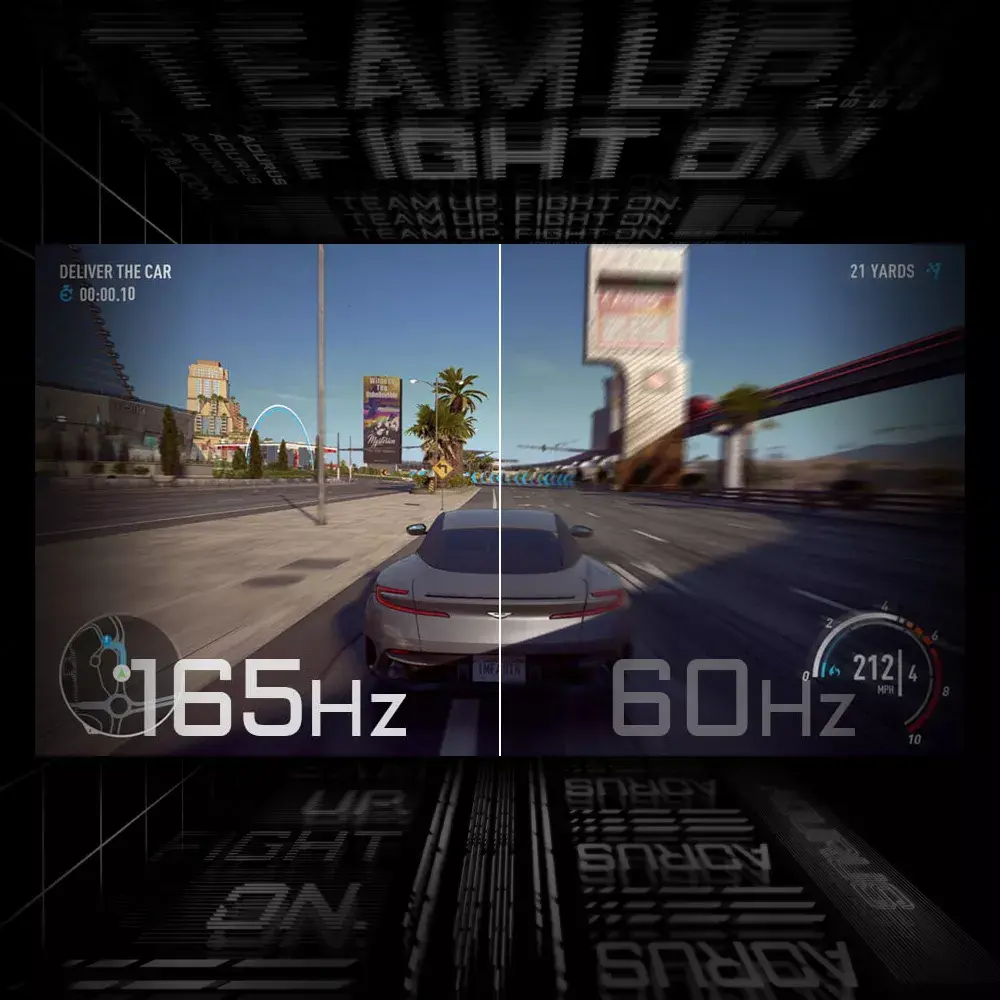
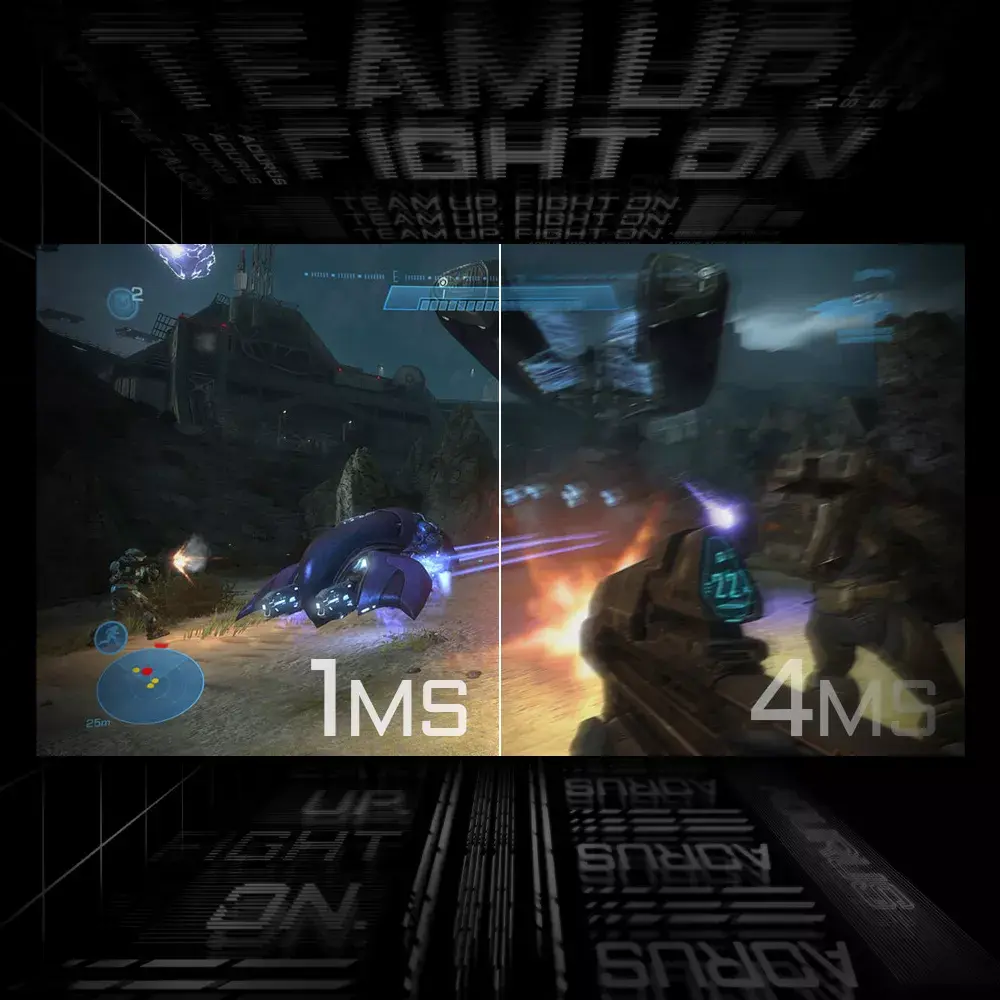
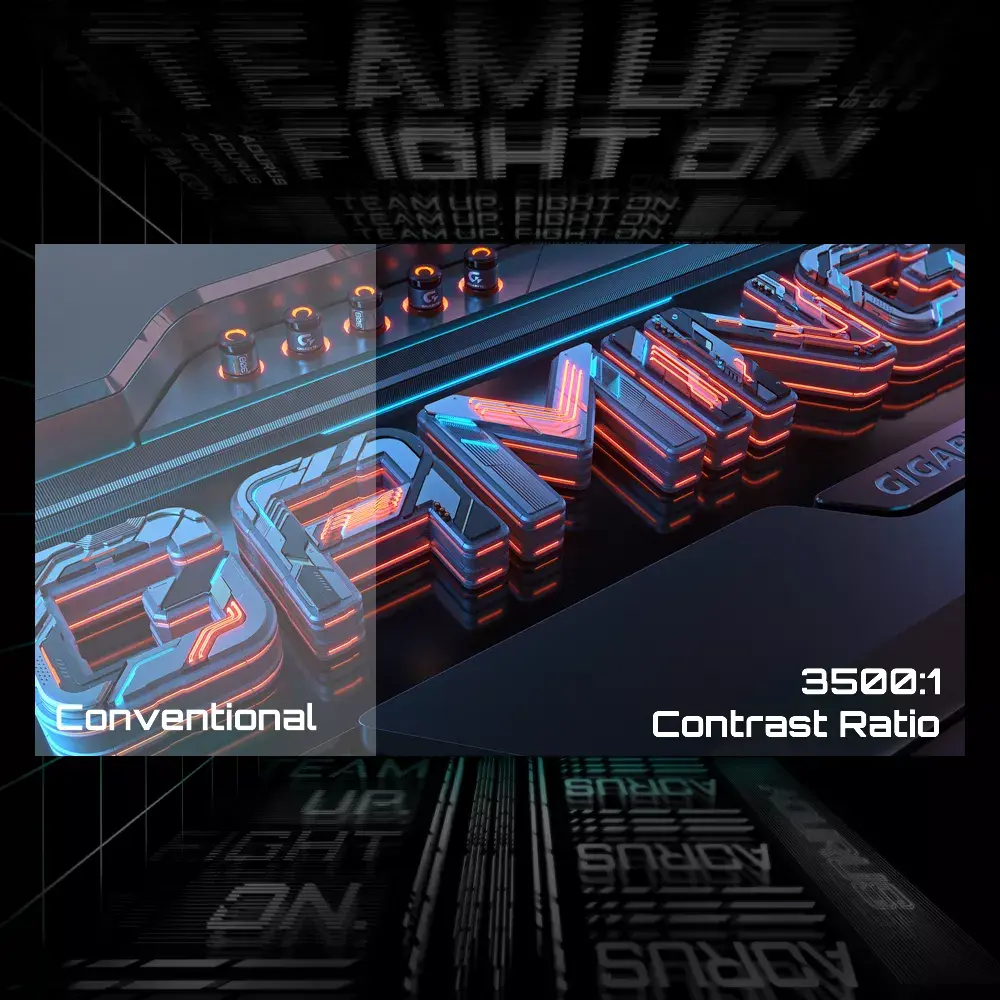
This monitor excels in performance-driven environments thanks to its rapid 165Hz refresh rate and 1ms response time, which work together to minimize motion blur and ghosting in fast-paced games. The integration of FreeSync Premium technology ensures fluid gameplay by synchronizing the monitor's refresh rate with your graphics card, effectively eliminating screen tearing. Furthermore, the high 3500:1 contrast ratio provides deep blacks and vibrant colors, while the HDR Ready capability enhances the dynamic range of your content for more lifelike visuals.
This monitor may not be the ideal choice for professional color-critical design work where an IPS panel with wider color gamut coverage might be preferred. Additionally, users who require integrated audio solutions or a built-in USB hub for peripheral connectivity will need to utilize external devices, as this model focuses on core display performance.
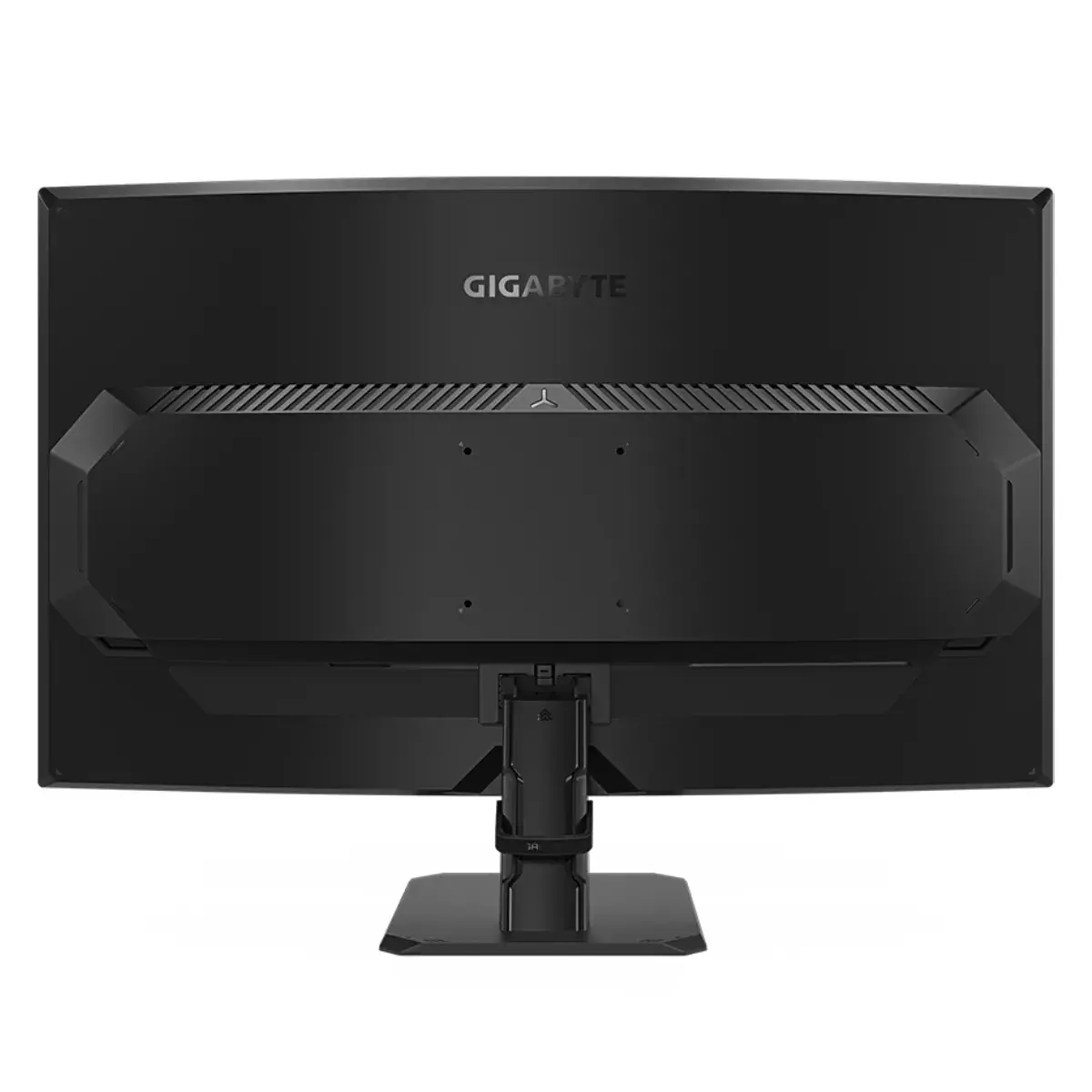
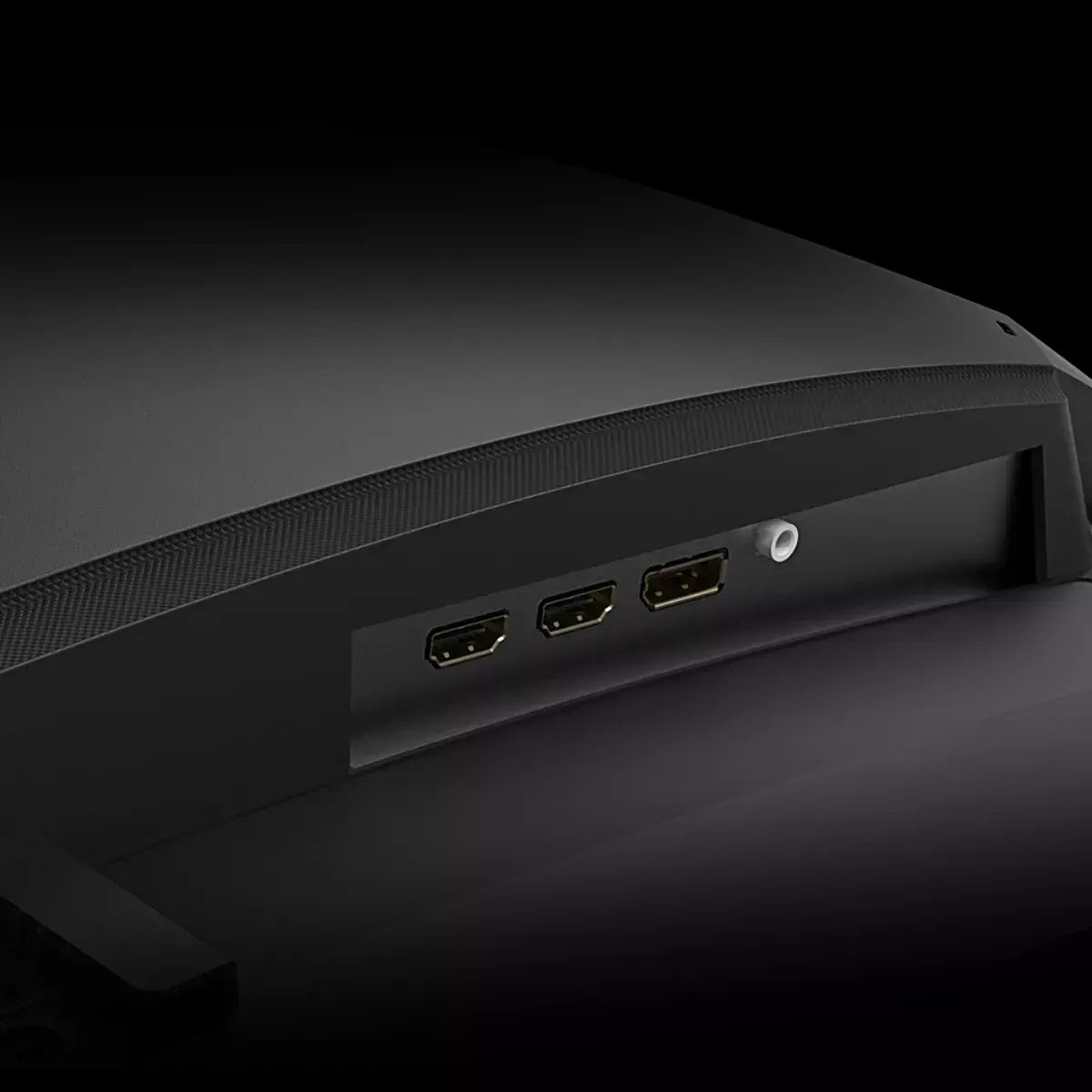
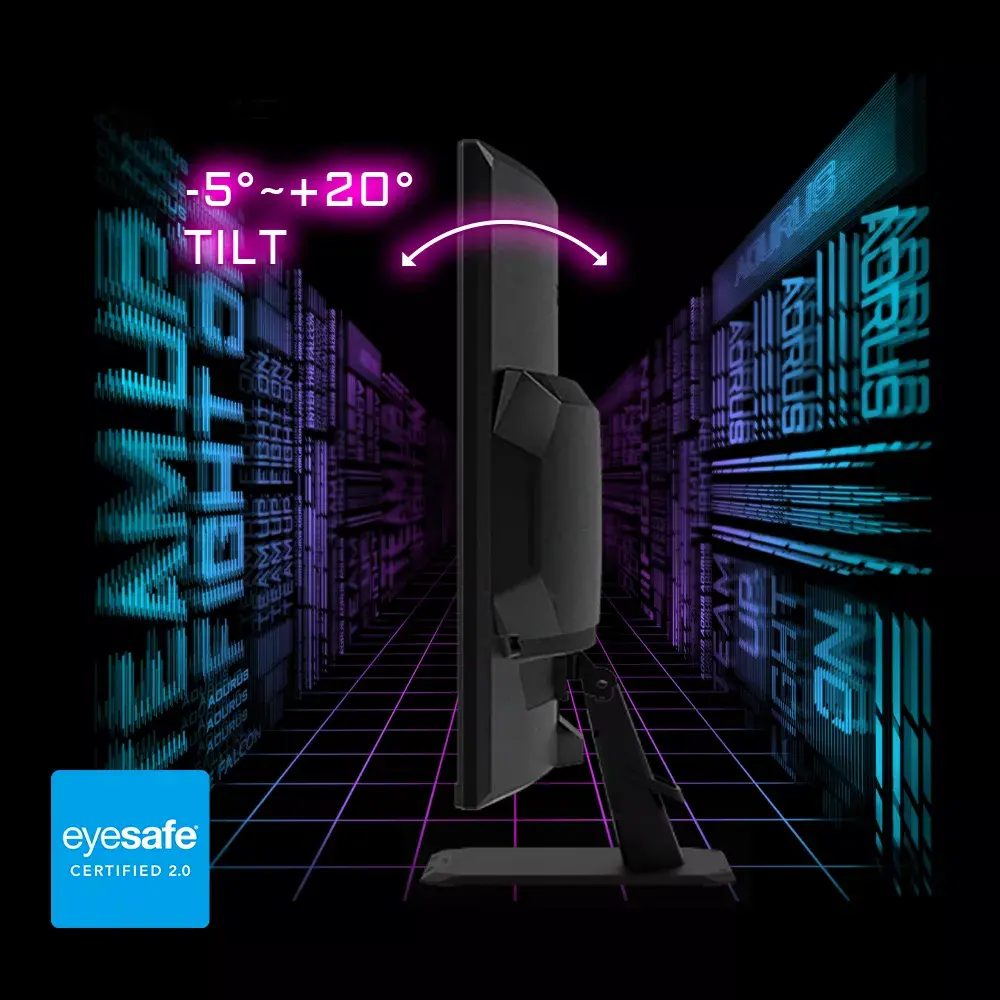
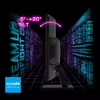
To set up the GIGABYTE GS32QC, connect the monitor to your PC using a high-quality DisplayPort or HDMI cable capable of supporting the QHD resolution at 165Hz. Once connected, navigate to your operating system's display settings to ensure the refresh rate is set to 165Hz for optimal smoothness. You can adjust the tilt of the monitor to achieve the most comfortable viewing angle. If you prefer a customized desk setup, the VESA mounting compatibility allows you to attach the monitor to a compatible wall mount or monitor arm.
For the best gaming experience, always enable FreeSync Premium in the monitor's OSD menu and ensure your graphics card drivers are up to date. To maintain the longevity of the VA panel, avoid leaving static images on the screen for extended periods at maximum brightness.
{{highlightedFeature.featureTitle}}:
{{getProductFeatureValueById(product, highlightedFeature.featureId)}}
{{ productComparisonGenerationError }}
Device manufacturer code
Device manufacturer
iagonal of the visible part of the screen expressed in centimeters and inches.
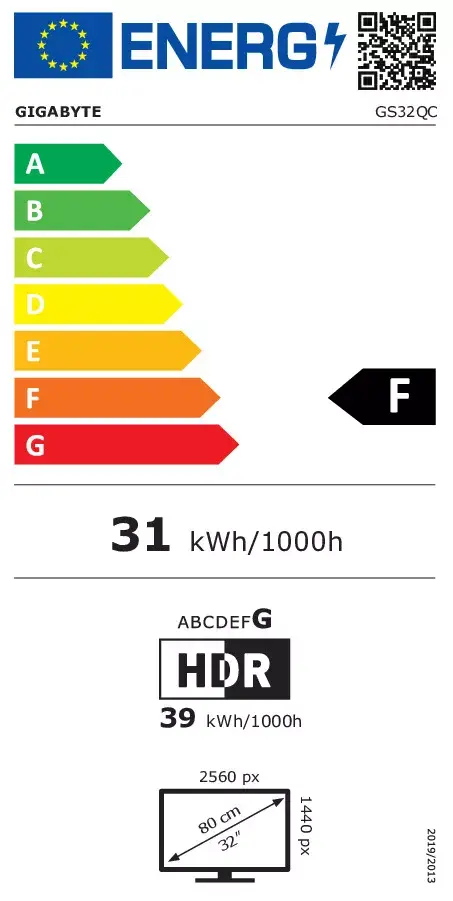
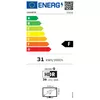
Energy efficiency class is a standard classification that is used all over Europe and which is understandable at first sight. Products can be efficiently compared according to classes, starting from A (the most energy efficient class), and ending with G (the most energy-intensive class). The classification of energy efficiency is based on annual energy consumption which is being calculated on the basis of several different parameters.
Power consumption in switched-on state expressed in W.