{{ totalProductsCount }}

In cart {{totalProductsCount}} item(s)

Total:
{{sum | formatAmount}}

Your cart is empty

header-product GL.iNet GL-RM1 KVM Switch v2

GL.iNet GL-RM1 KVM Switch v2

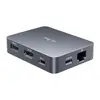
GL.iNet GL-RM1 KVM Switch v2 Photo 1
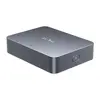
GL.iNet GL-RM1 KVM Switch v2 Photo 2
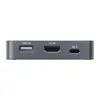
GL.iNet GL-RM1 KVM Switch v2 Photo 3
GL.iNet GL-RM1 KVM Switch v2 Photo 4
GL.iNet GL-RM1 KVM Switch v2 Photo 5
GL.iNet GL-RM1 KVM Switch v2 Photo 1
GL.iNet GL-RM1 KVM Switch v2 Photo 2
GL.iNet GL-RM1 KVM Switch v2 Photo 3
GL.iNet GL-RM1 KVM Switch v2 Photo 4
GL.iNet GL-RM1 KVM Switch v2 Photo 5
Out of stock.
View similar!

Short description

The GL.iNet GL-RM1 KVM Switch v2 is a reliable device designed to manage multiple computers using a single keyboard, video monitor, and mouse setup. Ideal for streamlining workstation efficiency in office environments, server rooms, and home setups, this switch ensures seamless peripheral sharing and reliable switching performance.
Warranty: 1 Year
SKU: 12613946
Manufacturer: GL.iNet
delivery
Information regarding the items availability for purchase will be posted on this site
price
Item cost information will be published on this site
Together cheaper
{{product.price | formatAmount}}
{{product.title}}
{{productBundle.reference.specialPrice | formatAmount}}
{{productBundle.title}}
{{productBundlePreviousPrice | formatAmount}}
{{productBundleSpecialPrice | formatAmount}}

You saving {{productBundleYouSave | formatAmount}}

Product information

Description

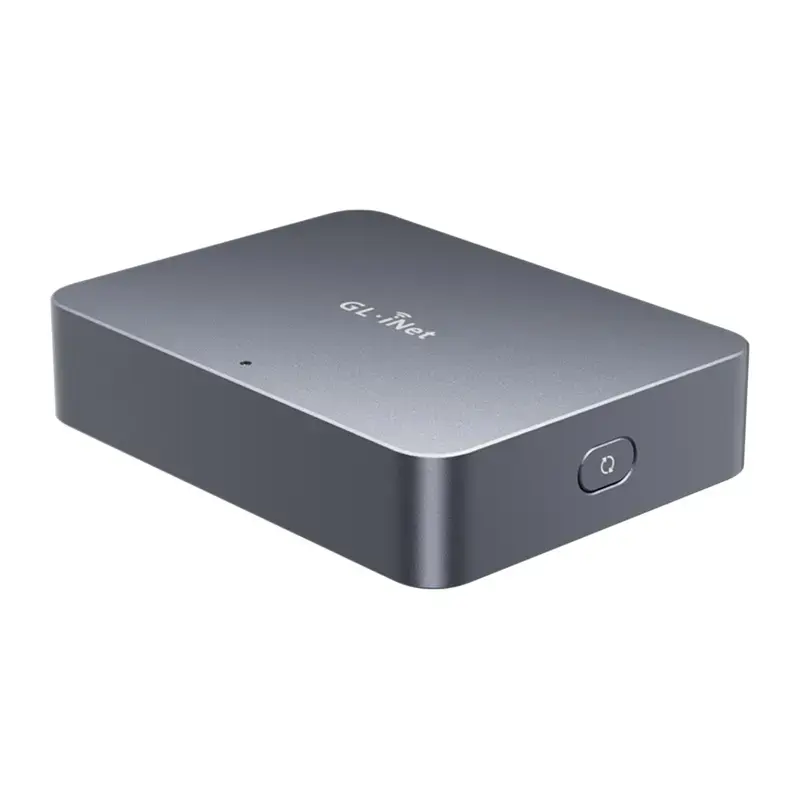
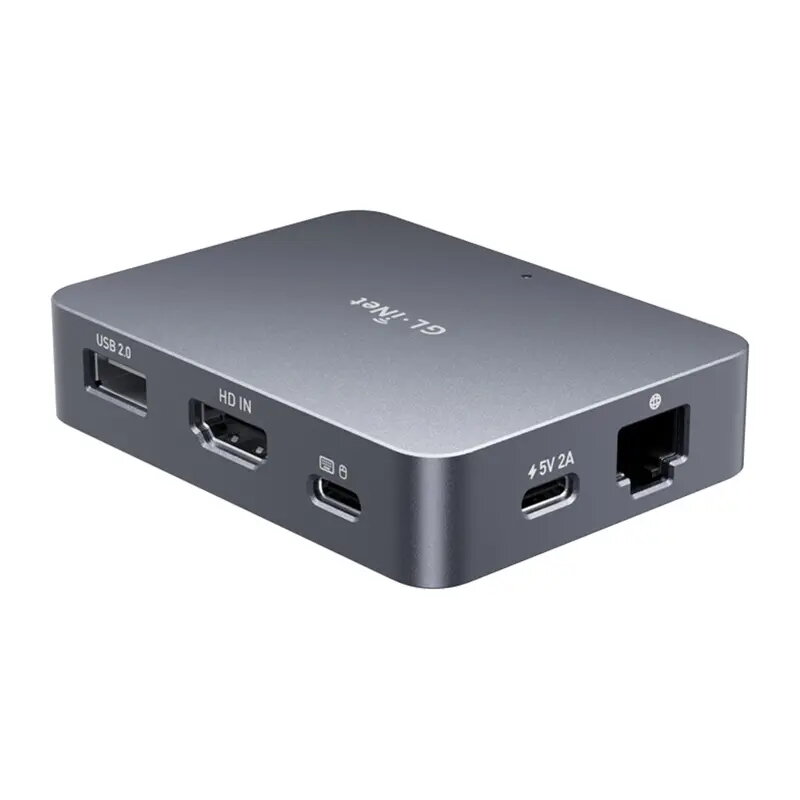
The GL.iNet GL-RM1 KVM Switch v2, also known as the Comet, is an advanced remote KVM switch engineered to provide complete control over a computer or server from any location. This device enables users to view high-resolution screens, operate keyboards and mice, and manage hardware remotely without requiring physical presence at the workstation. Combining 4K video support, low latency, and robust hardware specifications, it serves as a reliable solution for streamlined peripheral sharing, efficient workstation management, and comprehensive remote computer administration in office environments, server rooms, and home setups.

Advantages

The device operates on a convenient one-time purchase model with no recurring subscription fees, offering long-term cost-effectiveness. Accessing the connected hardware is straightforward through a web browser, eliminating the need to install complex applications or configure a VPN. Hardware-accelerated H.264 encoding ensures smooth performance, while relative mouse mode and mouse jiggle features enhance usability during prolonged tasks. Additionally, the compact enclosure allows for easy mounting next to servers or network equipment without taking up excessive space.

Suitable for

  • Remote IT operations and server management
  • Administering home servers and Raspberry Pi devices
  • Managing network equipment and data centers
  • Remote computer administration for travelers and home workers
  • System configuration and troubleshooting tasks

When it may not be suitable

This device may not be ideal for users requiring high-framerate video transmission, as it supports a maximum video resolution of 4K at 30 frames per second. It is also unnecessary for individuals who only manage a single local workstation without any requirements for remote access or headless server control.

Key specifications

  • 4-core ARM Cortex-A7 processor
  • 1 GB DDR3 RAM
  • 8 GB eMMC internal storage
  • Maximum video resolution up to 4K at 30 FPS
  • Hardware-accelerated H.264 video encoding
  • Low latency of 30 to 60 ms
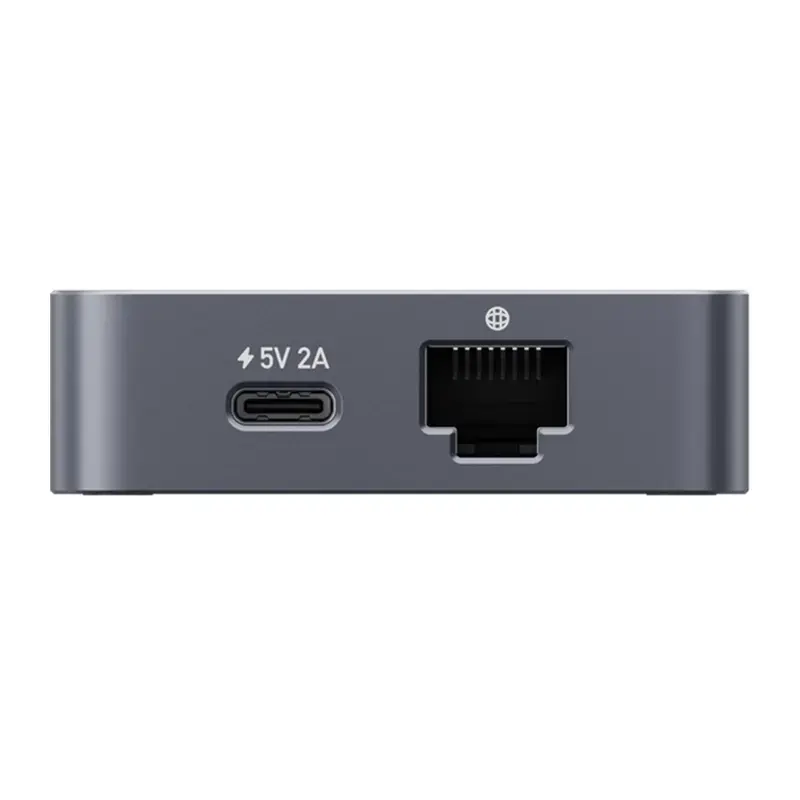
  • 1 Gigabit Ethernet port
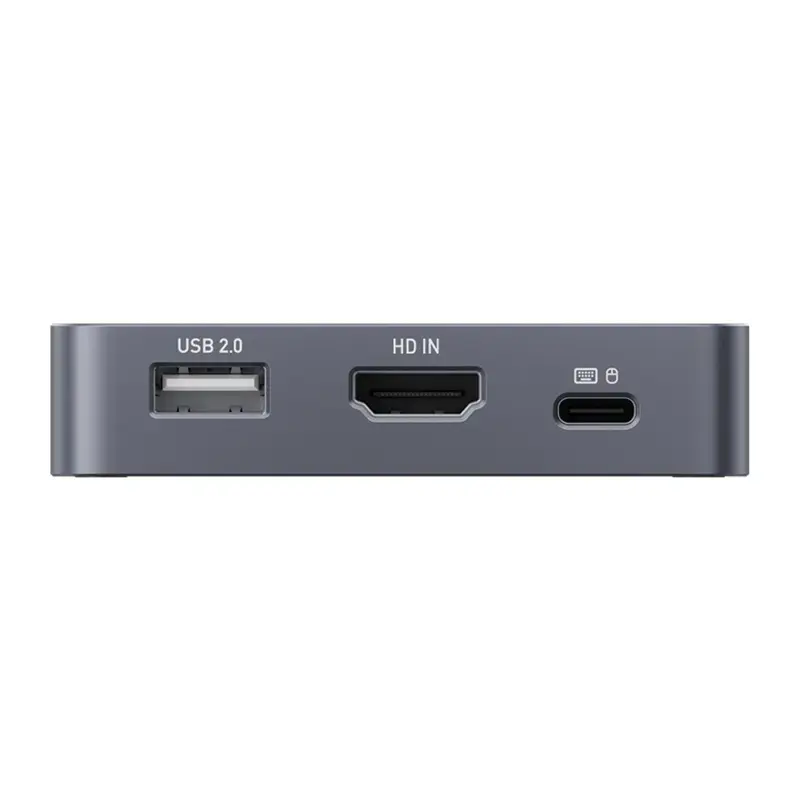
  • 1 USB 2.0 port and additional USB-C connectivity
  • 1 HD IN video input
  • Compact dimensions of 80 by 60 by 17.5 mm
  • Lightweight design of 85 g
  • Powered via USB-C at 5V / 2A

How to use

To begin using the switch, connect the video output from your target computer or server to the HD IN port, and connect the necessary USB cables to enable keyboard, mouse, and peripheral control. Plug the device into your local network using an Ethernet cable for reliable connectivity, and supply power via the USB-C port using a compatible power source. Once powered, you can access the interface through a web browser or cloud service to start managing your connected equipment remotely.

What to consider before purchase

  • Ensure your target hardware features compatible video and USB interfaces for connection.
  • Verify that your local network provides a stable wired Ethernet connection for optimal streaming performance.
  • Consider whether you need additional accessories for remote power control, such as ATX power control boards.
Usage recommendations: Position the device in a well-ventilated area close to the equipment being managed to maintain stable cable connections. Ensure that firmware is kept up to date to utilize the latest security features and performance enhancements.

Description

Machine translation.

Similar products

{{product.title}}
Show details Hide details

{{highlightedFeature.featureTitle}}:

{{getProductFeatureValueById(product, highlightedFeature.featureId)}}

{{product.price | formatAmount}}

Product comparison

The GL.iNet GL-RM1 KVM Switch v2 is compared against several alternative KVM switches from GL.iNet, TRENDnet, and ATEN. While all of them share the core purpose of controlling multiple computers from a single keyboard, monitor, and mouse setup, they differ in connection types, port counts, power delivery methods, and target environments.

⚙️ The specifications comparison table below highlights the key functional differences, hardware interfaces, and practical capabilities of each product.

ParameterGL.iNet GL-RM1 v2GL.iNet GL-RM10GL.iNet GL-RM1PETRENDnet TK-207KATEN CS84APractical significance
BrandGL.iNetGL.iNetGL.iNetTRENDnetATENDefines the manufacturer ecosystem.
Primary PurposePeripheral sharing for workstationsMulti-system and server managementSystem control with PoE support2-port control with VGA and audio4-port control with PS/2 and VGADetermines port compatibility and target use case.
Key FeatureStandard reliable switchingServer room optimizationPower over Ethernet cablingUSB powered, compact buildLow power consumptionSpecialized integration features for setup convenience.

◎ The suitability table below evaluates which product aligns best with specific user needs, workflows, and infrastructure requirements.

Use caseRecommended productWhy
Standard office or home deskGL.iNet GL-RM1 KVM Switch v2Delivers straightforward and reliable peripheral sharing for standard setups.
Professional IT infrastructureGL.iNet GL-RM1PE PoE KVM SwitchLeverages Power over Ethernet to simplify power and data cabling in server rooms.
Legacy VGA and PS/2 environmentsTRENDnet TK-207K or ATEN CS84ABest suited for older computer systems requiring VGA video and legacy mouse/keyboard ports.

The GL.iNet GL-RM1 KVM Switch v2 is most suitable for users looking for a reliable, standard peripheral switcher to streamline a modern office or home workstation. Choose alternative models only if your setup specifically requires PoE infrastructure or legacy VGA and PS/2 connectivity.

Might be useful
{{product.manufacturerName}}
{{product.categoryName}}
{{product.title}}
{{product.specialPrice}}
{{product.price}}

Customer reviews

Customer questions

FAQ

What payment options are available?

AiO.lv offers several payment methods: Bank transfer. All transactions are 100% secure and encrypted.

Can this product be purchased for a company (with VAT)?

Yes. AiO.lv works with legal entities in Latvia and across Europe. The product price already includes VAT. For certain product categories, as well as for companies from other EU countries with a valid VAT number, a 0% VAT rate may apply. We issue the invoice immediately after the order is placed, support electronic BIS invoices, and automatically generate all necessary accounting documents. You can complete the purchase for a company online — simply select the company profile and choose bank transfer as the payment method during checkout.

What is the warranty period?

All GL.iNet products come with an official 2 Years warranty. It covers all manufacturing defects and malfunctions that may occur during use. The warranty is valid at all authorized GL.iNet service centers and through AiO.lv

Can the product be returned after purchase?

Yes, you can return the product within 14 days of purchase if you bought it as a consumer (not a legal entity). Returns are possible without giving any reason — the main condition is that the product retains its original appearance and full set of accessories. We will make the process as simple and convenient as possible: just contact our customer support team, and we will help you arrange the return.

Where should I contact for warranty service?

For warranty-related questions you can contact the AiO.lv (SIA VSPRO) customer support team. We will assist with consultation, warranty claim processing, and coordination with certified service centers.
warranty
14-Day Return Policy We are confident in our quality, but if the purchase doesn’t fit — you have 14 days to return the product with peace of mind.
shipping
Fast Delivery Get your orders as quickly as possible — right to your door, parcel lockers, or pickup points across Latvia and the EU.
payment
Secure Payment Pay the way you prefer: cash, VISA, MasterCard, Apple Pay, Google Pay, bank transfer, or 0% installment plan.
warranty
Quality Since 2008 AiO.lv has been on the market for over 18 years and has earned trust — with more than 6000 genuine positive reviews on Google.