A curated selection of maximum value offers!
In cart {{totalProductsCount}} item(s)
Your cart is empty
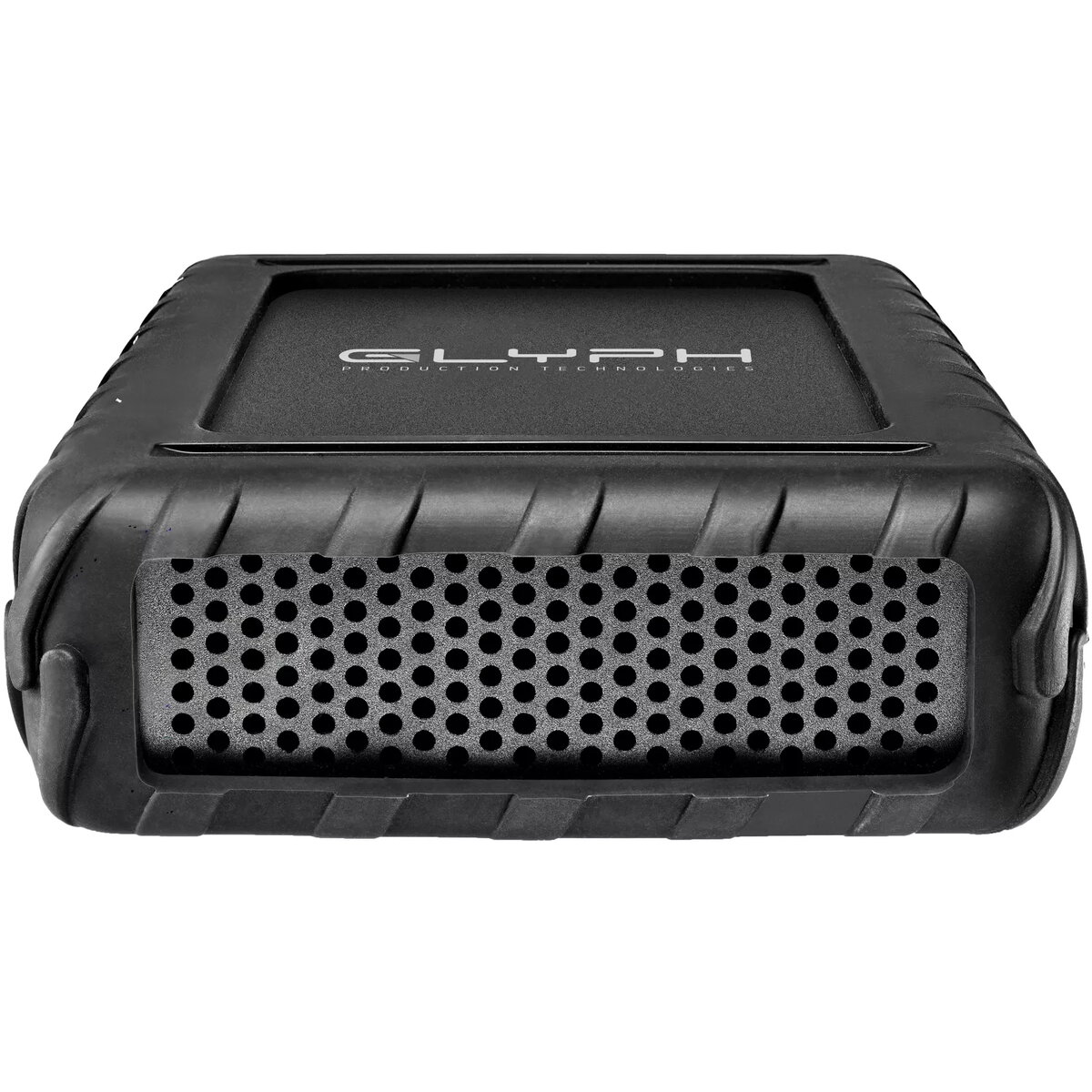
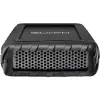
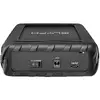
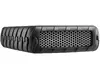
External HDD Glyph BlackBox Pro 8 TB 7200 RPM USB Type-C 3.2 Gen 1 (3.1 Gen 1) Black
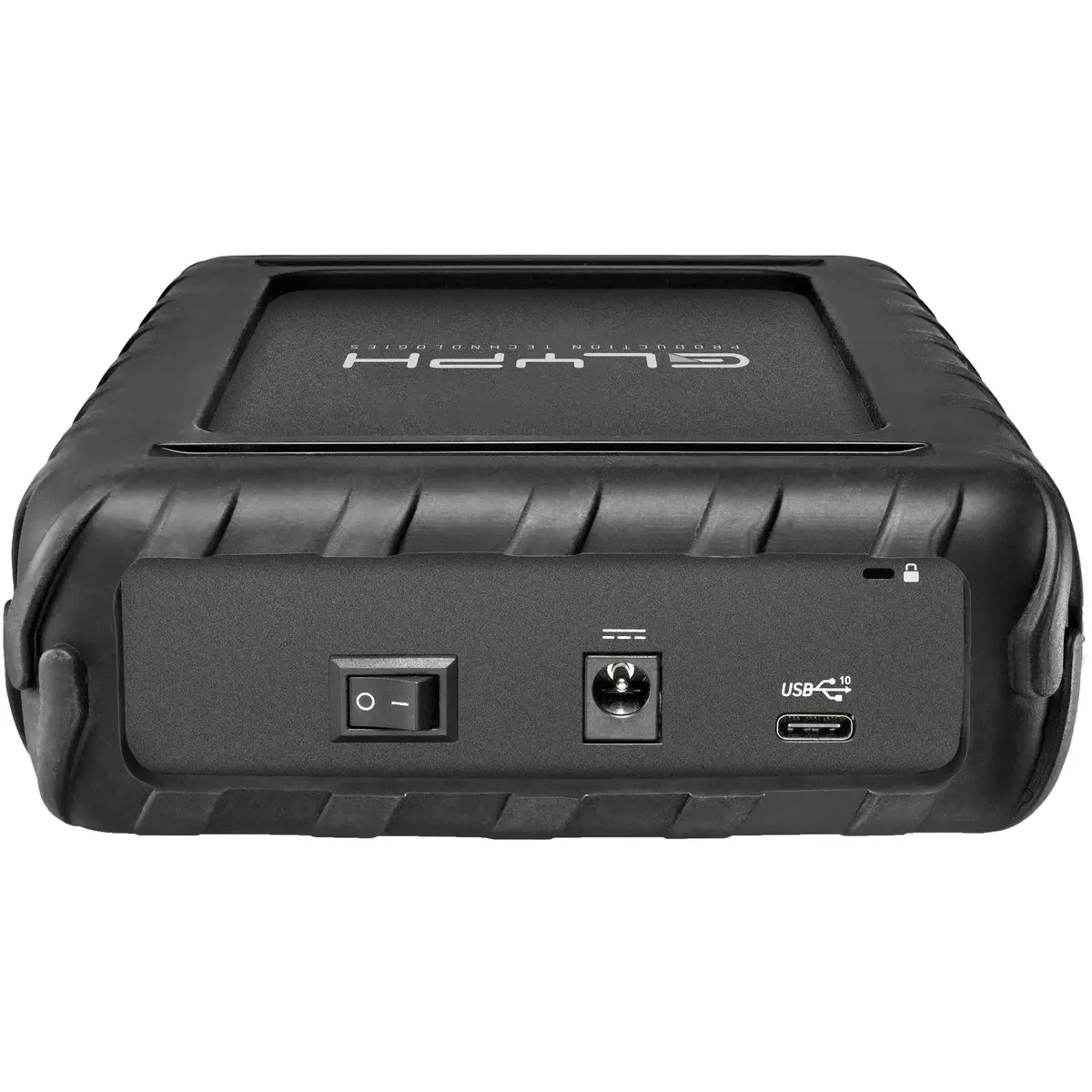
Glyph BlackBox Pro 8 TB is an external HDD designed for desktop workflows that require high storage capacity and improved mechanical drive performance. The drive uses a 7200 RPM HDD with USB Type-C connectivity via the USB 3.2 Gen 1 (3.1 Gen 1) interface and delivers up to 250 MB/s read and write speeds. The enclosure combines steel and aluminum construction and includes a professional power supply, optimized cooling and integrated health monitoring. The device is intended for large file storage, backups and media libraries and is assembled in the USA with manufacturer-supported warranty services including data recovery and advanced replacement.
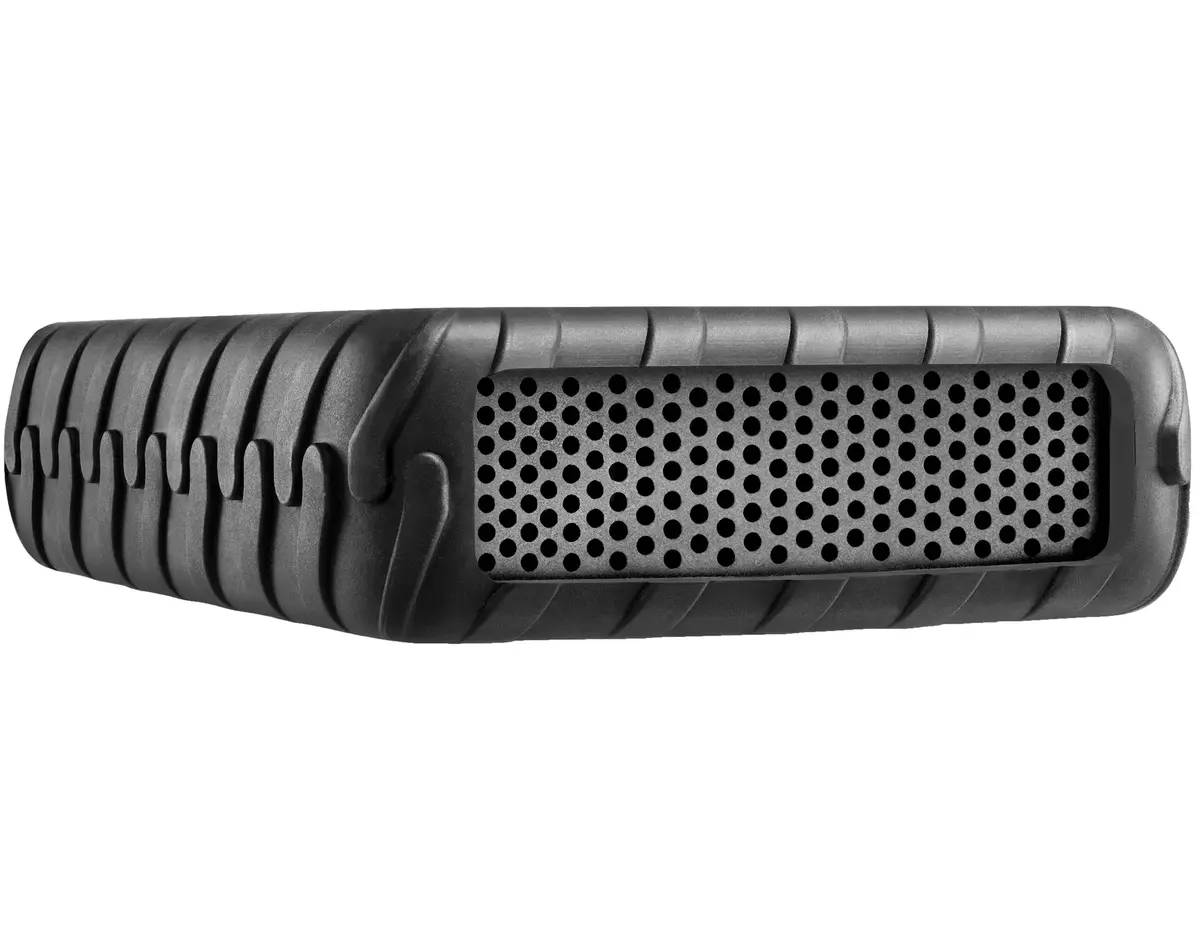
The Glyph BlackBox Pro offers a large 8 TB capacity in a single external unit, enabling consolidated storage of extensive media libraries and project archives. Its 7200 RPM mechanical drive provides higher sustained transfer rates compared with typical 5400 RPM drives, and the USB Type-C interface with USB 3.2 Gen 1 (3.1 Gen 1) compatibility supports up to 250 MB/s throughput for faster file transfers on compatible hosts. Rugged steel and aluminum enclosure, optimized cooling and integrated health monitoring help maintain drive performance and reliability in desktop environments. The product is assembled in the USA and comes with professional support and warranty services.
Connect the Glyph BlackBox Pro to a computer using the supplied USB Type-C cable and external power supply. Ensure the host system supports USB 3.2 Gen 1 (3.1 Gen 1) or is backward compatible with USB Type-C ports to achieve optimal transfer speeds. The drive is intended for desktop use; place it on a stable, well-ventilated surface to allow airflow around the enclosure. If the operating system does not automatically mount the drive, use the system's disk management tools to initialize or assign a drive letter as required.
For reliable long-term use, keep the enclosure in a cool, dry environment and avoid subjecting the unit to physical shock. Schedule regular backups and monitor the drive health notifications provided by the integrated monitoring system. Use the professional power supply that ships with the product and connect through a USB 3.2 Gen 1 (3.1 Gen 1) capable port or adapter to maintain the advertised transfer rates.
{{highlightedFeature.featureTitle}}:
{{getProductFeatureValueById(product, highlightedFeature.featureId)}}
{{ productComparisonGenerationError }}
