
A curated selection of maximum value offers!
In cart {{totalProductsCount}} item(s)
Your cart is empty
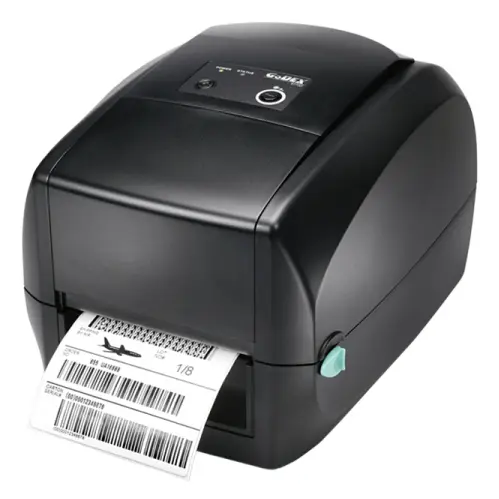
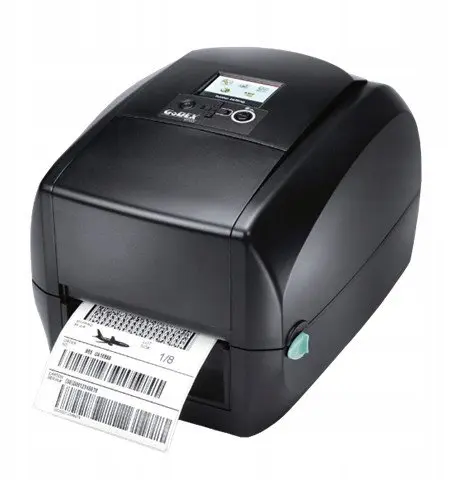
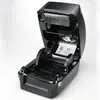
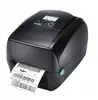
GoDEX RT730 Label Printer Direct Thermal 300 x 300 DPI 102 mm/sec Ethernet LAN USB Black 16 MB
The GoDEX RT730 label printer is a reliable and efficient device utilizing direct thermal technology to meet various business and organizational printing needs. Designed to deliver sharp results, it features a maximum resolution of 300 x 300 DPI and operates at a steady print speed of 102 mm/sec. This black desktop label printer integrates seamlessly into existing wired network environments thanks to its built-in Ethernet LAN and standard USB port connections. Equipped with 16 MB of internal memory, it handles regular printing tasks smoothly and supports a wide variety of standard linear and 2D barcodes.
The direct thermal printing method eliminates the need for expensive ribbons or ink, helping to reduce ongoing operational maintenance. The high 300 x 300 DPI resolution ensures that small text, detailed graphics, and dense barcodes remain exceptionally crisp and easily scannable. Wired connectivity options including Ethernet LAN and USB port provide flexible integration choices for single workstations or shared network setups. Built-in support for numerous barcode formats allows immediate compatibility with diverse labeling standards without requiring additional plugins.
This printer is not suitable for applications requiring color printing, as it prints exclusively in black. Additionally, operations that require wireless connectivity may find this model restrictive since it only supports wired network setups and lacks Wi-Fi capabilities.
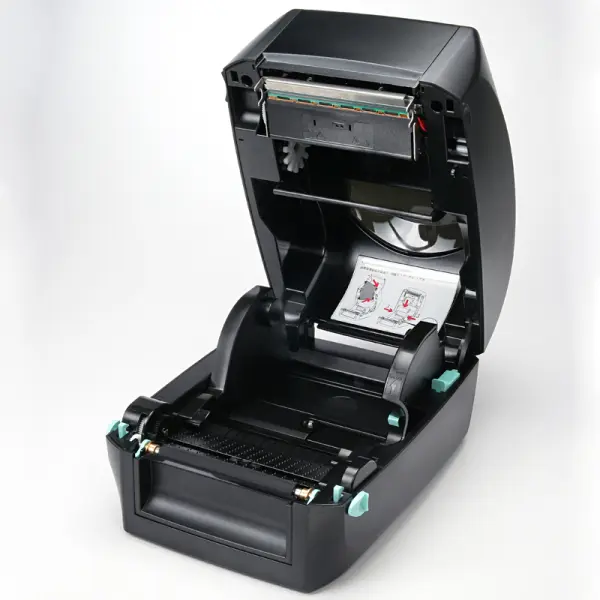
To begin printing, connect the device to a power source and link it to your computer or local network using a USB cable or Ethernet LAN cable. Load compatible thermal paper rolls supporting widths from 20 to 118 mm into the compartment, ensuring the paper feeds correctly through the sensors. Install the necessary printer drivers and software on your computer system to design and send print jobs. Configure your label dimensions within the software interface before initiating the print command to ensure accurate alignment and output.
Usage recommendations: Position the label printer on a stable, flat surface away from excessive moisture and direct heat sources. Regularly clean the thermal print head using appropriate cleaning tools to maintain print clarity and extend the operational lifespan of the device.
{{highlightedFeature.featureTitle}}:
{{getProductFeatureValueById(product, highlightedFeature.featureId)}}
{{ productComparisonGenerationError }}