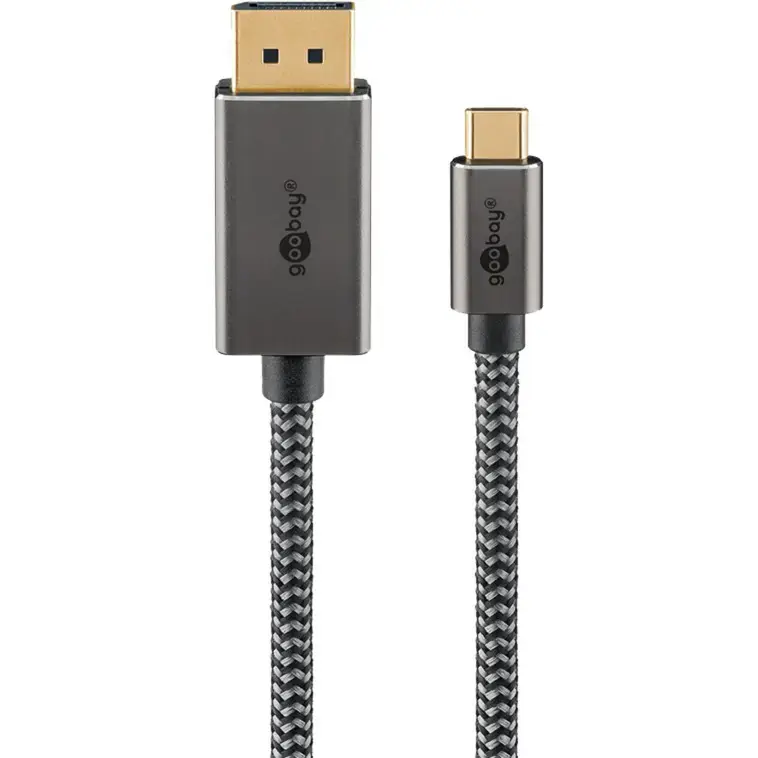
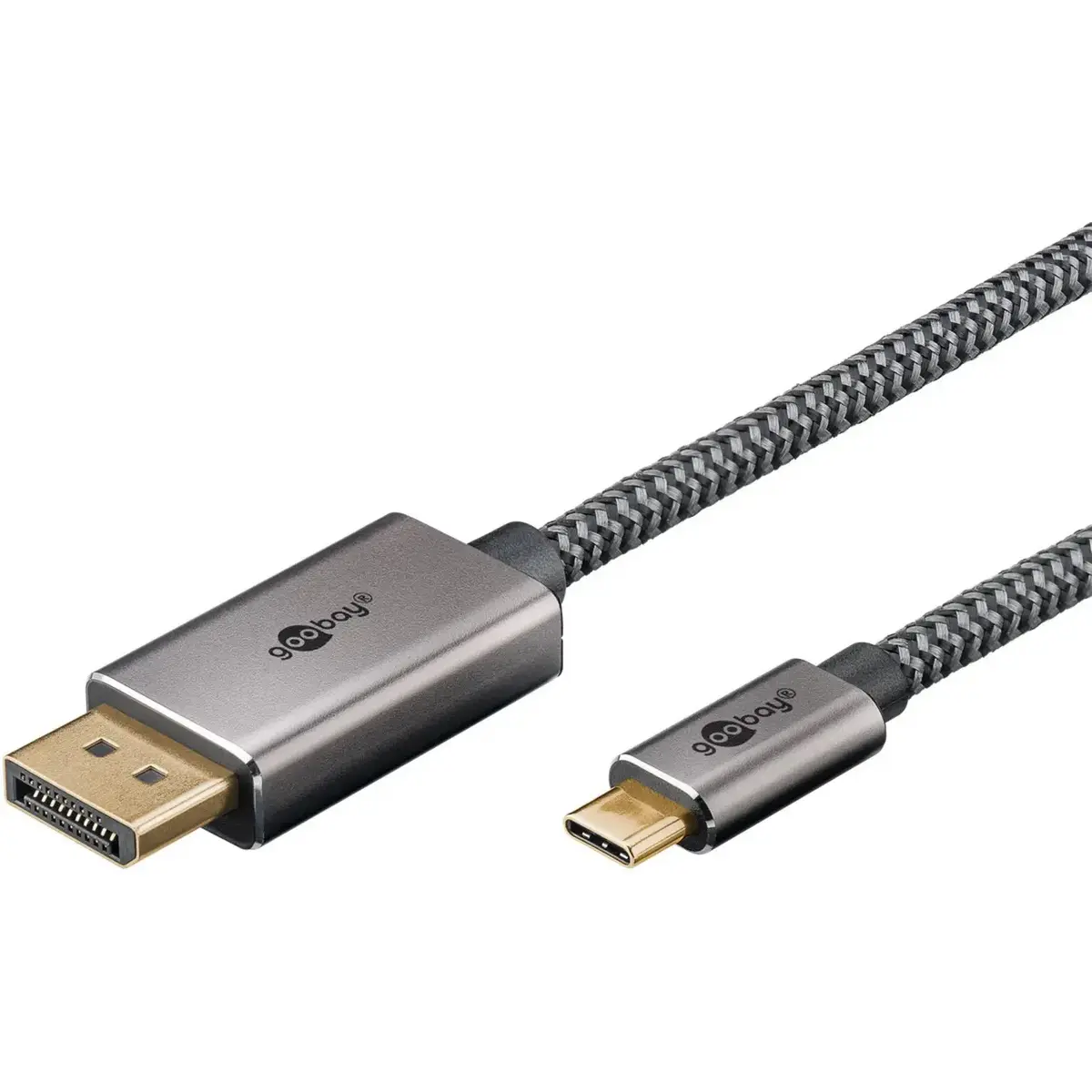
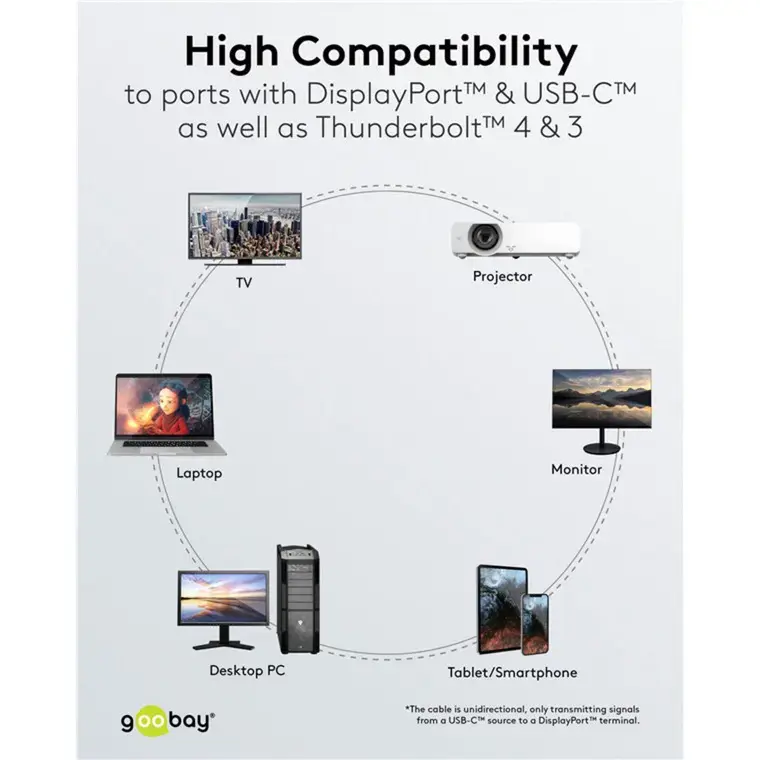
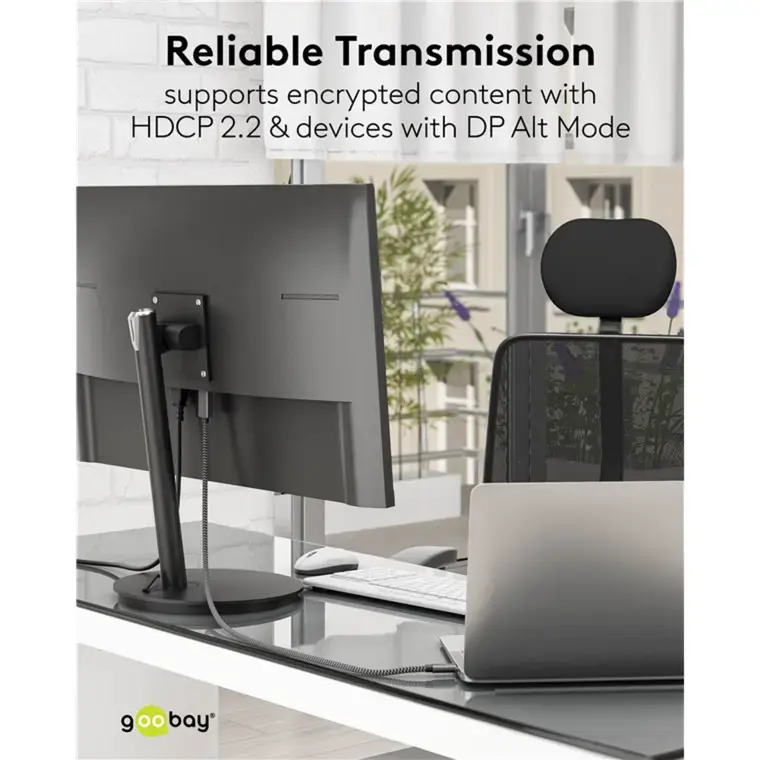
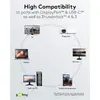
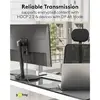
The Goobay USB-C to DisplayPort Adapter Cable, 4K at 60Hz, 1 Meter, Textile Braided, Black and Silver is compared with several alternative video connection cables and adapters, including the StarTech 15ft DisplayPort to HDMI Adapter Cable with Gripping Connectors 4K 60Hz HDR Uni-Directional, EATON P582-003 DisplayPort to HDMI Adapter Cable Male to Male, Goobay 75706 video cable adapter 3 m USB Type-C DisplayPort Black, Ochno O-HDMI-TO-USBC-1 HDMI to USB-C Graphics Adapter 4K 60Hz, and Unisynk USB-C to HDMI Cable 4K 60Hz 1.5m. While all these items facilitate high-definition video transmission to external displays, their primary differences lie in connector types (USB-C, DisplayPort, HDMI), signal direction, cable length, and physical construction.
⚙️ Comparison of specifications and core differences between the Goobay (1-meter, textile braided) and alternative models regarding connector types, cable length, and resolution support.
| Parameter | Goobay (1-meter) | StarTech DisplayPort to HDMI | EATON P582-003 | Goobay (3-meter) | Ochno HDMI to USB-C | Unisynk USB-C to HDMI | Practical conclusion |
|---|
| Connector types | USB-C to DisplayPort | DisplayPort to HDMI | DisplayPort to HDMI | USB-C to DisplayPort | HDMI to USB-C | USB-C to HDMI | Connector types dictate which source and display devices can be linked directly without additional adapters. |
| Resolution and frequency | Up to 4K at 60Hz | 4K at 60Hz with HDR | High-definition video and audio | Up to 4K at 60Hz | Up to 4K at 60Hz | 4K at 60Hz | Most models deliver crisp 4K resolution at 60Hz, ensuring smooth visual output for professional work or entertainment. |
| Cable length | 1 meter | 4.5 meters (15 ft) | Standard length | 3 meters | Compact adapter | 1.5 meters | Cable length directly influences workspace layout and the required distance between source and monitor. |
| Design features | Textile braided | Gripping connectors, uni-directional | Male connectors on both ends | Standard design | Compact form factor | PVC-free construction | Physical additions like braiding or secure connectors enhance durability and connection stability. |
◎ Evaluation of user needs, usage scenarios, and suitable environments for each cable and adapter.
| Use case | Recommended product | Why |
|---|
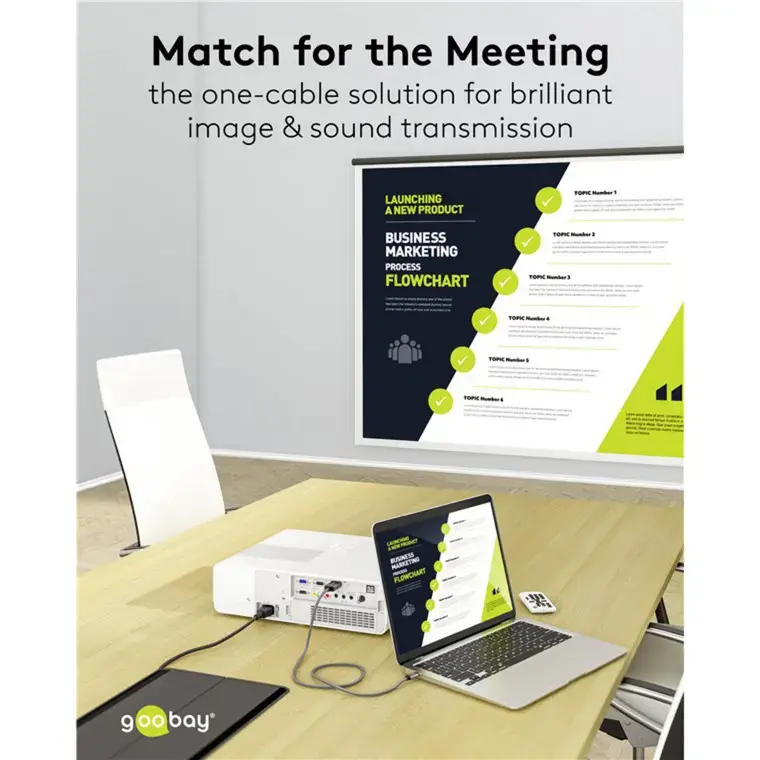
| Connecting a USB-C laptop to a DisplayPort monitor at close range | Goobay USB-C to DisplayPort Adapter Cable, 4K at 60Hz, 1 Meter, Textile Braided, Black and Silver | The 1-meter length and durable textile braid provide an ideal, tidy setup on a desktop without excessive cable clutter. |
| Linking DisplayPort and HDMI devices across a longer distance | StarTech 15ft DisplayPort to HDMI Adapter Cable with Gripping Connectors 4K 60Hz HDR Uni-Directional | The 4.5-meter reach and secure gripping connectors suit extended setups and presentations. |
| Connecting a USB-C source to a more distant DisplayPort monitor | Goobay 75706 video cable adapter 3 m USB Type-C DisplayPort Black | The 3-meter length allows flexible placement when the display is located further away from the workstation. |
| Converting an HDMI signal source to a USB-C display or peripheral | Ochno O-HDMI-TO-USBC-1 HDMI to USB-C Graphics Adapter 4K 60Hz | The specialized reverse signal conversion direction is essential for specific hardware combinations. |
| Linking a USB-C tablet or smartphone to an HDMI television or monitor | Unisynk USB-C to HDMI Cable 4K 60Hz 1.5m | The 1.5-meter length and HDMI compatibility make this cable versatile for home streaming and office presentations. |
Goobay USB-C to DisplayPort Adapter Cable, 4K at 60Hz, 1 Meter, Textile Braided, Black and Silver is best suited for users with USB-C laptops or devices who need a direct, short-range connection to a DisplayPort monitor. Choose this model if you value a tidy 1-meter length and a wear-resistant textile braid. If your setup requires different port combinations, a longer reach, or a reverse signal direction, alternative models from StarTech, EATON, Ochno, or Unisynk will be more appropriate.