Save time and money with our discounts!
In cart {{totalProductsCount}} item(s)
Your cart is empty
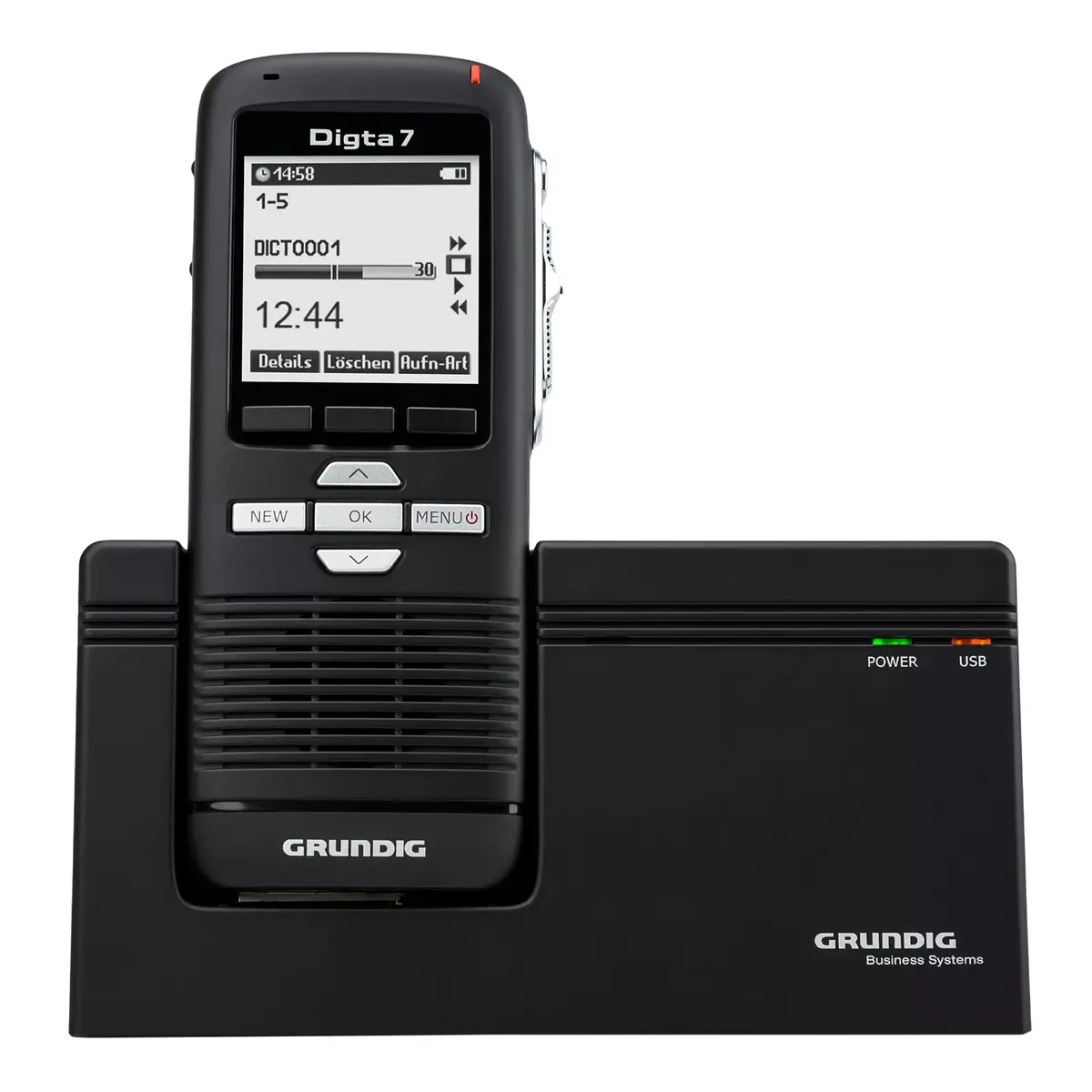
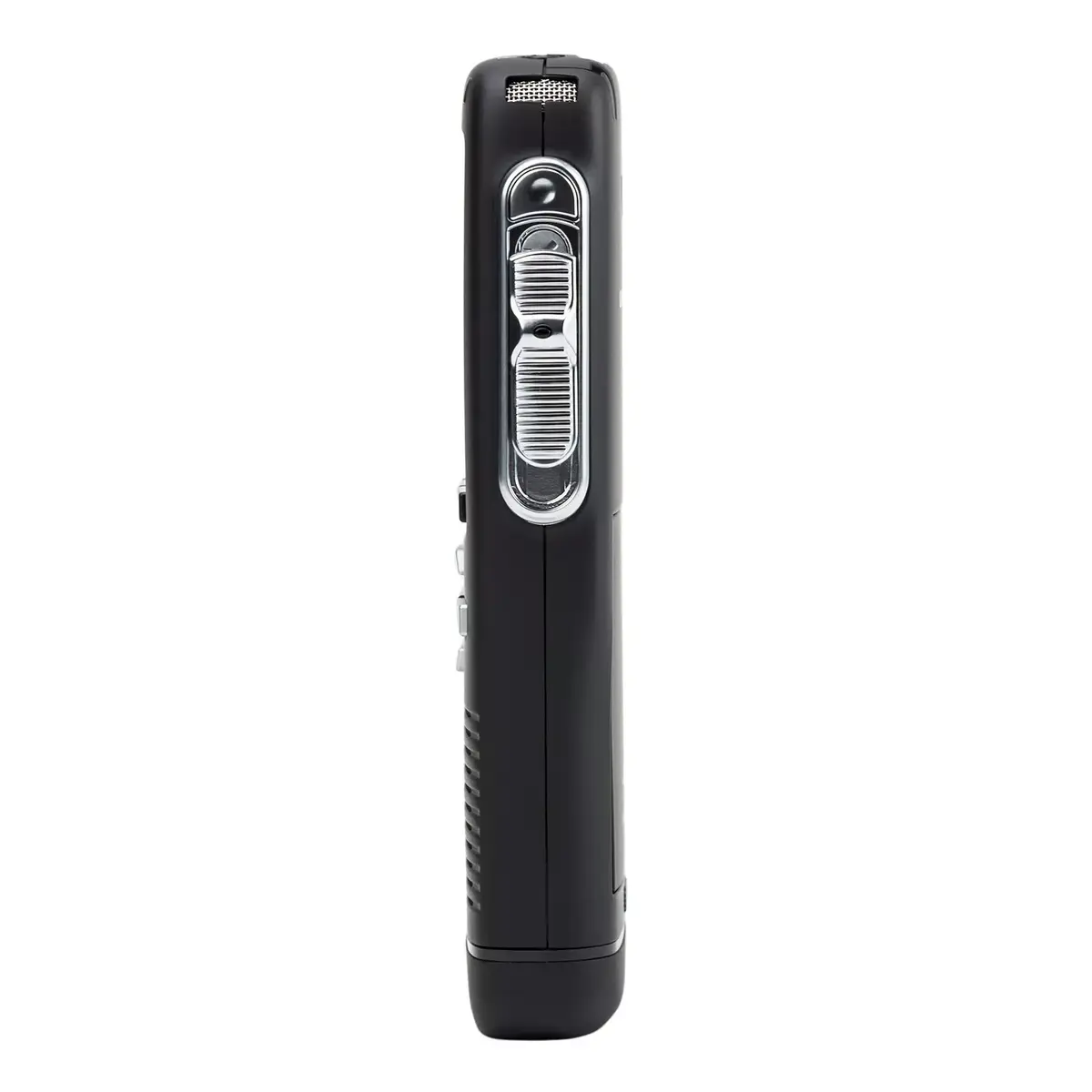
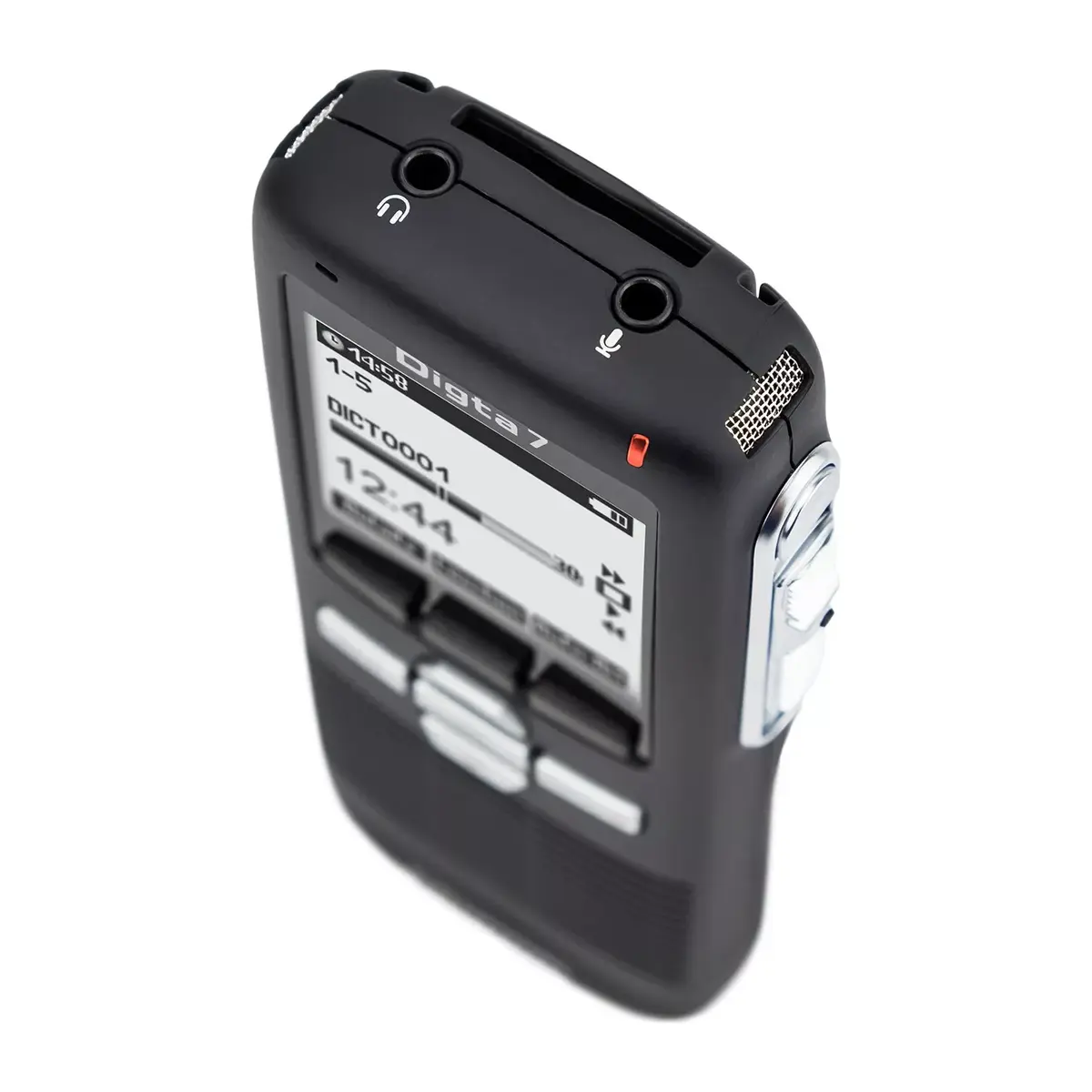
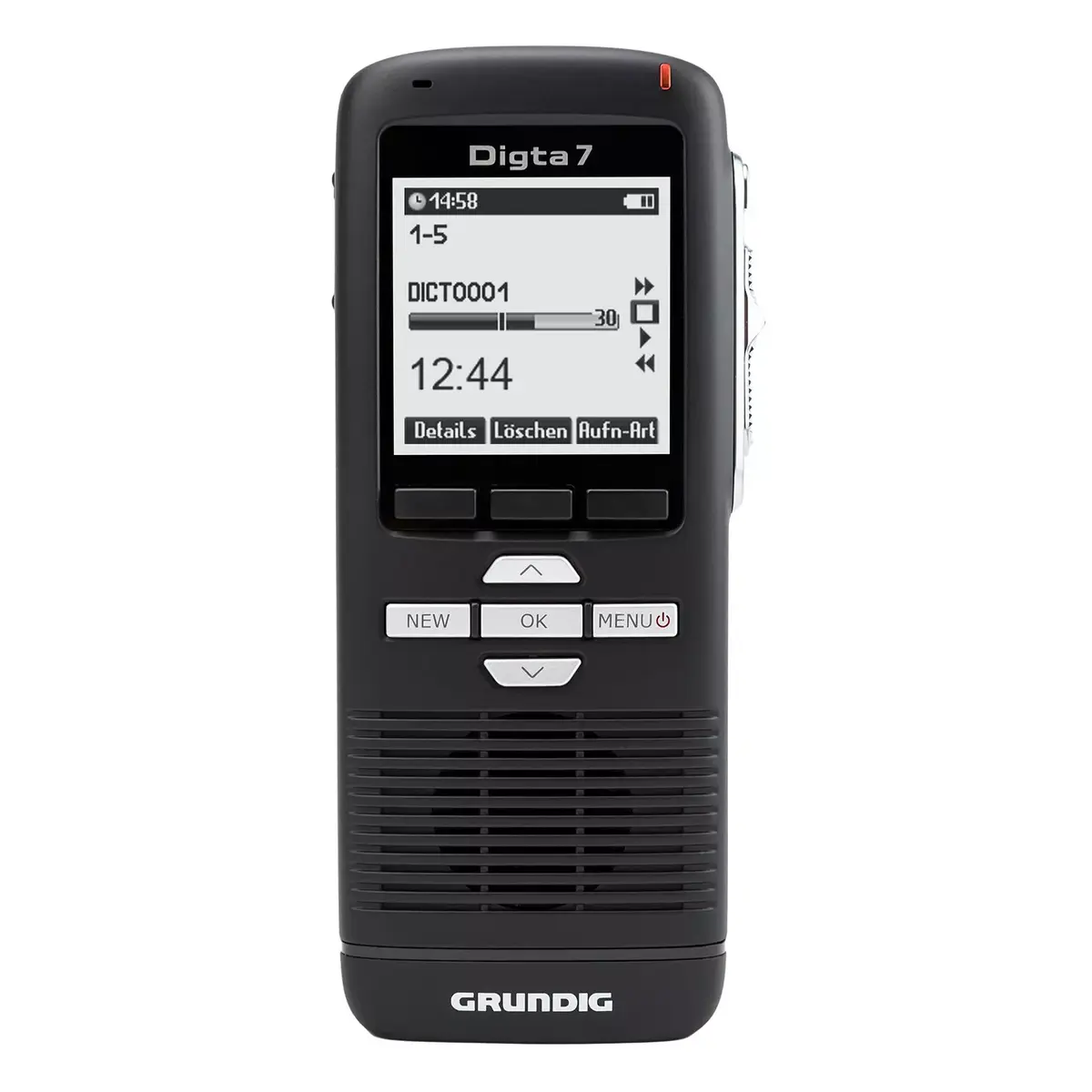
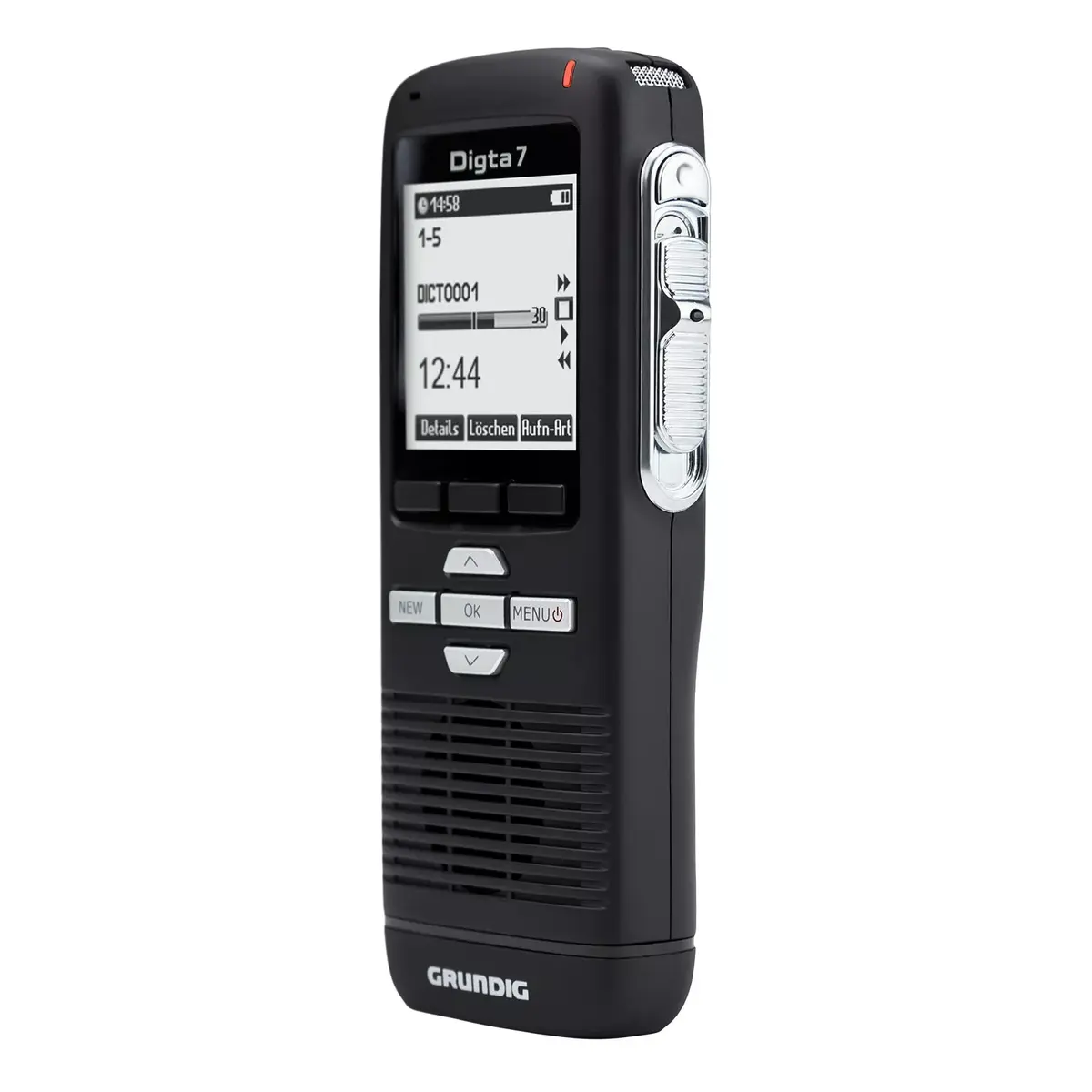
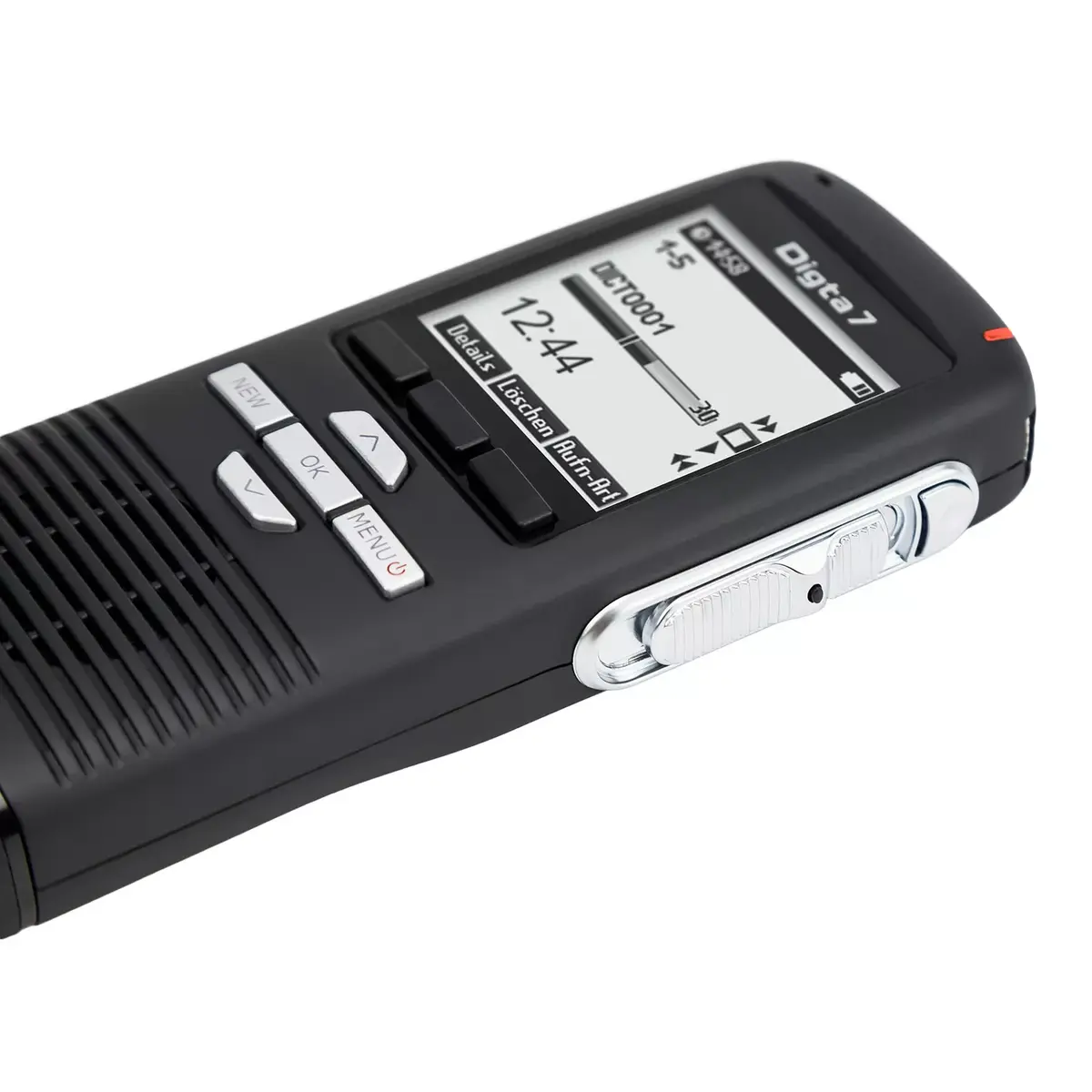
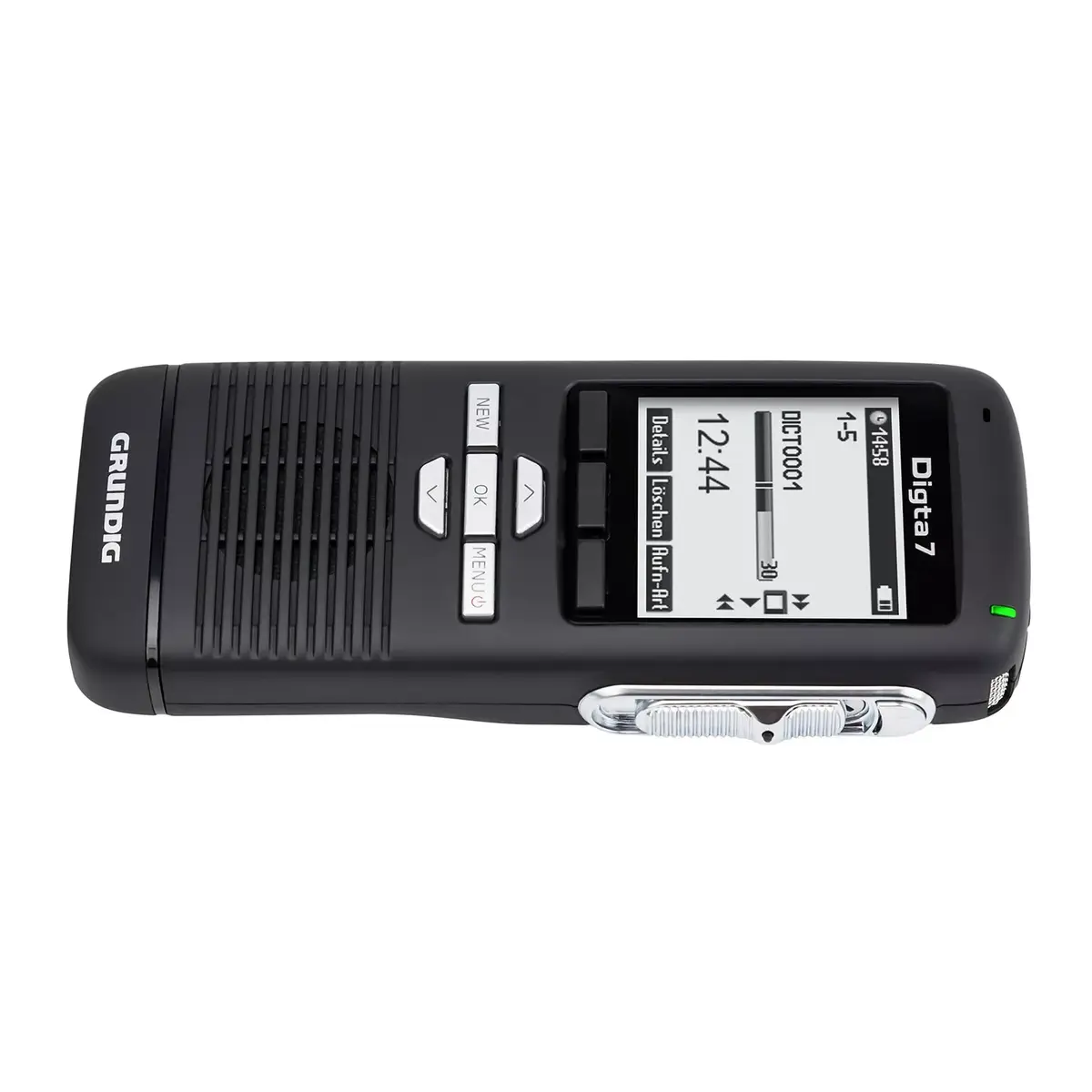
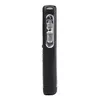
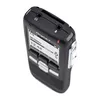
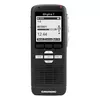
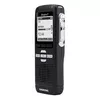
Dictaphone Grundig Digta 7 Stand-Alone Kit — internal memory, microSD support, 25 h recording, DSS/MP3/WAV, LCD 160×160, USB, Li‑Ion, black
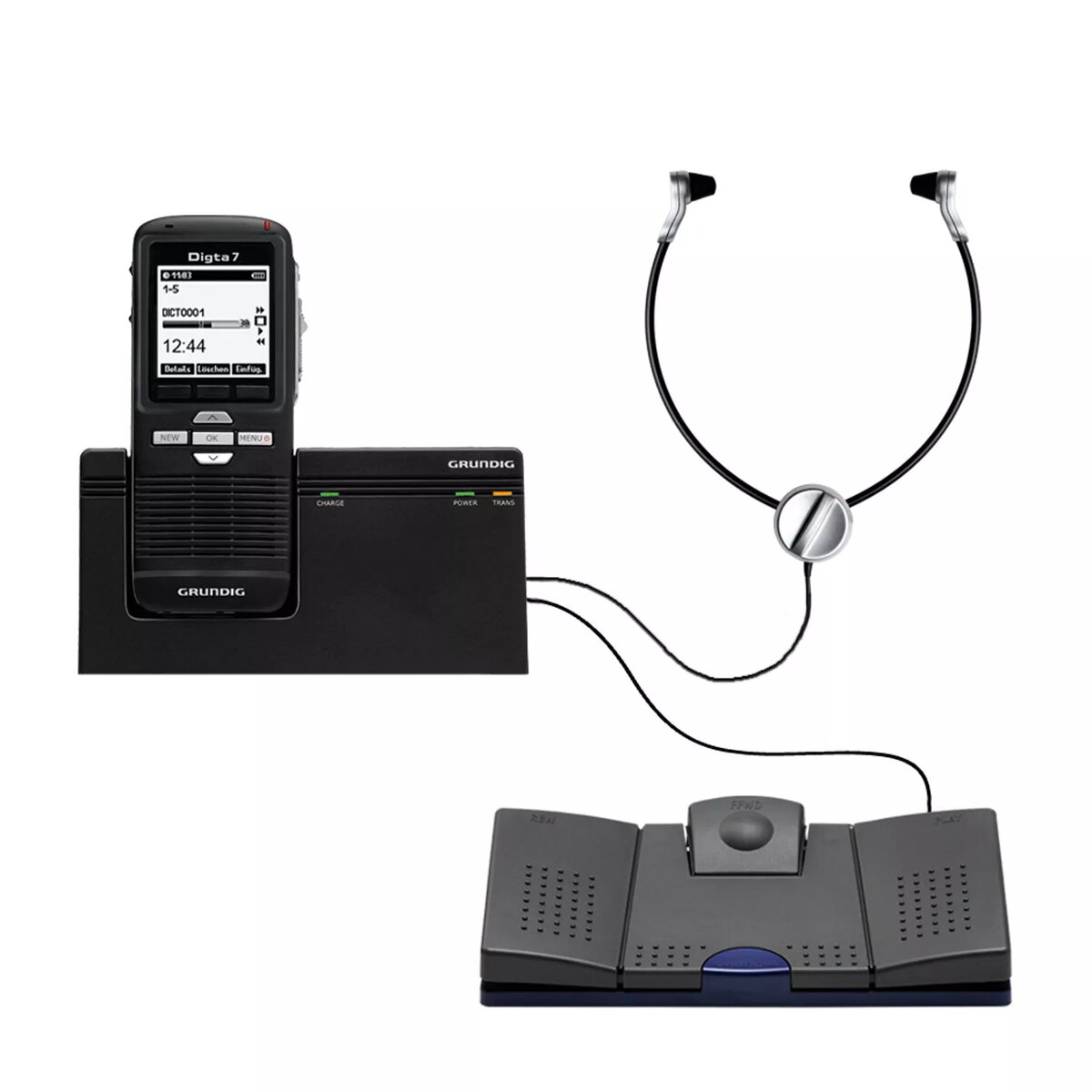
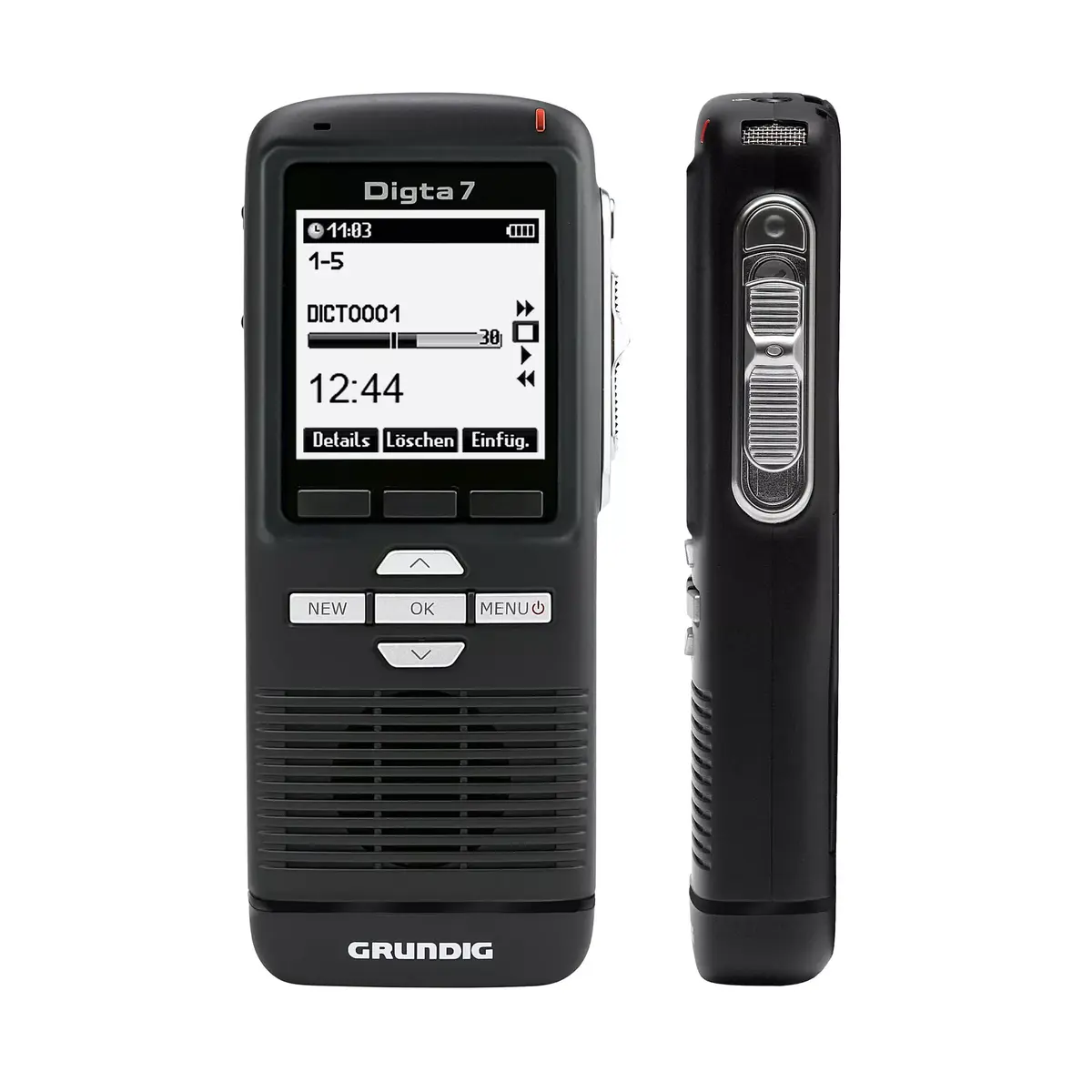
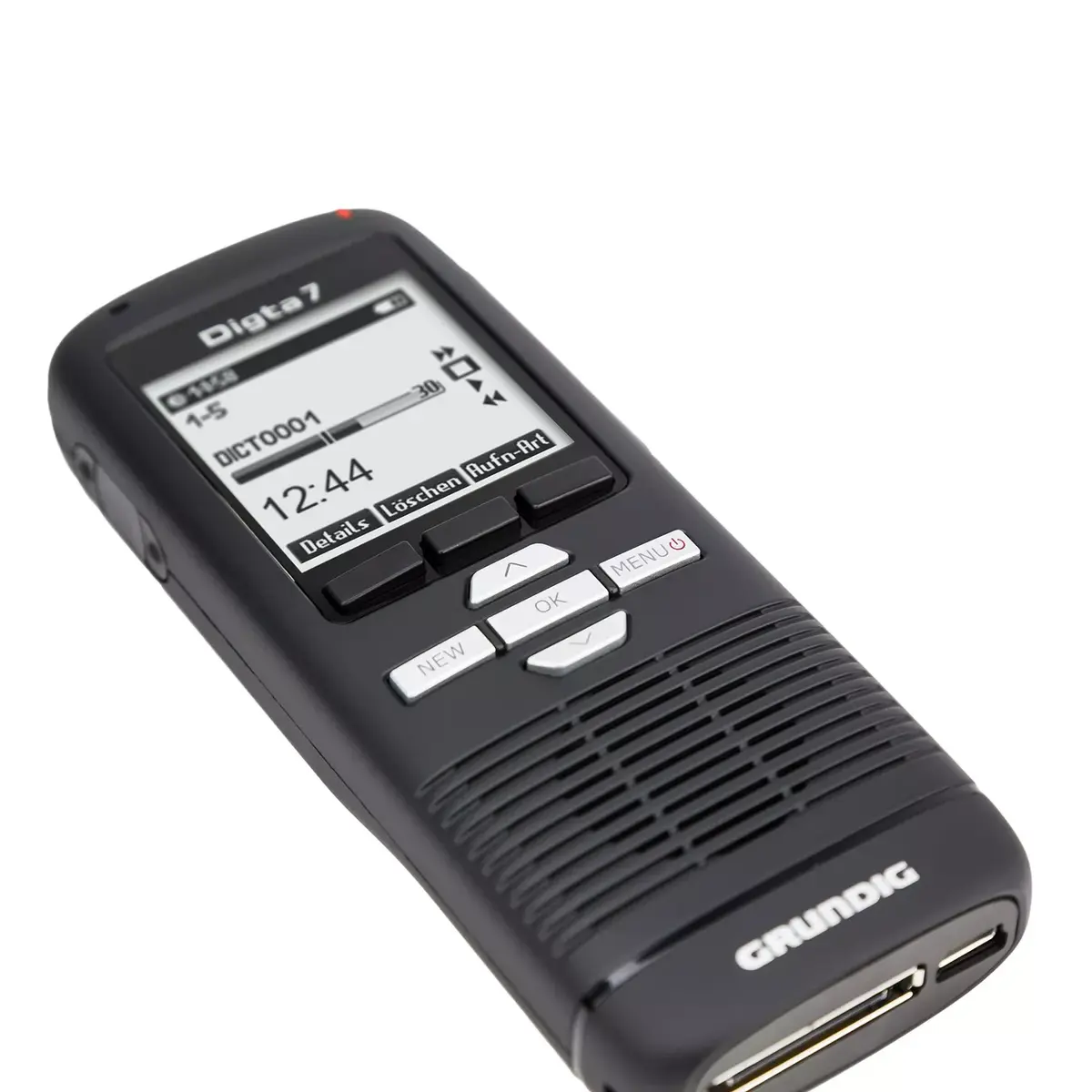
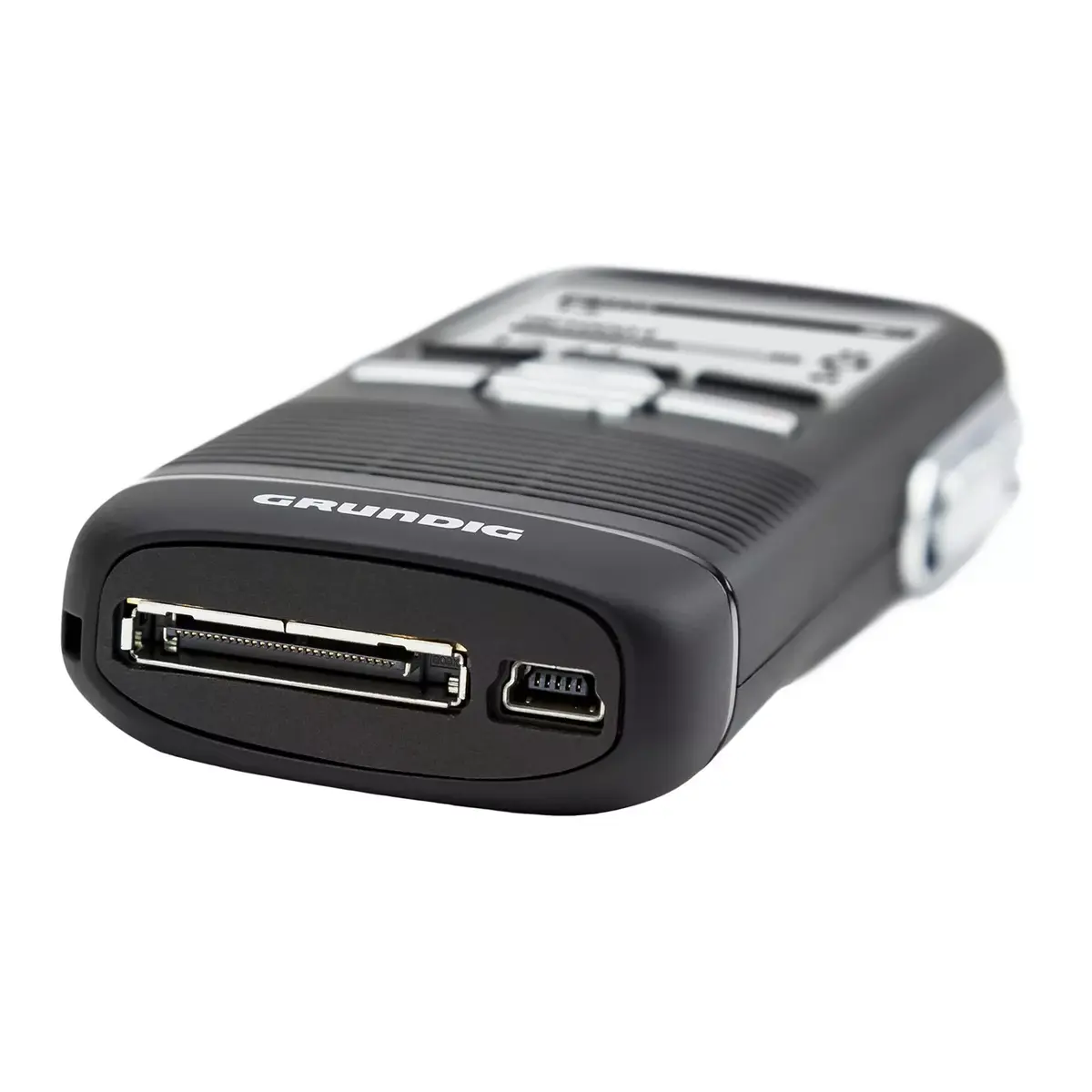
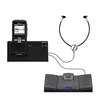
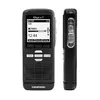
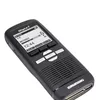
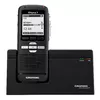
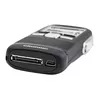
The Grundig Digta 7 Stand-Alone Kit is a portable dictation and playback system designed for independent use without a PC. The kit includes the Digta 7 professional dictation device with internal memory and microSD card support, the Digta Station 447 Plus docking station, a rechargeable Li‑Ion battery, headphones and a foot switch for hands-free transcription control. The recorder supports DSS, MP3 and WAV files, offers two recording modes (Quality Play and Standard Play) and delivers up to 25 hours of recording time. A 1.83" LCD with a 160×160 pixel resolution and a 200 mW loudspeaker provide clear status feedback and playback monitoring, while the USB interface allows straightforward data transfer and charging.
The Digta 7 Stand-Alone Kit enables independent dictation workflows without the need for a computer connection, reducing setup complexity in mobile or office environments. Its support for multiple audio formats (DSS, MP3, WAV) and two recording modes provides flexibility for speech clarity and file size optimization. Expandable storage via microSD combined with up to 25 hours of recording time supports extended use during meetings, interviews or documentation sessions. The docking station with foot switch and headphone output facilitates efficient transcription and playback control for secretarial staff.
Turn on the Digta 7 and select the desired recording mode (Quality Play for higher audio fidelity or Standard Play for longer recording time). Insert a microSD card if additional storage is required, or use the internal memory. Press the record button to start and stop dictation; use overwrite and edit functions on the device to insert or delete segments as needed. After recording, place the Digta 7 into the Digta Station 447 Plus to connect power and the transcription accessories. Connect headphones and the foot switch to the docking station to control playback and transcription without handling the device. Use the USB interface to transfer files to a computer or compatible transcription software when required.
For best results, use Quality Play when speech clarity is critical (e.g., interviews or legal statements) and Standard Play when longer continuous recording is required. Keep the Li‑Ion battery charged before long recording sessions and store additional microSD cards if you anticipate extended field use. When handing the device to transcription staff, dock the recorder in the Digta Station and use the foot switch with headphones for precise playback control and efficient processing of dictations.
{{highlightedFeature.featureTitle}}:
{{getProductFeatureValueById(product, highlightedFeature.featureId)}}
{{ productComparisonGenerationError }}