JBL speakers and headphones for pure and deep sound!
In cart {{totalProductsCount}} item(s)
Your cart is empty
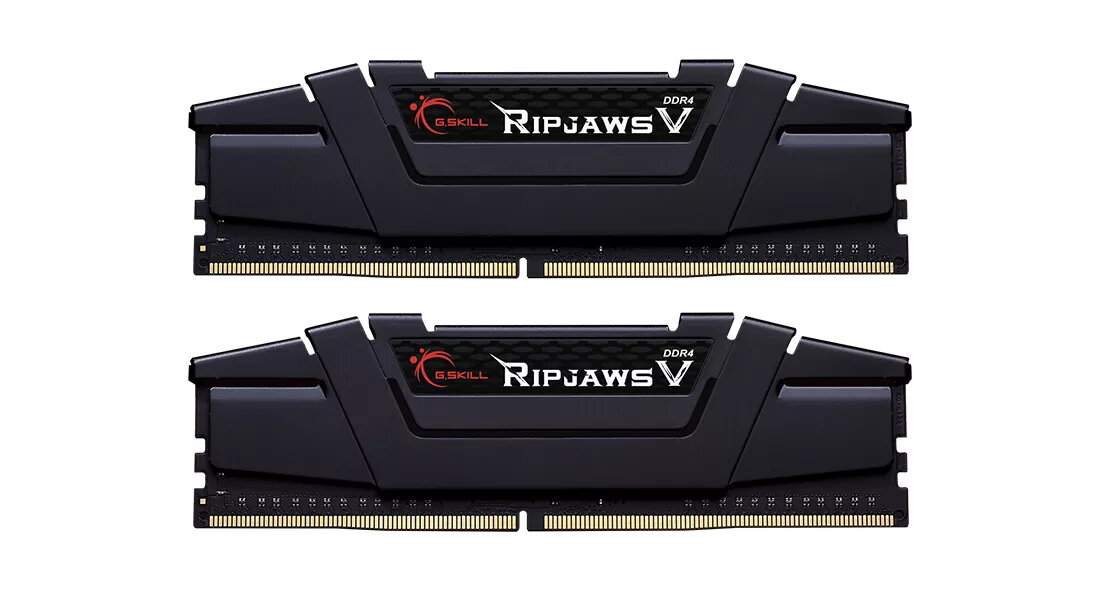
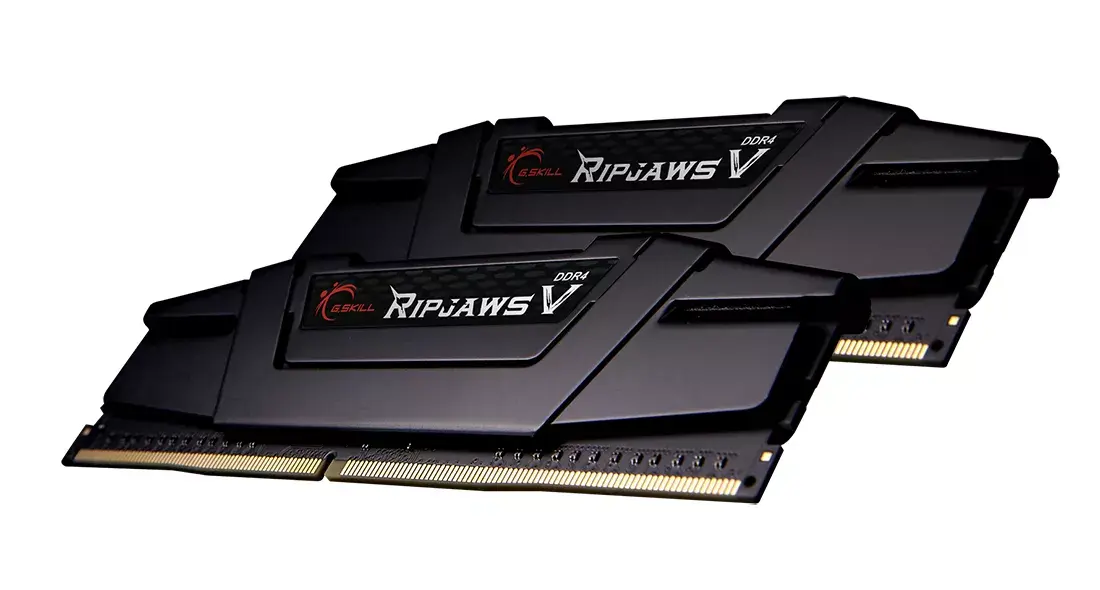
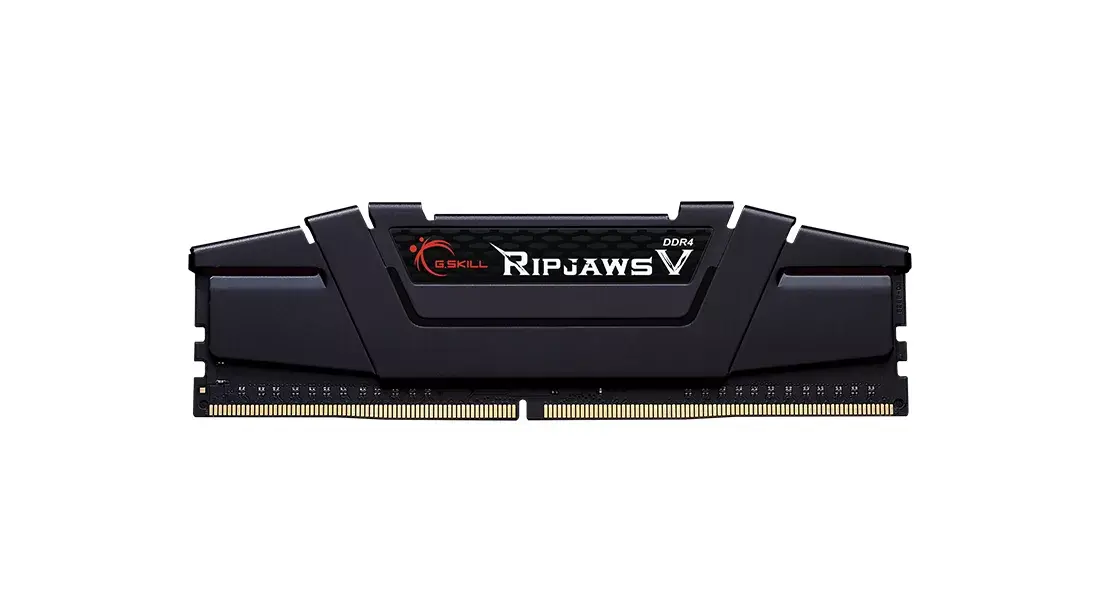
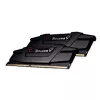
Memory Module G.Skill Ripjaws V DDR4 64GB 4000MHz
The G.Skill Ripjaws V DDR4 64GB 4000MHz memory module kit is a high-performance solution engineered for enthusiasts and professionals who demand speed and reliability. This dual-channel kit, consisting of two 32GB modules, is optimized for the latest Intel Core processors, providing a massive 64GB capacity to handle intensive computing tasks with ease.
This memory kit offers exceptional performance through its high 4000MHz clock speed and low CAS latency, ensuring rapid data transfer and reduced system bottlenecks. The modules are built with high-quality components and undergo rigorous testing across major motherboard brands to guarantee maximum compatibility and stability. With a module height of 42mm, it is designed to fit comfortably alongside most large aftermarket CPU coolers, making it a versatile choice for various system builds. Additionally, the XMP 2.0 support allows for simple, one-click overclocking to reach rated speeds, while the efficient power design ensures stable operation under heavy workloads.
This memory kit may not be suitable for older motherboards that do not support DDR4 technology or high-frequency memory profiles. Users with compact small-form-factor cases should verify clearance, as the 42mm height might interfere with specific low-profile cooling solutions.
To install the memory, ensure your computer is powered off and disconnected from the power source. Insert the modules into the appropriate DIMM slots on your motherboard, ensuring they are firmly seated until the locking clips click into place. After installation, power on your system and enter the BIOS/UEFI settings. Enable the XMP profile to automatically configure the memory to its rated 4000MHz speed and latency settings. Save the changes and restart your computer to begin using the full performance of your new RAM.
For optimal stability and performance, always install the modules in the recommended dual-channel slots as specified in your motherboard manual. Ensure your BIOS is updated to the latest version to maintain compatibility with high-frequency memory kits.
{{highlightedFeature.featureTitle}}:
{{getProductFeatureValueById(product, highlightedFeature.featureId)}}
{{ productComparisonGenerationError }}