

Leave your address - as soon as the price of the product goes down, you'll know about it right away
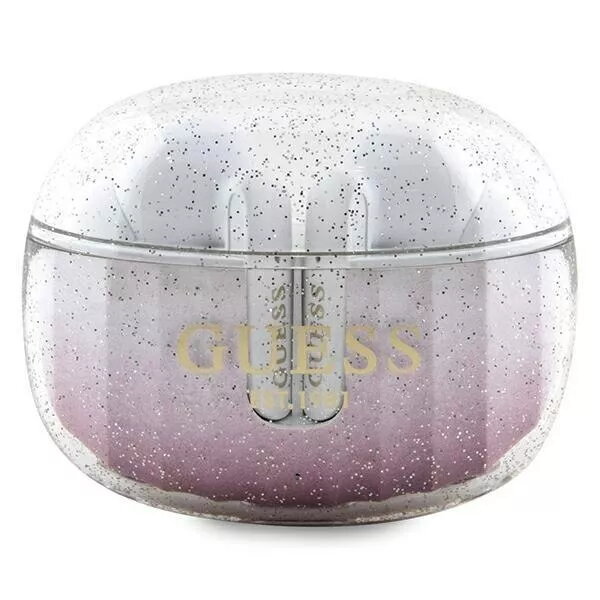
Headphones Guess Glitter Gradient TWS Bluetooth headphones
In cart {{totalProductsCount}} item(s)
Your cart is empty
Headphones Guess Glitter Gradient TWS Bluetooth headphones
Leave your address - as soon as the price of the product goes down, you'll know about it right away
Headphones Guess Glitter Gradient TWS Bluetooth headphones
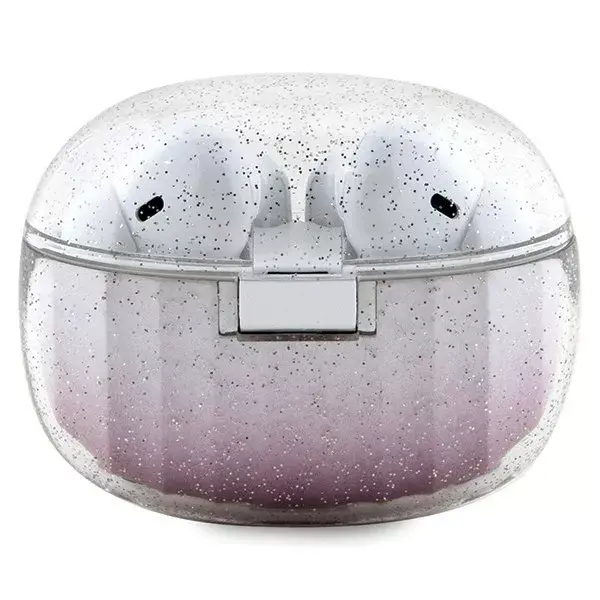
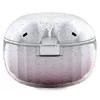
The Guess Glitter Gradient TWS Bluetooth headphones deliver wireless audio with a fashionable pink gradient finish and a compact docking station. These in-ear true wireless earbuds offer Bluetooth connectivity for cable-free use and provide up to 20 hours of combined playtime from earbuds and charging case. The ergonomic shape is designed for comfortable extended wear and the included charging dock keeps the earbuds protected and ready for use.
These headphones combine a distinctive glitter gradient aesthetic with practical features: stable Bluetooth pairing for mobile devices, an integrated charging dock for convenient storage and power top-ups, and sound tuned for everyday listening. The ergonomic fit reduces fatigue during prolonged use and the lightweight construction makes them easy to carry. Battery life of up to 20 hours allows for longer listening sessions between charges.
Remove the earbuds from the docking station to power them on and enter pairing mode. Enable Bluetooth on your device and select the earbuds from the list of available devices to establish a connection. Use the onboard controls to play, pause, adjust volume or answer calls according to the control scheme provided with the product. When battery is low, place earbuds back into the docking station to recharge; the docking station itself can be charged as described in the user manual.
For reliable Bluetooth performance, keep paired devices within typical wireless range and avoid obstacles that may cause interference. Clean the ear tips regularly and store the earbuds in the docking station when not in use to protect them and maintain battery charge. Follow local regulations and safety guidelines when using headphones in public or while moving.
{{highlightedFeature.featureTitle}}:
{{getProductFeatureValueById(product, highlightedFeature.featureId)}}