This is due to long delivery times and limited product warranties.
Save time and money with our discounts!
In cart {{totalProductsCount}} item(s)
Your cart is empty
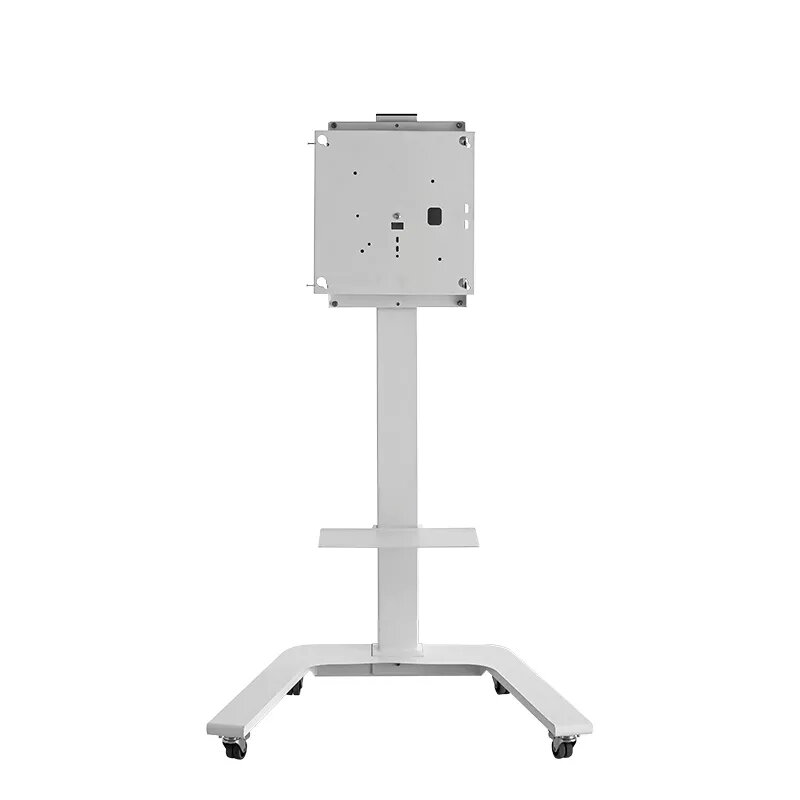
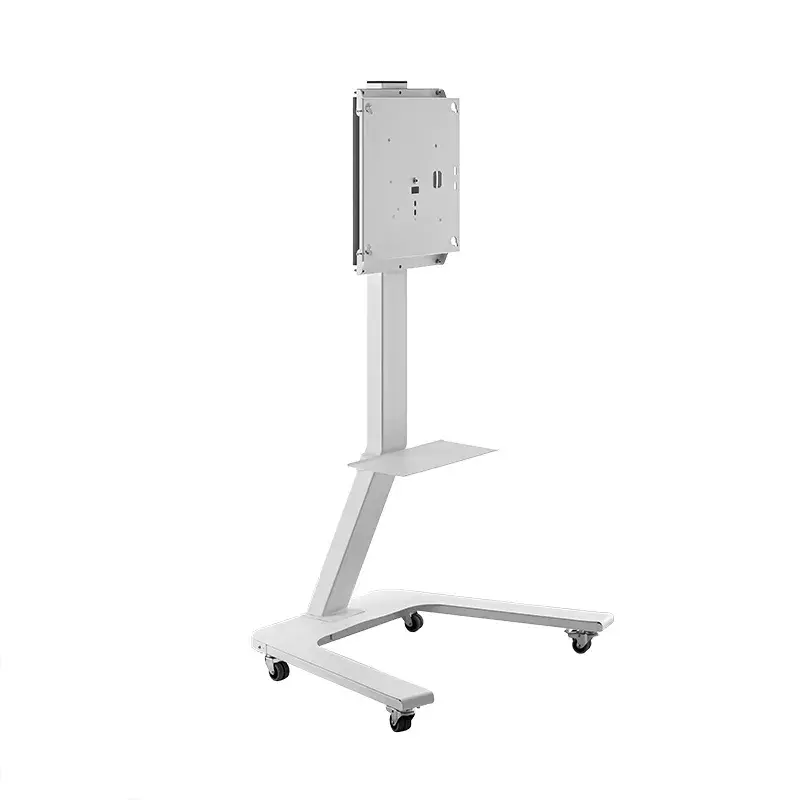
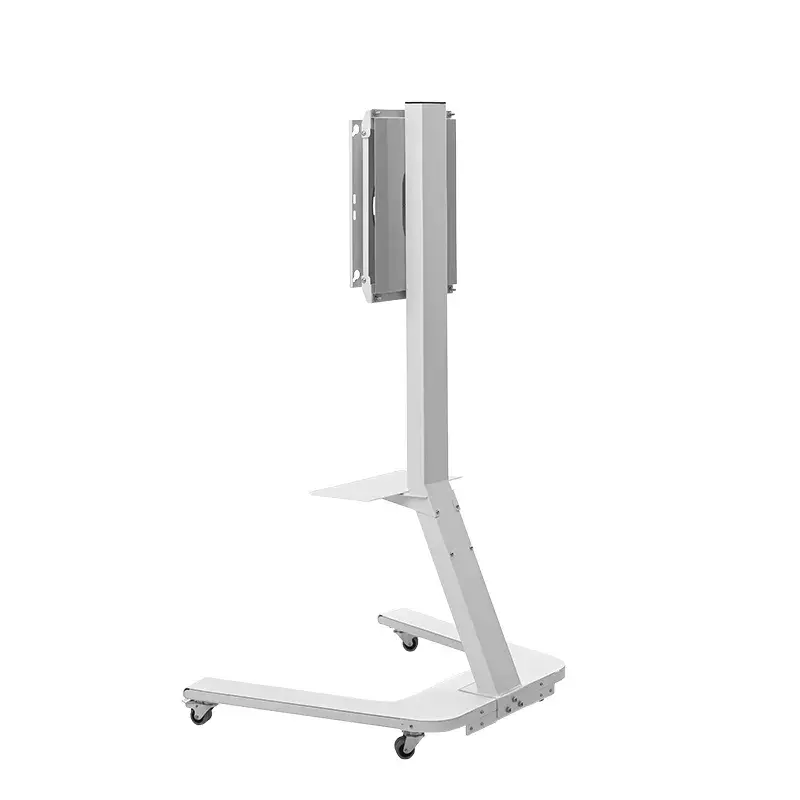
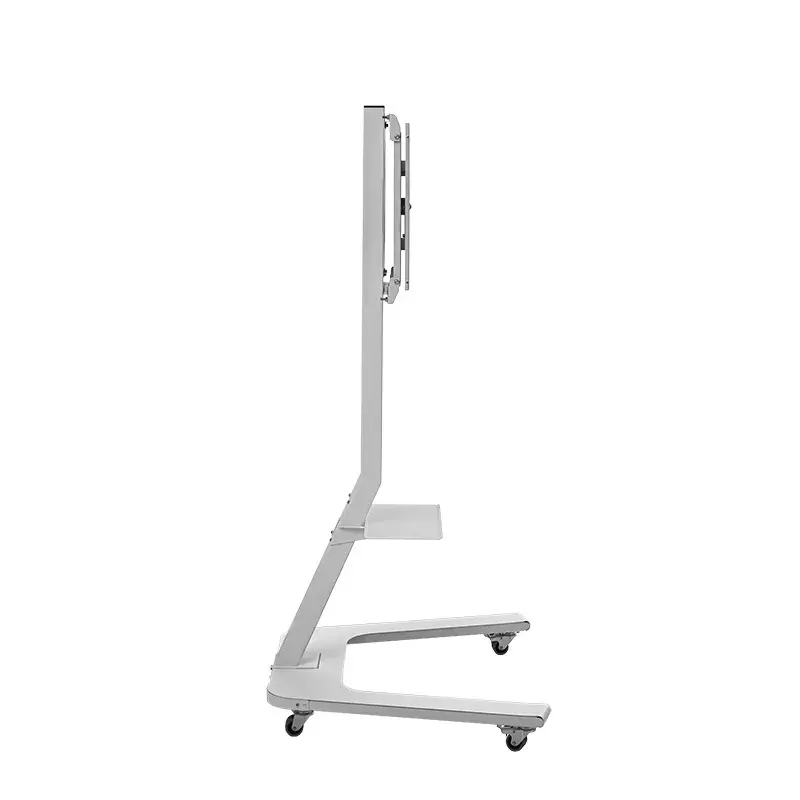
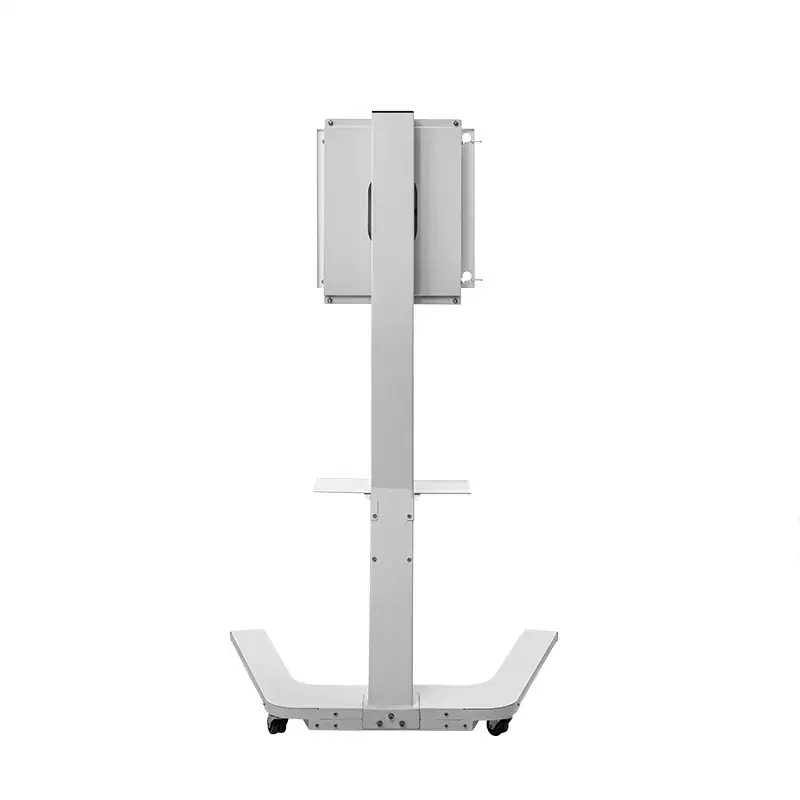
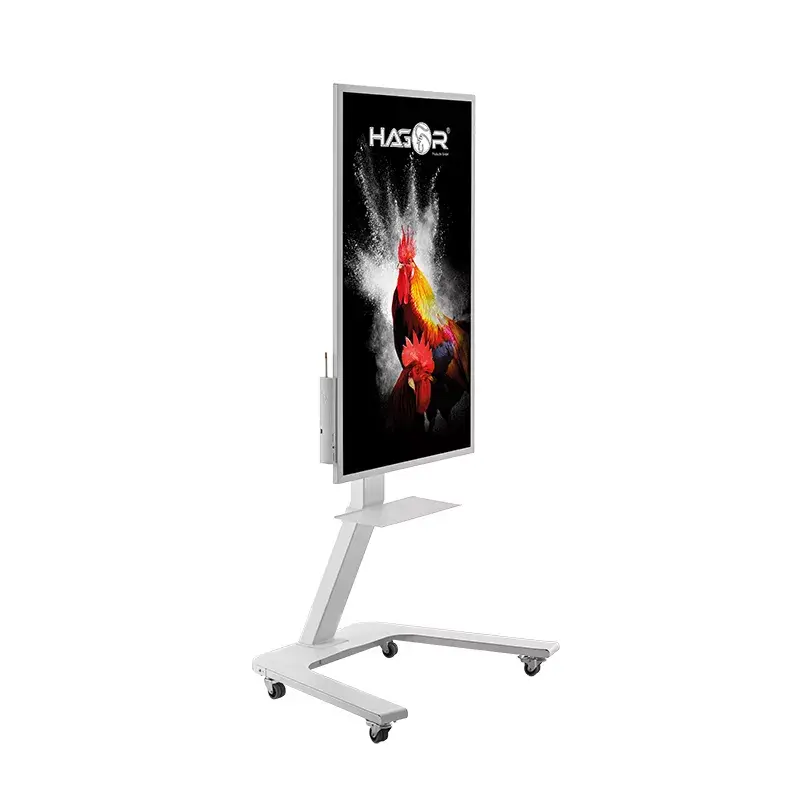
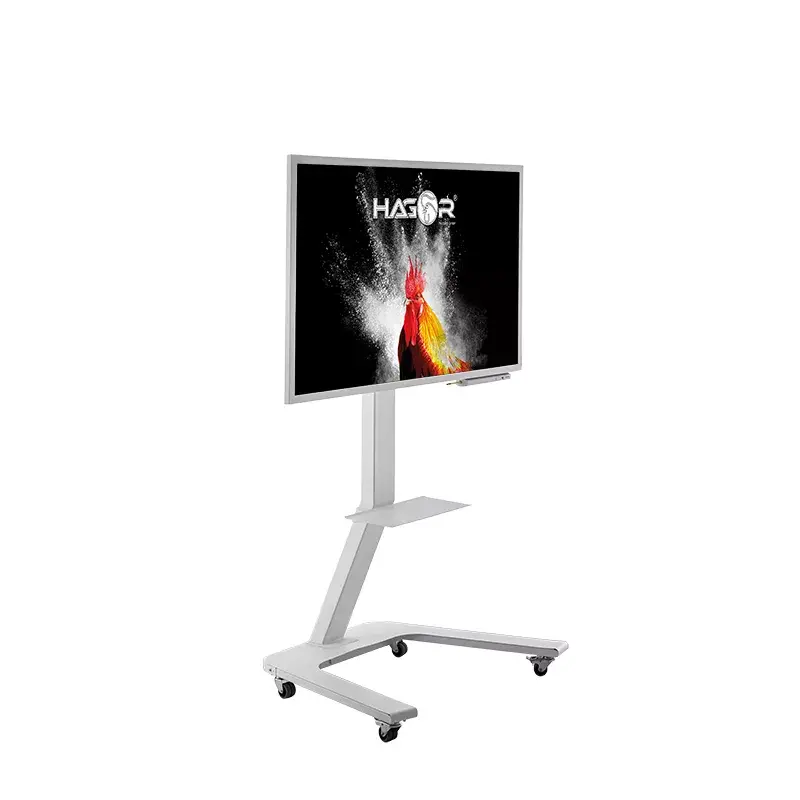
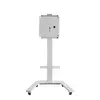
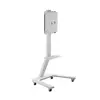
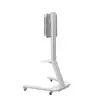
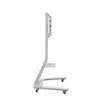
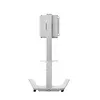
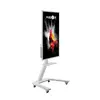
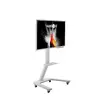
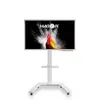
TV Mount Hagor ST SA Flip II 139.7 cm (55")
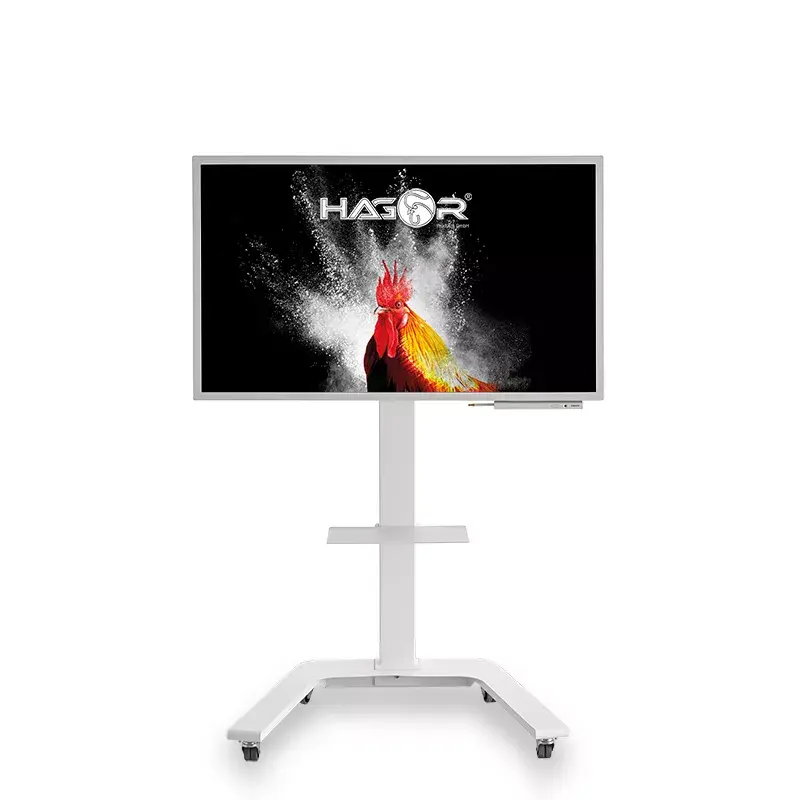
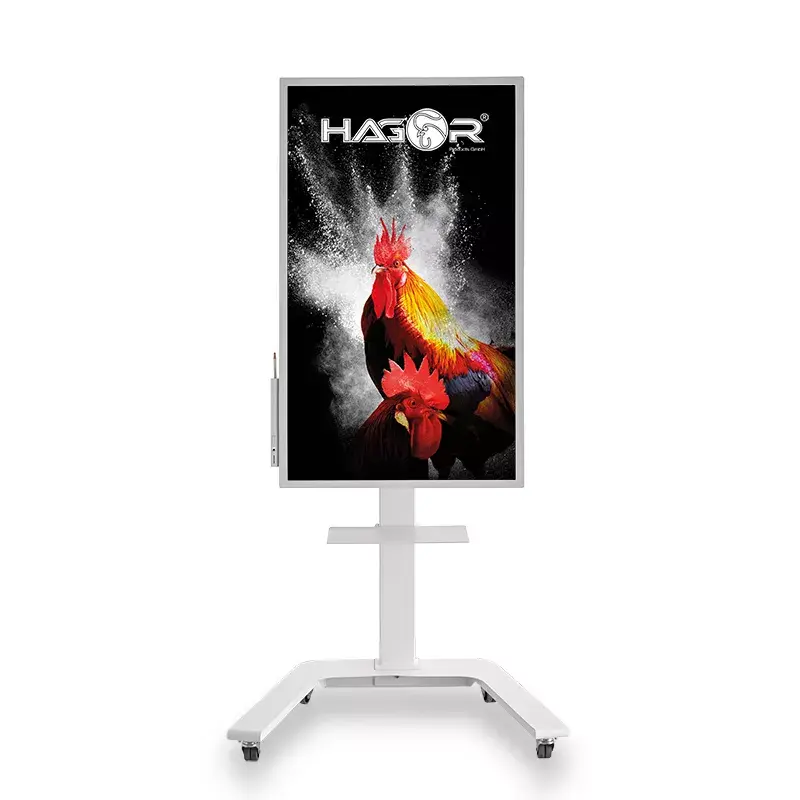
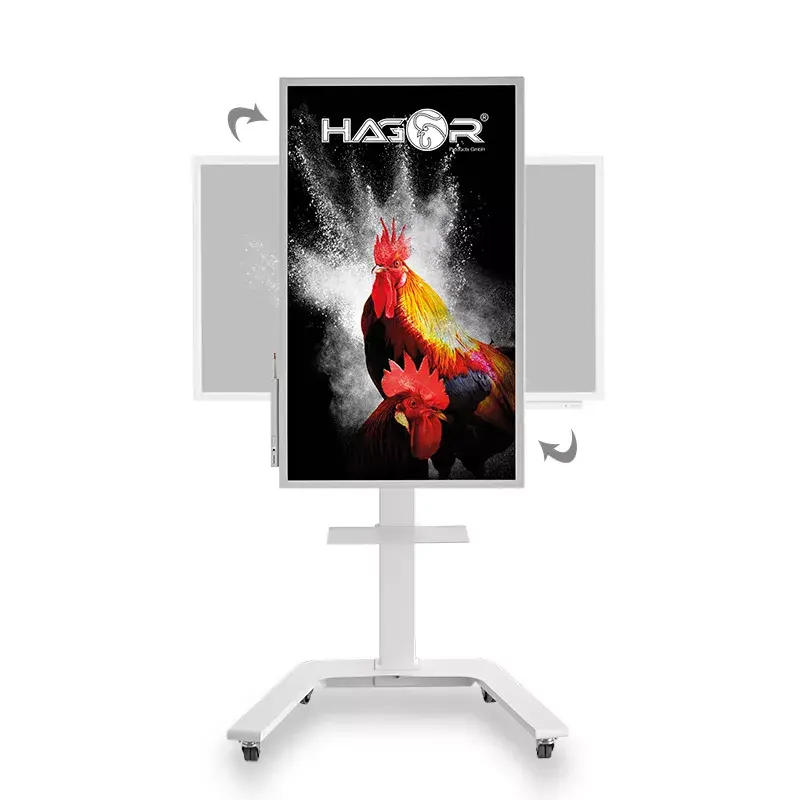
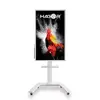
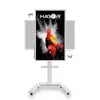
The Hagor ST SA Flip II 139.7 cm (55") is a mobile stand system designed specifically for Samsung WM55H, WM55R and WM55B displays and for other screens up to 55" (139.7 cm) with a maximum weight capacity of 45 kg. Finished in white, the mount supports VESA patterns up to 400 x 400 mm and combines tilt and rotation functions with lockable castors for stable, portable installation. The stand enables quick switching between portrait and landscape orientations and offers adjustable inclination settings for optimal viewing and interactive use.
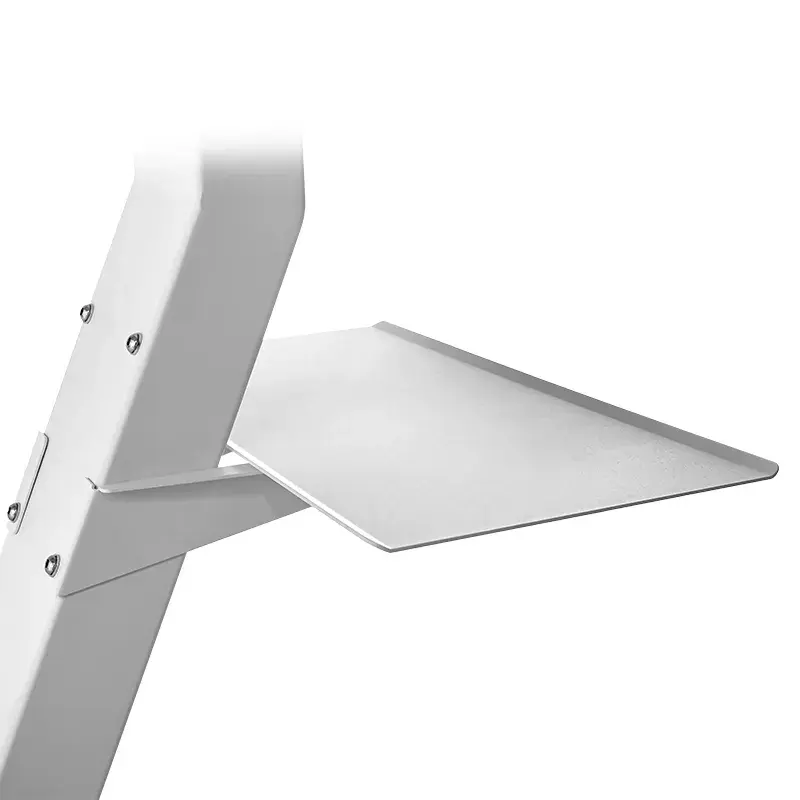
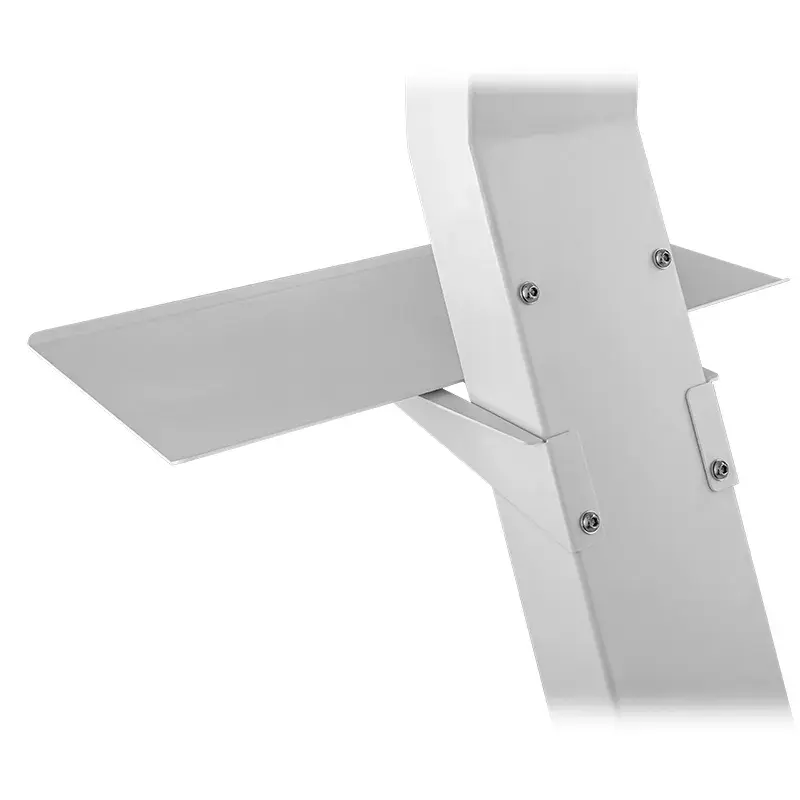
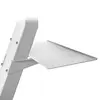
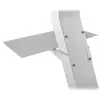
The product provides effortless rotation between portrait and landscape formats via a spring-assisted mechanism that locks into the desired end positions without additional unlocking. A multi-step tilt adjustment (0° / ±2.5° / ±5°) can be set from the assembly side to fine-tune the screen angle. High-quality castors with locking brakes allow secure relocation and stable placement in different rooms. An optional shelf, mountable in two positions beneath the display, offers convenient storage for accessories or peripherals.
Assemble the stand according to the included instructions and verify compatibility with the display model (Samsung WM55H / WM55R / WM55B or other displays within the stated size and VESA limits). Attach the display to the VESA interface and secure all fasteners to meet the 45 kg weight rating. Use the spring-assisted rotation to move the screen between portrait and landscape; the mechanism will engage in the end positions without additional unlocking. Adjust the tilt from the assembly side to one of the available inclination settings. Move the stand on its castors to the required location and engage the locking brakes to secure the unit in place. Mount the optional shelf in the preferred of the two positions if needed, and place peripherals or storage items on it.
Ensure the display weight and VESA pattern do not exceed the specified limits. Lock the castors before leaving the display unattended or during interactive use. When rotating between portrait and landscape, guide the screen smoothly to let the spring mechanism engage fully; avoid sudden forceful movements. Install the optional shelf only after the main display is securely mounted, and periodically check fasteners for tightness to maintain safe operation.
{{highlightedFeature.featureTitle}}:
{{getProductFeatureValueById(product, highlightedFeature.featureId)}}
{{ productComparisonGenerationError }}