Dreame vacuums for fast and efficient cleaning!
In cart {{totalProductsCount}} item(s)
Your cart is empty
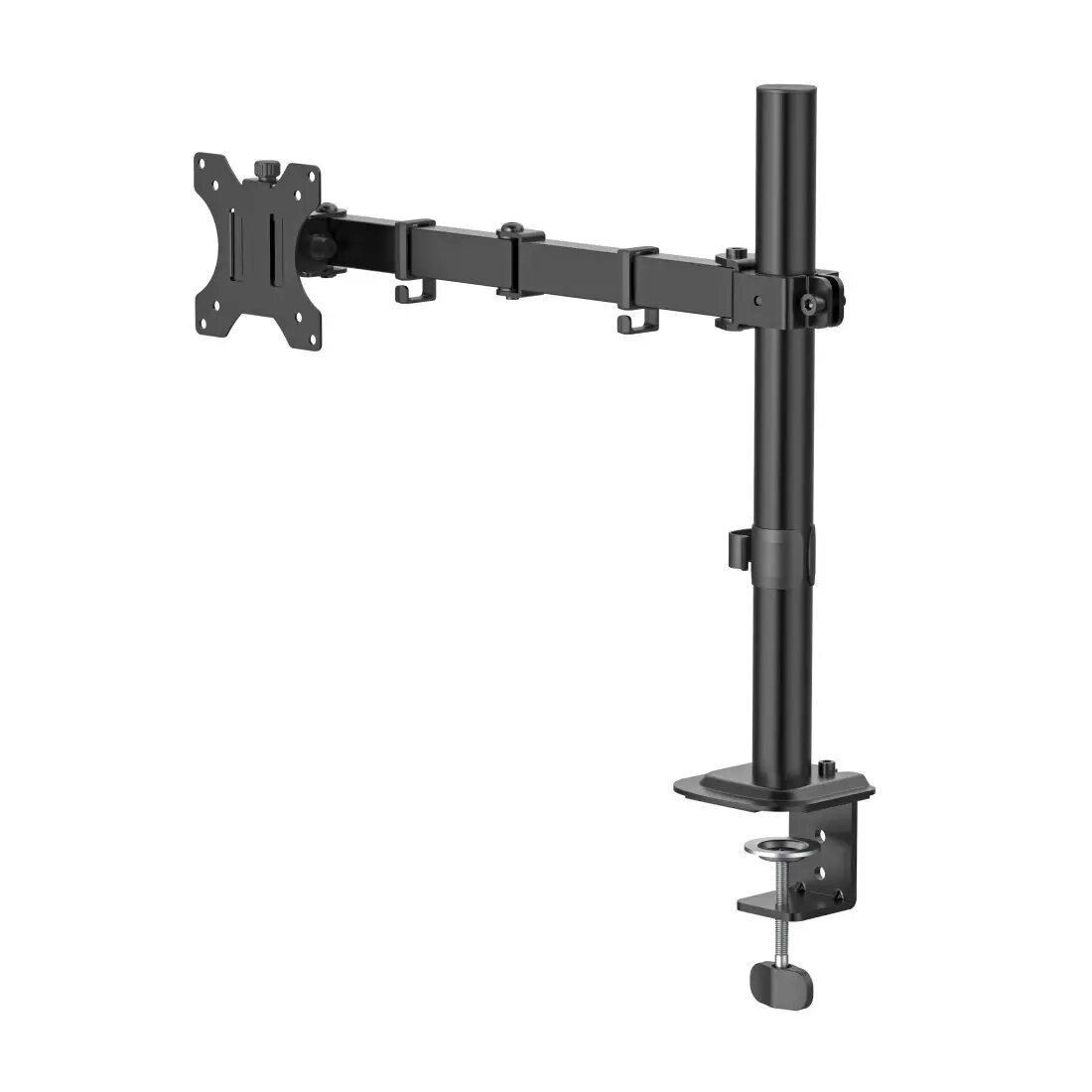
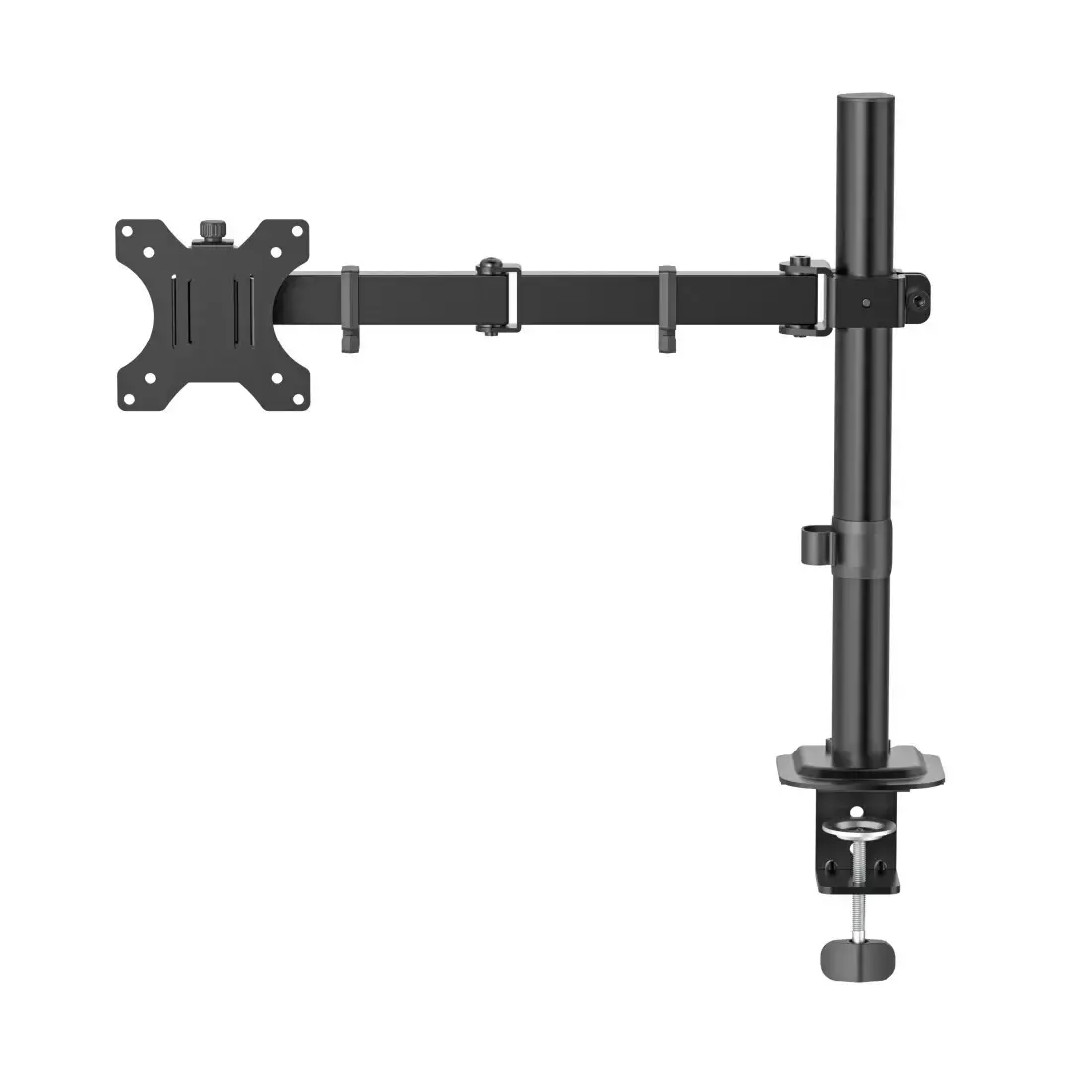
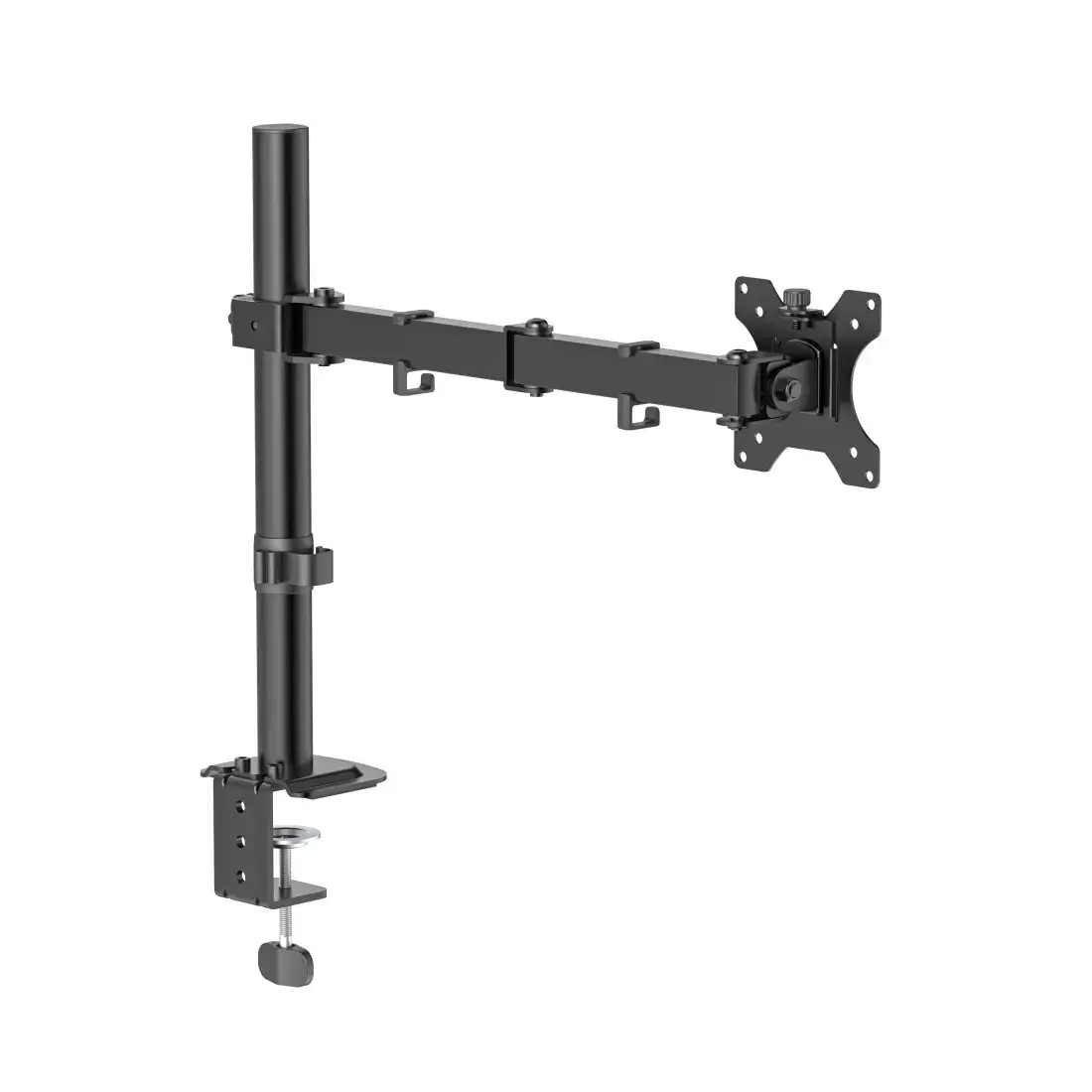
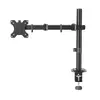
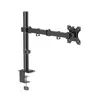
Hama 00220901 Desk Monitor Mount for 13-35 inch Screens, Black
The Hama 00220901 is a versatile desk-mounted monitor stand engineered to enhance your workspace ergonomics. Designed to support a single display ranging from 13 to 35 inches, this mount provides a robust solution for both professional office environments and home gaming setups. By elevating your screen to the correct eye level, it helps promote a healthier posture, potentially reducing neck and back strain during extended periods of use.
This monitor mount offers exceptional flexibility, allowing you to customize your viewing experience through stepless height adjustment, tilt, and swivel capabilities. The inclusion of a 360-degree rotation feature enables seamless switching between landscape and portrait orientations, which is particularly beneficial for specialized tasks such as coding or document editing. The integrated cable management system ensures a clean, organized desk surface by neatly routing cables behind the arm, while the included protective foam for the clamp prevents damage to your furniture. Its sturdy steel construction supports monitors weighing up to 12 kg, ensuring long-term stability and reliability.
This mount is not suitable for monitors that do not feature VESA-compatible mounting holes or those that exceed the maximum weight capacity of 12 kg. Additionally, it cannot be used on desks thicker than 5 cm or on surfaces that do not provide a stable edge for the clamp mechanism.
To install, attach the clamp securely to the edge of your desk using the provided screw mechanism. Once the base is fixed, attach the VESA plate to the back of your monitor. The detachable design allows you to hook the monitor onto the arm easily. After mounting, you can adjust the height, tilt, and swivel of the arm to achieve your desired viewing angle. Use the integrated cable clips to secure your power and data cables for a tidy appearance.
For optimal ergonomics, position the top third of your monitor screen at or slightly below eye level. Regularly check the tightness of the clamp and joints to ensure continued stability and safety.
{{highlightedFeature.featureTitle}}:
{{getProductFeatureValueById(product, highlightedFeature.featureId)}}
{{ productComparisonGenerationError }}