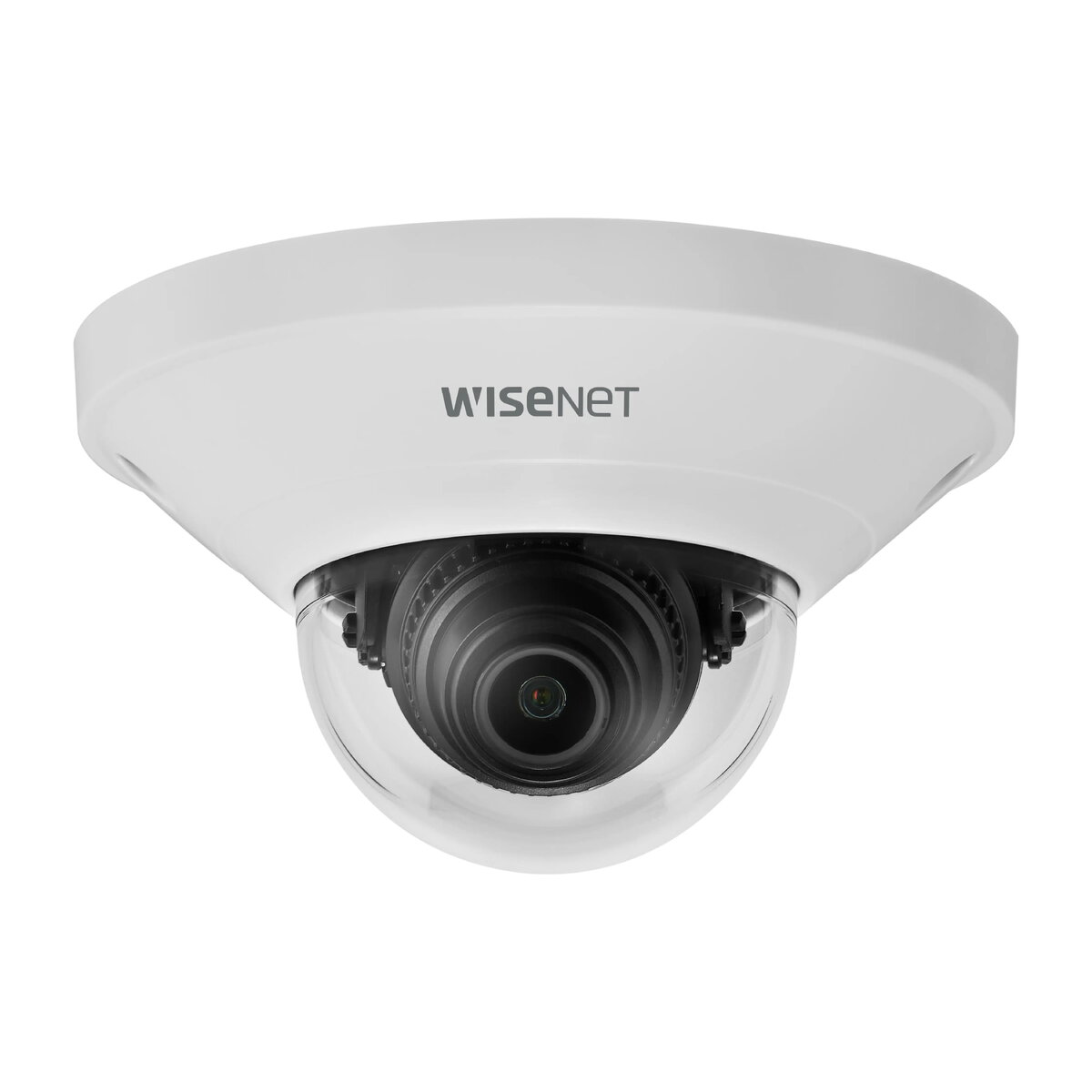
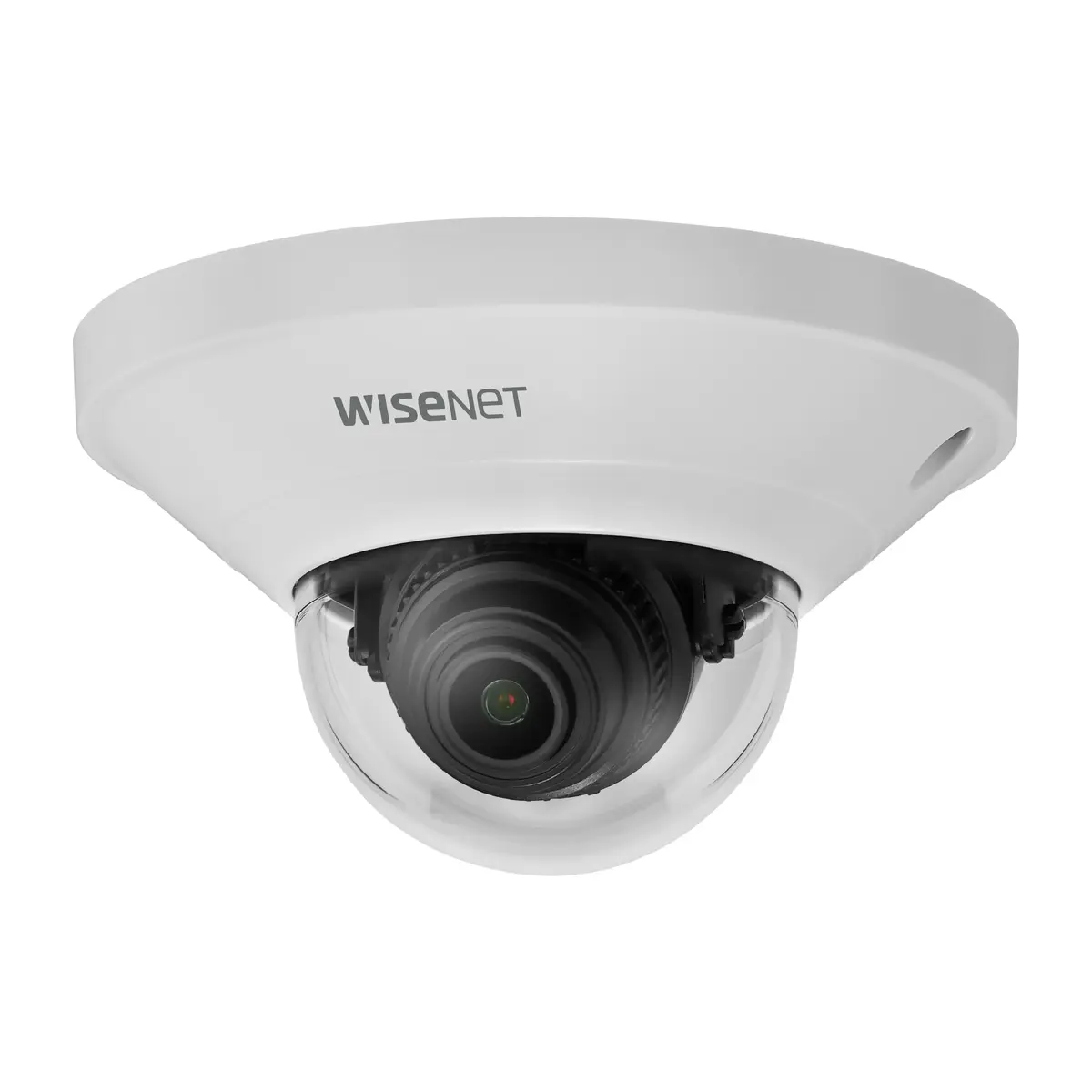
-
Type:
-
IP security camera
-
Weight:
-
0.165 kg
-
Power consumption (typical):
Power consumption in switched-on state expressed in W.
-
4 W
-
Supported network protocols:
-
IPv4, IPv6, TCP/IP, UDP/IP, RTP(UDP), RTP(TCP), RTCP, RTSP, NTP, HTTP, HTTPS, SSL/TLS, DHCP, FTP, SMTP, ICMP, IGMP, SNMPv1/v2c/v3(MIB-2), ARP, DNS, DDNS, QoS, UPnP, Bonjour, LLDP
-
White balance:
-
ATW, AWC, Indoor, Manual, Outdoor
-
Operating relative humidity (H-H):
-
0 - 90
-
Compatible memory cards:
-
MicroSD (TransFlash), MicroSDHC, MicroSDXC
-
Storage temperature (T-T):
-
-30 - 60
-
Form factor:
-
Dome
-
Operating temperature (T-T):
-
-10 - 40
-
Ethernet LAN:
-
Yes
-
Storage relative humidity (H-H):
-
0 - 90
-
Height:
-
56 mm
-
Sensor type:
-
CMOS
-
Minimum illumination:
-
0.15 lx
-
Optical sensor size:
-
25.4 / 2.8
-
Connectivity technology:
-
Wired
-
Maximum resolution:
-
2592 x 1944
-
Product colour:
-
White
-
Number of users:
-
6 user(s)
-
Networking standards:
-
IEEE 802.1x
-
Tilt angle range:
-
0 - 69
-
Bluetooth:
-
No
-
Video compression formats:
-
H.264, H.265, M-JPEG
-
Ethernet LAN (RJ-45) ports:
-
1
-
Noise reduction:
-
Yes
-
Pan range:
-
0 - 350
-
Diameter:
-
99 mm
-
Languages support:
-
CHI (SIMPL), CHI (TR), CZE, DEU, DUT, ENG, ESP, FRE, GRE, HUN, ITA, JPN, KOR, POL, POR, RUS, SWE, TUR
-
Progressive scan:
-
Yes
-
Wi-Fi:
-
No
-
Quality of Service (QoS) support:
-
Yes
-
Card reader integrated:
-
Yes
-
Placement supported:
-
Indoor & outdoor
-
Supported graphics resolutions:
-
640 x 360, 640 x 480 (VGA), 720 x 480, 768 x 576, 800 x 448, 800 x 600 (SVGA), 1280 x 960, 1920 x 1080 (HD 1080), 2592 x 1944
-
Housing material:
-
Plastic
-
Maximum aperture number:
-
1.6
-
Fixed focal length:
-
4 mm
-
Mounting type:
-
Ceiling
-
Video motion detection:
-
Yes
-
Active tampering alarm:
-
Yes
-
IP address filtering:
-
Yes
-
Ethernet interface type:
-
10 Gigabit Ethernet, 100 Gigabit Ethernet
-
International Protection (IP) code:
Device protection rating against dust and water according to the international IP standard.
-
IP42
-
Windows operating systems supported:
-
Y
-
Mac operating systems supported:
-
Y
-
Power source type:
-
PoE
-
Total megapixels:
-
5 MP
-
Back Light Compensation (BLC):
-
Yes
-
Wide Dynamic Range (WDR):
-
Yes
-
Day/night mode:
-
Yes
-
Alarm input/output:
-
Yes
-
Number of cameras:
-
1
-
Power consumption (max):
-
5 W
-
IK code:
-
IK08
-
Video streaming:
-
Yes
-
Flip & mirror:
-
Yes
-
Alert notification type:
-
E-mail
-
Fixed focus:
-
Yes
-
Gain control type:
-
Manual
-
Bit rate control:
-
Constant Bit Rate (CBR)/Variable Bit Rate (VBR)
-
Streaming method:
-
Multicast, Unicast
-
Adjustment shutter speed:
-
Manual
-
Number of effective pixels (H x V):
-
2592 x 1944
-
Lens viewing angle, horizontal:
-
80.1
-
Lens viewing angle, vertical:
-
58
-
Lens viewing angle, diagonal:
-
105.8