{{ totalProductsCount }}

In cart {{totalProductsCount}} item(s)

Total:
{{sum | formatAmount}}

Your cart is empty

header-product Hewlett Packard Series 5 Pro 524pu Monitor 23.8 inch Full HD IPS 100 Hz USB-C Ethernet

Hewlett Packard Series 5 Pro 524pu Monitor 23.8 inch Full HD IPS 100 Hz USB-C Ethernet

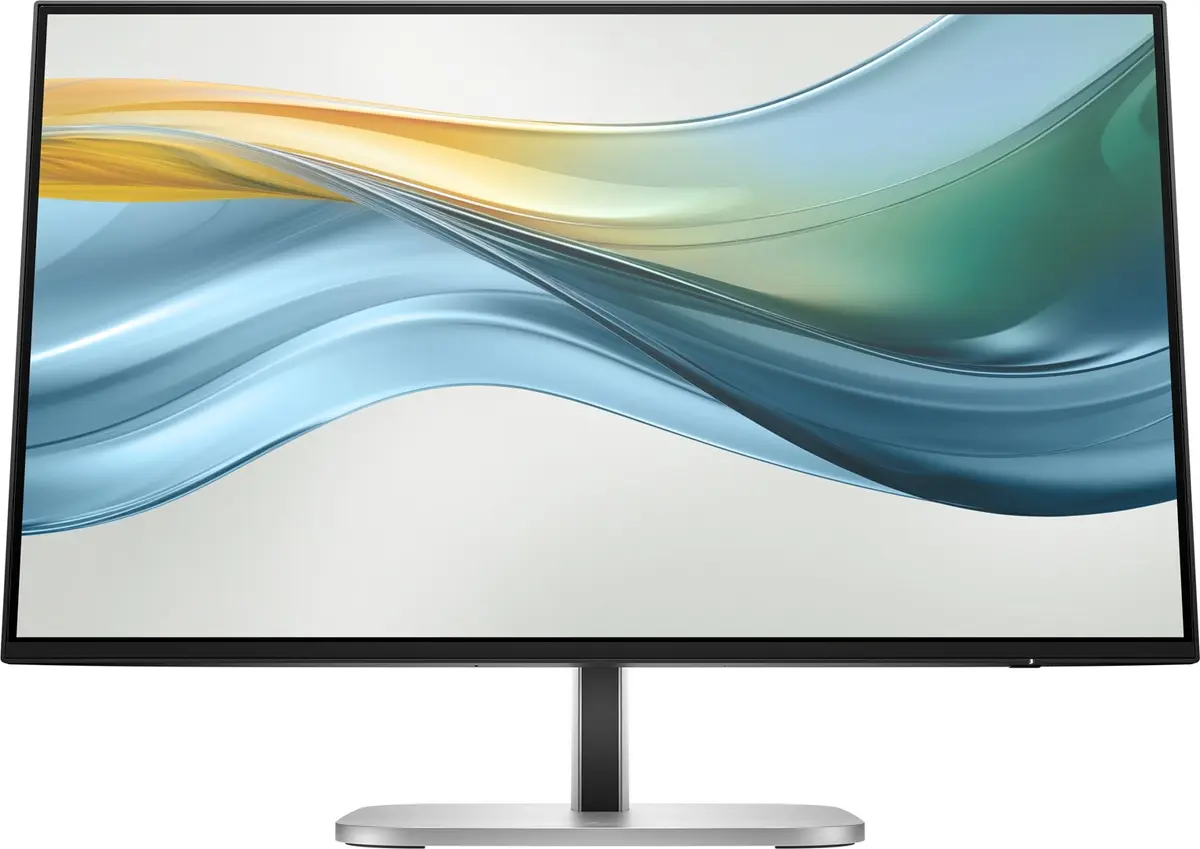
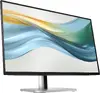
Hewlett Packard Series 5 Pro 524pu Monitor Photo 1
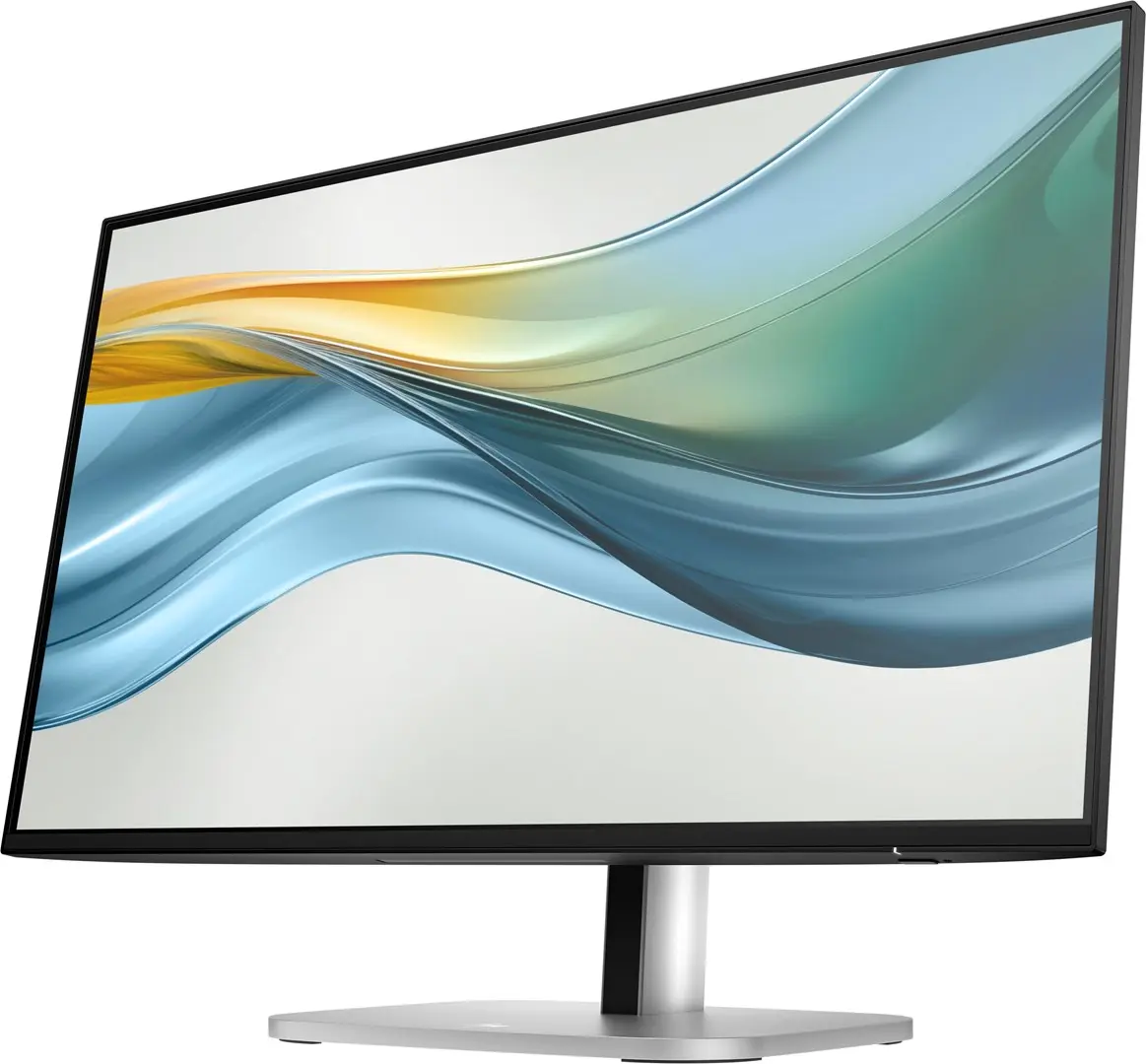
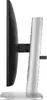
Hewlett Packard Series 5 Pro 524pu Monitor Photo 2
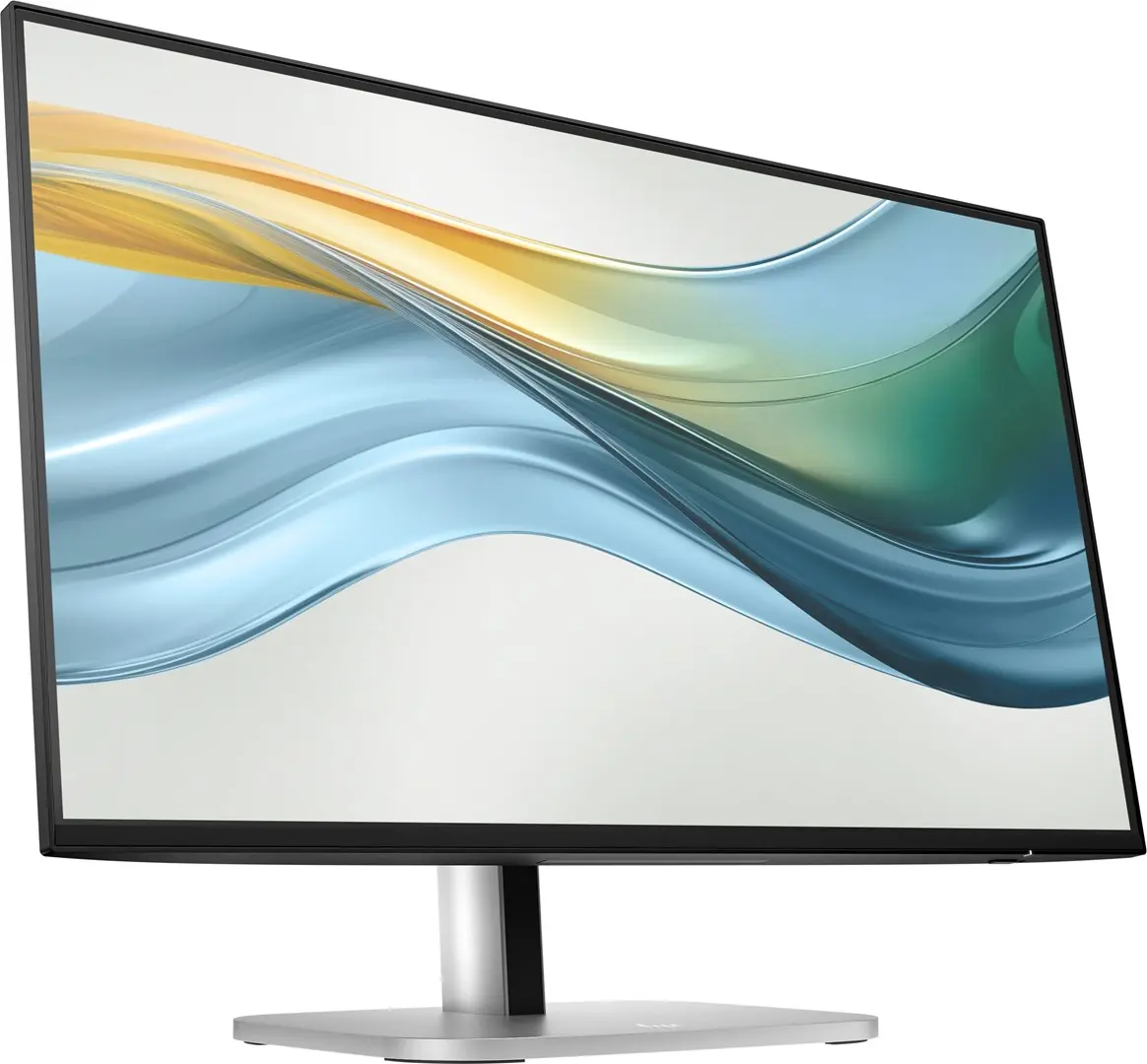
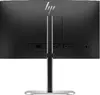
Hewlett Packard Series 5 Pro 524pu Monitor Photo 3
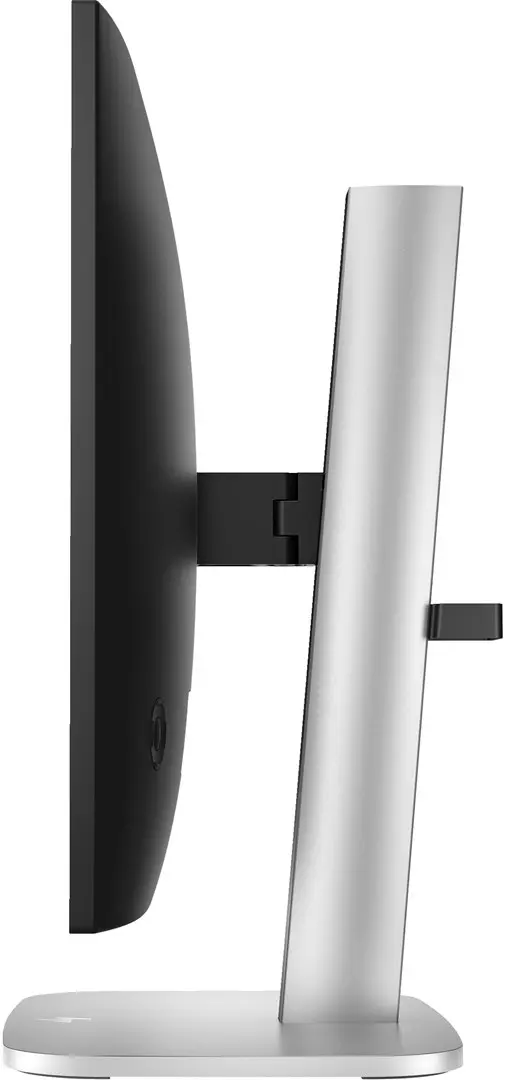
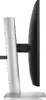
Hewlett Packard Series 5 Pro 524pu Monitor Photo 4
Hewlett Packard Series 5 Pro 524pu Monitor Photo 5
Hewlett Packard Series 5 Pro 524pu Monitor Photo 6
Hewlett Packard Series 5 Pro 524pu Monitor Photo 1
Hewlett Packard Series 5 Pro 524pu Monitor Photo 2
Hewlett Packard Series 5 Pro 524pu Monitor Photo 3
Hewlett Packard Series 5 Pro 524pu Monitor Photo 4
Hewlett Packard Series 5 Pro 524pu Monitor Photo 5
Hewlett Packard Series 5 Pro 524pu Monitor Photo 6
Out of stock.
View similar!

Short description

Hewlett Packard Series 5 Pro 524pu business monitor featuring a 23.8-inch Full HD IPS display with 1920 x 1080 resolution, 100 Hz refresh rate, and 350 cd/m² brightness. Designed for professional workflows, it includes USB-C connectivity with up to 100W Power Delivery, integrated Ethernet LAN, adjustable ergonomic stand with pivot and height adjustment, and Flicker-free and Low Blue Light eye-care technologies.
Warranty: 2 Years
SKU: 12670757
Manufacturer: Hewlett Packard
delivery
Information regarding the items availability for purchase will be posted on this site
price
Item cost information will be published on this site
Together cheaper
{{product.price | formatAmount}}
{{product.title}}
{{productBundle.reference.specialPrice | formatAmount}}
{{productBundle.title}}
{{productBundlePreviousPrice | formatAmount}}
{{productBundleSpecialPrice | formatAmount}}

You saving {{productBundleYouSave | formatAmount}}

Product information

Description

The Hewlett Packard Series 5 Pro 524pu Monitor 23.8 inch Full HD IPS 100 Hz USB-C Ethernet is a professional-grade business display engineered to enhance productivity in modern office environments. Combining a crisp 23.8-inch Full HD IPS panel with modern connectivity options, this monitor delivers accurate visuals, reliable network integration, and flexible ergonomics designed for daily professional tasks.

Advantages

This business monitor features advanced IPS display technology that ensures wide viewing angles and consistent color accuracy across the screen. The 100 Hz refresh rate offers smoother motion compared to standard displays, reducing eye fatigue during extended computer use. Integrated USB-C connectivity with up to 100W Power Delivery simplifies workstation setups by transmitting video, data, and power over a single cable while also supporting fast charging for connected devices. Additionally, the built-in Ethernet port allows for stable wired network connectivity directly through the monitor, expanding the capabilities of modern laptops.

Suitable for

  • Office administration and multi-tasking workflows
  • Remote and hybrid office setups requiring single-cable laptop connection
  • Corporate environments needing stable wired Ethernet integration
  • Extended spreadsheet analysis and document editing

When it may not be suitable

This monitor is not designed for professional color-critical photo editing or high-end color grading that requires wider color gamuts beyond sRGB. It is also not optimized for high-refresh-rate competitive gaming, as it lacks specialized gaming synchronization technologies.

Key specifications

  • 23.8-inch Full HD IPS display with 1920 x 1080 resolution
  • 100 Hz maximum refresh rate and 5 ms response time
  • 350 cd/m² display brightness and 1500:1 typical contrast ratio
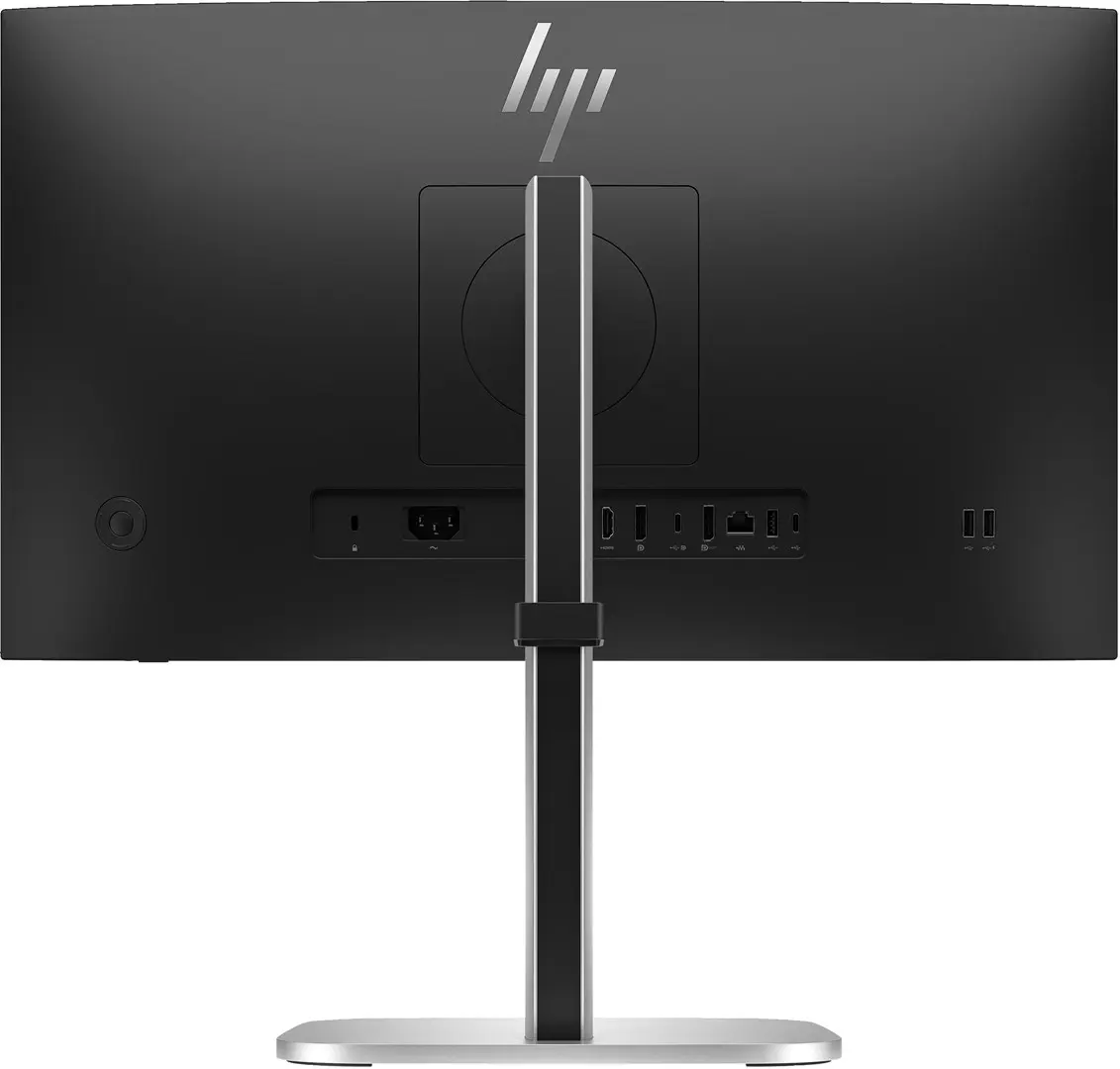
  • USB-C connectivity supporting up to 100W Power Delivery and DisplayPort Alternate Mode
  • Integrated Ethernet LAN port and built-in USB 3.2 hub
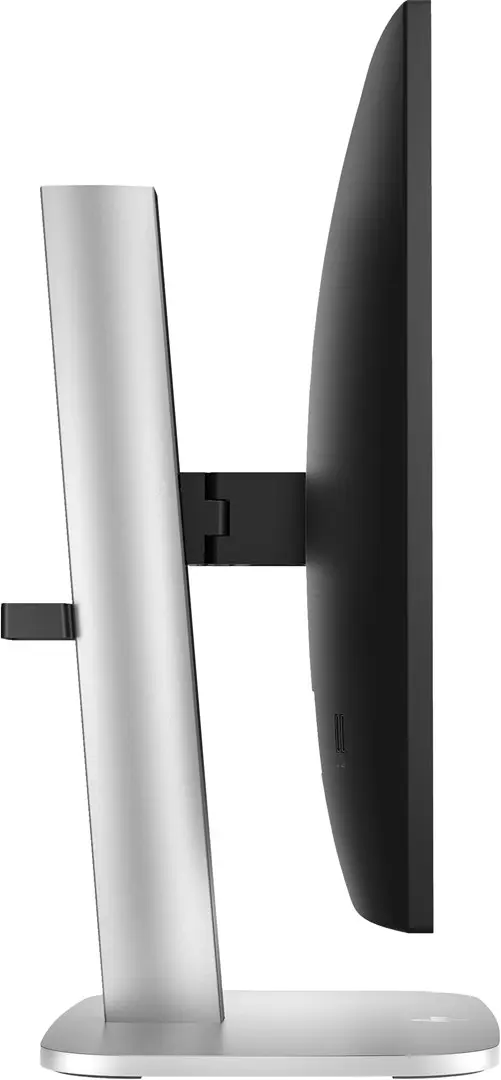
  • Ergonomic stand with height adjustment, pivot, swivel, and tilt functions
  • Flicker-free and Low Blue Light eye-care technologies

How to use

Connect the monitor to your computer using the provided USB Type-C cable or an appropriate HDMI or DisplayPort cable. Plug the power cord into an AC electrical outlet and power on the display using the control buttons. Adjust the screen height, tilt, swivel, or pivot position to achieve an ergonomic viewing angle. If utilizing the wired network feature, connect an Ethernet cable from your router or network switch directly to the monitor LAN port.

What to consider before purchase

  • Verify that your computer supports video output and Power Delivery over USB-C to utilize single-cable connectivity fully.
  • Check desk space availability to ensure the 23.8-inch display and adjustable stand fit comfortably within your workspace.
  • Confirm whether your peripheral devices are compatible with the integrated USB hub ports.
  • Evaluate if your workflow requires specialized ports or higher resolutions beyond Full HD.

Usage recommendations: Position the monitor at eye level to maintain proper ergonomic posture during long working hours. Enable the built-in Low Blue Light and flicker-free settings to minimize eye strain in low-light office environments. Utilize the cable management features of the stand to keep your workspace organized.

Description

Machine translation.

Similar products

{{product.title}}
Show details Hide details

{{highlightedFeature.featureTitle}}:

{{getProductFeatureValueById(product, highlightedFeature.featureId)}}

{{product.price | formatAmount}}

Product comparison

The Hewlett Packard Series 5 Pro 524pu monitor is compared against several similar 23.8-inch and 24-inch alternatives, including the Portable monitor BLACKVIEW Table10, BenQ GW2491, HP Series 3 Pro 324pf, MSI Pro MP243X, and HP Series 7 Pro 724pu. All these displays share a 100 Hz refresh rate and Full HD resolution (except the Series 7 model with WUXGA resolution). The main differences lie in their intended use cases, the availability of advanced connectivity such as USB-C with Power Delivery and Ethernet, as well as screen brightness and ergonomic features.

⚙️ The specifications comparison covers panel size and type, screen resolution, brightness, USB-C and network connectivity, built-in speakers, and ergonomic stand adjustments.

ParameterHewlett Packard Series 5 Pro 524puPortable monitor BLACKVIEW Table10BenQ GW2491HP Series 3 Pro 324pfMSI Pro MP243XHP Series 7 Pro 724puPractical significance
Size and Resolution23.8" Full HD (1920 x 1080)23.8" Full HD (1920 x 1080)23.8" Full HD (1920 x 1080)23.8" Full HD (1920 x 1080)23.8" Full HD (1920 x 1080)24" WUXGA (1920 x 1200)All monitors deliver sharp images, while the Series 7 offers increased vertical workspace.
Refresh Rate100 Hz100 Hz100 Hz100 Hz100 Hz100 HzIdentical smooth refresh rate for comfortable daily office and general use.
Screen Brightness350 cd/m²300 cd/m²250 cd/m²Not specifiedNot specified350 cd/m²Hewlett Packard and Series 7 provide higher brightness levels for well-lit environments.
ConnectivityUSB-C (up to 100W PD), Ethernet LANHDMI, USB-C, 4 USB portsHDMI, DisplayPortHDMI, VGA, DisplayPortHDMI, DisplayPortUSB-C (up to 100W PD), Ethernet LAN, USB hubThe Hewlett Packard monitor replaces a docking station by powering the laptop and connecting to the network via a single cable.
SpeakersNot specifiedBuilt-in speakersNot specifiedNot specifiedBuilt-in speakersNot specifiedBlackview and MSI models allow audio playback without external speakers.

◎ The comparison of usage scenarios and buyer profiles helps determine which monitor best suits specific working or home environments.

Use caseRecommended productWhy
Professional office work with a laptopHewlett Packard Series 5 Pro 524puIdeal for workstations due to laptop power delivery via USB-C up to 100W and an integrated Ethernet port.
Mobile workstations and presentationsPortable monitor BLACKVIEW Table10Lightweight portable design is convenient for mobile work and secondary screen use.
Daily home use and multimediaBenQ GW2491Suited for home environments with accurate sRGB color reproduction and eye-care technologies.
Standard office desktop without USB-CHP Series 3 Pro 324pf or MSI Pro MP243XSimple office solutions with basic video inputs for traditional desktop setups.
Advanced professional tasks with more screen heightHP Series 7 Pro 724puOffers WUXGA resolution and a complete set of ports for demanding professional workflows.
The Hewlett Packard Series 5 Pro 524pu monitor is best suited for professionals using modern laptops who require a single-cable connection providing power delivery and network access. If USB-C is not needed and you are looking for a straightforward home display, the BenQ model is a suitable alternative, whereas for mobile use, the portable Blackview option is preferred.

Might be useful
{{product.manufacturerName}}
{{product.categoryName}}
{{product.title}}
{{product.specialPrice}}
{{product.price}}

Customer reviews

Customer questions

FAQ

What payment options are available?

AiO.lv offers several payment methods: Bank transfer. All transactions are 100% secure and encrypted.

Can this product be purchased for a company (with VAT)?

Yes. AiO.lv works with legal entities in Latvia and across Europe. The product price already includes VAT. For certain product categories, as well as for companies from other EU countries with a valid VAT number, a 0% VAT rate may apply. We issue the invoice immediately after the order is placed, support electronic BIS invoices, and automatically generate all necessary accounting documents. You can complete the purchase for a company online — simply select the company profile and choose bank transfer as the payment method during checkout.

What is the warranty period?

All Hewlett Packard products come with an official 2 Years warranty. It covers all manufacturing defects and malfunctions that may occur during use. The warranty is valid at all authorized Hewlett Packard service centers and through AiO.lv

Can the product be returned after purchase?

Yes, you can return the product within 14 days of purchase if you bought it as a consumer (not a legal entity). Returns are possible without giving any reason — the main condition is that the product retains its original appearance and full set of accessories. We will make the process as simple and convenient as possible: just contact our customer support team, and we will help you arrange the return.

Where should I contact for warranty service?

For warranty-related questions you can contact the AiO.lv (SIA VSPRO) customer support team. We will assist with consultation, warranty claim processing, and coordination with certified service centers.
warranty
14-Day Return Policy We are confident in our quality, but if the purchase doesn’t fit — you have 14 days to return the product with peace of mind.
shipping
Fast Delivery Get your orders as quickly as possible — right to your door, parcel lockers, or pickup points across Latvia and the EU.
payment
Secure Payment Pay the way you prefer: cash, VISA, MasterCard, Apple Pay, Google Pay, bank transfer, or 0% installment plan.
warranty
Quality Since 2008 AiO.lv has been on the market for over 18 years and has earned trust — with more than 6000 genuine positive reviews on Google.