
JBL speakers and headphones for pure and deep sound!
In cart {{totalProductsCount}} item(s)
Your cart is empty
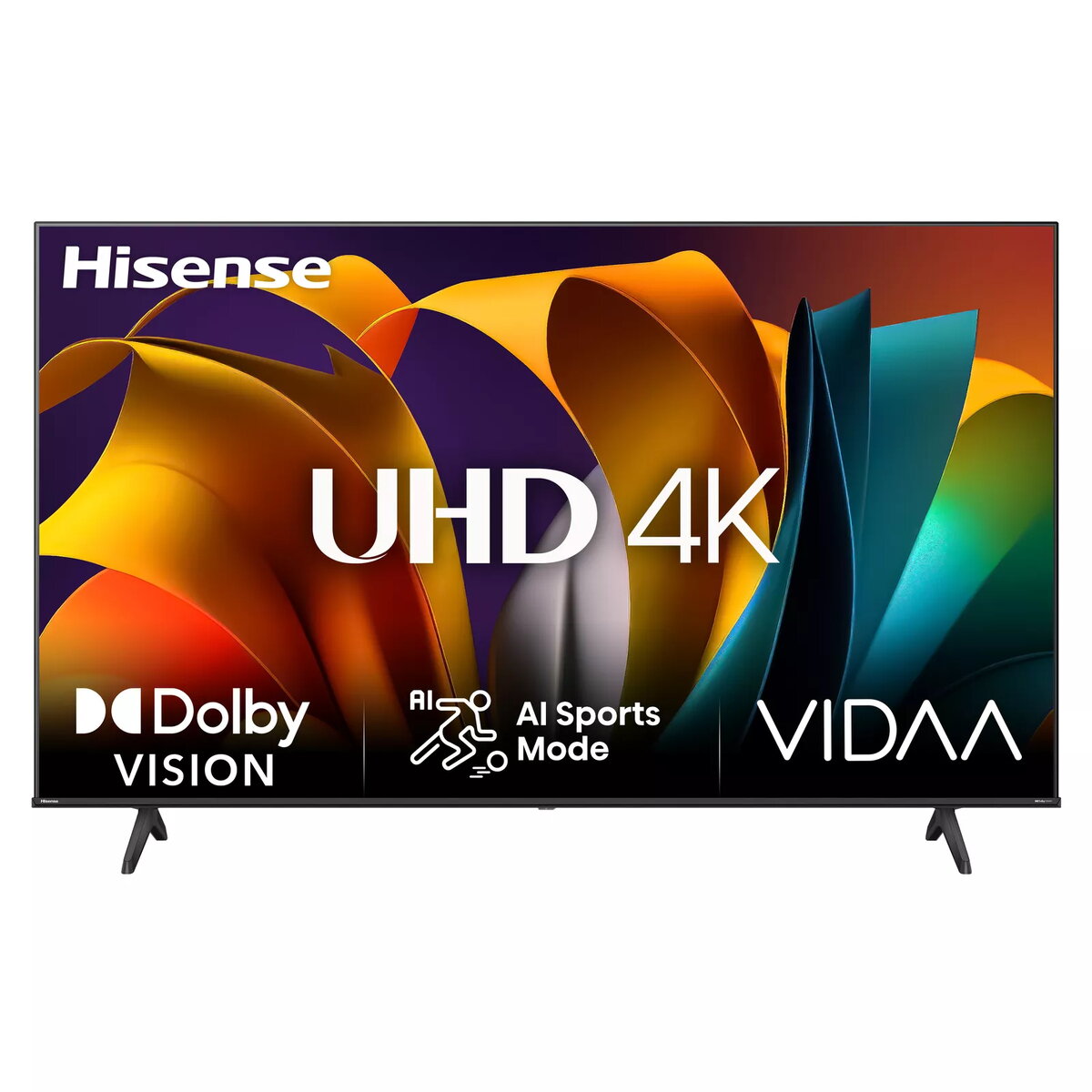
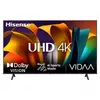
TV Hisense 43A6N 43" 4K Ultra HD LED 3840 x 2160
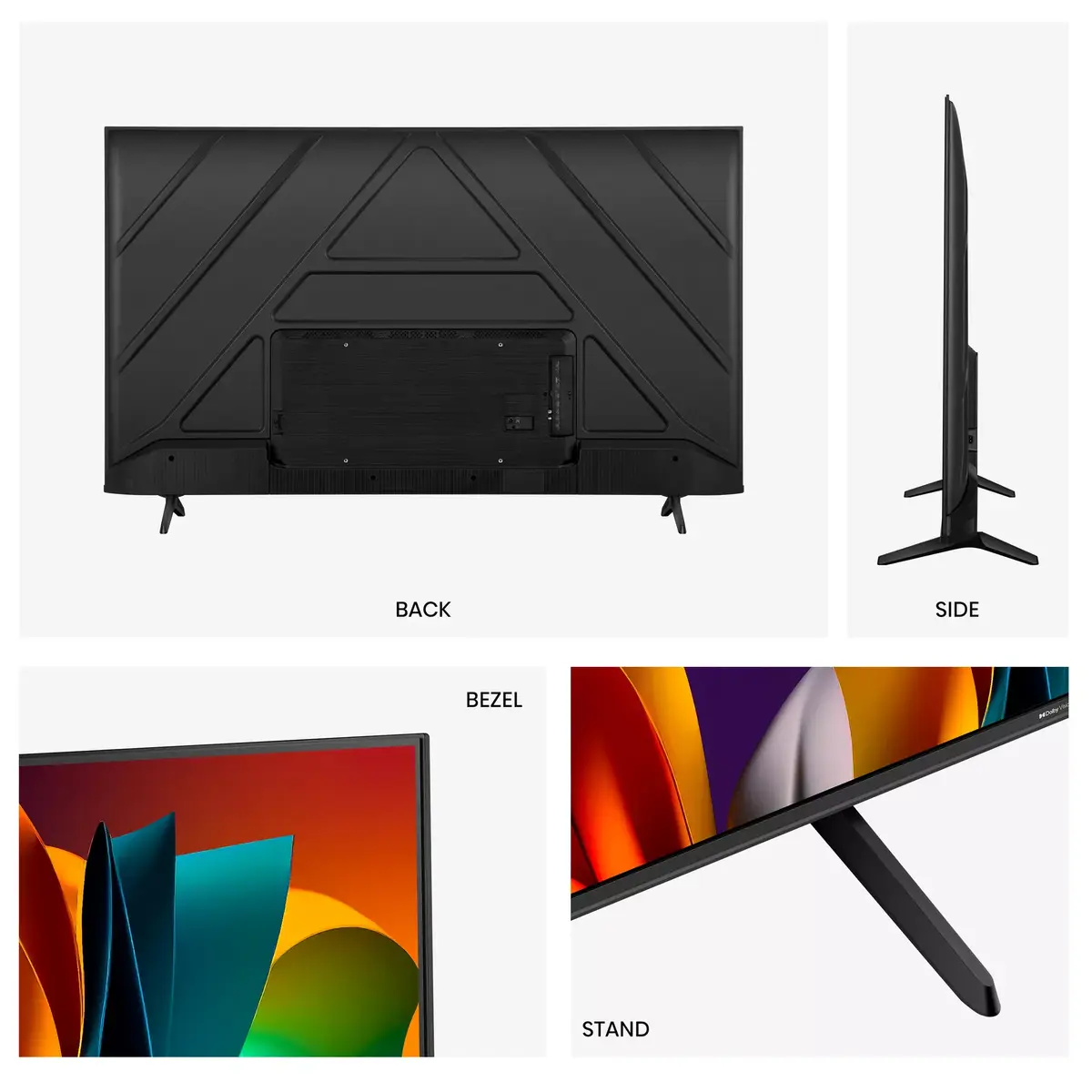
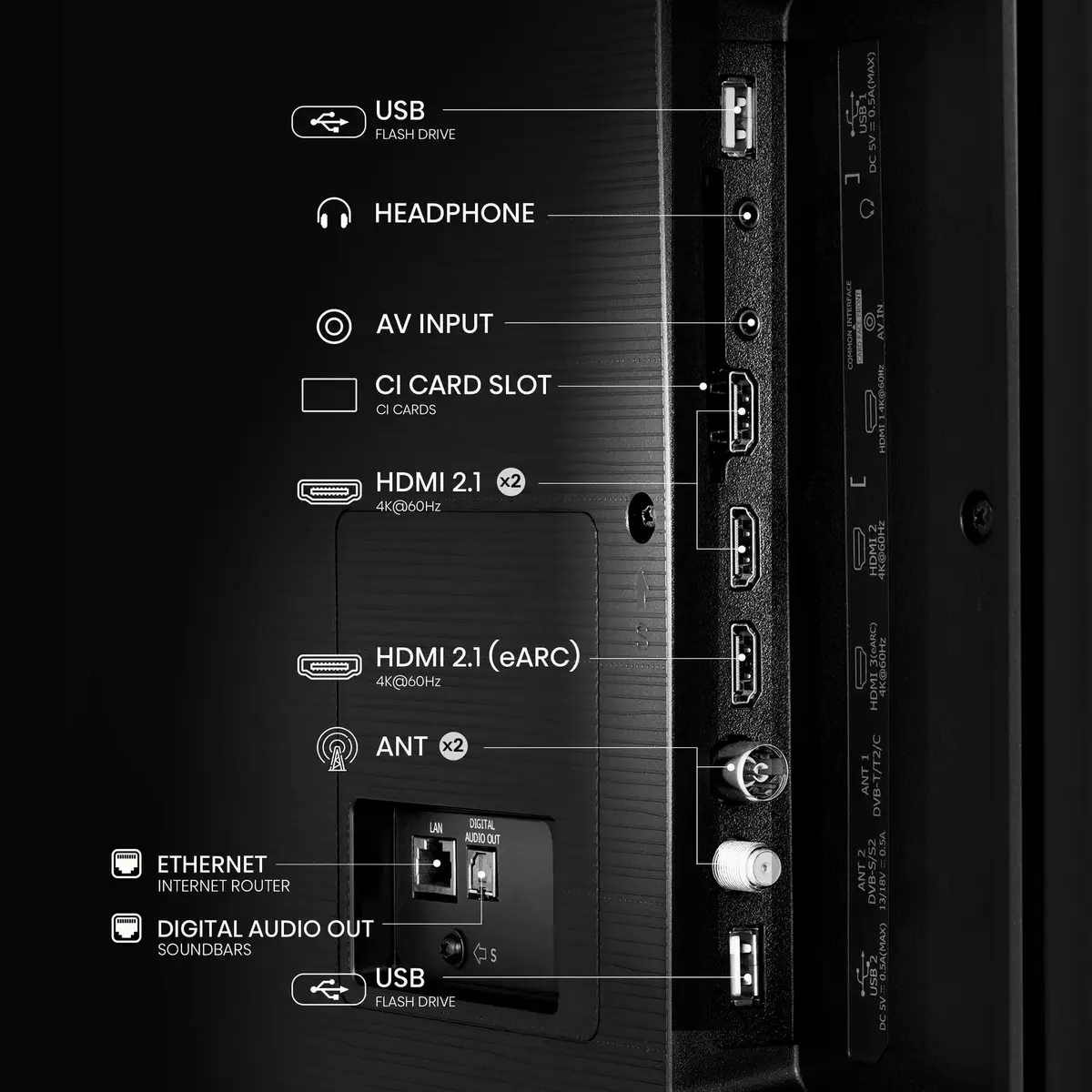
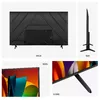
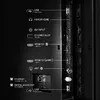
The Hisense 43A6N is a 43" 4K Ultra HD LED TV with a native resolution of 3840 x 2160 and a 16:9 aspect ratio. It uses Direct-LED backlighting and runs the VIDAA operating system, providing a compact screen size suitable for living rooms, bedrooms or secondary TV setups. Connectivity options include built-in Wi-Fi and an Ethernet LAN connection for streaming, smart features and digital broadcasting support for DVB-C, DVB-S, DVB-S2, DVB-T and DVB-T2 signal formats. The set comes in a black finish and is designed for straightforward installation and daily use.
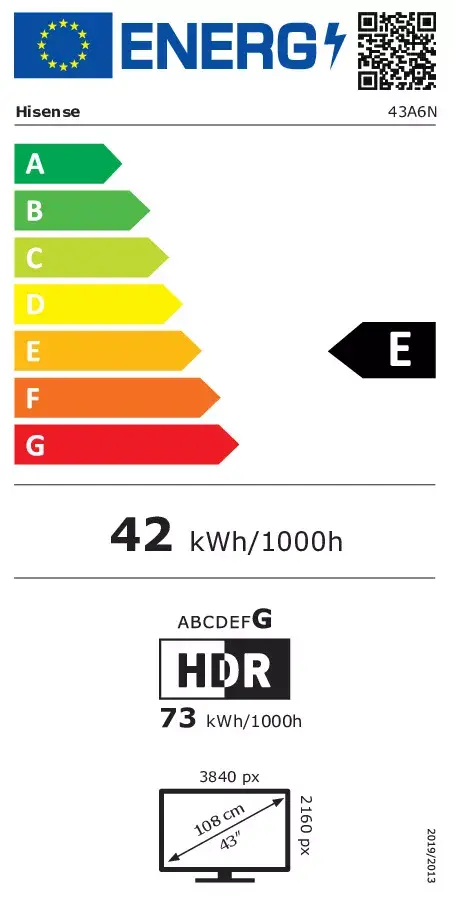
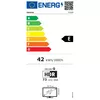
The 43-inch panel delivers 4K Ultra HD detail for supported content while the Direct-LED backlighting balances brightness and uniformity across the screen. VIDAA OS offers a simplified smart-TV interface with access to streaming apps and network services via Wi-Fi or Ethernet. Multiple digital tuner formats are supported, enabling reception of terrestrial, cable and satellite broadcasts without extra set-top boxes. Energy consumption figures are provided for standard dynamic range (SDR) and high dynamic range (HDR) use to help estimate operating cost.
Unpack the TV and attach the stand or prepare for wall mounting according to the included instructions. Connect the power cable and use either the Ethernet port or the built‑in Wi‑Fi to connect the TV to the network. Follow the on‑screen setup to select language, scan for available DVB channels and sign in to streaming services through the VIDAA interface. Use the remote control to navigate menus, change inputs and adjust picture or sound settings to preference.
Place the TV at an appropriate viewing distance for a 43" screen (typically 1.5–2.5 m) and avoid direct sunlight on the panel to maintain image quality. For best streaming performance use a stable wired Ethernet connection or a strong Wi‑Fi signal. Review and adjust picture mode, backlight and energy settings to balance image quality and power consumption.
{{highlightedFeature.featureTitle}}:
{{getProductFeatureValueById(product, highlightedFeature.featureId)}}
{{ productComparisonGenerationError }}
Device manufacturer code
Device manufacturer
iagonal of the visible part of the screen expressed in centimeters and inches.
Rating of how efficiently a device uses energy, affecting power consumption and costs.
Energy efficiency class is a standard classification that is used all over Europe and which is understandable at first sight. Products can be efficiently compared according to classes, starting from A (the most energy efficient class), and ending with G (the most energy-intensive class). The classification of energy efficiency is based on annual energy consumption which is being calculated on the basis of several different parameters.
Power consumption in switched-on state expressed in W.
