
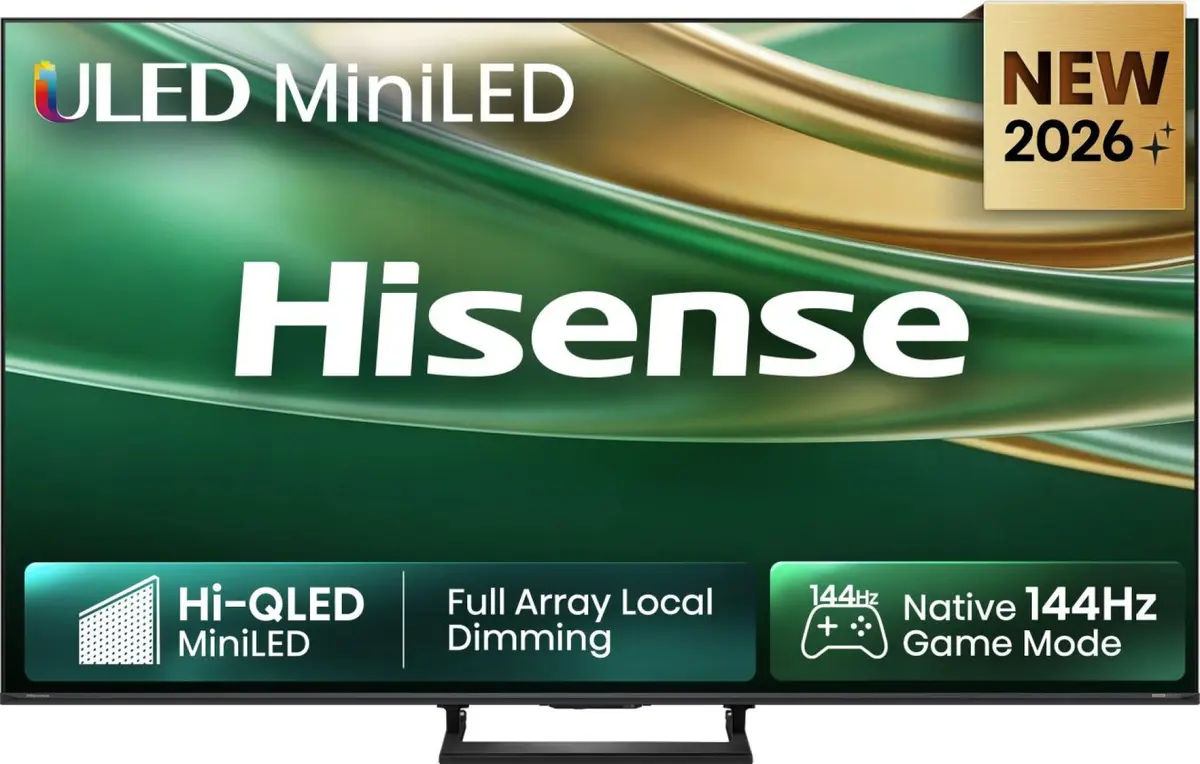
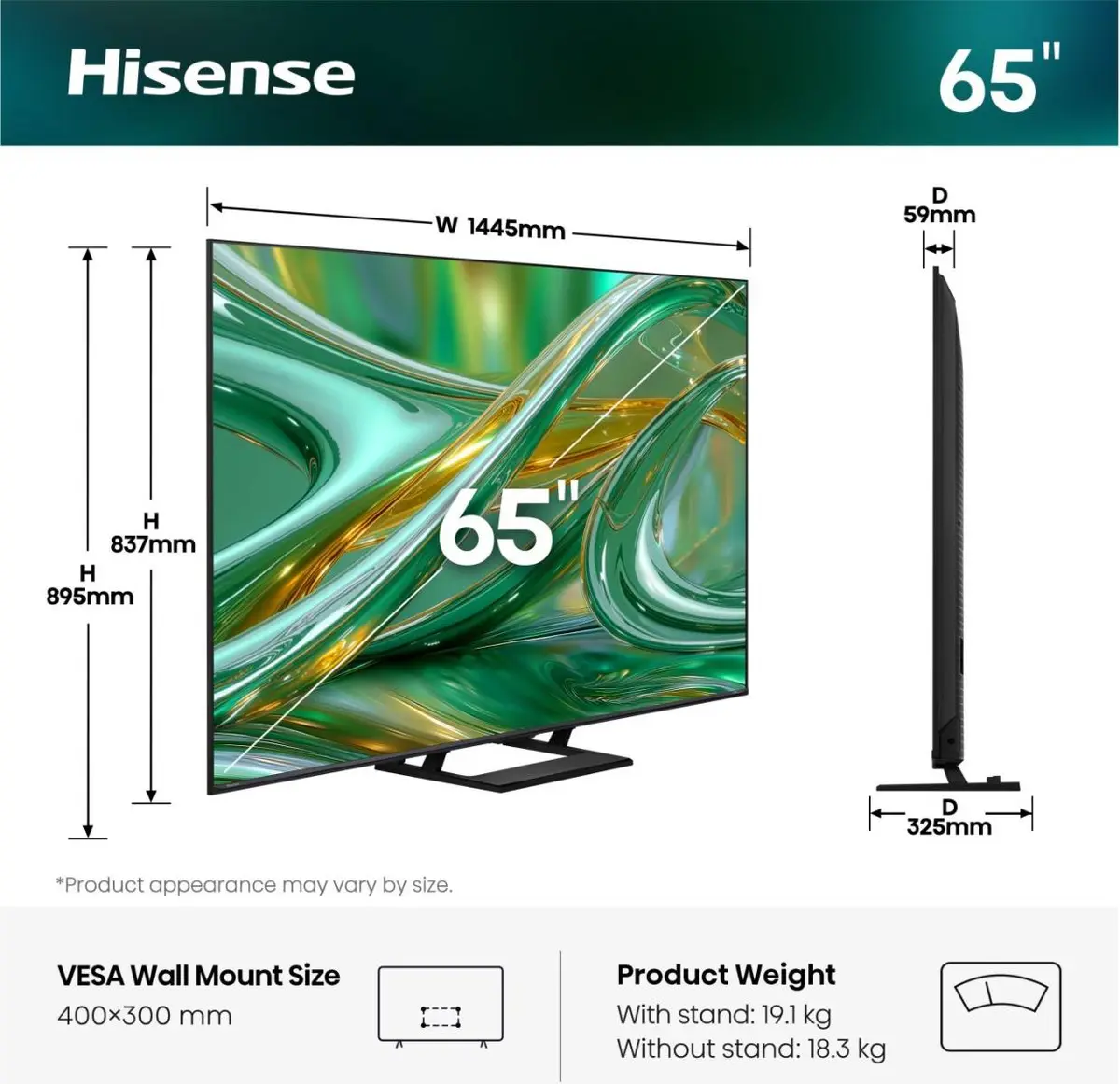
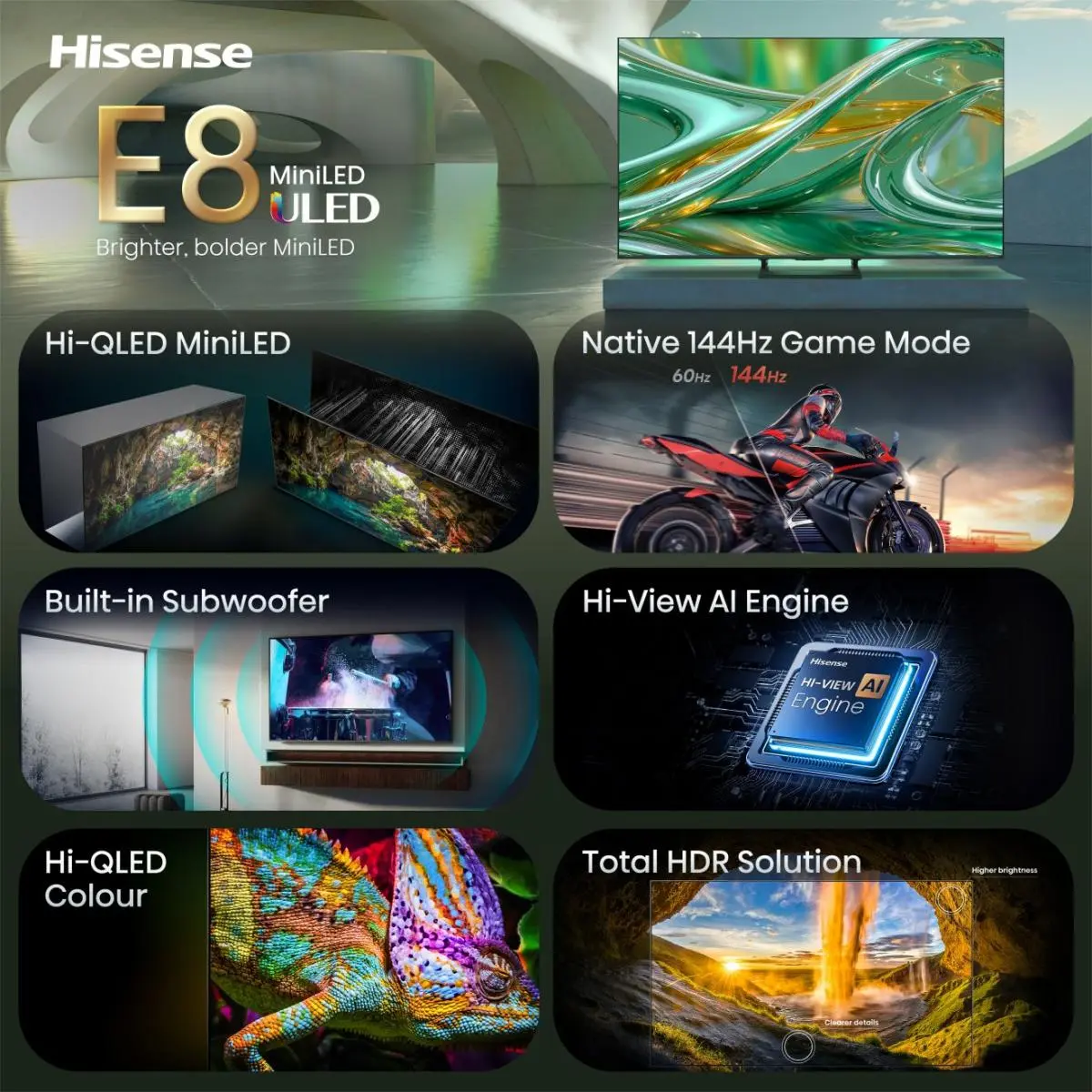
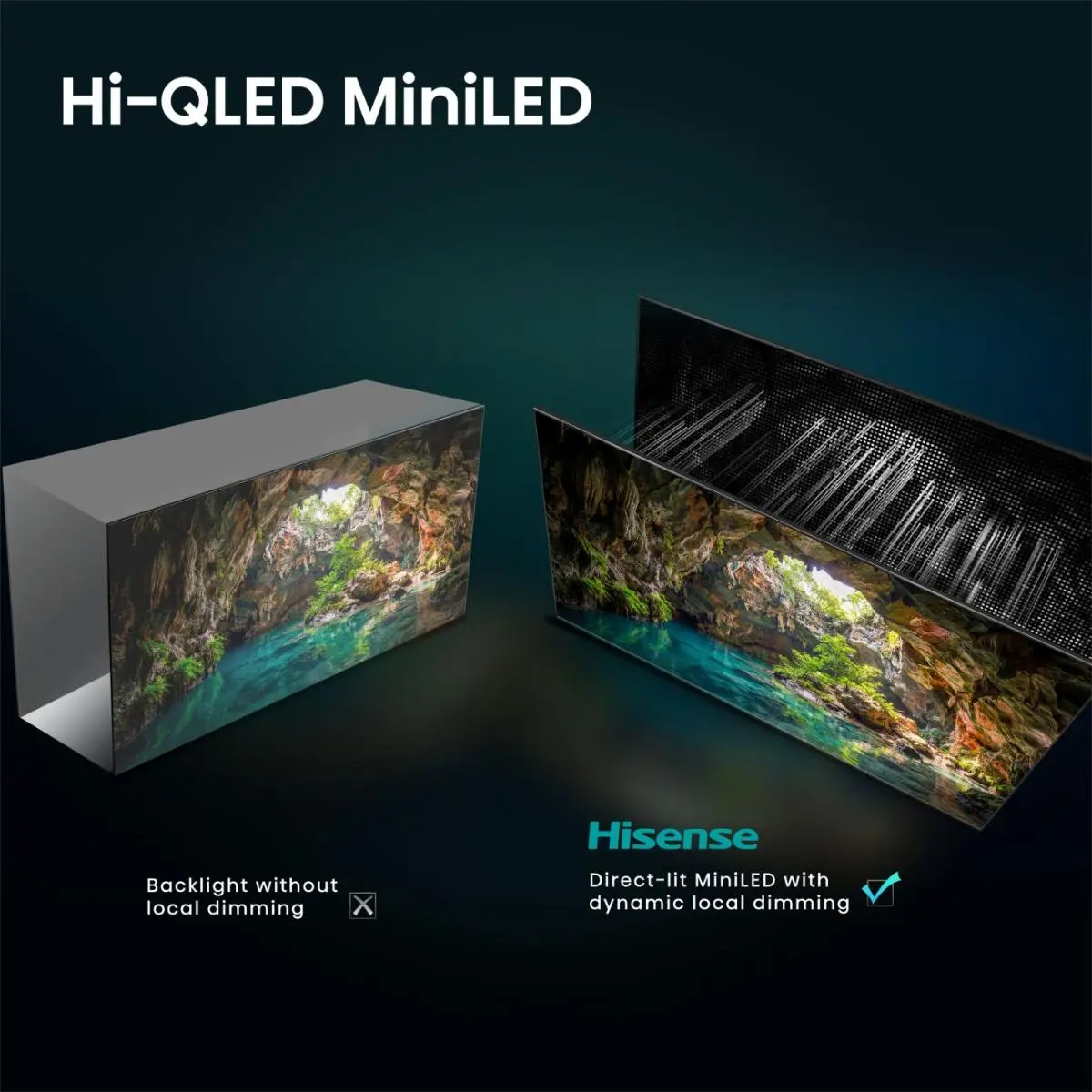



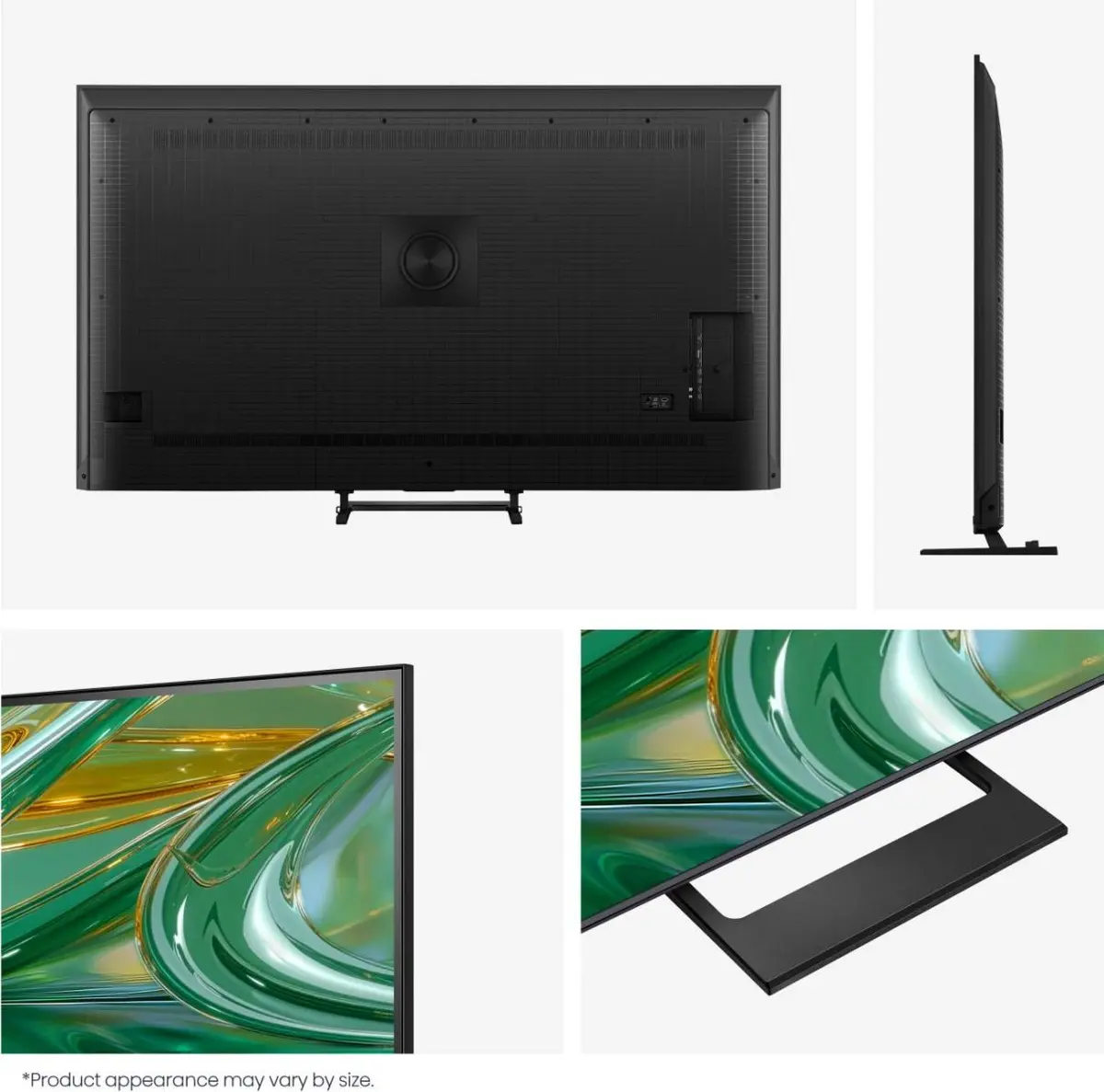
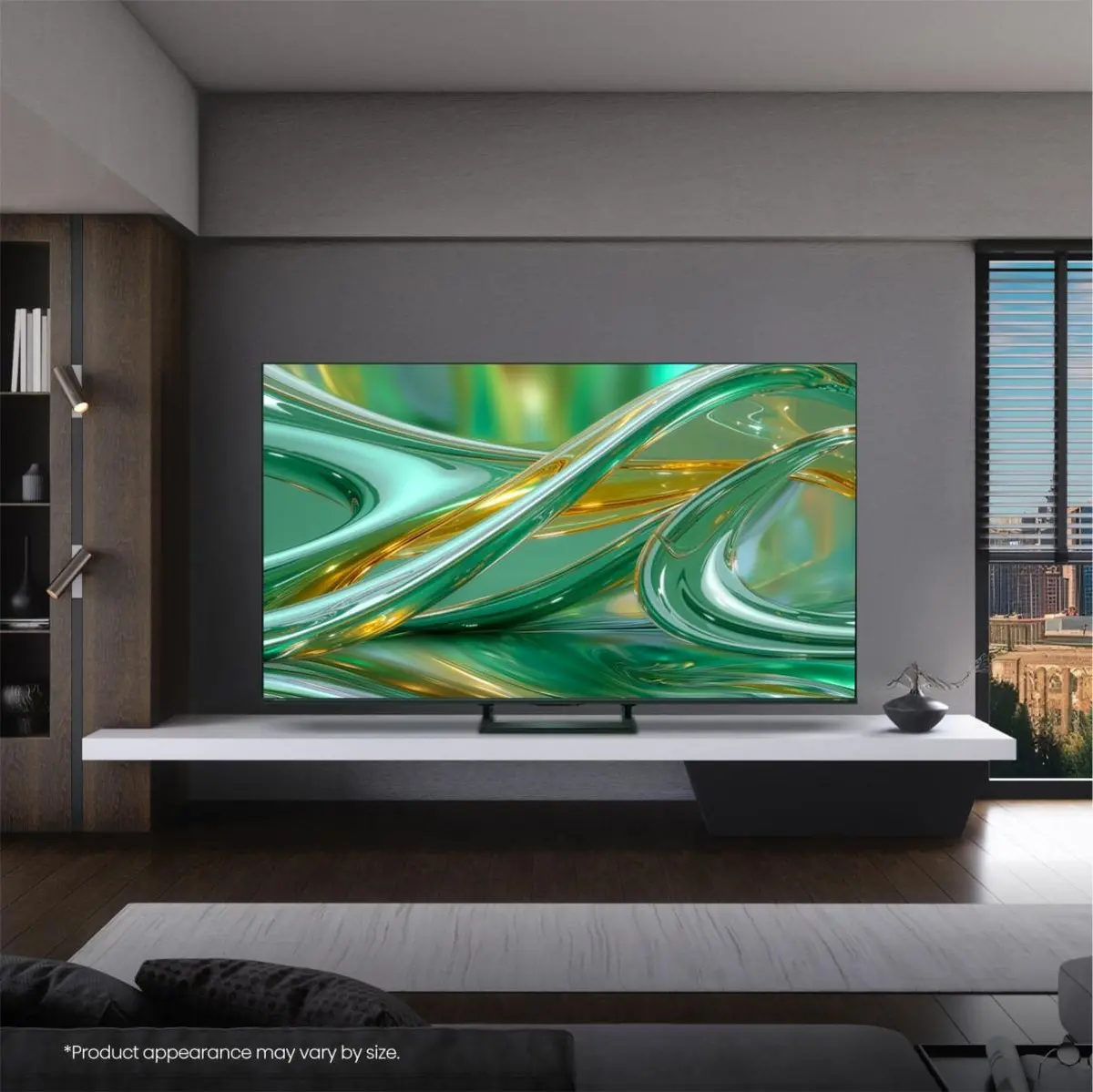
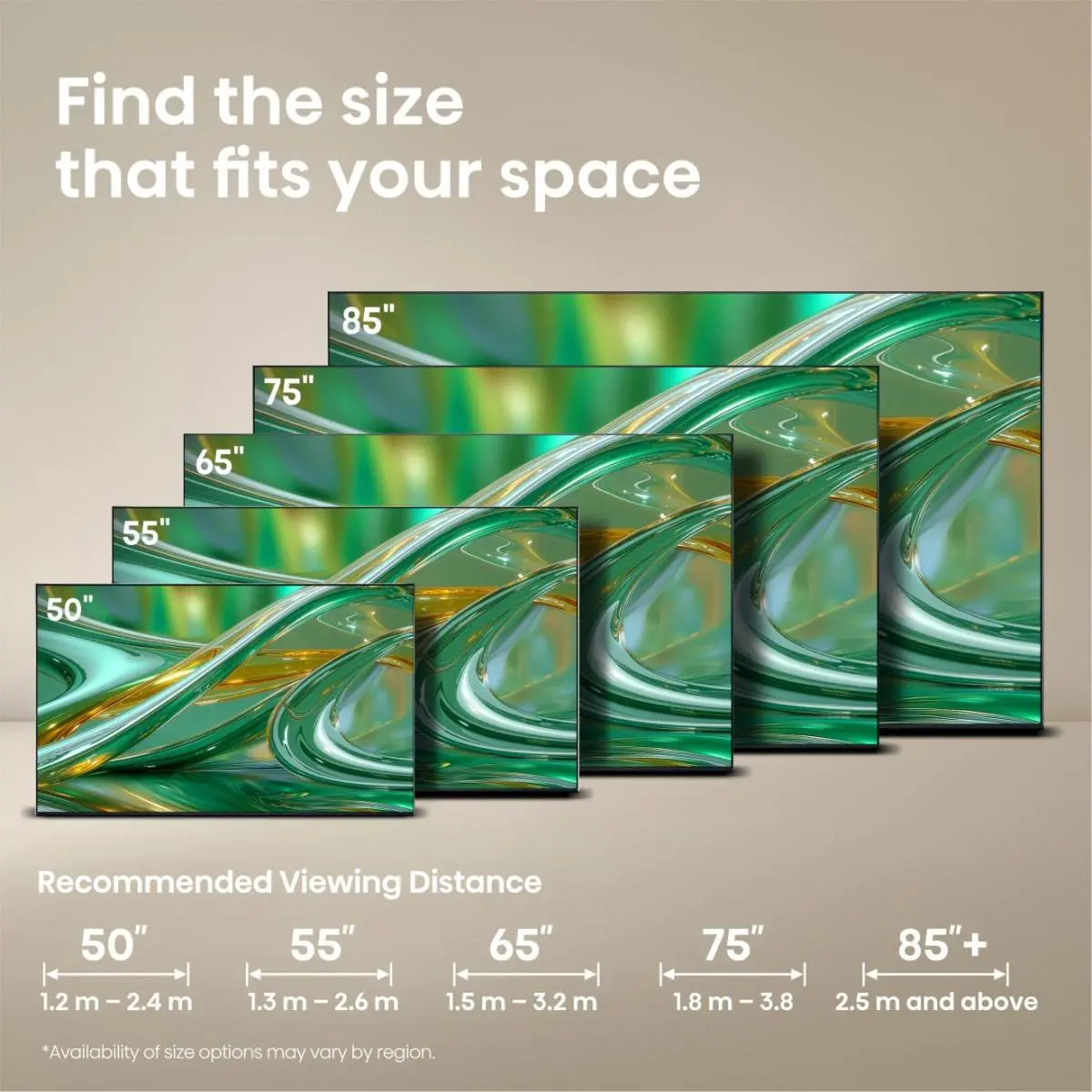
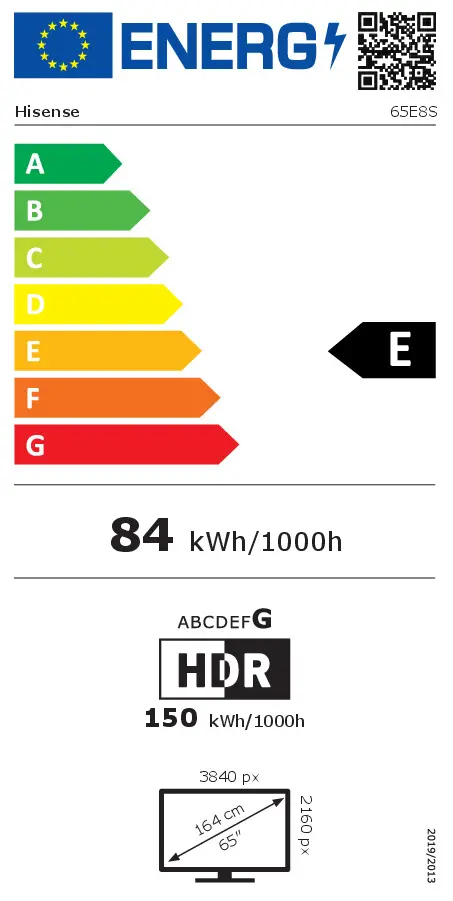

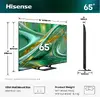






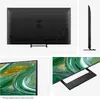


Hisense 65E8S Smart TV 65-inch 4K Ultra HD DLED Wi-Fi Black
Excellent choice
{{selectedOffer && selectedOffer.price | formatAmount}}
Excellent choice

Keep track of price changes
You keep track of price changes
Watch the price drop
Leave your address - as soon as the price of the product goes down, you'll know about it right away
You keep track of price changes
Hisense 65E8S Smart TV 65-inch 4K Ultra HD DLED Wi-Fi Black
{{email}}
You keep track of price changes
Hisense 65E8S Smart TV 65-inch 4K Ultra HD DLED Wi-Fi Black
{{email}}
{{selectedOffer && selectedOffer.price | formatAmount}}
Short description
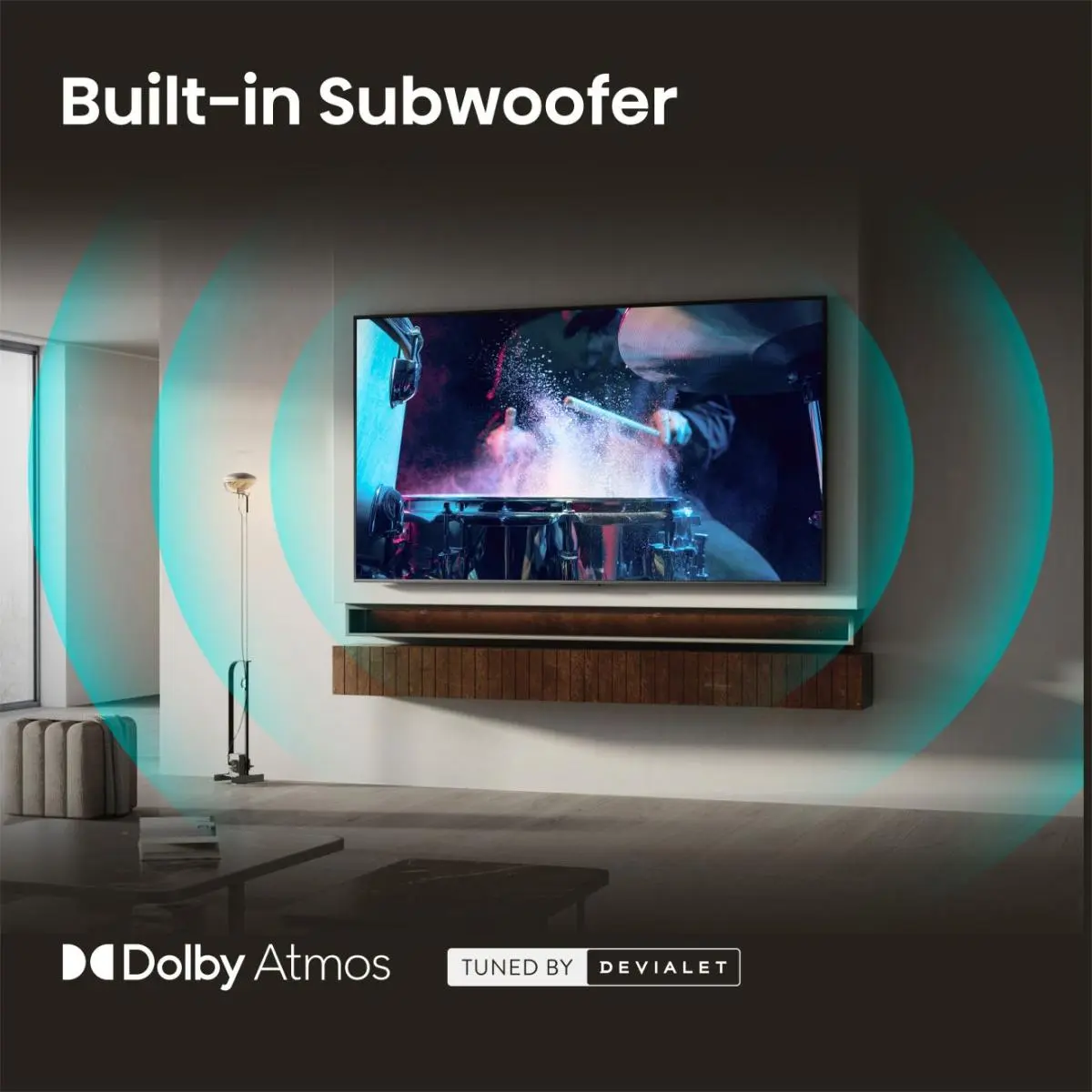
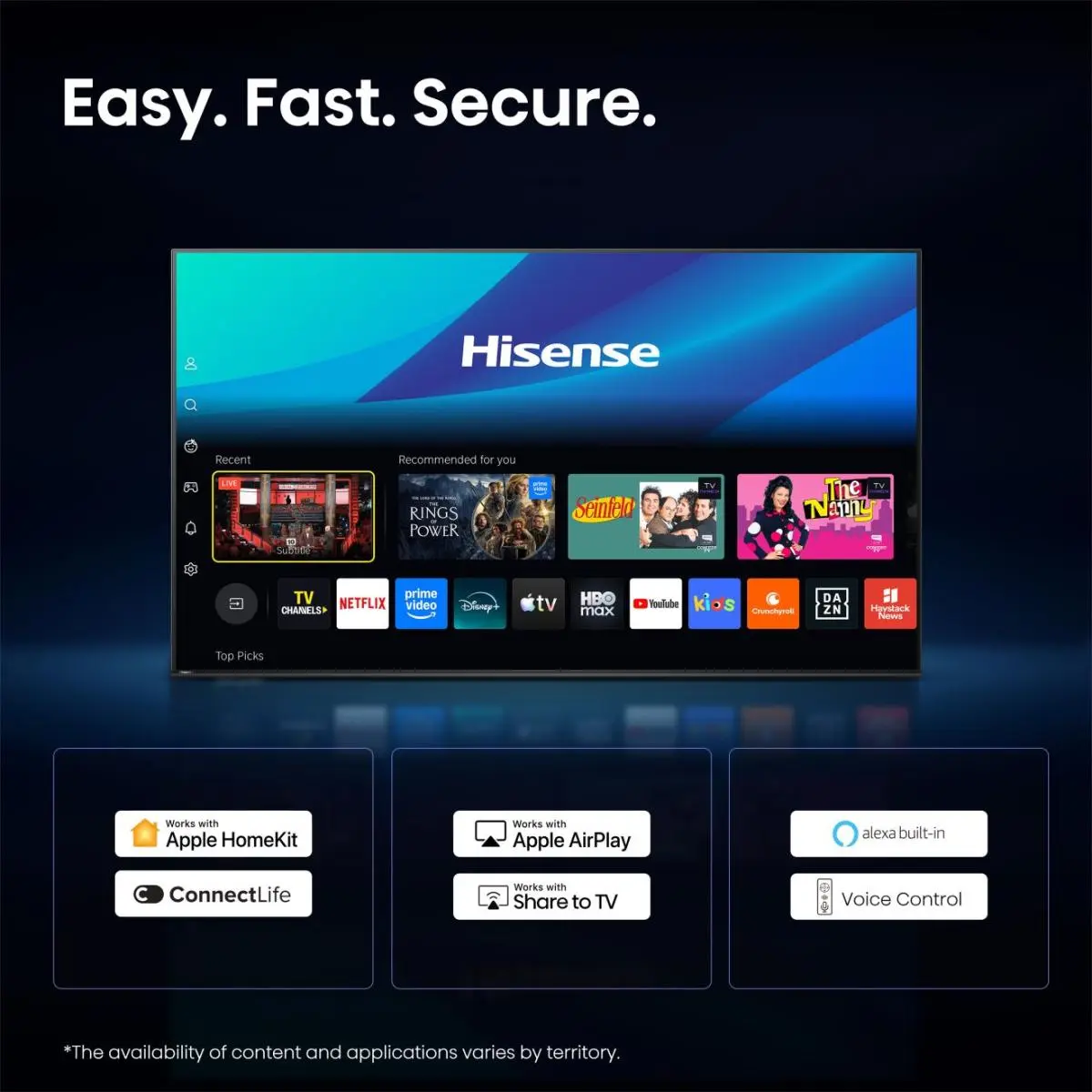
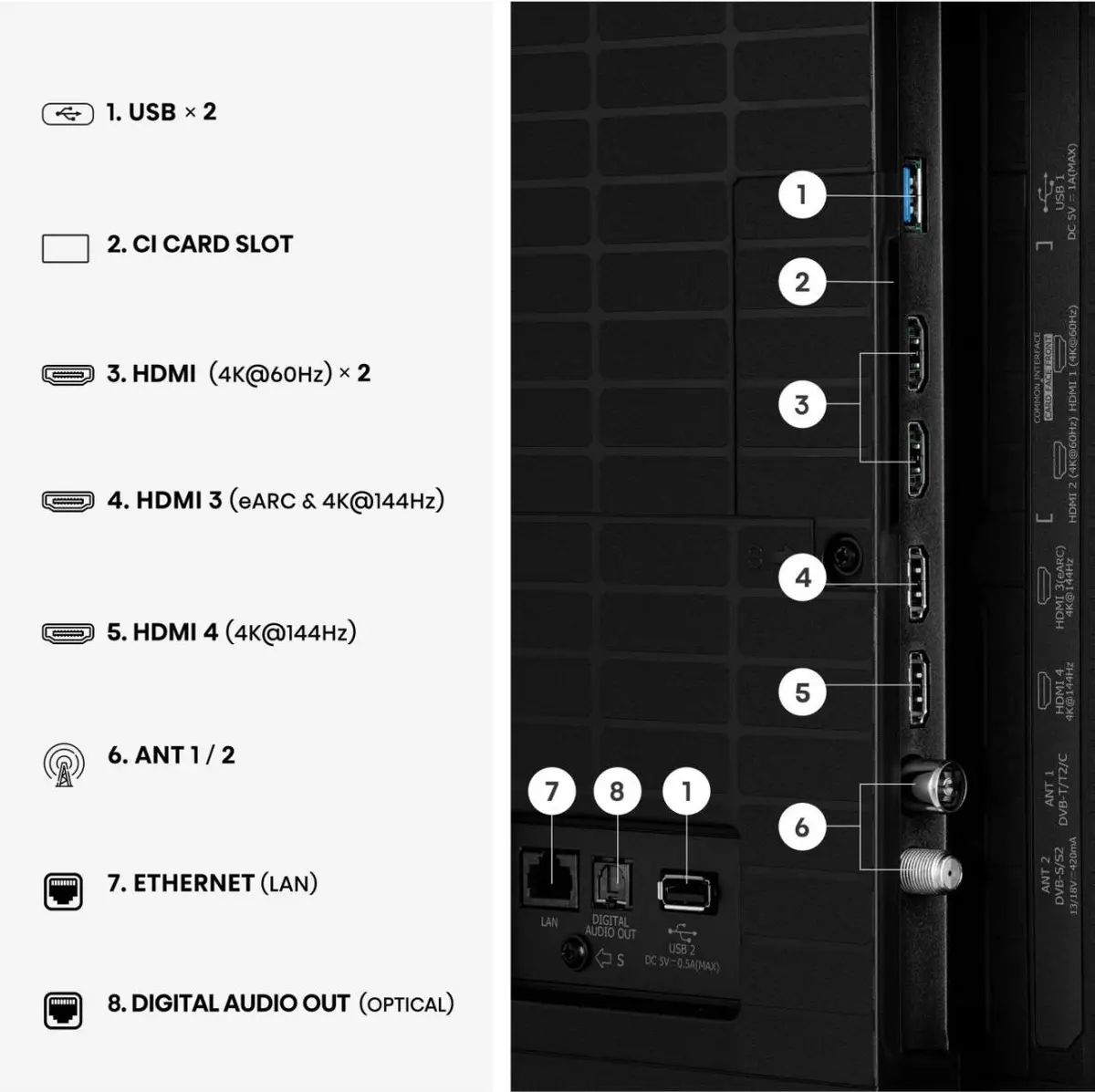
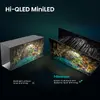
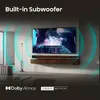
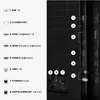
Hisense 65E8S 65-inch Smart TV featuring 4K Ultra HD resolution, DLED display technology, and built-in Wi-Fi and Ethernet LAN connectivity. Equipped with a digital signal format system supporting DVB-T, DVB-T2, DVB-C, DVB-S, and DVB-S2 tuners. Designed for immersive home entertainment with a flat screen format, 16:9 native aspect ratio, and 8 ms response time. Ideal for streaming and broadcasting high-definition content in a modern black finish.

to the Customer Service Center at Kengaraga 2b, Riga
27.10.2026
{{selectedOffer.officeDeliveryString}}
free
- Delivery country: {{ userCountryName }}
Customer service center
2b. Kengaraga str., Riga, Latvia, LV-1063
27.10.2026
{{selectedOffer.officeDeliveryString}}
free
Courier Delivery
Please note that in case of a large parcel additional delivery costs may apply!
From 53.99 € (Weight: 25.60 kg)

pay in 3 equal parts
All payment Methods:
Bank transfer, Bank cards on-line, Apple Pay, Google Pay, Installment, Leasing for legal entities
36 months installment:
from 28.54 euros per month
Leasing for legal entities:
from 35.76 euros per month


