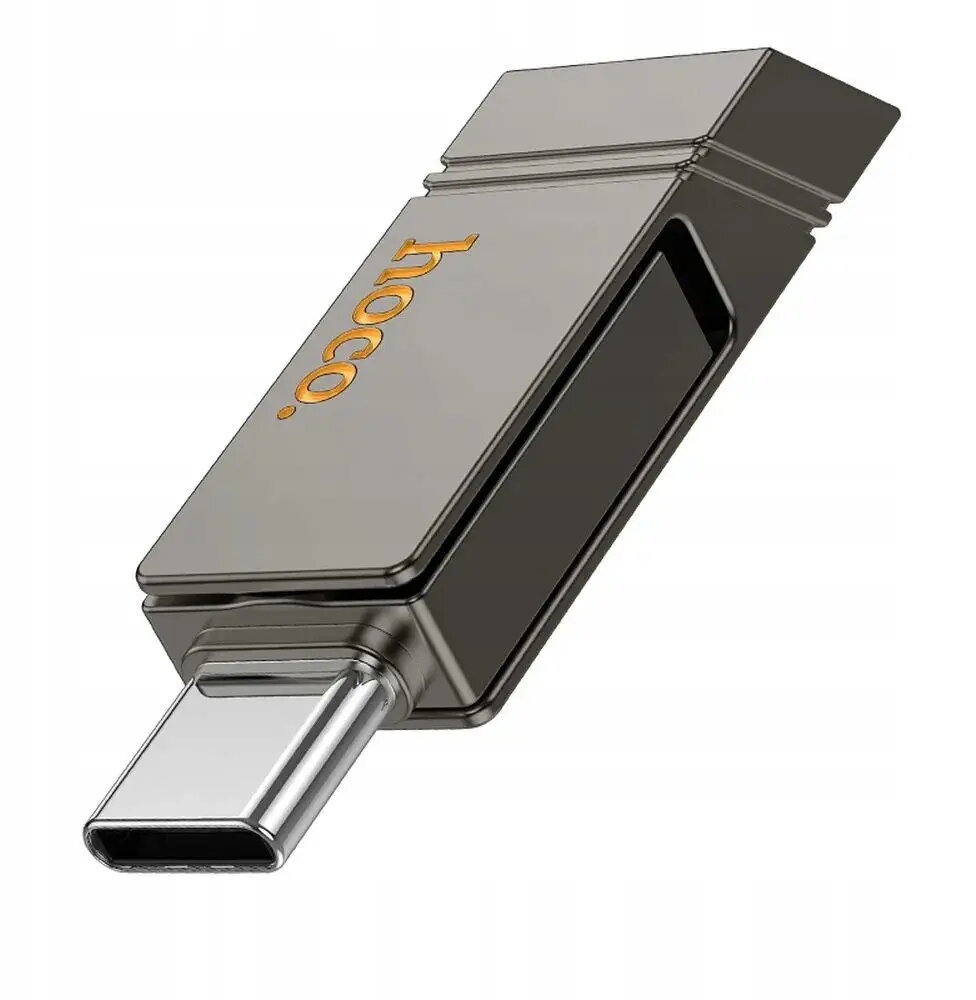
The HOCO UD14 64GB USB flash drive is a versatile storage solution designed for seamless data transfer between modern and legacy devices. Featuring a dual-interface design with both USB-A and USB-C connectors, this drive eliminates the need for adapters when moving files between computers, smartphones, and tablets. Built on the USB 3.2 standard, it provides reliable performance for quick file management and media storage.
Advantages
The primary benefit of the HOCO UD14 is its dual-connector architecture, which offers broad compatibility across a wide range of hardware. By supporting both USB-A and USB-C, users can easily bridge the gap between older desktop systems and the latest mobile devices. The 64GB capacity provides ample space for documents, high-resolution photos, and video files, while the USB 3.2 interface ensures that data transfer remains efficient, saving time during large file operations. Its compact and durable construction makes it a highly portable tool for professionals and students on the go.
Suitable for
- Transferring files between smartphones and laptops
- Backing up important documents and photos
- Sharing media files across different operating systems
- Expanding storage capacity for USB-C enabled tablets
When it may not be suitable
This flash drive may not be suitable for users requiring extremely high-speed data transfers for professional video editing or large-scale server backups, as it is designed primarily for general consumer use. Additionally, it is not compatible with devices that do not support standard USB mass storage protocols.
Key specifications
- Capacity: 64GB
- Interface: USB-A and USB-C dual connector
- Standard: USB 3.2
- Compatibility: Computers, smartphones, and tablets with USB-A or USB-C ports
How to use
To use the HOCO UD14, simply insert the appropriate connector into the USB port of your device. If you are using a computer, the drive will be recognized as a removable storage device, allowing you to drag and drop files directly. For smartphones or tablets with a USB-C port, ensure your device supports OTG (On-The-Go) functionality to access the files stored on the drive through your file manager application.
What to consider before purchase
- Verify that your mobile device supports USB OTG functionality
- Ensure your hardware ports are compatible with USB-A or USB-C standards
- Consider if 64GB is sufficient for your specific storage needs
Usage recommendations: Always safely eject the flash drive from your computer or mobile device before physically removing it to prevent data corruption. Keep the connectors clean and free of debris to maintain a stable connection.