
Dreame vacuums for fast and efficient cleaning!
In cart {{totalProductsCount}} item(s)
Your cart is empty
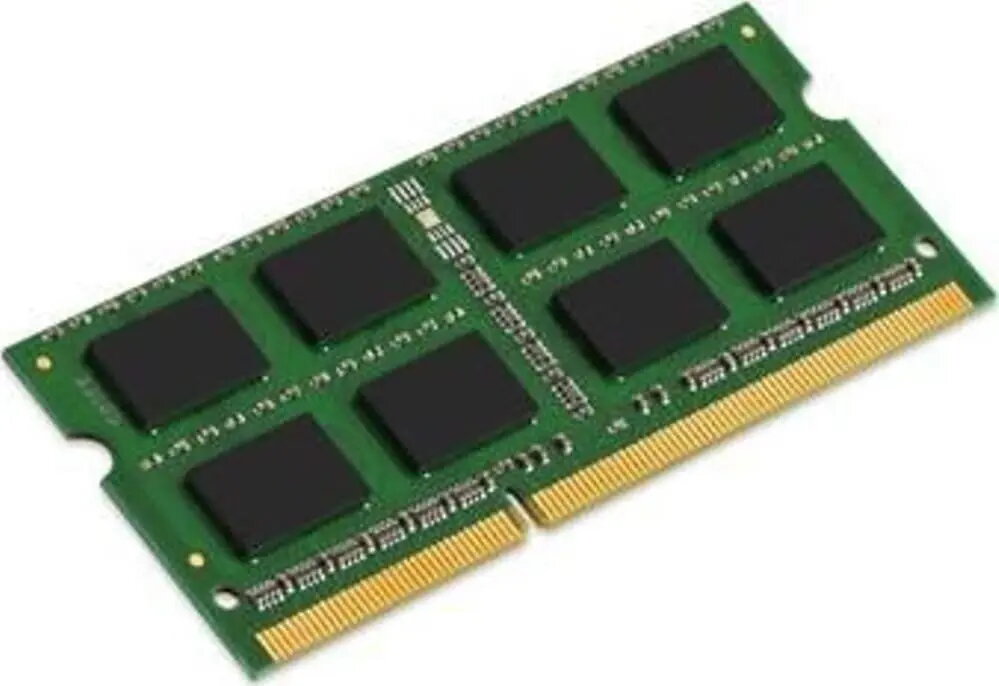
Laptop RAM HP 16GB DDR4 SO-DIMM — 16GB DDR4 SO-DIMM memory
HP 16GB DDR4 SO-DIMM laptop memory module provides 16GB of DDR4 RAM in a compact SO-DIMM form factor designed for compatible notebooks and small-form-factor systems. This module is intended as a straightforward memory upgrade to increase available system RAM, improve multitasking capabilities, and help memory‑intensive applications run more smoothly. It fits systems that accept DDR4 SO-DIMM modules and supports typical DDR4 operating voltages and timings used in modern laptops.
The 16GB capacity offers a noticeable increase in available memory for simultaneous applications and browser tabs while maintaining the low-profile SO-DIMM size required by laptops. DDR4 technology delivers higher bandwidth and improved power efficiency compared with earlier generations, which can result in better system responsiveness and reduced power draw under typical laptop loads.
Power off the laptop and disconnect from mains before opening any panels. Locate the SO-DIMM slot(s) according to the device manual, release the retaining clips, and align the module with the slot notch. Insert the module at a slight angle and press down until the retaining clips snap into place. Reassemble the device and power it on; the operating system or BIOS should detect the additional memory. Consult the laptop’s service documentation for details on supported configurations and maximum memory limits.
Install memory modules in matched pairs where possible for dual‑channel operation and check the laptop manufacturer’s memory support list for compatible speeds and maximum capacity. When handling the module, ground yourself to avoid electrostatic discharge and store unused modules in antistatic packaging.
{{highlightedFeature.featureTitle}}:
{{getProductFeatureValueById(product, highlightedFeature.featureId)}}
{{ productComparisonGenerationError }}
