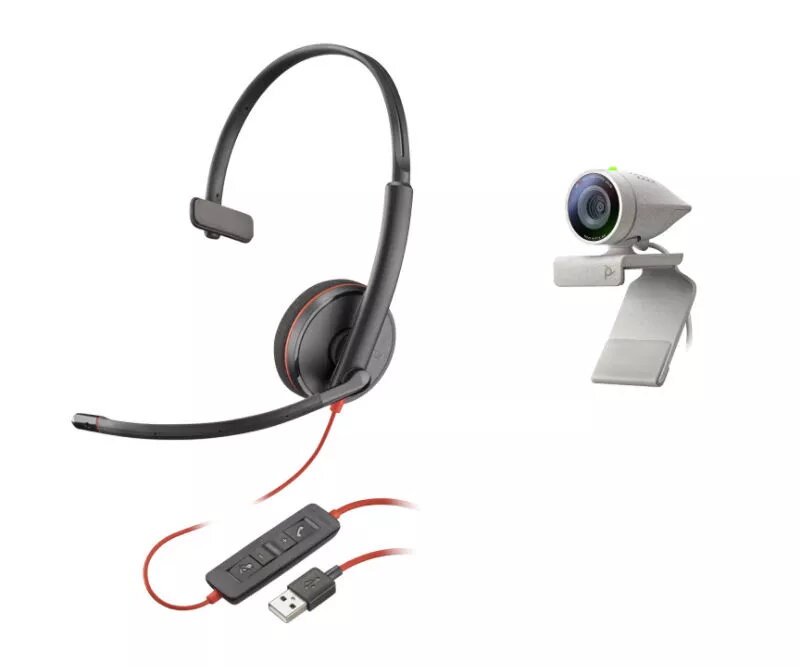
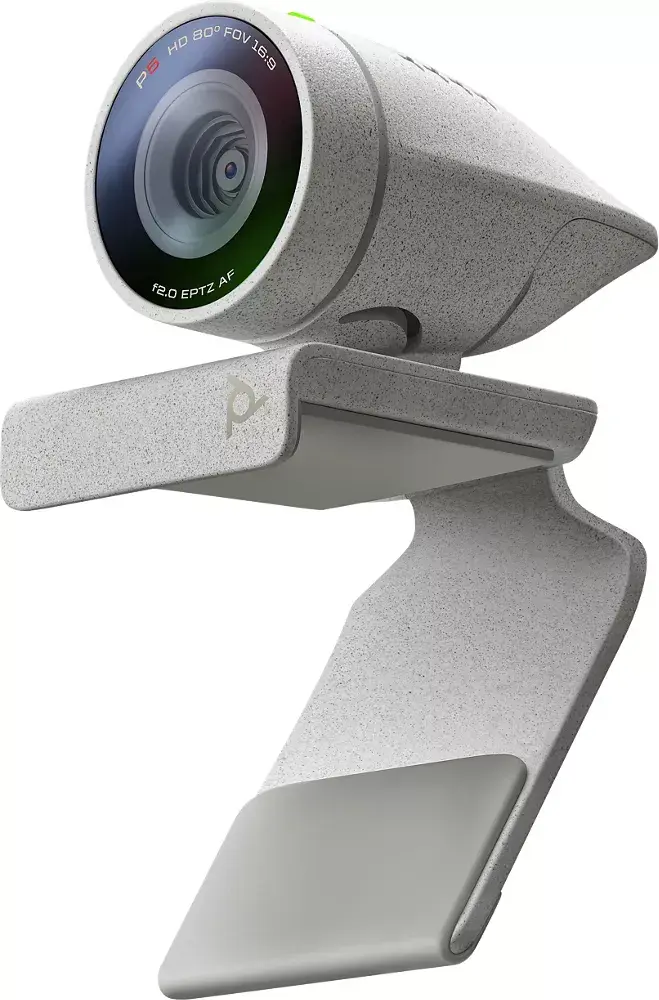
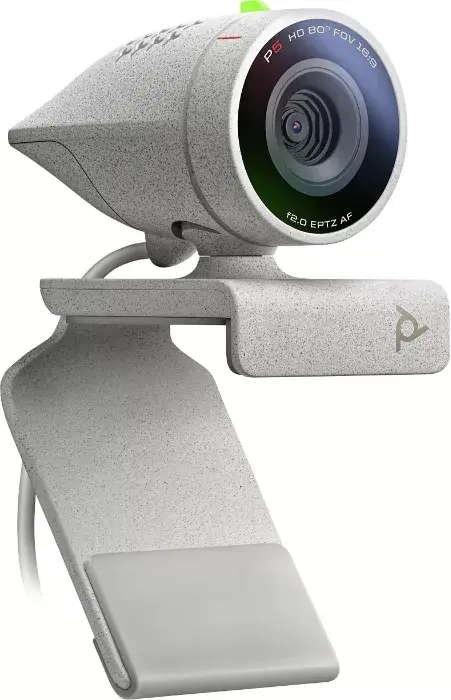
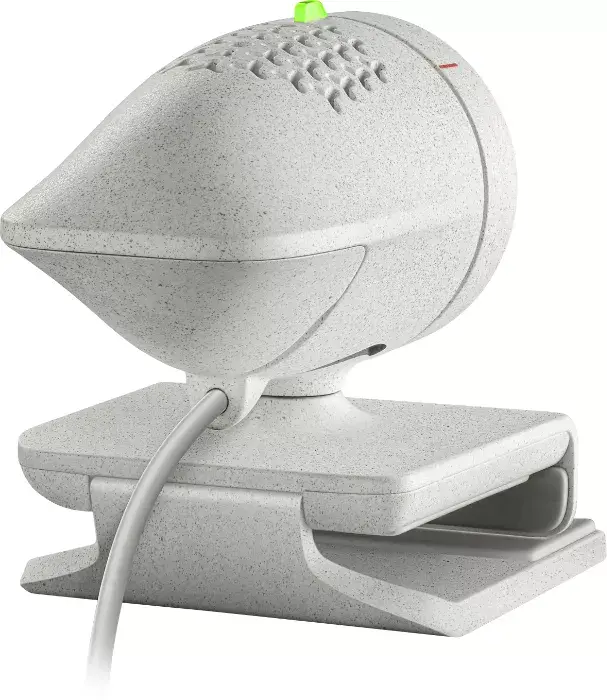
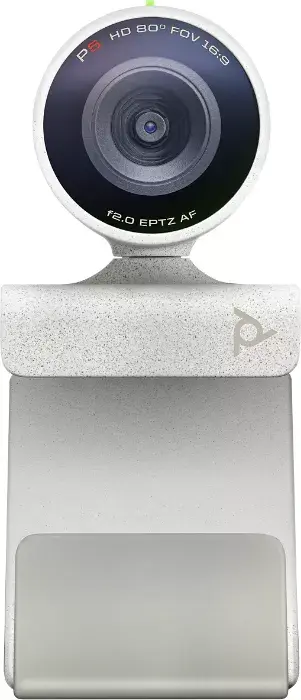
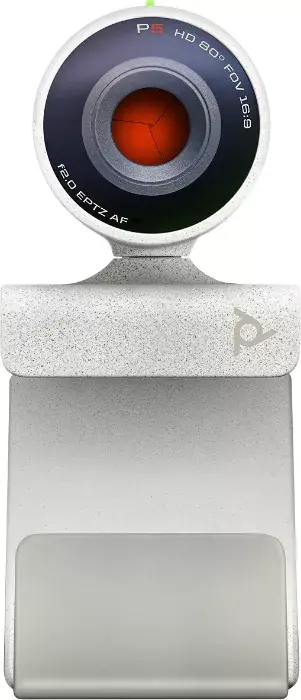
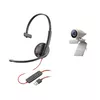
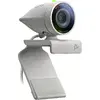
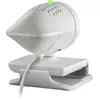
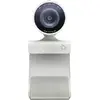
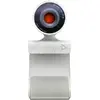
The POLY Studio P5 Kit is a professional-grade personal video conferencing system designed to enhance your remote communication experience. This all-in-one bundle combines a high-definition webcam with a reliable wired headset, providing a complete solution for professionals who require clear audio and video during virtual meetings. With its sleek black and grey aesthetic, the system integrates seamlessly into any modern workspace, offering both functionality and a professional appearance.
Advantages
The primary advantage of the POLY Studio P5 Kit is its ability to deliver professional-quality video and audio in a single, easy-to-manage package. The webcam features precision-tuned optics, automatic low-light compensation, and 1080p resolution, ensuring that you remain the focus of every call regardless of your environment. By pairing the camera with a pro-grade wired headset, the kit eliminates background distractions and provides superior sound clarity. Furthermore, the system is fully compatible with Poly Lens software, allowing for effortless remote management, firmware updates, and device customization, which simplifies the setup process for both individual users and IT departments.
Suitable for
- Remote professionals conducting daily video conferences
- Home office setups requiring high-quality audio and video
- Corporate employees needing a reliable, plug-and-play communication solution
- Multi-tasking professionals who need to stay connected while working
When it may not be suitable
This kit is specifically optimized for individual use and may not be suitable for group meetings or conference rooms where a wide-angle lens or multi-directional microphone array is required. Additionally, as it includes a wired headset, it may not be the ideal choice for users who prefer complete wireless freedom during their calls.
Key specifications
- Full HD 1080p video resolution
- 80-degree field of view
- 4x digital zoom capability
- Automatic low-light compensation
- Wired single-ear headset included
- USB connectivity for simple plug-and-play setup
- Compatible with Poly Lens cloud management
How to use
To begin using the POLY Studio P5 Kit, connect the webcam and the headset to your computer via the available USB ports. The system is designed for plug-and-play functionality, meaning it should be automatically recognized by most video conferencing platforms. For advanced customization, such as adjusting camera settings or updating device firmware, download and install the Poly Lens application. Once connected, select the Poly Studio P5 as your video source and the included headset as your audio input and output device within your preferred meeting software.
What to consider before purchase
- Ensure your computer has available USB ports for both the camera and the headset
- Verify that your workspace has adequate lighting, although the camera features low-light compensation
- Consider whether a single-ear headset meets your needs for staying aware of your surroundings
- Check compatibility with your specific operating system and video conferencing applications
Usage recommendations
For the best performance, position the camera at eye level and ensure the headset microphone is adjusted close to your mouth. Regularly check the Poly Lens app for software updates to ensure your device remains optimized and secure.