A curated selection of maximum value offers!
In cart {{totalProductsCount}} item(s)
Your cart is empty
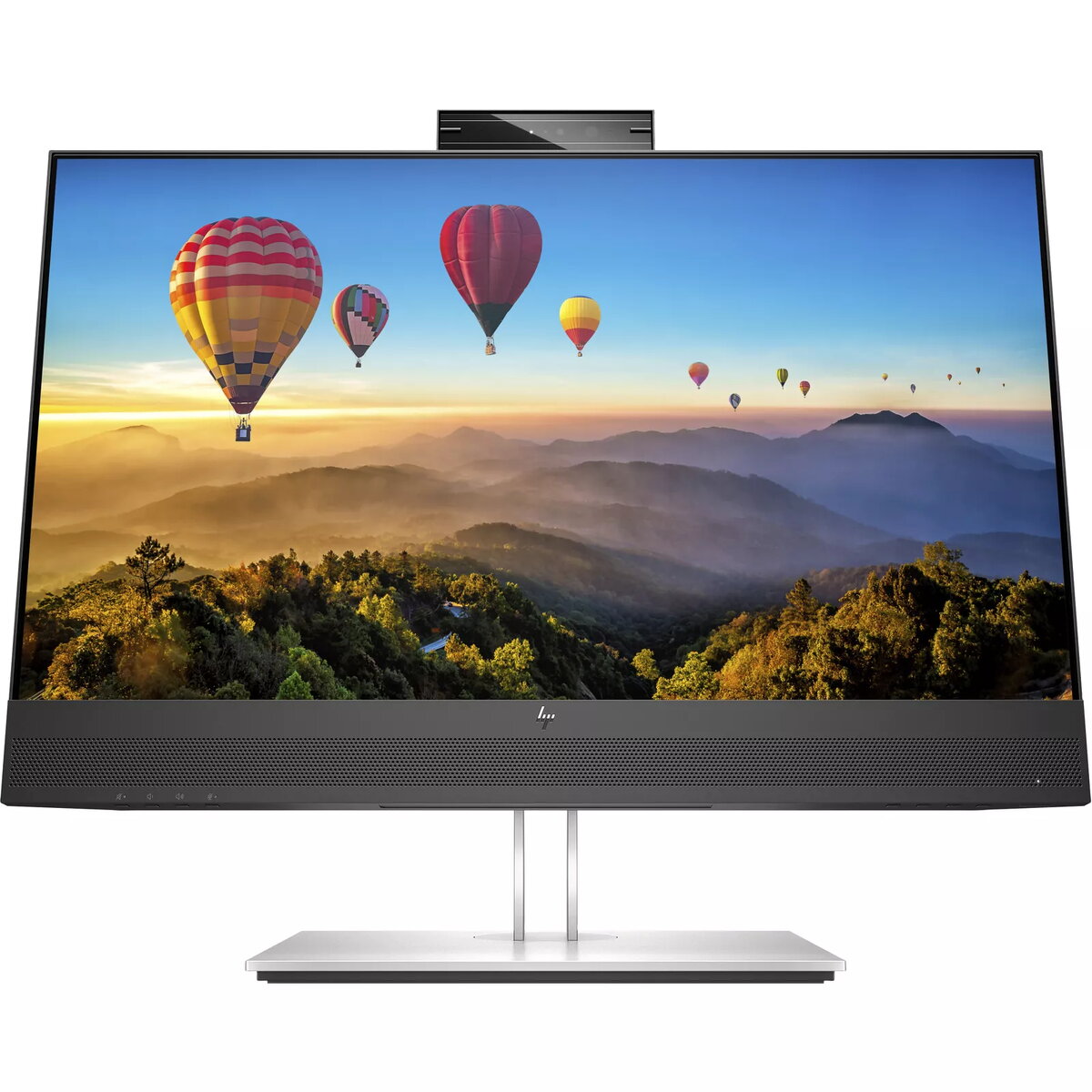
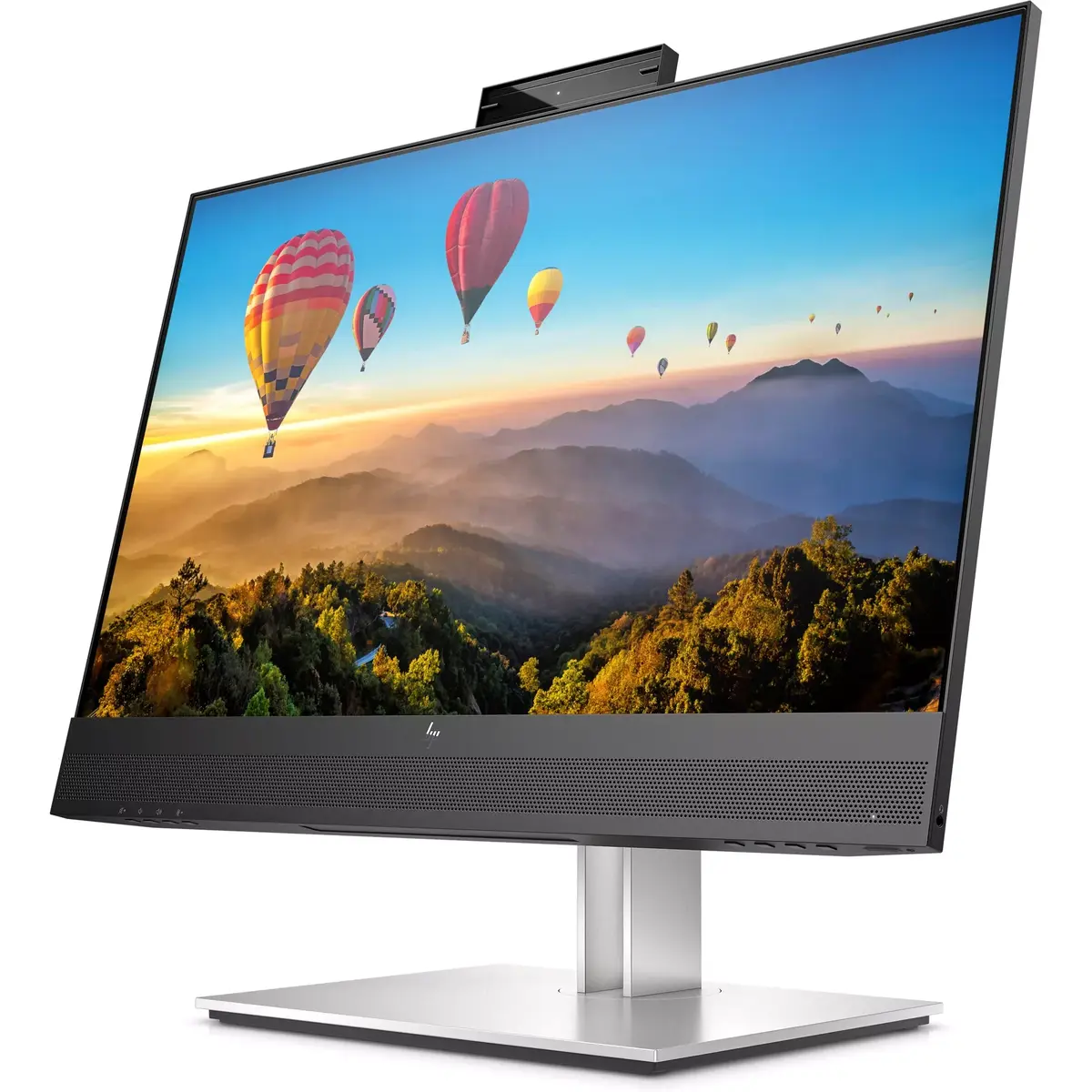
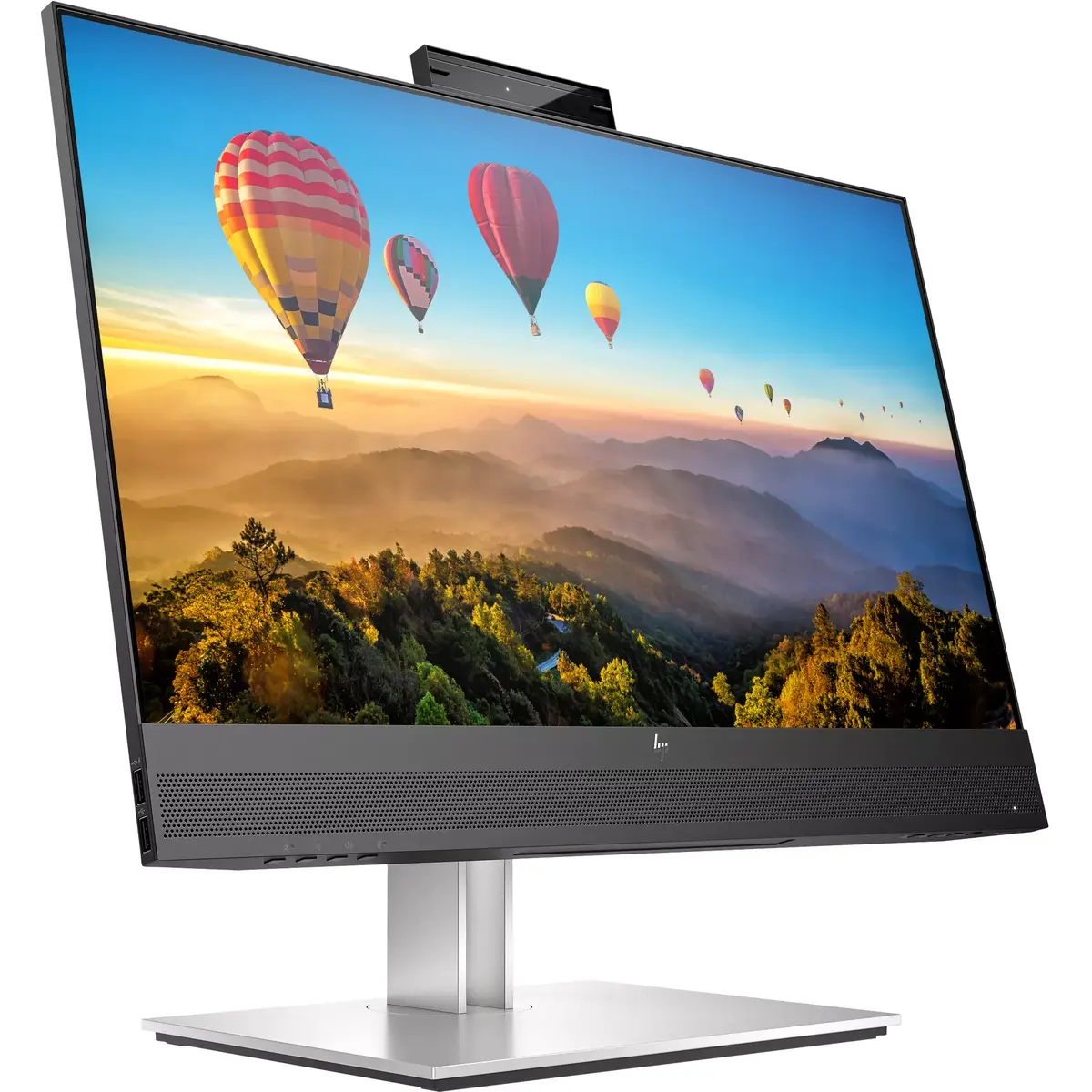
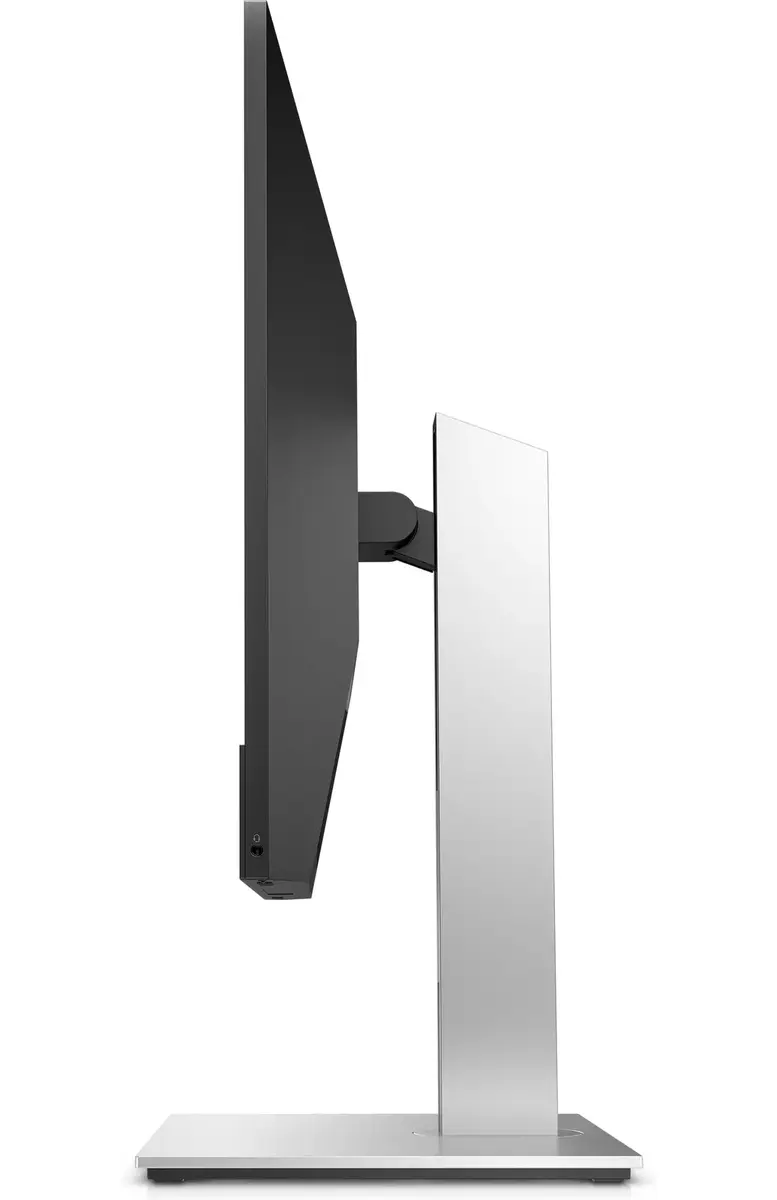
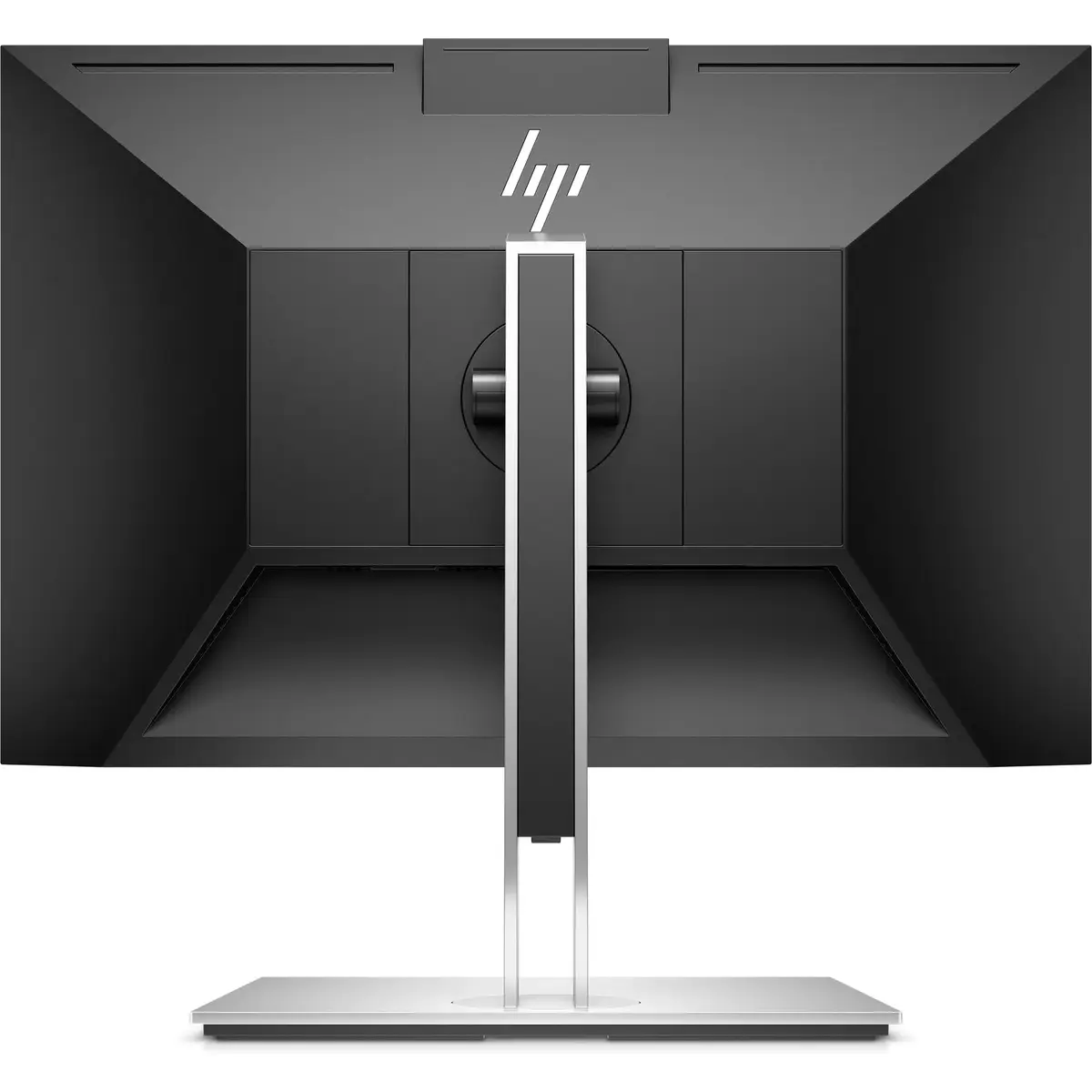
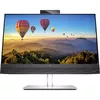
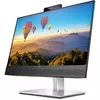
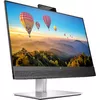
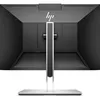
HP E24m G4 Conferencing Monitor 23.8 Inch Full HD 1920 x 1080 LCD IPS Built-in Speakers USB-C Hub Height Adjustment VESA Mount Black and Silver
The HP E24m G4 conferencing monitor is designed for professional business environments, combining a 23.8-inch Full HD IPS display with integrated communication tools. Featuring a matte surface, 16:9 aspect ratio, and reliable LCD technology, this monitor delivers clear visuals and wide viewing angles. It includes built-in speakers, a USB hub with USB-C connectivity, Ethernet LAN, and integrated webcam capabilities, making it a comprehensive solution for modern workstations and virtual meetings.
This monitor simplifies workspace setup by reducing cable clutter through a single USB-C connection that handles data, video, and notebook charging. The inclusion of built-in speakers and an integrated webcam ensures that users are fully equipped for professional video calls without needing extra peripherals. Ergonomic features such as height adjustment and VESA mounting support comfortable daily use, while the business-oriented design fits seamlessly into office environments.
This display is not optimized for high-end gaming or color-critical graphic design work due to its standard Full HD resolution, 60.5 cm screen size, and absence of advanced variable refresh rate technologies like AMD FreeSync or NVIDIA G-SYNC.
Connect the monitor to your computer using the provided HDMI, DisplayPort, or USB-C cable. If using USB-C, a single cable can transmit video signals, transfer data, and supply power to your compatible notebook. Adjust the screen height and tilt the integrated webcam to achieve a comfortable viewing and framing angle for your daily tasks and conference calls.
Usage recommendations: Position the monitor at eye level using the height adjustment stand to reduce neck strain during long working hours. Utilize the built-in cable management features to keep your desk organized when connecting multiple peripherals to the integrated USB hub.
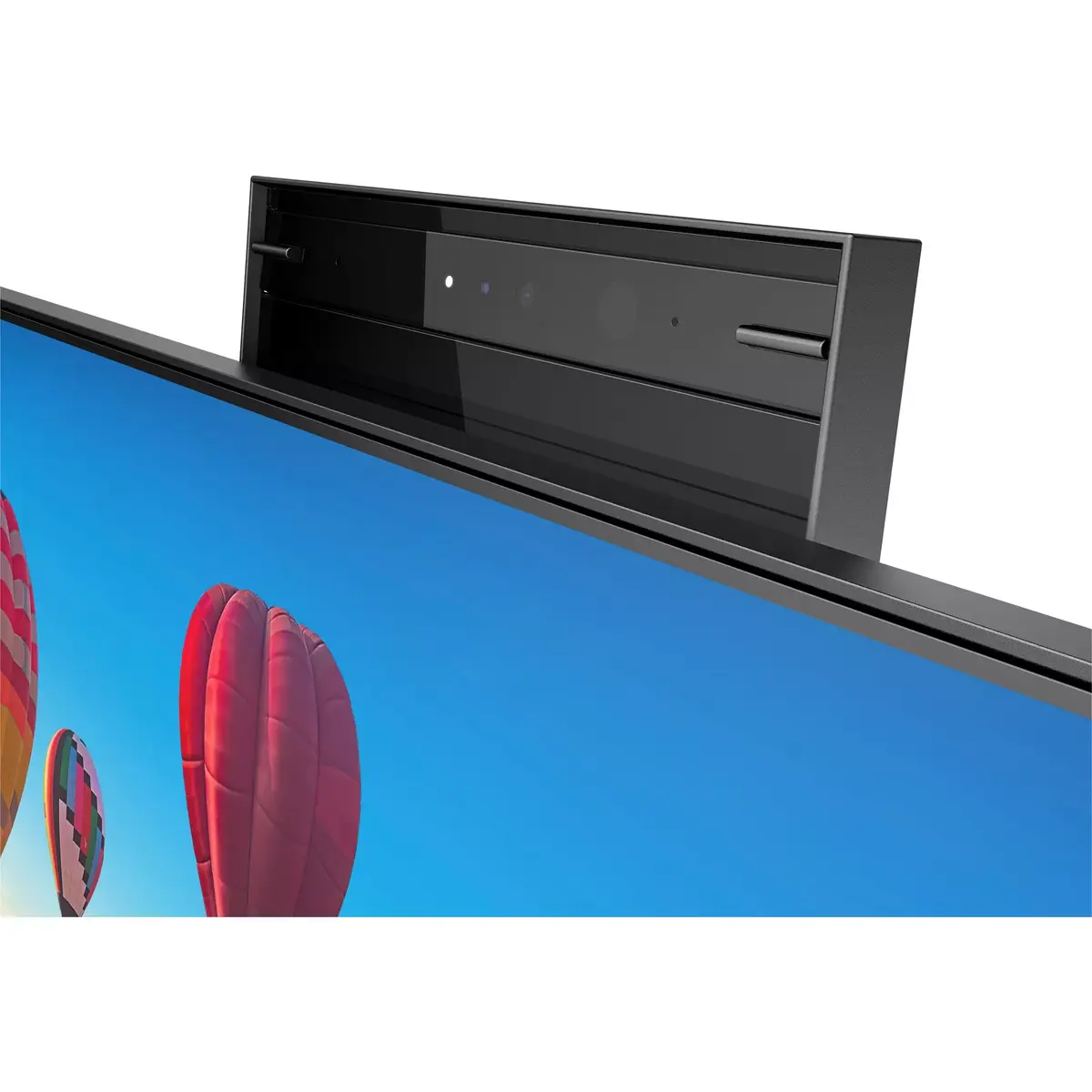
Say goodbye to blurry images or muffled sound on video calls. Get sharp picture with an integrated 5 mega-pixel webcam with 25 degrees of tilt adjustability for perfect angles, pop-up action for privacy, improved color sensor and Windows Hello™ support. Built-in speakers and echo-cancelling dual mics produce rich, clear sound.
Weeks of lab testing of this monitors webcams, mics, and speakers against over 200 of Zoom’s rigorous audio and video quality benchmarks[2] culminated in the HP E Series USB-C Conferencing Monitors Zoom Certification. Because HP met or exceeded all requirements, you can be sure our hardware works seamlessly with Zoom’s software to deliver an unmatched conferencing experience every time.
Keep your set up simple and seamless with a display that has everything built in. Connect a keyboard and mouse to the ports on the back of this monitor and only one USB-C® cable[1] to your notebook for data, video, and up to 65W of charging.
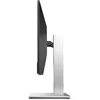
Work effortlessly with 4-way ergonomics and comfortably view your work on a 60.45 cm (23.8-inch) diagonal FHD screen that reduces blue light with HP Eye Ease.
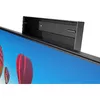
Push the webcam down for worry-free privacy.
Speakers that deliver crystal-clear audio straight to you.
HP Eye Ease keeps you comfortable by reducing blue light.
Get peace of mind with a 3-year warranty.
Daisy chain or run two monitors via DisplayPort™. [4]
This monitor’s plastics consist 90% recycled materials and its recyclable packaging is 100% sustainably sourced. [5,6]
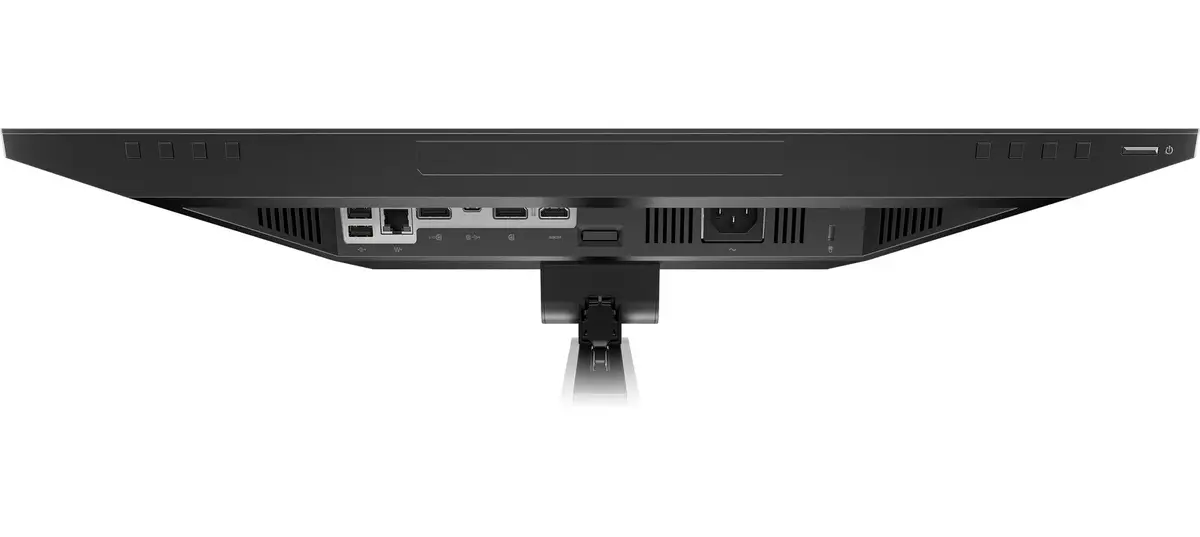
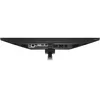
Packed with ports including HDMI, DisplayPort™, USB-C® plus four USB ports. [1]
Personalize settings and dim the screen upon unauthorized disconnection. [3]
Manage deployment, asset tracking and monitor settings remotely. [7]
RJ-45 port for stable internet connection and remote IT manageability. [7]
The Works With Chromebook badge on a device means it’s optimized to work with your Chromebook and other Chrome OS devices. Enjoy a seamless experience across Works With Chromebook certified accessories. [8,9]
{{highlightedFeature.featureTitle}}:
{{getProductFeatureValueById(product, highlightedFeature.featureId)}}
{{ productComparisonGenerationError }}
Device manufacturer code
Device manufacturer
The amount of electricity that is consumed when the product is on standby.
Amount of power consumed by this model, often expressed in watts (W). Typical values that manufacturers give are power consumption when off, standby/suspended mode, typical use, maximum usage.
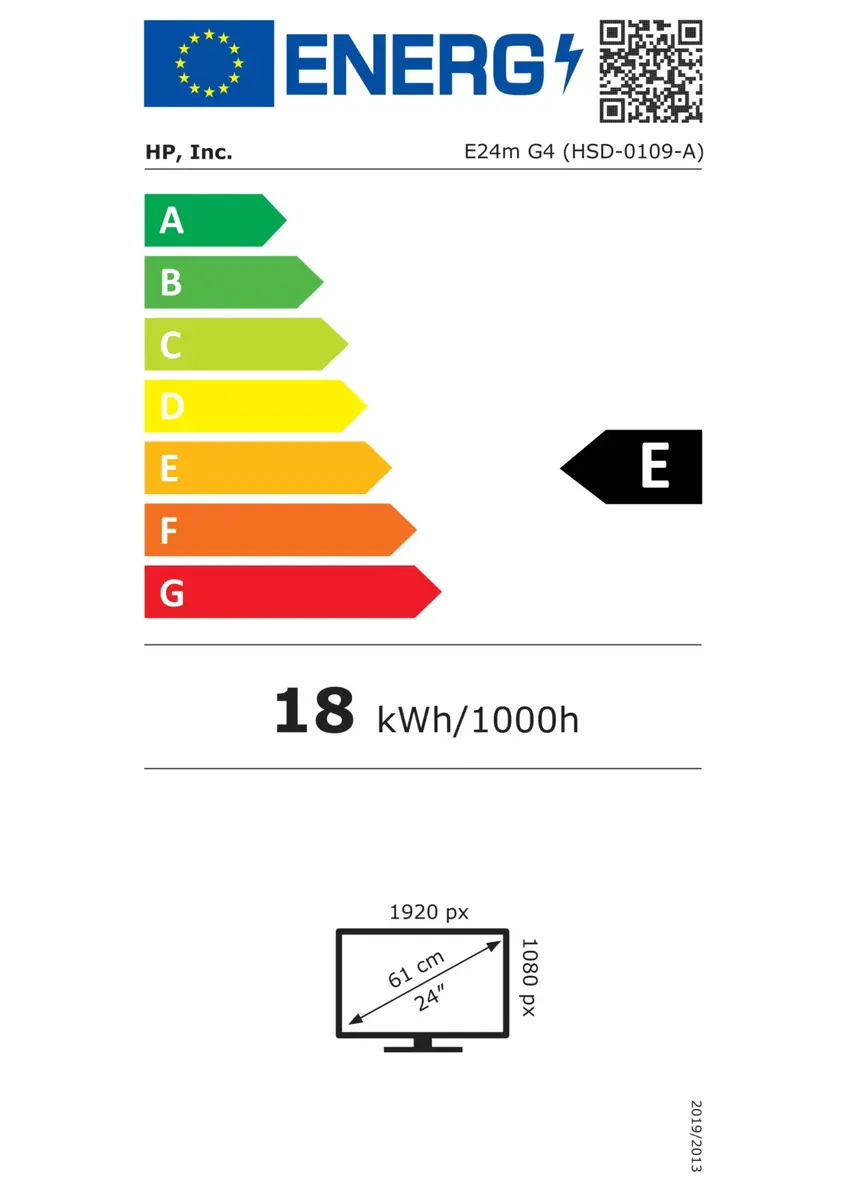
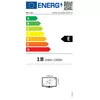
Energy efficiency class is a standard classification that is used all over Europe and which is understandable at first sight. Products can be efficiently compared according to classes, starting from A (the most energy efficient class), and ending with G (the most energy-intensive class). The classification of energy efficiency is based on annual energy consumption which is being calculated on the basis of several different parameters.
An Ethernet LAN (Local Area Network) interface is present, for a wired conection via a cable.
Number of DisplayPorts. A DisplayPort is a digital display interface developed by the Video Electronics Standards Association (VESA). The interface is primarily used to connect a video source to a display device such as a computer monitor, though it can also be used to carry audio, USB, and other forms of data.
The socket for connecting headphones to the device.
HDMI (High-Definition Multimedia Interface) is a compact audio/video interface for transferring uncompressed video data and compressed/uncompressed digital audio data from a HDMI-compliant device ("the source device") to a compatible computer monitor, video projector, digital television, or digital audio device. HDMI is a digital replacement for existing analog video standards.
The number of sockets (ports) for HDMI connections. HDMI (High-Definition Multimedia Interface) is a compact audio/video interface for transferring uncompressed video data and compressed/uncompressed digital audio data from a HDMI-compliant device ("the source device") to a compatible computer monitor, video projector, digital television, or digital audio device. HDMI is a digital replacement for existing analog video standards.
Whether or not the device features a USB hub to connect more than one other device via USB.
Under which category can the device be positioned in the market, e.g. camera phone.
The product includes AMD Freesync Technology for the dynamic synchronization of the graphic card and the monitor in order to avoid screen tearing.
A screen of a laptop, smartphone, etc., that responds to touch so you can control the interface using your fingers.
Type of supported High Definition (e.g. Full HD, 4K Ultra HD).
The technology used in the display e.g. plasma, LED.
Size of the display for this product, measured diagonally, usually in inches.
The number of distinct pixels in each dimension that can be displayed. It is usually quoted as width × height, with the units in pixels: for example, "1024 × 768" means the width is 1024 pixels and the height is 768 pixels. The higher the number of pixels, the sharper the image.
The device contains speaker(s) to produce sound.
The colour e.g. red, blue, green, black, white.