
Filters you can trust. Pure water every day.
In cart {{totalProductsCount}} item(s)
Your cart is empty
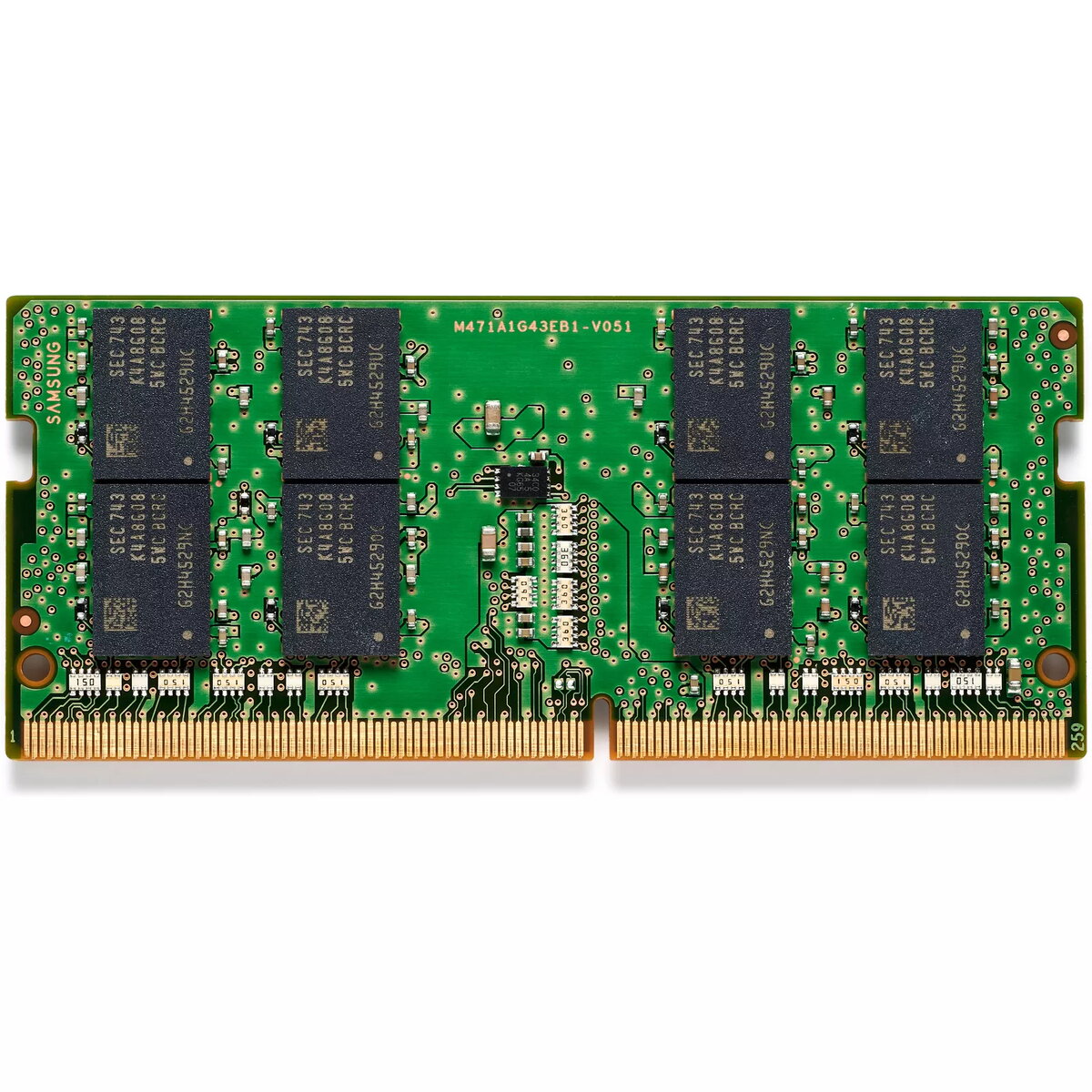
Memory module HP 32GB DDR5 4800 MHz SODIMM NECC
The HP 32GB DDR5 4800 MHz SODIMM NECC memory module is a single-module laptop memory designed to increase available system memory and improve overall responsiveness. With a 32 GB capacity and DDR5 technology running at 4800 MHz, this SODIMM module targets compact systems and notebooks that support DDR5 SODIMM form factor and non-ECC operation. It delivers greater bandwidth and better power efficiency compared with previous generations, making it suitable for multitasking, memory‑intensive applications and system upgrades where a higher memory density per slot is required.
This memory module provides a large 32 GB capacity in a single SODIMM, enabling fewer modules to reach higher total memory. DDR5 architecture at 4800 MHz increases effective data throughput while improving energy efficiency, which helps reduce power consumption in portable systems. The single-module configuration simplifies upgrades in systems with limited slot availability and supports smoother multitasking, faster application loading, and improved performance in memory-bound workloads.
Power down the system and disconnect all power sources before installing the module. Open the system access panel according to the device manufacturer's instructions, locate the SODIMM slot, and, if necessary, remove any existing memory module by releasing the retaining clips. Align the module with the slot notch and insert it at an angle, then press down gently until the retention clips engage. Reassemble the device, reconnect power, and verify that the system recognizes the new 32 GB DDR5 module through the firmware/OS memory information or system diagnostics.
Verify motherboard or laptop compatibility with DDR5 SODIMM 4800 MHz modules and check maximum supported memory per slot and per system. When mixing modules, use matched speed and timings where possible to avoid fallback to lower performance. For optimal system stability, install modules following the system manufacturer's guidelines and ensure BIOS/firmware is updated to the latest recommended version.
{{highlightedFeature.featureTitle}}:
{{getProductFeatureValueById(product, highlightedFeature.featureId)}}
{{ productComparisonGenerationError }}
