
JBL speakers and headphones for pure and deep sound!
In cart {{totalProductsCount}} item(s)
Your cart is empty
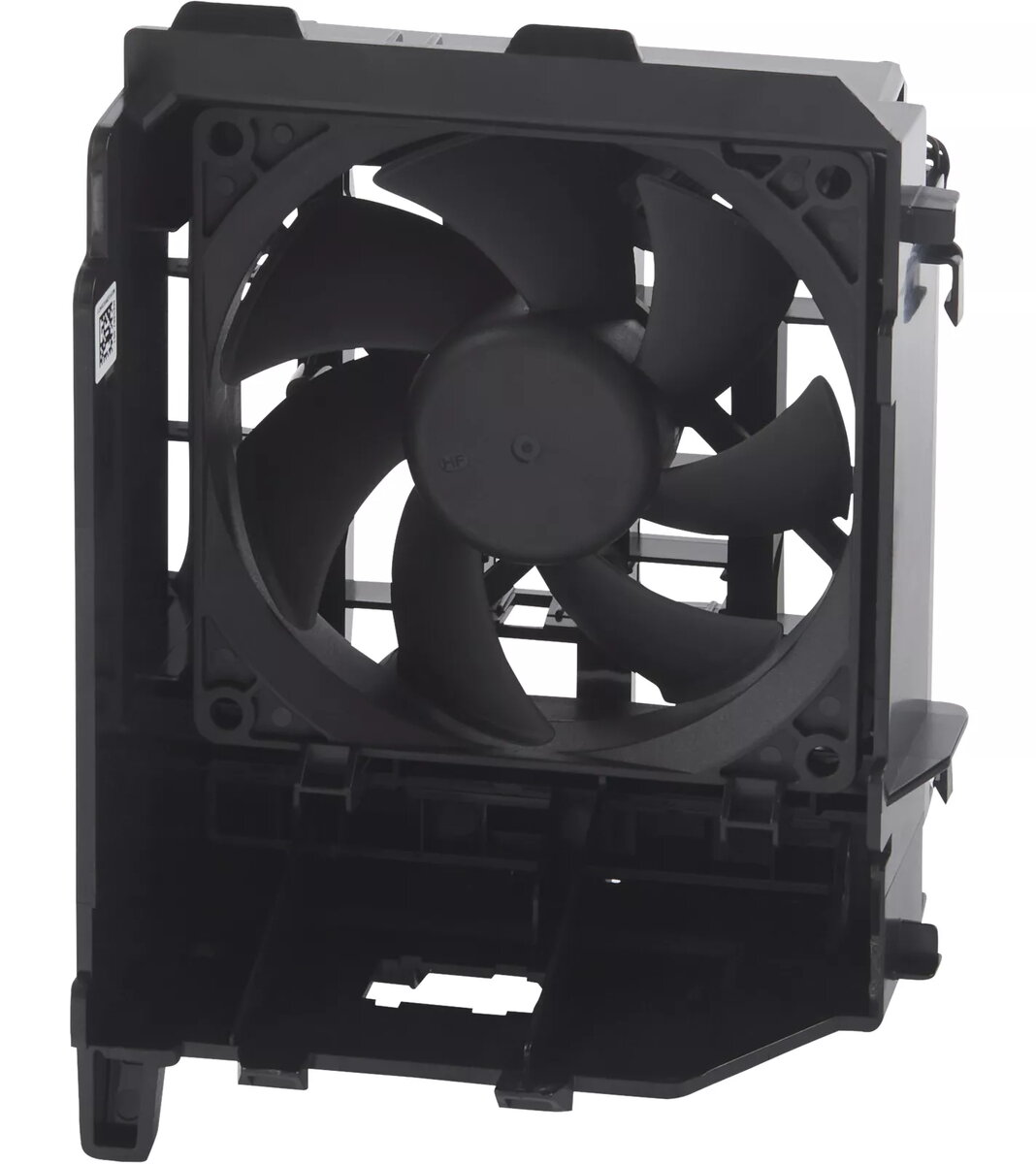
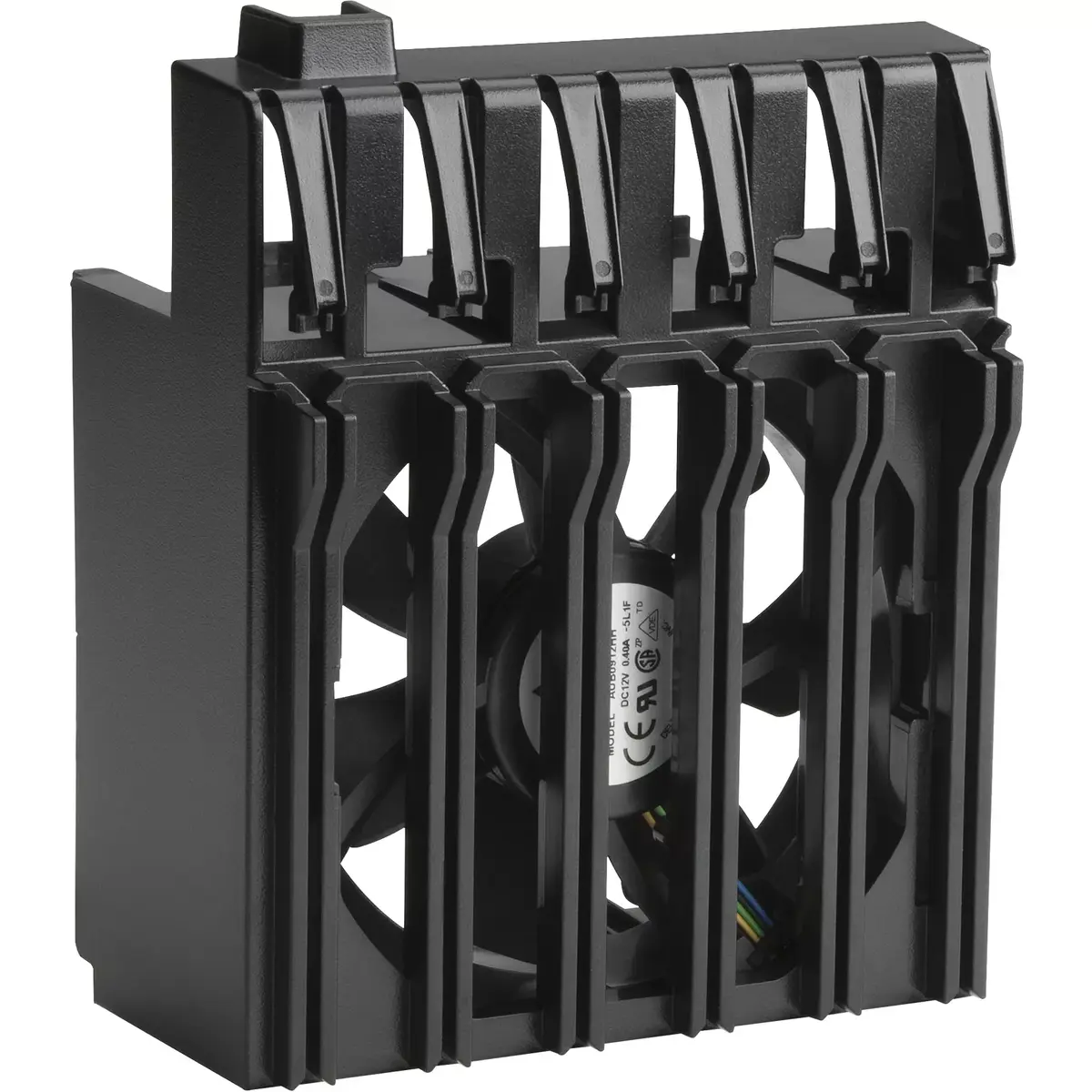
Fan HP Z4 Computer case Black 157x112x83 mm
The HP Z4 Computer case Fan Black 157x112x83 mm is a replacement or upgrade cooling fan designed for use in compatible HP Z4 workstations and similar compact computer cases. Its compact rectangular dimensions—157 mm by 112 mm by 83 mm—and black finish allow straightforward integration into constrained internal layouts while maintaining a neutral appearance. The fan is intended to move air effectively through the case to dissipate heat generated by processors, graphics cards and power supply components, helping to stabilise operating temperatures and support reliable system performance.
This HP fan offers a balance of airflow and compact size suitable for small-to-medium internal cavities. The specified dimensions make it suitable for direct replacement when original fans with similar form factor are used. A consistent black finish reduces visual contrast inside the case and supports organised cable routing. The fan is designed to contribute to improved thermal management, which can reduce thermal throttling and extend component lifespan when installed correctly.
Power down the computer and disconnect all power cables before opening the chassis. Identify the existing fan or the mounting location and remove any obstructing components to gain access. Unscrew or unclip the old fan, disconnect its power connector from the motherboard or fan controller, then position the HP Z4 fan in the same orientation to maintain intended airflow direction. Secure the fan with the appropriate screws or mounting hardware and reconnect the power cable firmly. Close the case, reconnect power, and perform a brief power-on check to ensure the fan spins and does not produce unusual noise. Monitor system temperatures after installation to confirm improved cooling behaviour.
Use the fan in environments free of excessive dust and contamination; regular dust cleaning and proper cable management will prolong fan life. Ensure the fan orientation matches the case airflow design—intake or exhaust—as required. If the system has a fan speed control feature in BIOS or via software, configure appropriate curves to balance noise and cooling performance.
{{highlightedFeature.featureTitle}}:
{{getProductFeatureValueById(product, highlightedFeature.featureId)}}
{{ productComparisonGenerationError }}
