
Powerful EcoFlow stations for energy anywhere!
In cart {{totalProductsCount}} item(s)
Your cart is empty
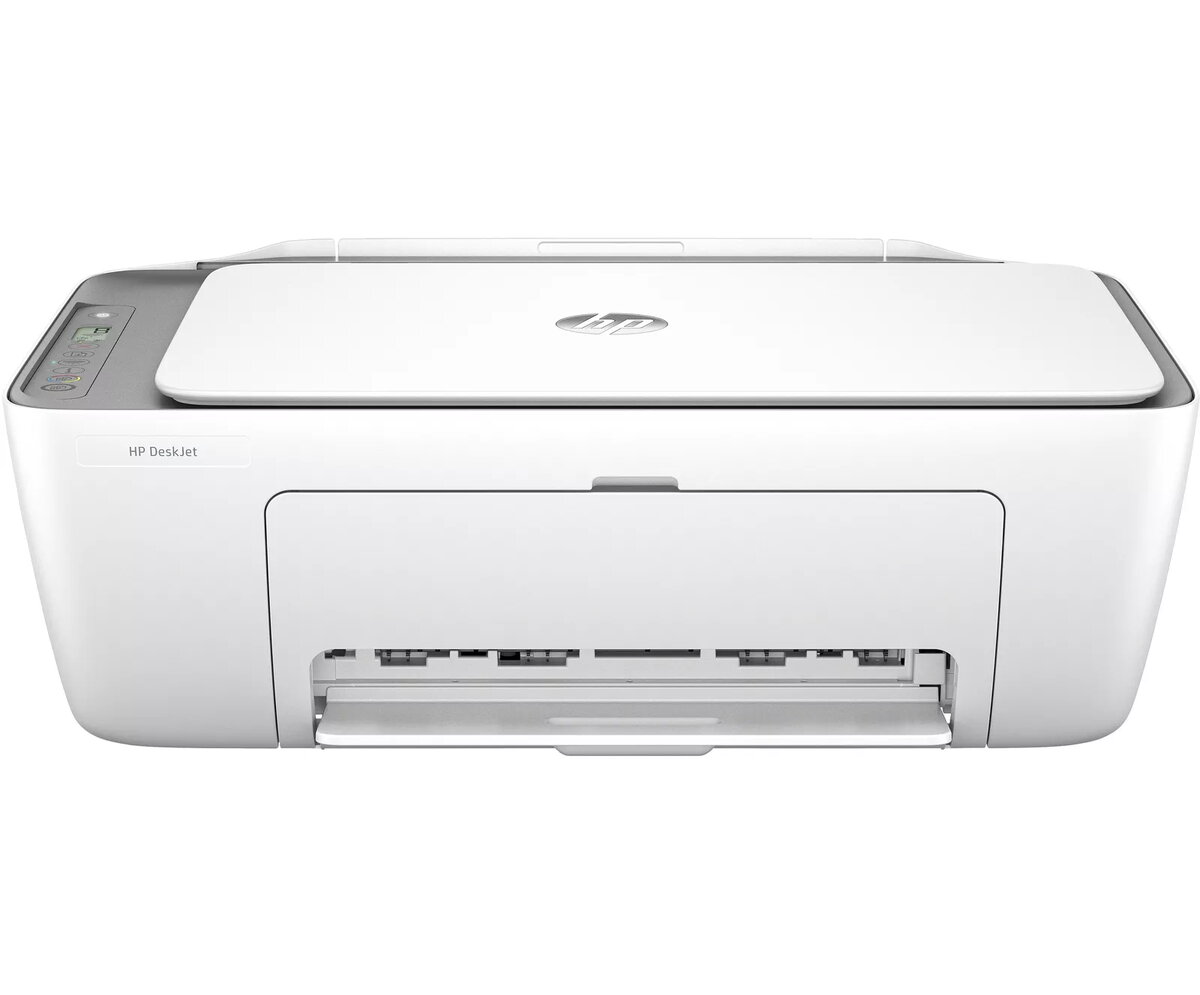
Multifunction Printer HP DeskJet 2820e Thermal Inkjet Colour Printing
The HP DeskJet 2820e Multifunction Printer is a compact wireless colour printer with thermal inkjet technology, designed for home and small office use. It supports printing, scanning and copying with a maximum print resolution of 4800 x 1200 dpi and an optical scan resolution of 1200 x 1200 dpi. The device offers duplex (automatic two-sided) printing, Wi‑Fi connectivity and a monthly duty cycle rated up to 1000 pages. This HP+ enabled model can be set up with HP+ to access additional cloud features, requiring an HP account, continuous internet connection and exclusive use of Original HP Ink cartridges for the life of the printer.
The printer combines thermal inkjet colour output with compact design and wireless connectivity, enabling easy placement and convenient mobile or network printing. It delivers up to 4800 x 1200 dpi for detailed colour prints and includes duplex printing to save paper. Scanning and copying functions provide up to 1200 x 1200 dpi optical scanning and 300 x 300 dpi copying quality, making it suitable for everyday documents and photos. HP+ activation adds cloud services and enhanced device management when selected at setup.
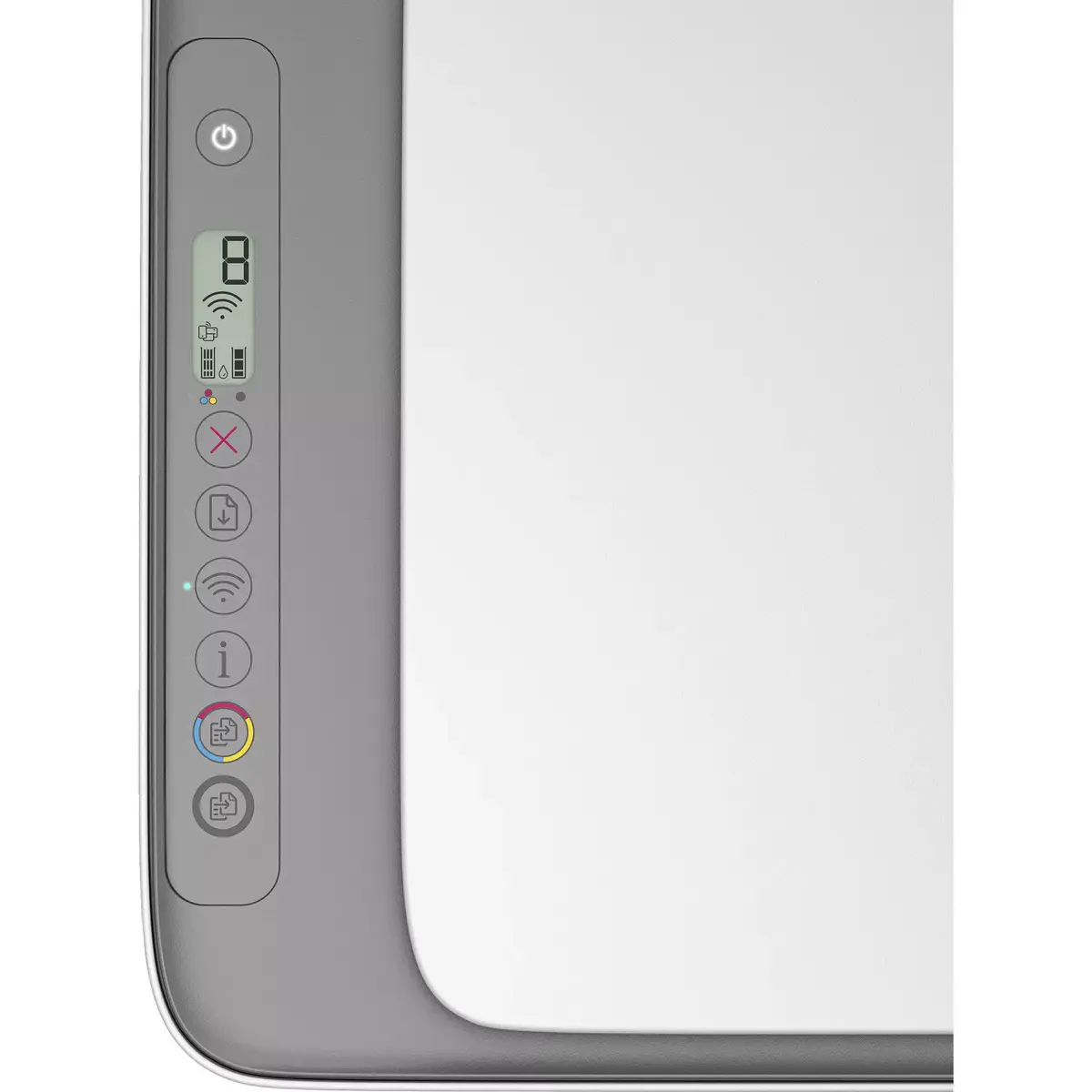
Unpack the printer and connect it to power. Follow the on‑screen or app instructions to complete setup and connect the device to your Wi‑Fi network. Install Original HP Ink cartridges and load A4 or compatible paper into the input tray. Use the HP print app or your computer's print dialog to send print jobs, select duplex printing when needed, and choose appropriate print quality settings. For scanning and copying, place originals on the scanner glass or use the automatic feeder if available, then initiate operations from the control panel or the HP Smart app.
For reliable operation, use Original HP Ink cartridges and keep the printer firmware up to date. If you enable HP+, maintain an active internet connection and an HP account for the duration of use. Store the printer in a stable, dust‑free environment and perform periodic nozzle checks and alignment through the printer software to maintain print quality.
{{highlightedFeature.featureTitle}}:
{{getProductFeatureValueById(product, highlightedFeature.featureId)}}
{{ productComparisonGenerationError }}
