
Leave your address - as soon as the price of the product goes down, you'll know about it right away
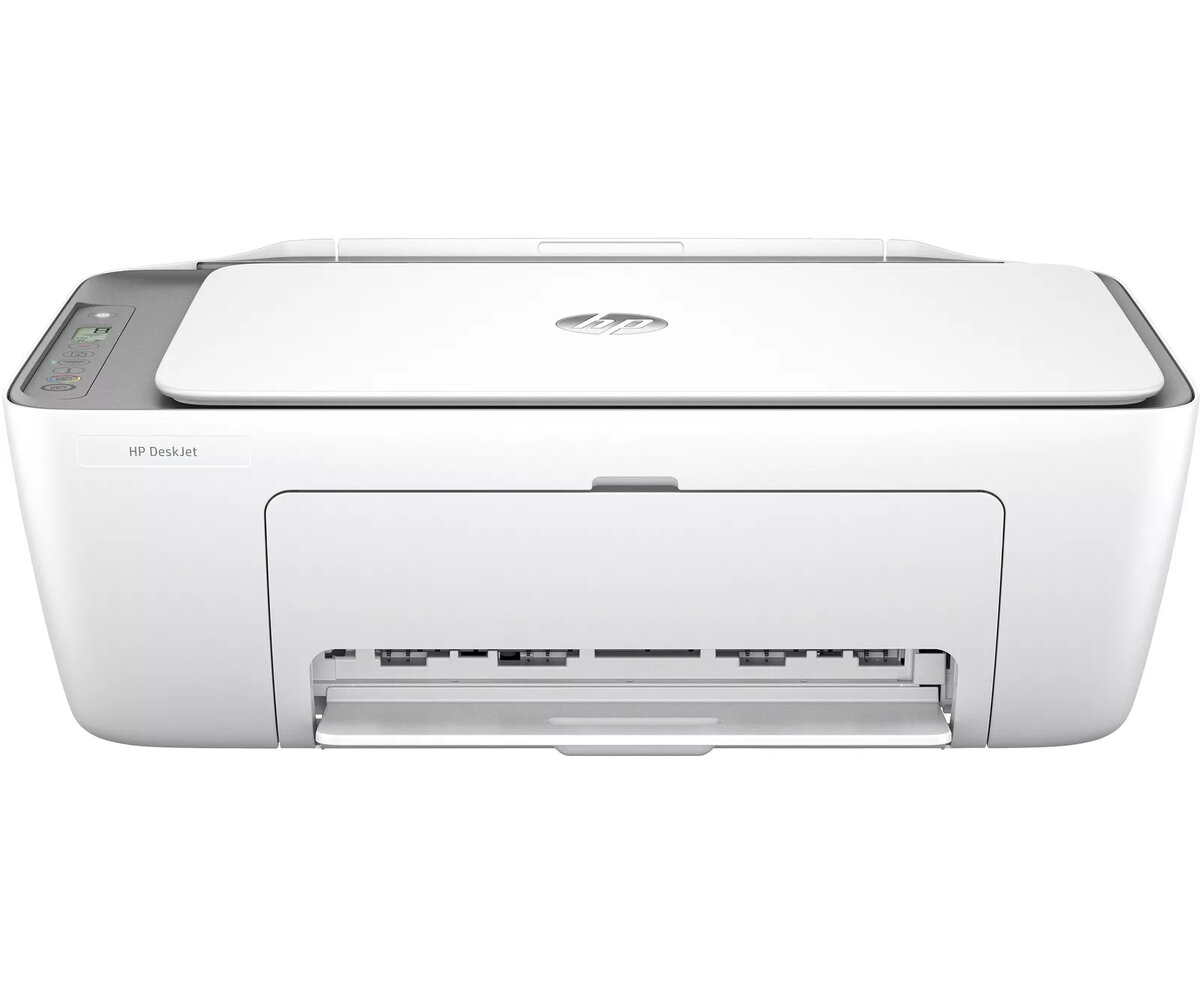
All-in-One Printer HP DeskJet 2820e Thermal Inkjet Colour Printing
In cart {{totalProductsCount}} item(s)
Your cart is empty
All-in-One Printer HP DeskJet 2820e Thermal Inkjet Colour Printing
Leave your address - as soon as the price of the product goes down, you'll know about it right away
All-in-One Printer HP DeskJet 2820e Thermal Inkjet Colour Printing
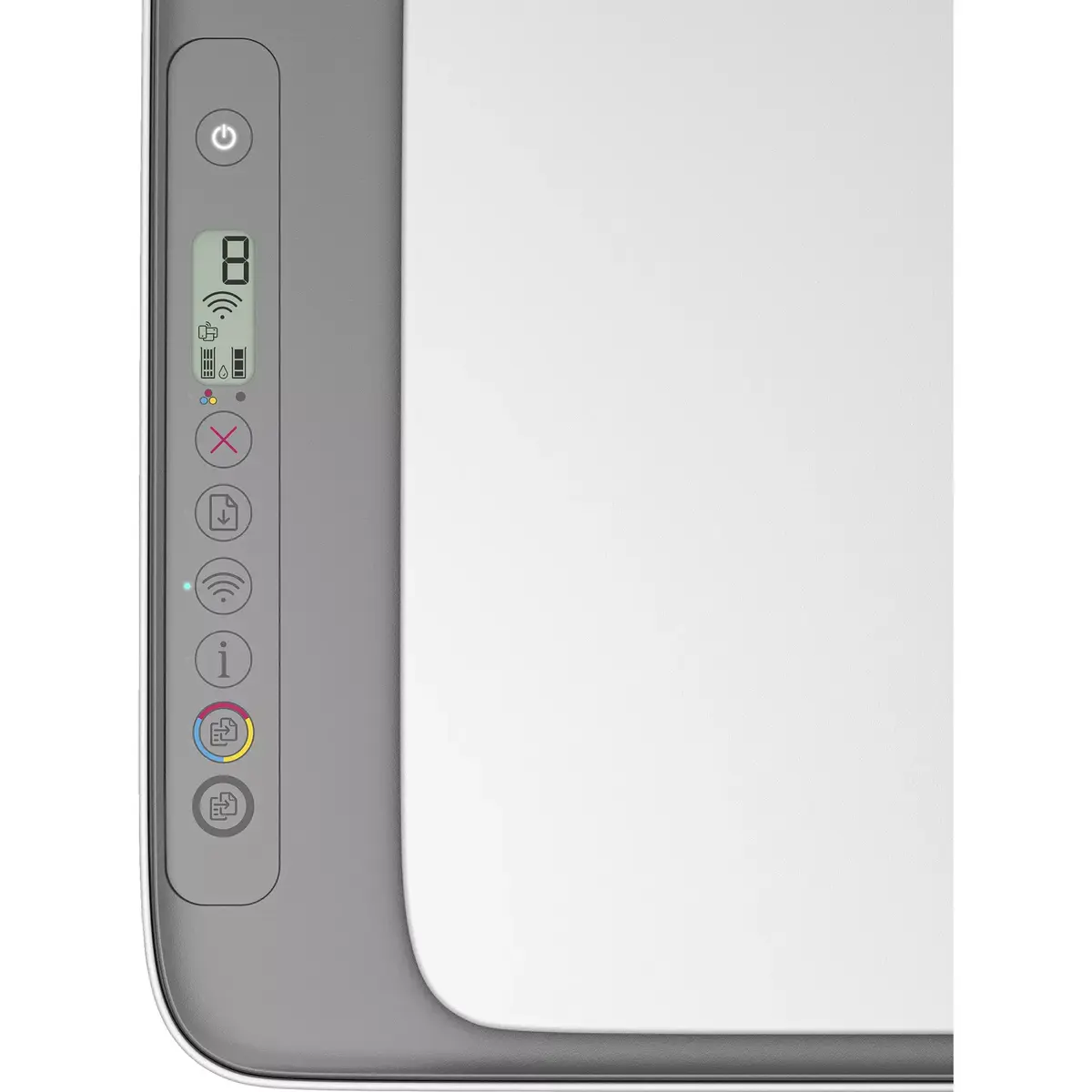
The leader for simple, stress-free printing. Effortlessly print, scan, and copy with this compact, wireless home printer paired with the best and easiest-to-use print app. From return labels to your favourite recipes, enjoy a seamless experience from the World’s #1 Printer Company. This HP+ enabled printer offers optional cloud-connected features when HP+ is chosen during setup. HP+ requires an HP account, continuous internet connection, and exclusive use of Original HP Ink cartridges for the life of the printer. Dynamic security measures are enabled: the printer is designed to work only with cartridges that have a new or reused HP chip or electronic circuitry; periodic firmware updates may block cartridges using non-HP chips.
Compact wireless design simplifies placement and home use while supporting printing, scanning, and copying in one device. Integration with a user-friendly print app makes setup and daily use straightforward. Choosing HP+ provides additional cloud services and features, and reused HP chips allow use of remanufactured or refilled cartridges that include HP circuitry. The printer’s dynamic security helps ensure compatibility and service through firmware updates.
Unpack and place the compact wireless printer on a stable surface, connect to power, and follow the on-screen or app-guided setup. To enable HP+ benefits, choose HP+ during the initial product setup and sign in or create an HP account, then keep the printer connected to the internet. Install Original HP Ink cartridges or cartridges with a reused HP chip as required by the printer’s dynamic security. Use the compatible print app on your smartphone or computer to send print jobs, scan documents, and make copies.
For continuous access to HP+ features, maintain an internet connection and use Original HP Ink cartridges or cartridges with reused HP chips. Keep firmware up to date; note that periodic firmware updates may affect cartridge compatibility if non-HP chips are used.
{{highlightedFeature.featureTitle}}:
{{getProductFeatureValueById(product, highlightedFeature.featureId)}}
