
JBL speakers and headphones for pure and deep sound!
In cart {{totalProductsCount}} item(s)
Your cart is empty
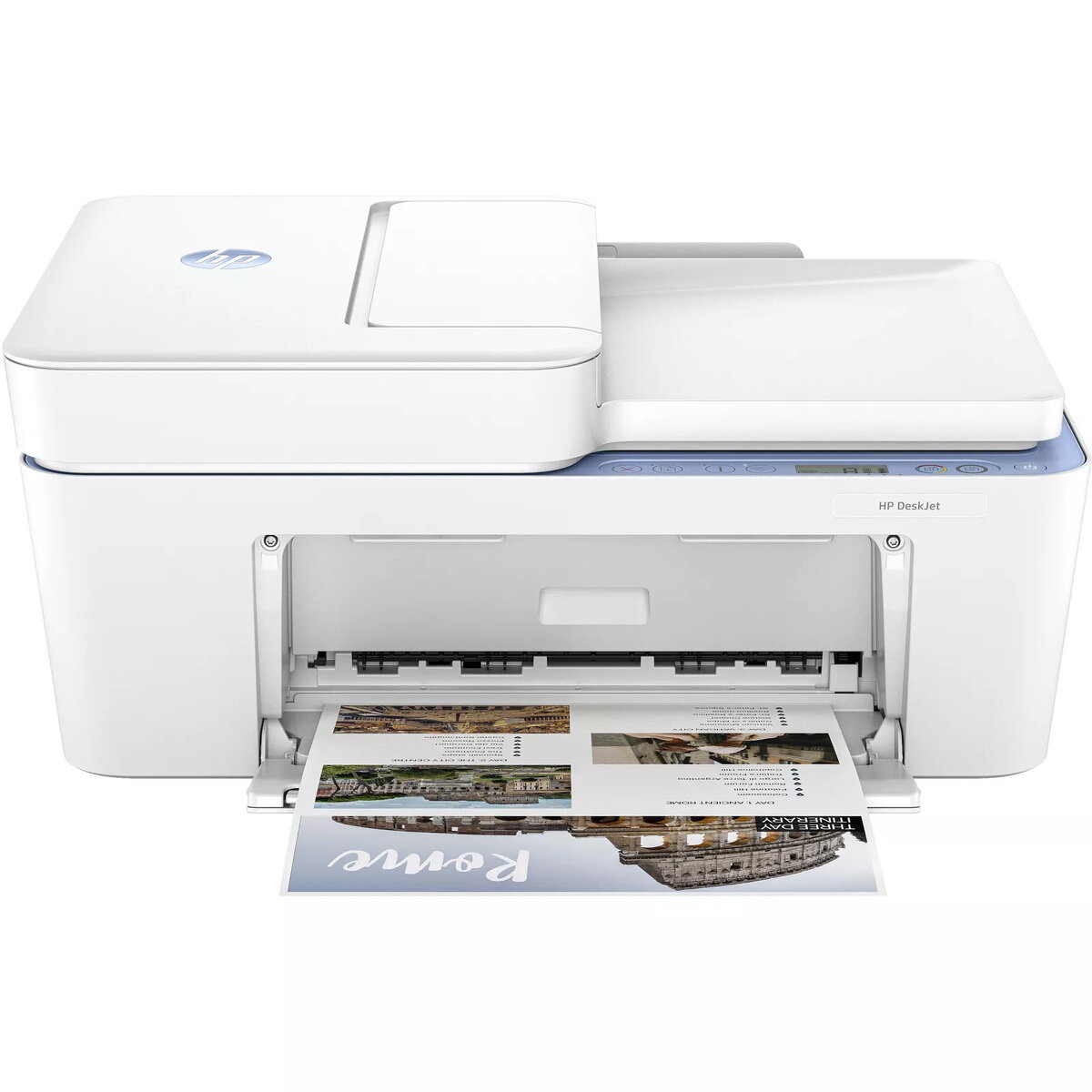
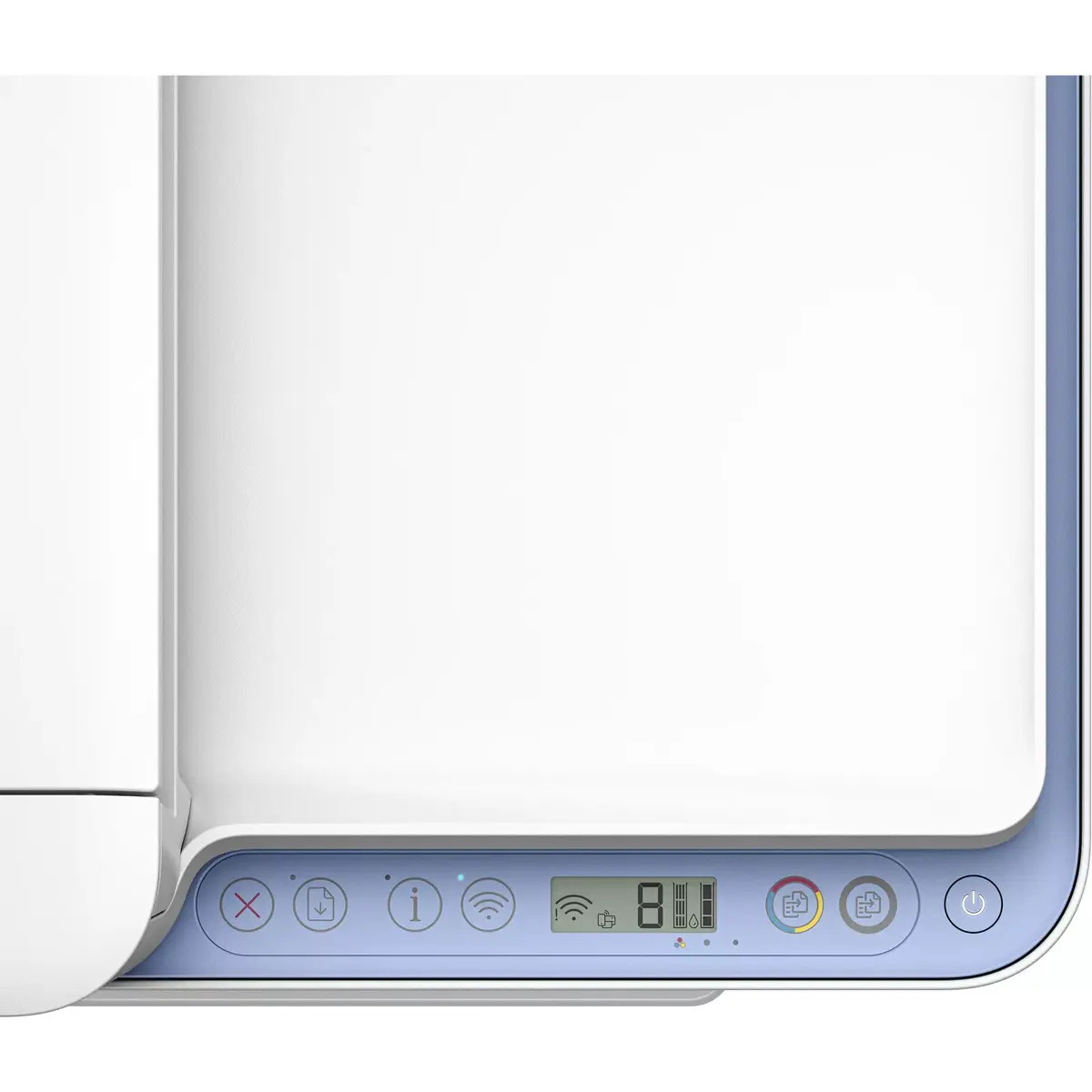
Multifunction Printer HP DeskJet 4222e Thermal Inkjet Colour Printing
The HP DeskJet 4222e is a compact multifunction printer that prints, scans and copies using thermal inkjet technology. It delivers colour printing with a maximum resolution of 4800 x 1200 dpi, supports duplex print, and connects wirelessly for home or small office use. The device includes an automatic document feeder and integrates with HP’s easy-to-use print app; it is HP+ capable when selected during setup, which requires an HP account, persistent internet connection and exclusive use of Original HP Ink cartridges.
The printer offers colour output, scanning and copying in a single compact unit, with wireless connectivity and an automatic document feeder for easier multi-page handling. It provides high maximum print resolution for detailed colour prints and supports duplex printing to reduce paper use. HP+ activation adds cloud and app features when enrolled.
Place the printer on a stable surface and connect it to mains power. Follow the on-screen or app setup instructions to connect the device to your Wi‑Fi network and install the print app. Load paper into the tray and use the automatic document feeder for multi-page scanning or copying. Select print, scan or copy from the printer panel or the HP print app; choose duplex printing when required.
For consistent results, use Original HP Ink cartridges and keep the printer firmware up to date. If you opt into HP+, maintain the required internet connection and HP account to access the service benefits. Periodic firmware updates may affect cartridge compatibility.
{{highlightedFeature.featureTitle}}:
{{getProductFeatureValueById(product, highlightedFeature.featureId)}}
