
This is due to long delivery times and limited product warranties.
Dreame vacuums for fast and efficient cleaning!
In cart {{totalProductsCount}} item(s)
Your cart is empty
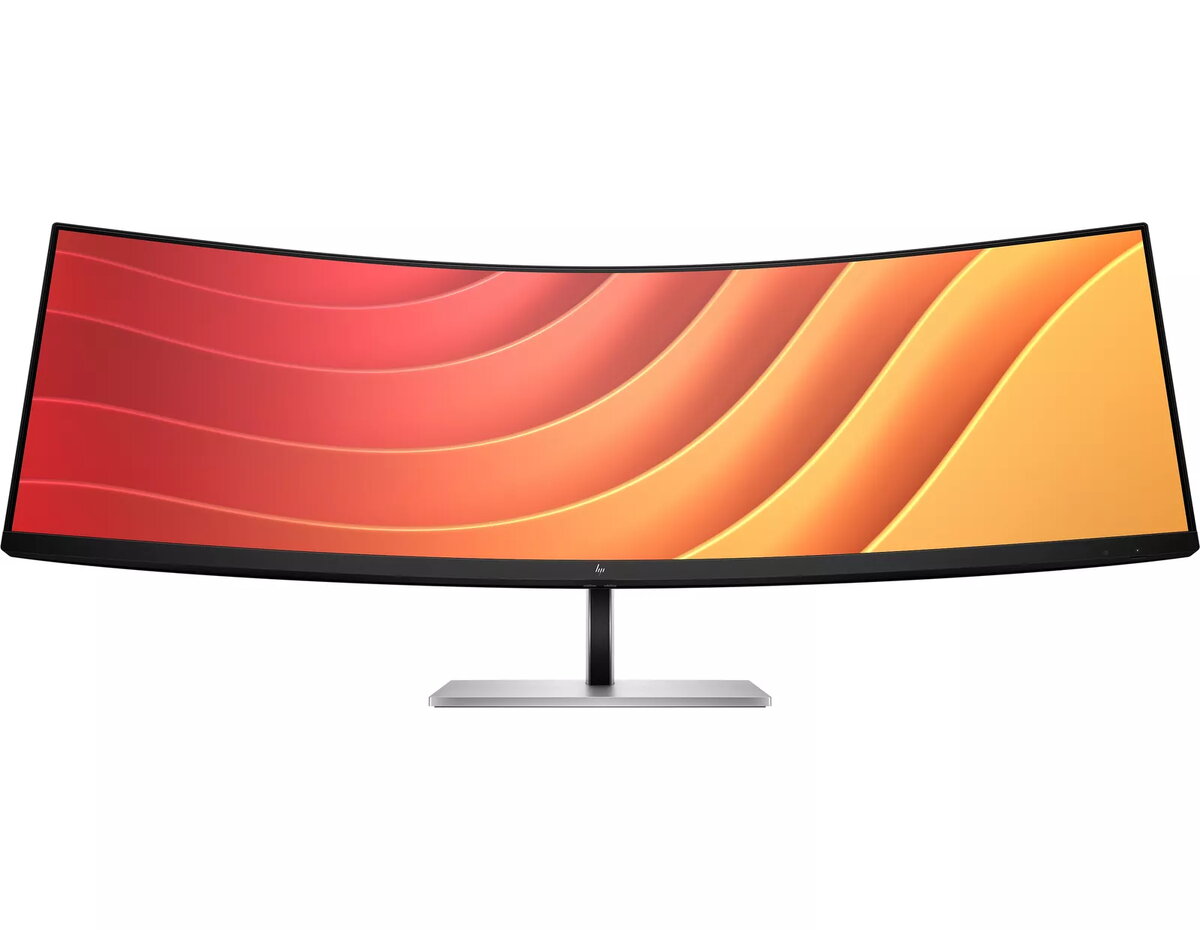
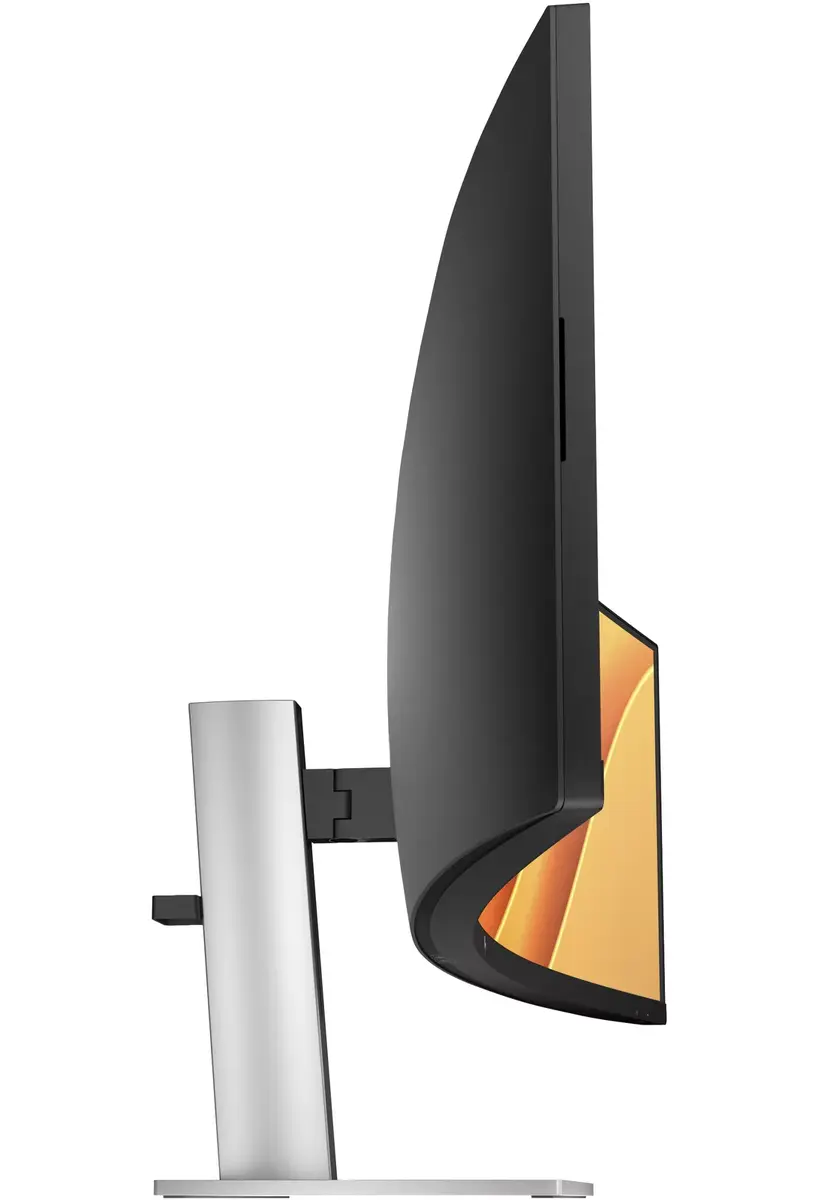
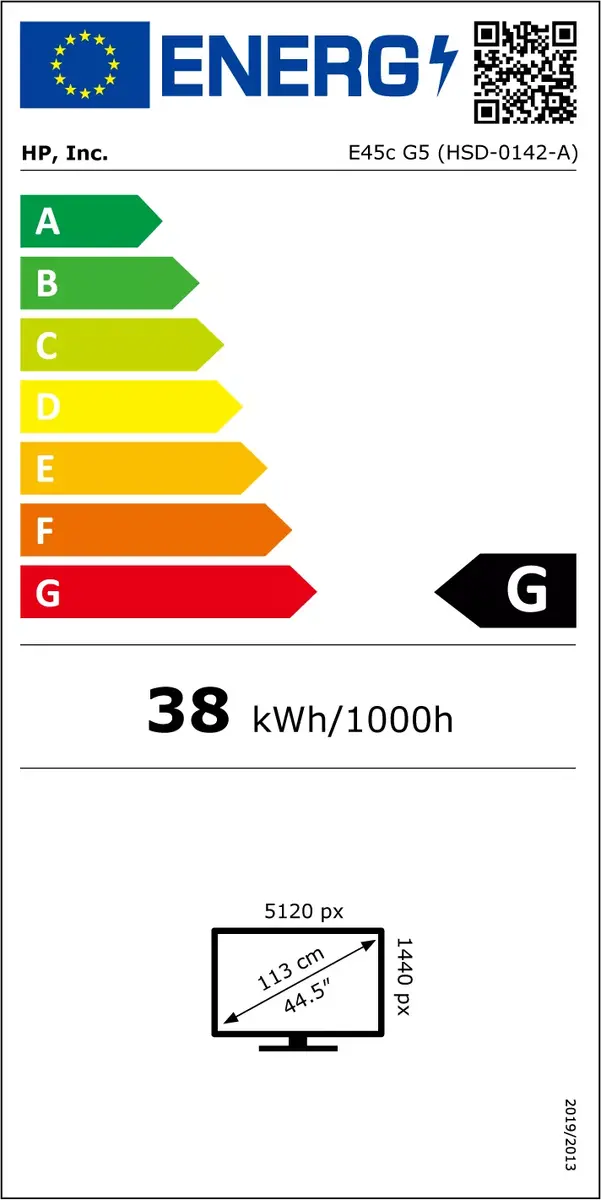
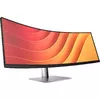
Monitor HP E45c G5 44.5" DQHD LCD 5120 x 1440
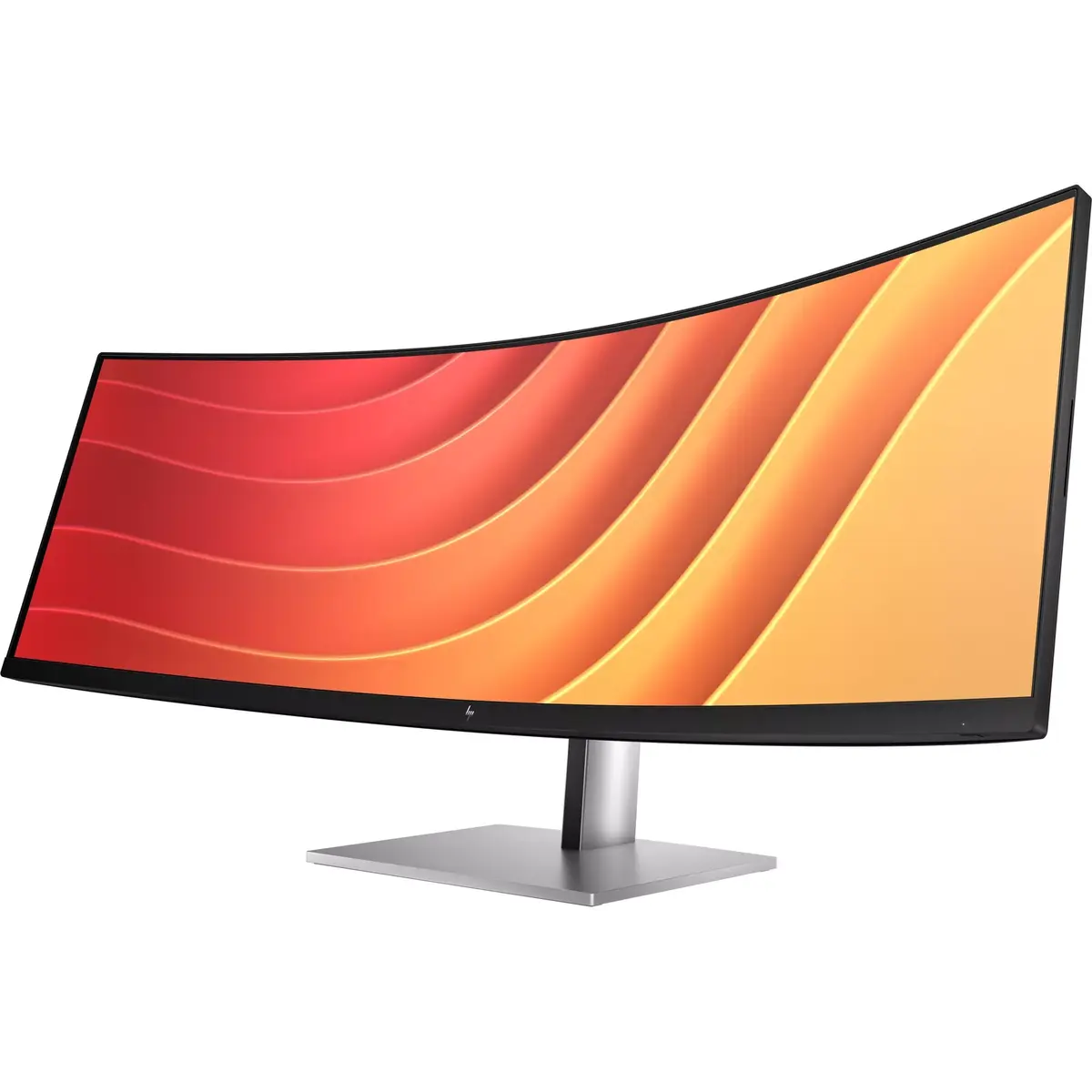
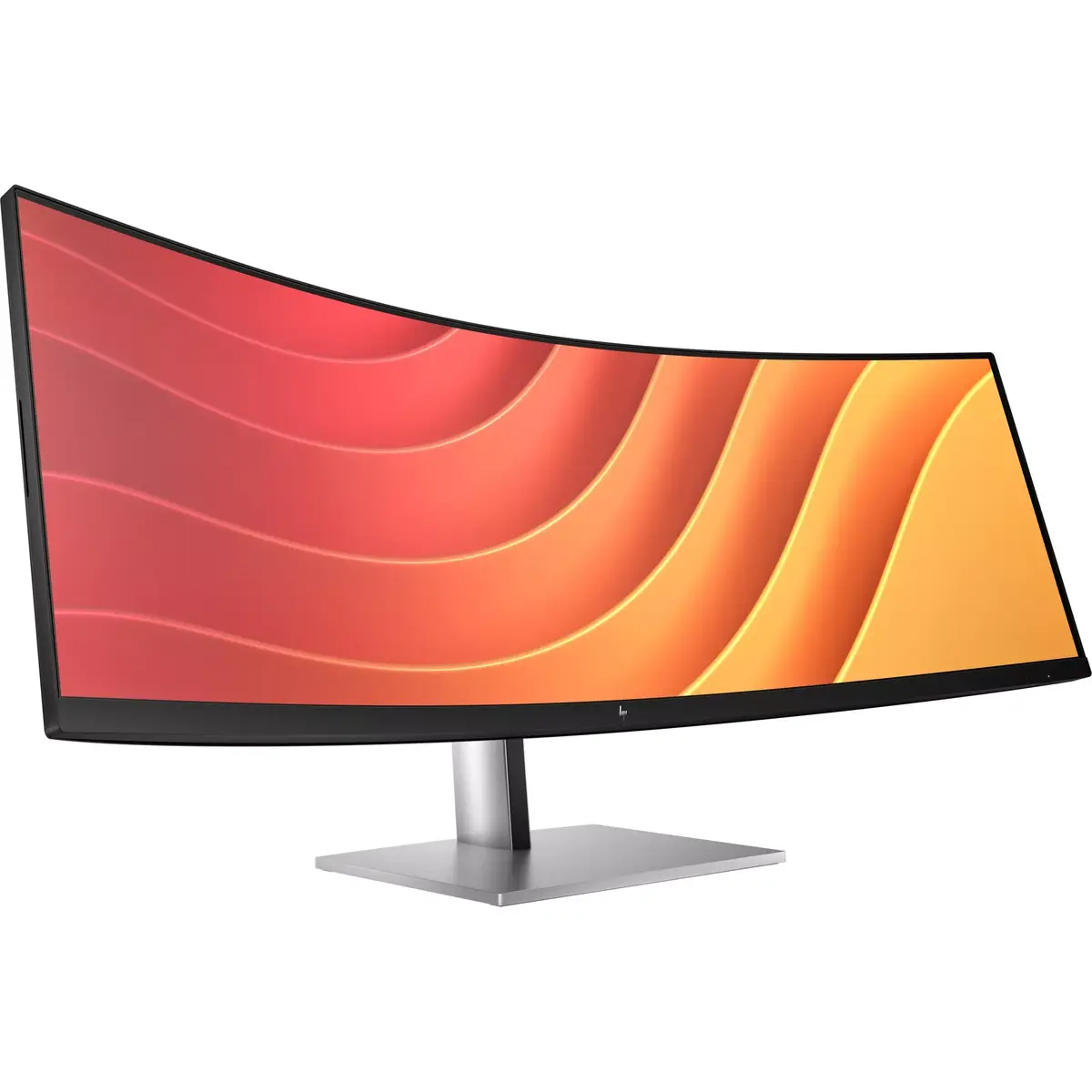
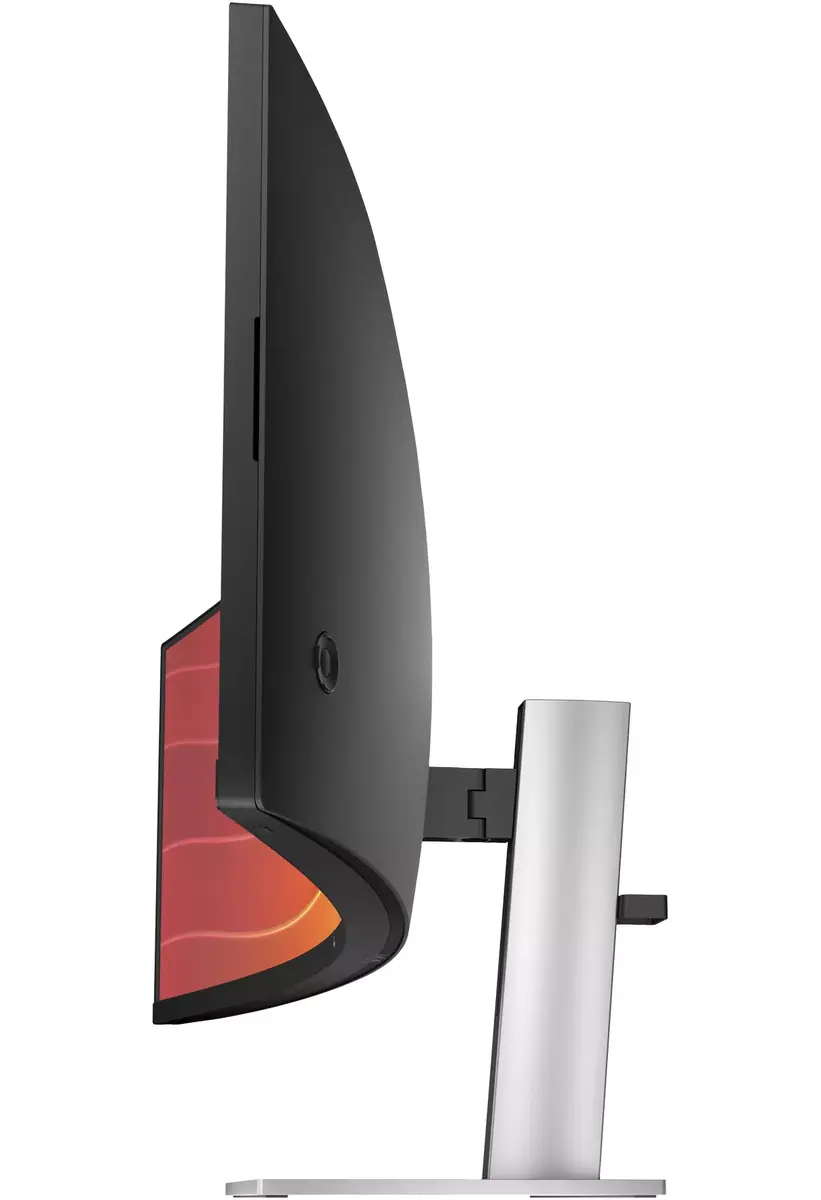
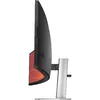
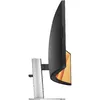
The HP E45c G5 44.5" DQHD LCD monitor (5120 x 1440) is an ultrawide curved display designed for immersive viewing and high productivity. With a 32:9 aspect ratio, a VA panel and 178° viewing angles, it delivers wide horizontal workspace and consistent image quality. The monitor includes integrated speakers, a built-in USB hub, VESA mounting compatibility and height adjustment options, finished in a black and silver design.
The large 44.5-inch DQHD screen provides a wide, uninterrupted workspace suitable for multitasking and detailed visual work. The VA panel and 3000:1 typical contrast ratio offer deep blacks and clear contrast, while 400 cd/m² typical brightness supports visibility in well-lit environments. Curved screen geometry increases immersion and reduces the need for head movement across the wide display. Built-in speakers and a USB hub add convenience for everyday use, and VESA mounting plus height adjustment enable ergonomic placement.
Place the monitor on a stable desk or mount it using a VESA-compatible arm or bracket. Adjust the height to align the centre of the screen with your eye level to reduce neck strain. Connect your computer to the monitor using a supported video cable and configure the display resolution to 5120 x 1440 in your operating system display settings for optimal image clarity. Use the built-in USB hub to connect peripherals and the integrated speakers for basic audio output.
For the best visual experience, set the OS display resolution to 5120 x 1440 and ensure graphic drivers are up to date. Position the curved display so its centre is directly in front of you and use the height adjustment to maintain a neutral head position. When using the USB hub and speakers, verify cable connections and volume settings in the system control panel.
Replace two QHD monitors with this one massive, 44.5" diagonal, dual QHD curved monitor, but keep the benefits of two distinct displays. With Virtual Dual Display, split the monitor into two, so you can screen share a presentation that everyone can see on one screen and interact with your audience or content on the other[1]. Plus, you can connect 2 different computers and simultaneously view and work between them with HP Device Bridge 2.0[2].
When you’re working from home one day and the office the next, free yourself, your desk and your laptop from a mess of cables by simply connecting one USB-C® cable that connects your display and all your accessories—from webcam to keyboard—all while charging your laptop up to 100W. When you need to connect two devices, the two USB-C® ports distribute power with one port up to 65W power to each PC or 100W power to one PC and 30W power to a tablet or phone.
When doing your best relies on feeling your best, physical and viewing comfort is key. Easily find all-day comfort with 3-way adjustability optimized by the step-by-step Ergonomic Setup Guide[3]. See comfortably from day to night with the ambient light sensor that automatically adapts display brightness to fit your surroundings, and enjoy added comfort with HP Eye Ease, enhanced with a 165Hz refresh rate[4].
Automatically adjusts your screen's brightness to the lighting of your environment for comfortable viewing.
Get lost in the pixel density of two QHD screens for stunning definition.
Boost your productivity with this super ultrawide, 44.5-inch diagonal display with a 32:9 aspect ratio.
3-way adjustability for the perfect viewing angle.
Display two computers on one monitor with Picture By Picture (PBP).
Simply connect your entire setup via one USB-C® cable and charge one computer up to 100W.
Customize your display with easy, intuitive HP Display Center software.
Instantly turn on your display and laptop.
It's never been easier to configure your displays settings right from the monitor. Simply navigate the on-screen menu with the joypad OSD button to adjust brightness, contrast, and color.
Achieve all-day comfort when you apply the best practices from the Ergonomic Setup Guide.[3]
Experience enhanced viewing with comfort and screen performance. HP Eye Ease, an always-on, low-blue light filter, helps keep your eyes comfortable throughout the day by reducing blue light without impacting color—now enhanced with a 165Hz refresh rate.[4]
Create two virtual unique workspaces that act like two distinct displays.[1]
Control two devices: copy, paste, drag and drop files or data between them.[2]
Ideal color reproduction with minimal effort.[4]
Through just your display, boost your productivity when multi-tasking between two different computers with just your keyboard and mouse via the seamless KVM switch.[10]
More ports means more capabilities. With an HDMI, DisplayPort™ 1.4, two USB-C® ports plus 4 additional USB-A ports, you can connect or charge multiple devices like a headset and webcam.[11]
High speed internet connection and remote IT manageability.[12]
HP Display Manager makes remote management of the monitor easy. Simplify deployment, asset tracking, and remotely control your monitor settings, like turning the power off.[12]
{{highlightedFeature.featureTitle}}:
{{getProductFeatureValueById(product, highlightedFeature.featureId)}}
| Warehouse | Stock | Delivery to the store | Store Price | |
| WH354 | 6 | 08.07.2026 | 1,679.99 € |
| Warehouse | Stock | Delivery to the store | Store Price | |
| EU6 | 8 | 01.07.2026 Best delivery | 1,281.99 € Best price |
|
1,679.99 €
Stock:
6
Delivery Date:
08.07.2026
Warehouse: WH354
|
|
1,281.99 €
Stock:
8
Delivery Date:
01.07.2026
Best delivery
Warehouse: EU6
|
