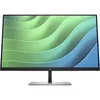
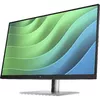
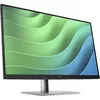
See it All, Do it All
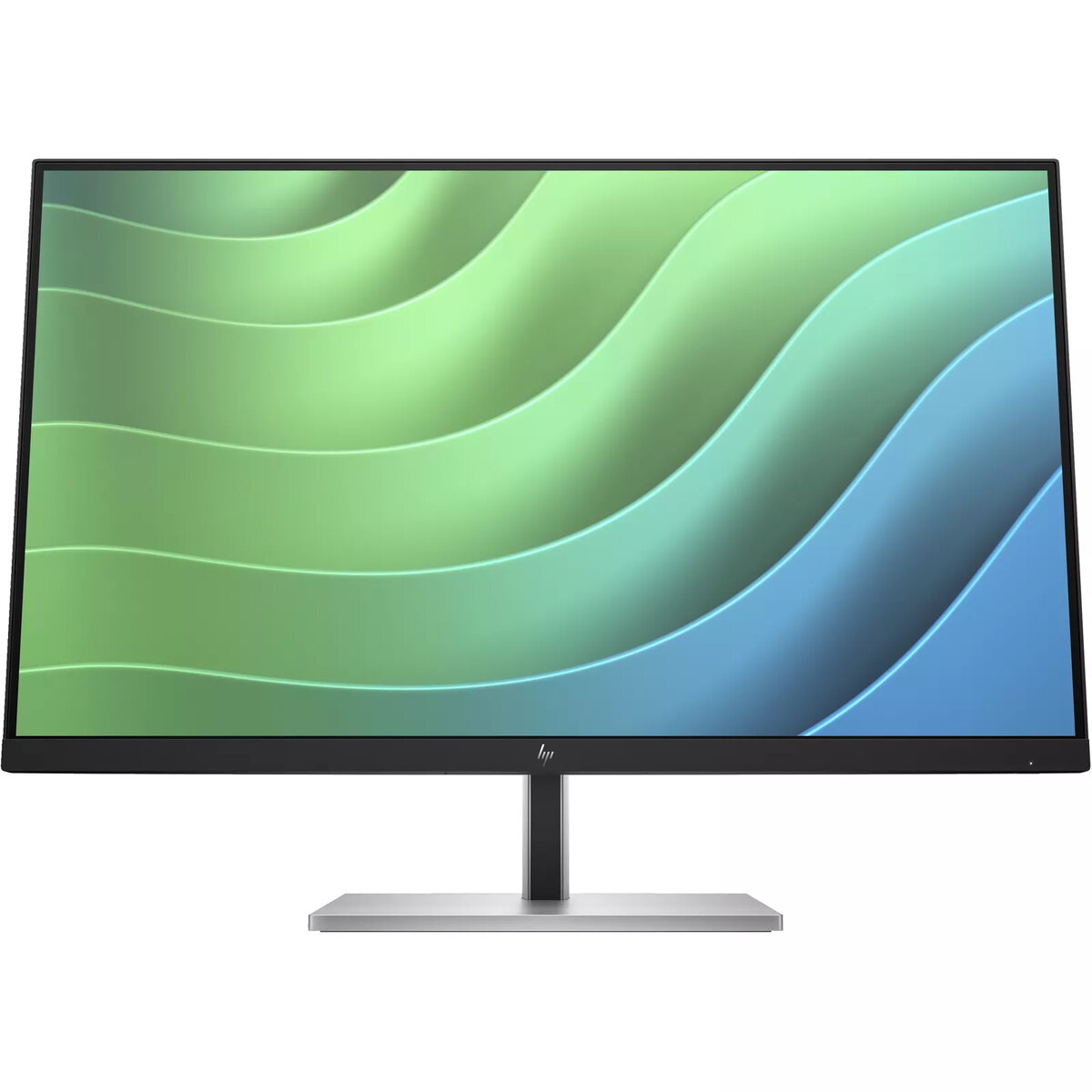
When the difference is in the details, this 27-inch diagonal FHD monitor displays the clarity you need to stay focused on the task at hand. With rich 99% sRGB color depth and IPS technology[1], you’ll see clear, vivid colors across wide viewing angles[2].
Bring Comfort to Work
When doing your best relies on feeling your best, it’s easy to find all-day comfort with 4-way adjustability optimized by the step-by-step Ergonomic Setup Guide in HP Display Center[3]. Help keep your eyes comfortable with a monitor that comes with flicker-free technology, a 75Hz refresh rate[1] and HP Eye Ease, an always-on, built-in low-blue light filter.
Connect Intuitively
Work how you want with flexible connectivity and settings. Purposefully in reach, the accessible ports make connecting your devices quick and easy, while you effortlessly navigate your on-screen settings with the intuitive joypad OSD button.
IPS Panel
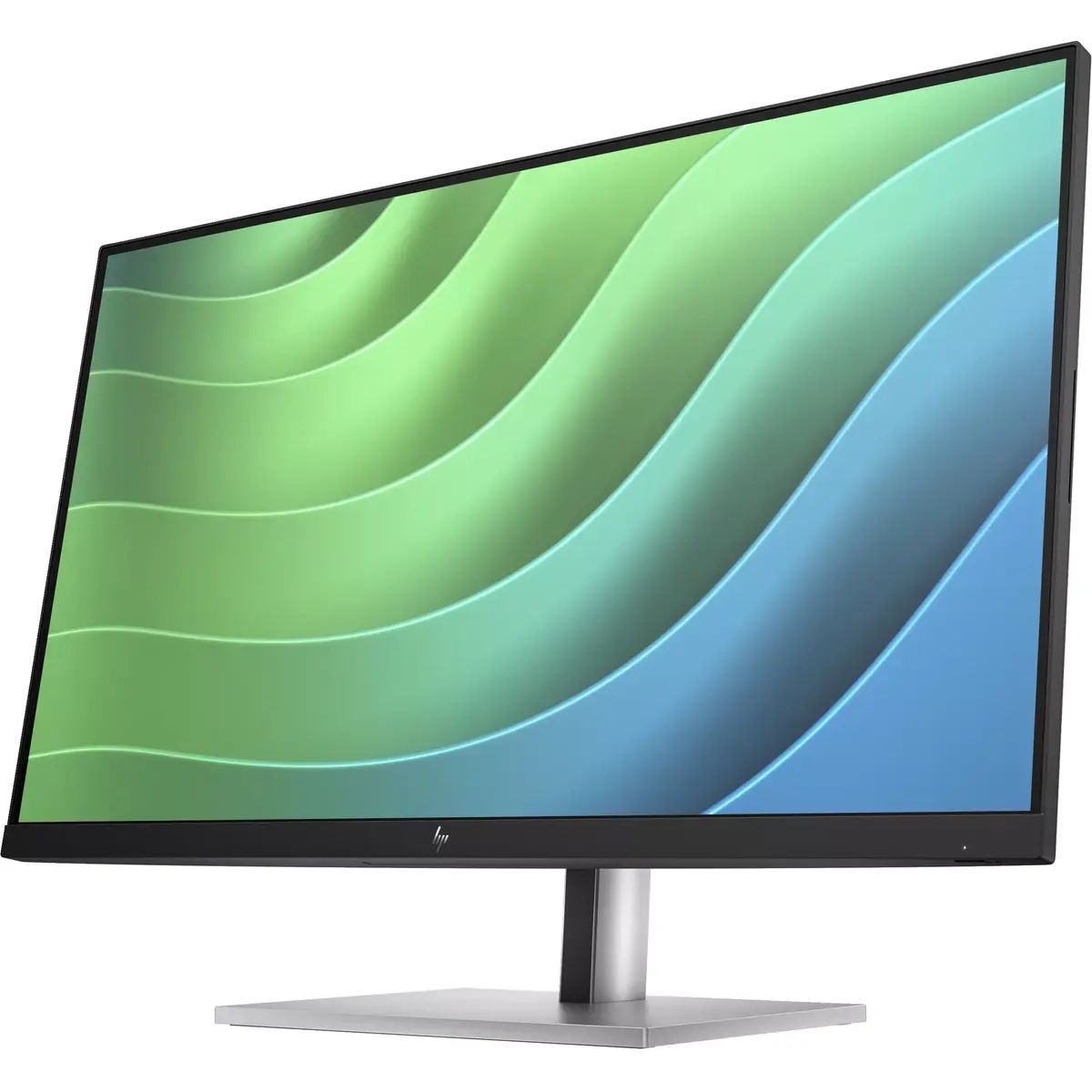
No matter where you stand, IPS technology ensures image accuracy and consistency across wide, 178-degree horizontal and vertical viewing angles.
Endless Adjustability
Work effortlessly with 4-way ergonomics that help keep your neck, shoulders, and back comfortable throughout the day. Customize pivot, tilt, 150 mm height adjust, and swivel settings to fit you, your desk, and your needs.
Effortless Joypad OSD Button
It's never been easier to configure your display settings right from the monitor. Simply navigate the on-screen menu with the joypad OSD button to adjust brightness, contrast, and color.
3-Sided Micro-Edge Bezel
See and do more on your screen with a 3-sided micro-edge bezel that maximizes your viewing area for a sleek design and virtually seamless dual-monitor setups.
Ergonomic Setup Guide
Achieve all-day comfort when you apply the best practices from the Ergonomic Setup Guide. [3]
Enhanced Viewing Comfort with HP Eye Ease
Always-on, built-in, low-blue light filter that reduces blue light without the yellow color shift now enhanced with a 75Hz refresh rate. [1]
99% sRGB Color Space
Enjoy what you see on screen with 99% sRGB color space. This display provides ideal color reproduction for vibrant images and videos. [1]
More Ports. More Flexibility.
More ports means more capabilities. With an HDMI, DisplayPort™, USB-B, and 4 USB-A 3.2 ports, you can connect multiple devices like a headset and webcam. [7]
HP Display Manager
HP Display Manager makes remote management of the monitor easy. Simplify deployment, asset tracking, and remotely control your monitor settings, like turning the power off. [8]
HP Display Center
Customize your display with easy, intuitive HP Display Center software. [9]
Materials that Matter
This monitor’s enclosure consists of 90% recycled and renewable material. [4]
Mindful Metals
At HP, we don't stop when it comes to protecting our shared future. That's why this monitor was engineered to contain 25% recycled metals. [10]
Thoughtful Product Packaging
HP is committed to reducing plastic in landfills by using 100% recyclable packaging that meets recycling requirements, so it can stay out of the landfill when customers are finished with it. [11,12]
Increased Energy Efficiency
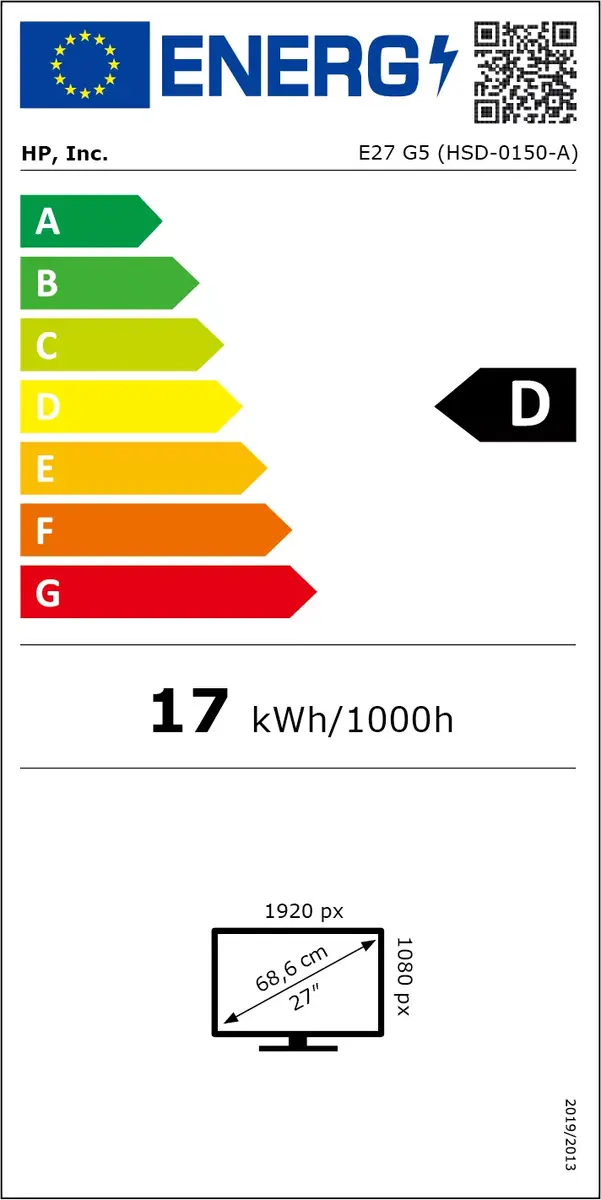
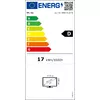
Reaching highest energy-saving standards with an ENERGY STAR® rating and EPEAT® Registration. [13,14]
Customizable Matching Accessories
Customize your desk to fit your work needs with the matching accessory ecosystem. [15]