
Hurry and order now – up to 50% off!
In cart {{totalProductsCount}} item(s)
Your cart is empty
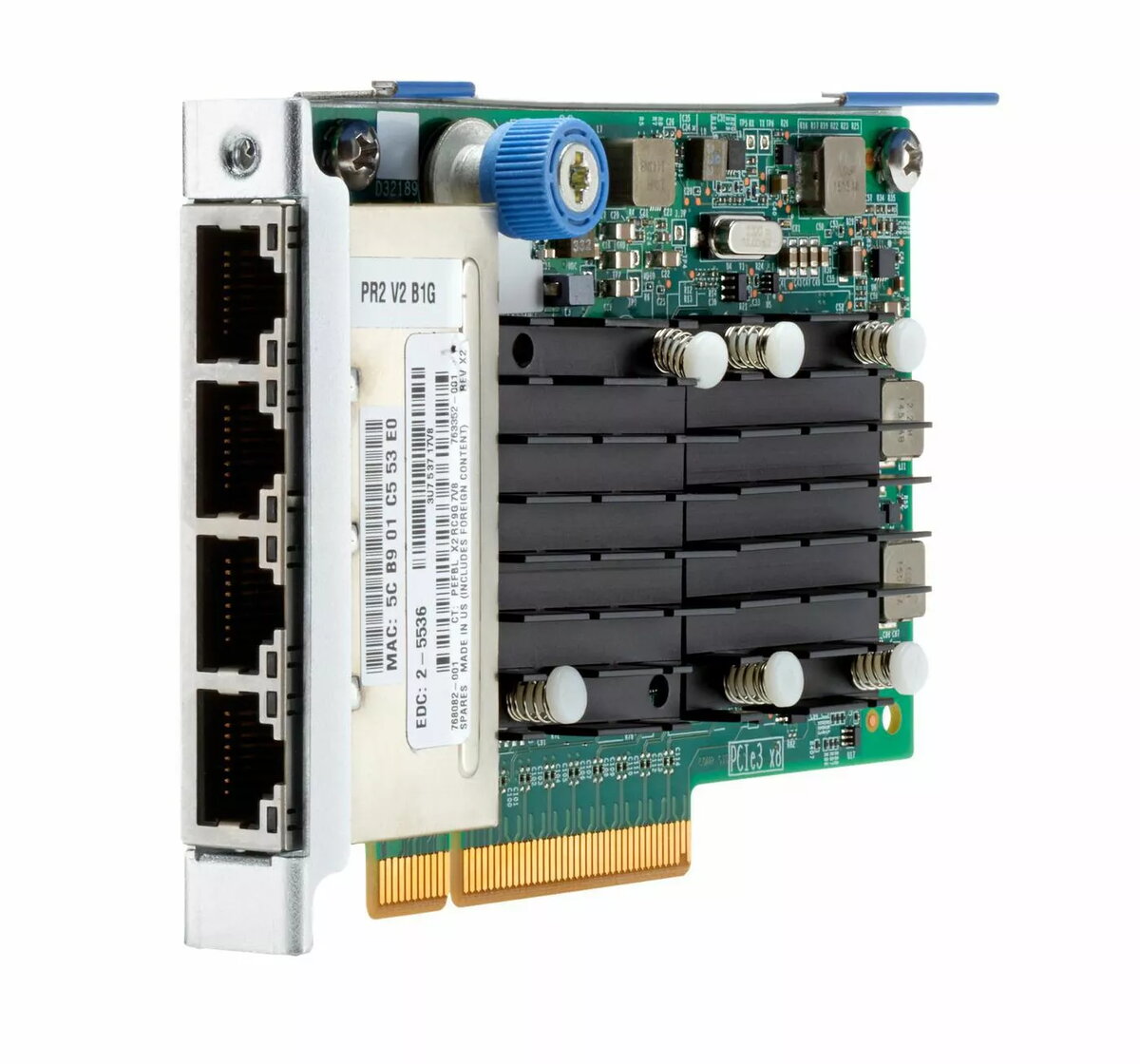
Network adapter HP 536FLR-T 10Gb 4-port FlexLOM for HPE servers
HP 536FLR-T 10Gb 4-port FlexLOM is a network adapter engineered for compatible HPE ProLiant servers. The adapter provides four 10 Gigabit Ethernet ports in a FlexLOM form factor that installs into the server FlexLOM slot. It is intended to deliver high-bandwidth, low-latency connectivity for virtualization, storage access, clustered applications and consolidated networking in data center and enterprise environments. The module is identified by manufacturer part number 768082-001-RFB and is designed to integrate with supported HPE server platforms without occupying PCIe slots.
The HP 536FLR-T 10Gb 4-port FlexLOM offers multiple 10GbE ports in a compact FlexLOM module, enabling high throughput and link density while minimizing cabling and slot usage. Native FlexLOM compatibility simplifies installation and server integration. The adapter supports consolidated networking for virtualized workloads and storage traffic, providing low latency and sufficient bandwidth for clustered and latency-sensitive applications. The design reduces the need for additional adapter cards and helps preserve server expansion options.
Power down the server and follow HPE installation procedures for FlexLOM modules. Insert the HP 536FLR-T into the server FlexLOM connector, secure the module per server instructions and reconnect power. After booting, verify firmware and driver compatibility with the server operating system or hypervisor and install recommended HPE network drivers or management tools. Configure network settings, bonding/teaming, or VLANs as required by your environment to enable the desired traffic segregation and failover behavior.
Verify server compatibility lists and firmware versions before installation. Use appropriate licensed drivers or HPE firmware updates for best performance and stability. For virtualization and storage environments, configure link aggregation or multipath settings consistent with your networking and storage design to maximize throughput and redundancy.
{{highlightedFeature.featureTitle}}:
{{getProductFeatureValueById(product, highlightedFeature.featureId)}}
{{ productComparisonGenerationError }}
