
Save time and money with our discounts!
In cart {{totalProductsCount}} item(s)
Your cart is empty
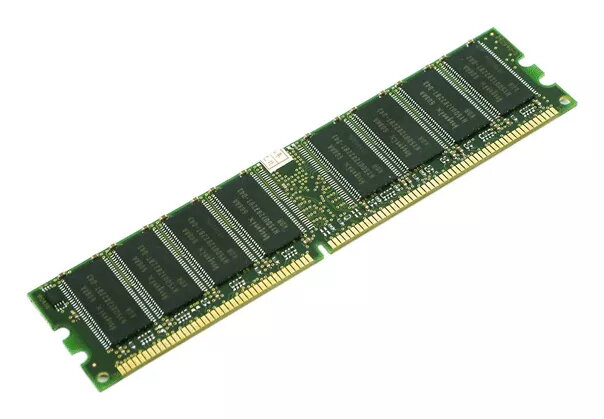
Memory module HP DDR4 32 GB 2133 MHz
The HP DDR4 32 GB 2133 MHz memory module provides 32 GB of DDR4 system memory with a 2133 MHz clock rate and a 288-pin DIMM form factor. With CAS latency 15, this module is designed to improve system responsiveness and support multitasking workloads in desktop environments that accept standard DDR4 DIMMs.
This memory module offers a high-capacity 32 GB configuration that reduces swapping and supports larger datasets and multiple simultaneous applications. The 2133 MHz DDR4 technology delivers balanced performance and power efficiency compared with previous generations. The 288-pin DIMM format ensures compatibility with most desktop motherboards that support DDR4 memory and the CAS latency 15 provides predictable timing characteristics for stable operation under load.
Power down the desktop and disconnect it from the mains. Open the computer case following the manufacturer’s instructions, locate the DDR4 DIMM slots on the motherboard, and release the slot latches. Align the module’s notch with the slot key and press the module firmly into the slot until the latches click into place. Close the case, reconnect power, and boot the system. Confirm the new memory is recognized in the system BIOS/UEFI or operating system memory settings before resuming normal use.
Install modules in matched pairs or configurations recommended by the motherboard to enable dual- or multi-channel memory modes when applicable. Verify motherboard support for DDR4 2133 MHz modules and the maximum supported module capacity. Handle the memory module by the edges and avoid contact with gold connectors; use anti-static precautions when installing.
{{highlightedFeature.featureTitle}}:
{{getProductFeatureValueById(product, highlightedFeature.featureId)}}
{{ productComparisonGenerationError }}
